5.01 months ago
“Review”
I loveeeee this idea but sadly it does not send the email so i couldnt log in and try it... tried 2 different devices with different emails...
uma

Business communication software that streamlines team conversations.
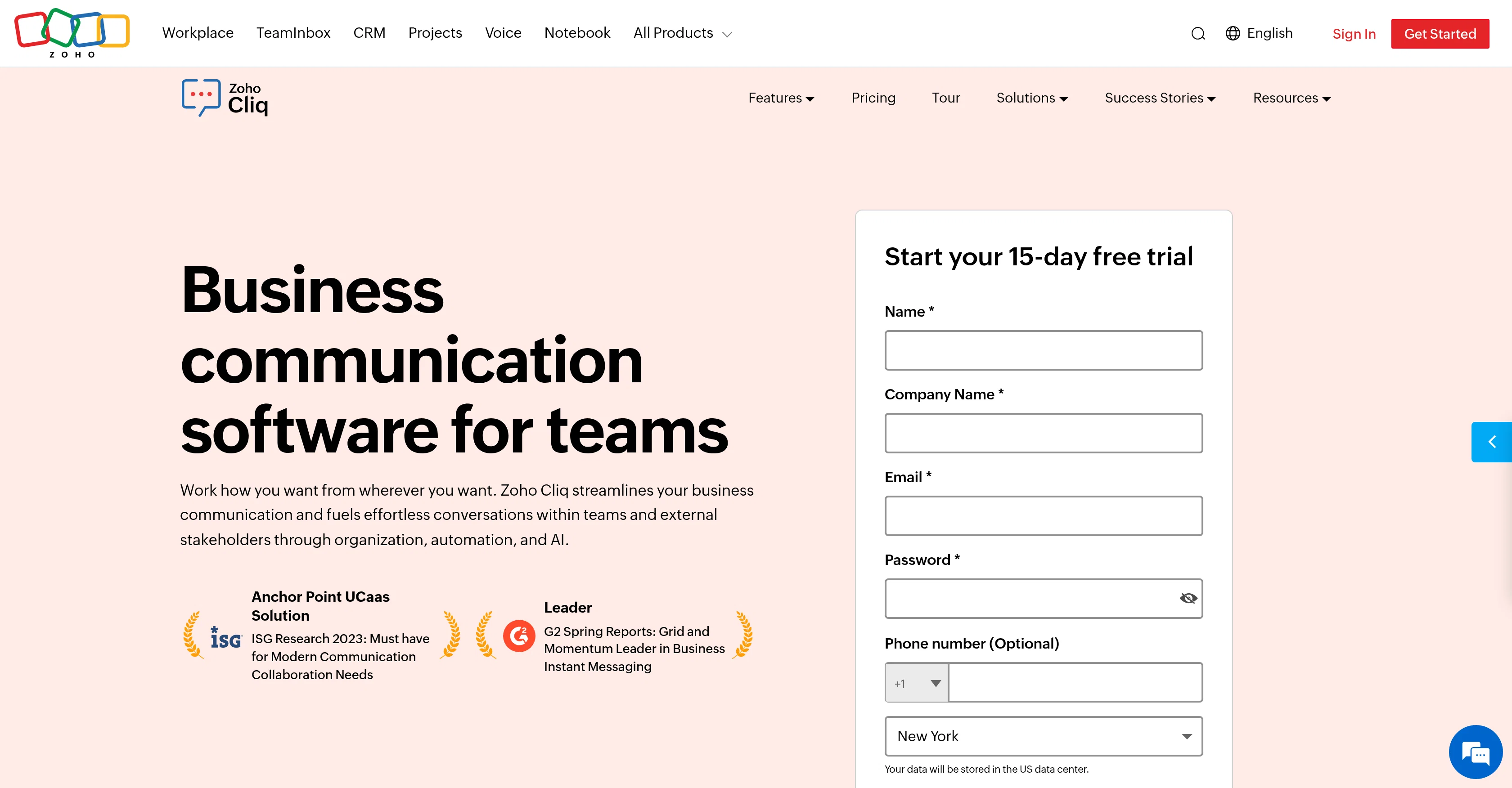
Zoho Cliq is a team communication software designed to optimize productivity by consolidating conversations, workflows, and meetings in one central hub. The software facilitates seamless internal and external communications via tools such as chats, channels, and online meetings. Zoho Cliq offers various modules such as file management, task management, and calendar functions. It enables synchronous communication through real-time calls, and asynchronous communication via scheduled voice and video messages. The software also offers the ability to centralize both internal and external information through data integrations, creating a unified workspace. Additional features of Zoho Cliq include workflow automation to streamline repetitive tasks, AI-powered conversations for instant summary of chats, and seamless integrations with other tools. The software also offers customization options through its admin panel, where users can set up brand assets, themes, and domain. Zoho Cliq's developer platform also enables the creation of custom components for specific business needs. Help other people by letting them know if this AI was useful. Add your own prompts and outputs to help others understand how to use this AI.
When considering Zoho Cliq for integration into your organizational workflow, we recommend deploying a structured score card across three critical operational pillars: Security & Compliance, Integration Friction, and long-term Price Scalability. Rather than looking only at basic feature lists, modern procurement teams must assess how a software platform behaves under high load and how well it fits into the team's data security guidelines.
Depending on your operating region and field, ensure that Zoho Cliq supports standard security layers such as SOC 2 Type II certifications, GDPR compliance, or HIPAA-compliant database encryption. If the tool connects directly to client database tables or handles user passwords, verify that they implement multi-factor authentication (MFA), single sign-on (SSO) integrations, and end-to-end data encryption in transit and at rest.
Siloed data is the primary cause of operational friction. Evaluate if Zoho Cliq has native connectors for your current project trackers, messaging hubs, and customer communication channels. For custom developer requirements, check if they provide a fully documented REST API with reasonable rate limits, comprehensive Webhooks support, and robust SDK packages in your language. A flexible API layer saves hundreds of hours of manual copy-paste overhead.
SaaS pricing packages are often deceptively simple. When reviewing Zoho Cliq's billing structure, map out your team's projected expansion over the next 12 to 24 months. Determine how costs scale as your customer database increases or as you add team members. Factor in setup costs, mandatory support plan upgrades, API access fees, and storage overage rates to understand the true cost before committing to a contract.
By combining verified user reviews from our directory with internal workflow pilot tests, your procurement team can make an informed decision that drives productivity without creating capital waste.
Overall rating
Based on 16 reviews
I loveeeee this idea but sadly it does not send the email so i couldnt log in and try it... tried 2 different devices with different emails...
uma
Still surprised these guys haven't made a full release yet, its already has a lot of features than I thought it would - I personally use their hostedgpt for organizing my threads the interface is much better than chatgpt but they didnt add a settings features to it yet - for chatbot building its fully flesh-out couldnt have choosen a better service!
Starter Plan
Works well. Easy to use
Nentev Ioannis
It’s a fantastic tool that makes collaboration seamless and super productive by bringing AI-powered assistance directly into shared workspaces. Highly recommended!
melbin
Thanks! So happy to hear you're liking @FlowPost.
CodeConda
Hey this is Tan, I'm the creator of NotesBot. I created this tool because I needed it for my own meetings. After using myself and getting great summarization reviews from my peers, I decided to release it to the public. After release, we realized people were also using it for Dungeons and Dragons, I then added a DnD mode. This tool is non-invasive, very easy to set up, and perfect for meetings. I hope you enjoy using it!
Tan Arin
Miro has massively improved how we collaborate and execute. The AI features have made a real difference in day-to-day productivity, helping us structure ideas quickly and get to decisions faster. What really surprised me is the new prototyping feature: it’s now much easier to turn a workshop board into an actual prototype and iterate with the team. If you’re running product work, workshops, roadmaps, or even GTM planning, Miro is worth it.
Joran Hofman
Just tried yesterday. The first productivity tool which allowed me to create professional slides, reports, and sheets with my data in a few minutes. Was able to connect 20 of my tools in less than 5 minutes.
Samuel
Really impressed by the multi-model planning and code review. Having different models collaborate instead of relying on just one actually leads to better decisions. You can feel the difference on more complex tasks.
Cara
Hi there, I’m Alix, co-founder of Invent. We’re building the future of Customer Support UX, where humans and AI truly collaborate. Would love to read&hear your thoughts. DM for any questions. We ship fast!
Alix Gallardo
I mostly use ChatGPT and Claude for writing content. What I like @ChatGBot is that it saves me from multiple monthly payments for different AI tools. Everything works fine, accuracy included. Worth subscribing.
Samantha Stone
Awesome team collaboration app! I am of course very biased :)
Chris @ ateams
I use it for a few years now, for me it´s a great "all-in-one" tool especially if you like to build apps. Build-in AI is also great and at all the price is fair. no-Coder.io
O Schlachta
High bandwidth way to work with Claude Code and Codex. Has become my main workspace.
Karl Wirth
A work of a dedicated team that prioritizes user needs
劉維人
Nice spreadsheet tool. Good alternative to Excel and Google Sheets.
Ramya Murthy
Starting Price
Free plan available
Free tier available with optional paid upgrades.


