5.01 months ago
“Review”
It doesnt export transparant png icons
Peter Totterman

AI-powered video toolkit for enhancing, converting, and editing
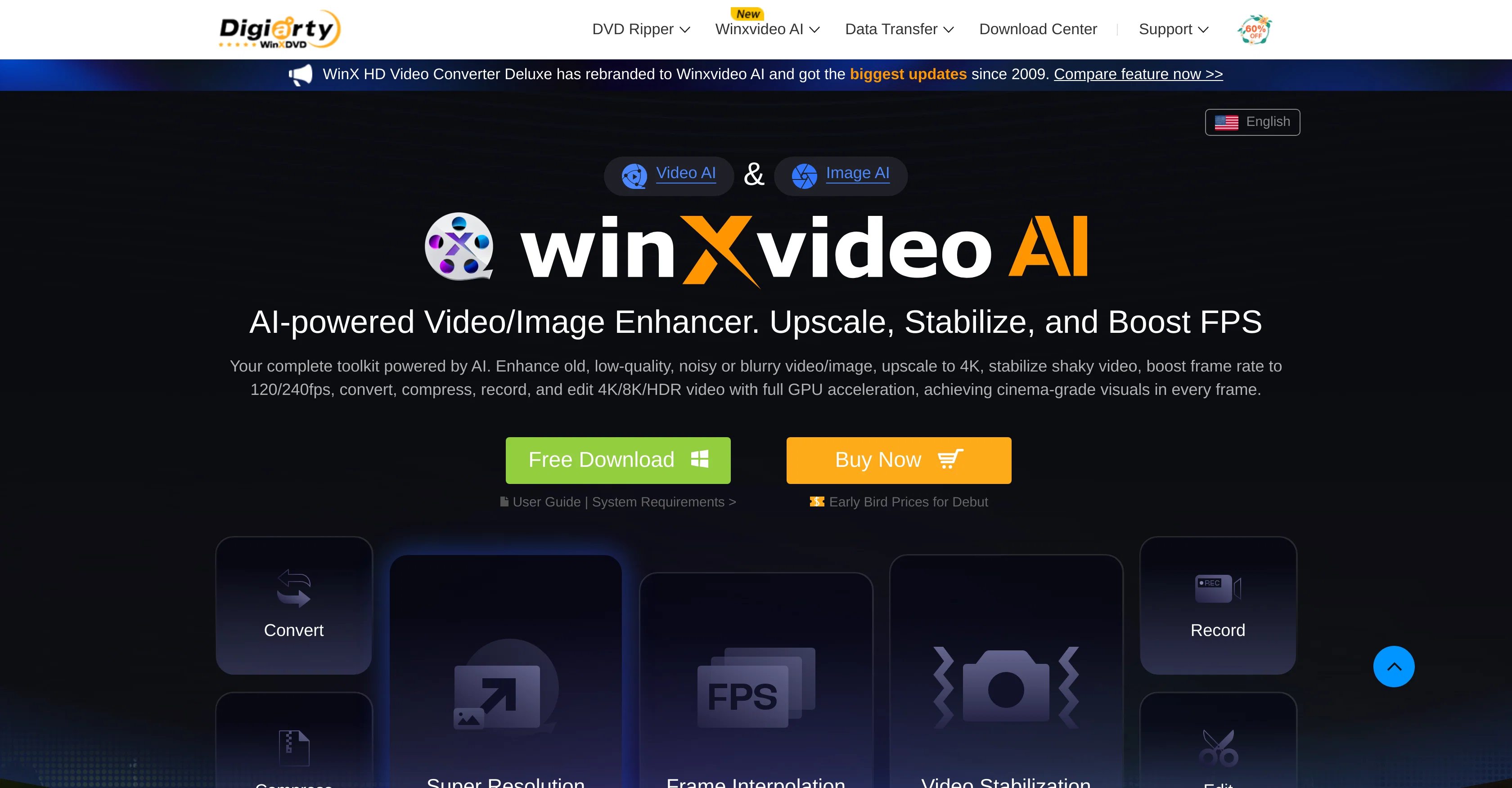
Winxvideo AI is an Advanced Intelligence powered tool designed to enhance, upscale, stabilize and convert video and image files. An essential component in a video toolkit, it has capabilities to transform low-quality files to 4K resolutions, alongside stabilizing shaky video footage and boosting frame per second (fps) rates. The tool employs GPU acceleration to perform tasks such as conversion, compression, and recording of the screen. The AI can also be applied to enhance and restore images. Additionally, it enables video recording and editing features, accommodating 4K/8K/HDR videos. The software is an upgraded version of the WinX HD Video Converter Deluxe, giving it extended features and capabilities. It is designed to improve and upscale video and image quality to cinema-grade standards, including the ability to upscale images to 10K Super Resolution. This tool also provides video stabilization derived from any camera, and Frame Interpolation, which increases frame rate to 480fps. Relevant applications of this tool include revitalizing classic MVs, low-pixel home recordings, videos from DVD/mini DV, bid farewell to format compatibility struggles and hefty file sizes. Help other people by letting them know if this AI was useful. Add your own prompts and outputs to help others understand how to use this AI.
When considering Winxvideo for integration into your organizational workflow, we recommend deploying a structured score card across three critical operational pillars: Security & Compliance, Integration Friction, and long-term Price Scalability. Rather than looking only at basic feature lists, modern procurement teams must assess how a software platform behaves under high load and how well it fits into the team's data security guidelines.
Depending on your operating region and field, ensure that Winxvideo supports standard security layers such as SOC 2 Type II certifications, GDPR compliance, or HIPAA-compliant database encryption. If the tool connects directly to client database tables or handles user passwords, verify that they implement multi-factor authentication (MFA), single sign-on (SSO) integrations, and end-to-end data encryption in transit and at rest.
Siloed data is the primary cause of operational friction. Evaluate if Winxvideo has native connectors for your current project trackers, messaging hubs, and customer communication channels. For custom developer requirements, check if they provide a fully documented REST API with reasonable rate limits, comprehensive Webhooks support, and robust SDK packages in your language. A flexible API layer saves hundreds of hours of manual copy-paste overhead.
SaaS pricing packages are often deceptively simple. When reviewing Winxvideo's billing structure, map out your team's projected expansion over the next 12 to 24 months. Determine how costs scale as your customer database increases or as you add team members. Factor in setup costs, mandatory support plan upgrades, API access fees, and storage overage rates to understand the true cost before committing to a contract.
By combining verified user reviews from our directory with internal workflow pilot tests, your procurement team can make an informed decision that drives productivity without creating capital waste.
Overall rating
Based on 19 reviews
It doesnt export transparant png icons
Peter Totterman
It missed my expectations, because I got smth completely different.
Dmitry Ts
Seems very promising, except I want to try it by myself. I don’t want a demo. Also, I’d like to know the costs before I commit to anything.
kanawati
I've tried so many image enhancing apps but I couldn't believe that this one works so much better than the others!
Emre Demircan
Great app, it helped me reach more people with my posts, I noticed an increase in the number of likes of my posts after I started using this app. Highly recommend it.
Marton Zeisler
You can now ask AI about your typed note. This issue has been fixed.
MyMemo
It does search, but the results were nowhere close to the object (image of myself and another).
Adewale Adegoroye (Bobo Logg)
Hi Lachy, Thank you for bringing this issue to our attention and for your patience. We understand the importance of a seamless experience and are committed to improving our software continuously. We've issued a software update which resolves the issue and are extending additional free use as a token of our appreciation. We're confident in our product's ability to deliver superior formula and VBA code generation. Your feedback is invaluable as we strive to provide the best tool on the market.
Excel Master
we definitely need this one back, it was pretty amazing lol.
ssse
Generating captions was super fast like seconds. Wish they had Anton font though
bob miller
Everything is working normally. Best,
Stefan Mitrovic
I'm new in using AI tools, but i found @COACH quite helpful! It follows you step by step both analyzing your situation and finding resources... thanks!
Gabriele Orsini
It's really frustrating when you try to select something you want, only to be immediately redirected to a subscription-based payment model. There's no opportunity to even test things out, which kills the enthusiasm right away. It seems like everything is geared towards subscriptions nowadays, and it's a turn-off. Companies should prioritize transparency and give customers a chance to try out products before committing to a subscription. Practices like these erode consumer trust and deter many potential customers.
X X
I love it, this software surprisingly colors my black and white family video images and fits this video perfectly. The effect is so stunning.
Harney Zheng
It works well on video upscaling. I can fix my blurry old videos.
Cuiyun Luo
Nice tool, easy to use
Your Papa
Not even close to being worth the heavy pricing.
foodisgood
Excellent to restore old interlaced video, and to add FPS in order to make the motion smooth. The best part is that is accessible in browser, from any device, no equipment request.
Sanja Trbojević Montina
Video editing apps
Suraj Raj
Starting Price
From $14.00/user/month
Pricing may vary based on team size and features selected.


