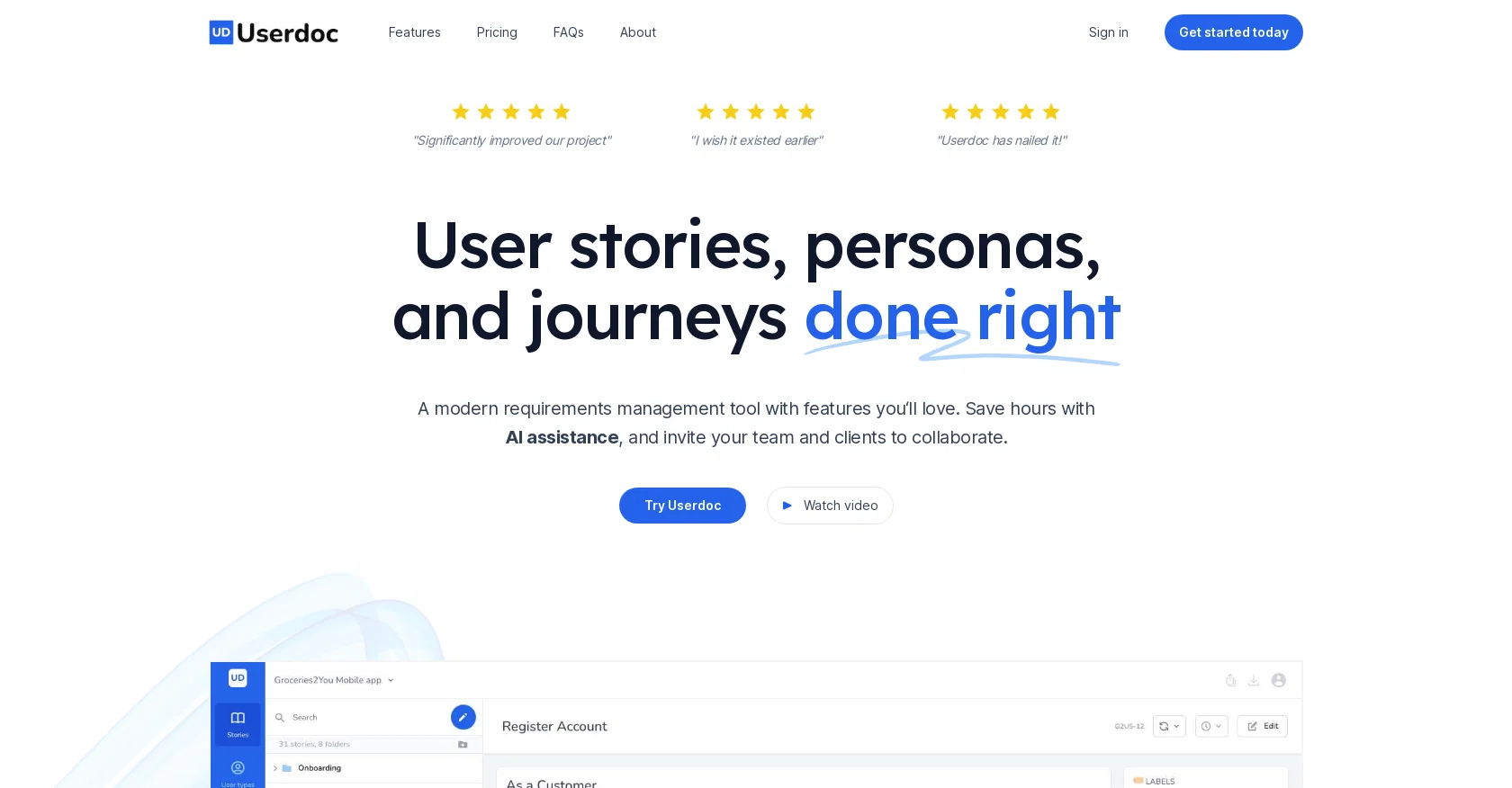
Userdoc is a modern requirements management tool that aims to simplify the process of creating and managing user stories, personas, and user journeys. The platform offers AI assistance, enabling users to save time generating user stories, personas, and acceptance criteria.
Userdoc allows users to centralize knowledge during the discovery, development, and system testing phases of the software development life cycle. The platform enables users to capture requirements in a standard way with user stories and acceptance criteria, all while keeping Userdoc as the source of truth.
Furthermore, Userdoc makes it easier to understand who the actual users are by creating fictional personas, including their backgrounds, motivations, and frustrations.
It also offers an intuitive way to explain detailed workflows through the system using user journeys. Userdoc can automatically generate user stories, acceptance criteria, personas, and user journeys, enabling users to save significant time during the requirements gathering phase.
The platform also offers features such as the ability to organize requirements by user type, folder, or label, build relationships between user stories, personas, and user journeys, and sync requirements to project management tools and other systems with ease.
Users can collaborate with team members, stakeholders, and clients while controlling access. Userdoc allows users to export requirements as Word docs, Excel spreadsheets, or CSV files.
The platform offers a free 14-day trial with no credit card required and has simple pricing plans starting at $12 USD per month.
Help other people by letting them know if this AI was useful.
Add your own prompts and outputs to help others understand how to use this AI.
Screenshot gallery
Pros & Cons
Pros
+Generates user stories
+Automatic acceptance criteria
+Creates personas
+Creates user journeys
+Centralizes knowledge
+Standardizes requirements capturing
+Enables understanding of actual users
+Organizes requirements by user type
+Organizes requirements by folder
+Organizes requirements by label
+Builds relationships among stories, personas, journeys
+Syncs to project management tools
+Syncs to other systems
+Allows collaboration with team members
+Allows collaboration with stakeholders
+Allows collaboration with clients
+Controls access during collaboration
+Exports requirements as Word docs
+Exports requirements as Excel spreadsheets
+Exports requirements as CSV files
+Free 14-day trial
+Simple pricing plans
+Seamless integration with other tools
+Features story approval statuses
+Provides version control for requirements
+Avoids knowledge silos
+Automatic generation of requirements
+Grouping requirements for ease of management
+Mapping of user system
+Ensures matching expectations
+Allows referencing of past requirements
+Not locked-in
+Simple, clean interface
+Helps avoid scope creep
+Helps capture client voices
+Improves workflow and focus
+Integration with project management tools
+Priority support in premium plan
+Unlimited user stories
+Unlimited user types & personas
+Unlimited user journeys
+Tailored plans for enterprise businesses
+Increases project process efficiency
+Helps engage all stakeholders
+Provides long-term business assets
+Facilitates a living knowledge base
Cons
−Limited free trial
−No native mobile app
−Doesn't offer unlimited projects
−Limited users per plan
−No direct data import
−No offline mode
A Professional Framework to Evaluate Userdoc
When considering Userdoc for integration into your organizational workflow, we recommend deploying a structured score card across three critical operational pillars: Security & Compliance, Integration Friction, and long-term Price Scalability. Rather than looking only at basic feature lists, modern procurement teams must assess how a software platform behaves under high load and how well it fits into the team's data security guidelines.
1. Security and Database Compliance
Depending on your operating region and field, ensure that Userdoc supports standard security layers such as SOC 2 Type II certifications, GDPR compliance, or HIPAA-compliant database encryption. If the tool connects directly to client database tables or handles user passwords, verify that they implement multi-factor authentication (MFA), single sign-on (SSO) integrations, and end-to-end data encryption in transit and at rest.
2. API Coverage and Custom Integrations
Siloed data is the primary cause of operational friction. Evaluate if Userdoc has native connectors for your current project trackers, messaging hubs, and customer communication channels. For custom developer requirements, check if they provide a fully documented REST API with reasonable rate limits, comprehensive Webhooks support, and robust SDK packages in your language. A flexible API layer saves hundreds of hours of manual copy-paste overhead.
3. Total Cost of Ownership (TCO)
SaaS pricing packages are often deceptively simple. When reviewing Userdoc's billing structure, map out your team's projected expansion over the next 12 to 24 months. Determine how costs scale as your customer database increases or as you add team members. Factor in setup costs, mandatory support plan upgrades, API access fees, and storage overage rates to understand the true cost before committing to a contract.
By combining verified user reviews from our directory with internal workflow pilot tests, your procurement team can make an informed decision that drives productivity without creating capital waste.
Features of Userdoc
Software Development
Requirements Management
Project Management
Product Planning
Task Automation
Documentation
From $99/Mo
SaaS1to10 verified reviews for Userdoc
Overall rating
★★★★★5.0
Based on 14 reviews
★★★★★5.02 months ago
“Review”
A knowledge base that doesn’t tie to revenue impact (less churn / faster onboarding) often sits unused -> ~20–30% drop in retention vs teams that quantify value.
What metric are you using to prove @Userdoc moves revenue, not just pages?
Paul
★★★★★5.02 months ago
“Review”
@Uizard is so great for spinning out ideas and iterating. You can generate designs from text prompts as well as individual screens and themes. Also has a ton of other cool AI features like turning screenshots into editable designs and attention heatmaps. I suck at design so this is a game changer for me.
J Williams
★★★★★5.02 months ago
“Review”
I wasn't able to use this one (I have my API key)
Pauline LeBlanc
★★★★★5.02 months ago
“Review”
I’ve been using UX sniff for a little while now and I absolutely love it! It’s brilliant! It’s very easy to use, very easy to set up and the support has been spot on. It’s really been helping me with my Business - Pawfection Pet Products. I highly recommend this product.
Anneka Avery
★★★★★5.02 months ago
“Review”
Undetectable.wtf is better bypasses everything maintaining thee integrity of the text.
LiteEagle
★★★★★5.02 months ago
“Review”
I tried using it but the website has too many bugs.
João Neiva
★★★★★5.02 months ago
“Review”
The website is pretty good but there are only a limited number of responses
Probal Roy
★★★★★5.02 months ago
“Review”
https://roboresponse.ai/
aleezy malik
★★★★★5.02 months ago
“Review”
It took me less than 20 minutes to create infographic perfection- all the other AI design sites I tried, and I tried them all, weren't able to give me what I wanted in 1 way or another. Outline Ninja helped me create my infographic
Gay Shirer
★★★★★5.02 months ago
“Review”
Really amazing! Makes learning content and engaging with things so much easier!
Jamie McDonald
★★★★★5.02 months ago
“Review”
O GPT faz uma análise melhor e mais personalizada.
Vinicius Vilela
★★★★★5.02 months ago
“Review”
As the service was in beta-testing stage, I created there a dozen of AI-generated courses for free. I wanted to use them. Those courses remained in my account as they started subscription tiers. But recently I have found out that they were deleted. The support didn't answer to my e-mail at all.
Oldfag TV
★★★★★5.02 months ago
“Review”
i tried just now and it seems that it works
Aramis
★★★★★5.02 months ago
“Review”
Great tool for simplifying product requirement tasks. Smooth Jira integration, some AI-generated content might need tweaking. If you’re looking to streamline your process without spending much, it’s definitely worth a try!
Levent Kılıç
Pricing
Starting Price
From $12.00/user/month
Pricing may vary based on team size and features selected.