5.02 months ago
“Review”
Looks great, helps my family a lot!
mikew12044@lofiey.com

Project management with no PhD required.
Team Pulse is a project management tool designed for team collaboration and task organization. Its primary functionality includes offering its users an immediate and comprehensive view of all ongoing work within a team, spanning multiple areas such as chat exchanges, task progression, project developments, and pipeline activities. The tool emphasizes a user-friendly approach, requiring no advanced qualifications or extensive experience in project management to operate. Key features of Team Pulse include project division and work organization, which enables team members to follow given tasks through simple, focused views. The progression of these tasks can be tracked using drag and drop functionalities, minimizing the need for complexity. Team activity is updated in real time, providing a clear view of all operations within the team. The collaboration suite also allows chat, comments, and updates sharing, aiming to reduce the use of scattered tools. Files related to a project are consolidated within the platform, eliminating the need for exhaustive folder navigation. In addition, the tool offers AI Insights, which swiftly deliver an understanding of completed tasks and the ones still requiring attention. Overall, Team Pulse is a comprehensive solution for those seeking to streamline teamwork, tasks, deals and project management. Help other people by letting them know if this AI was useful. Add your own prompts and outputs to help others understand how to use this AI.
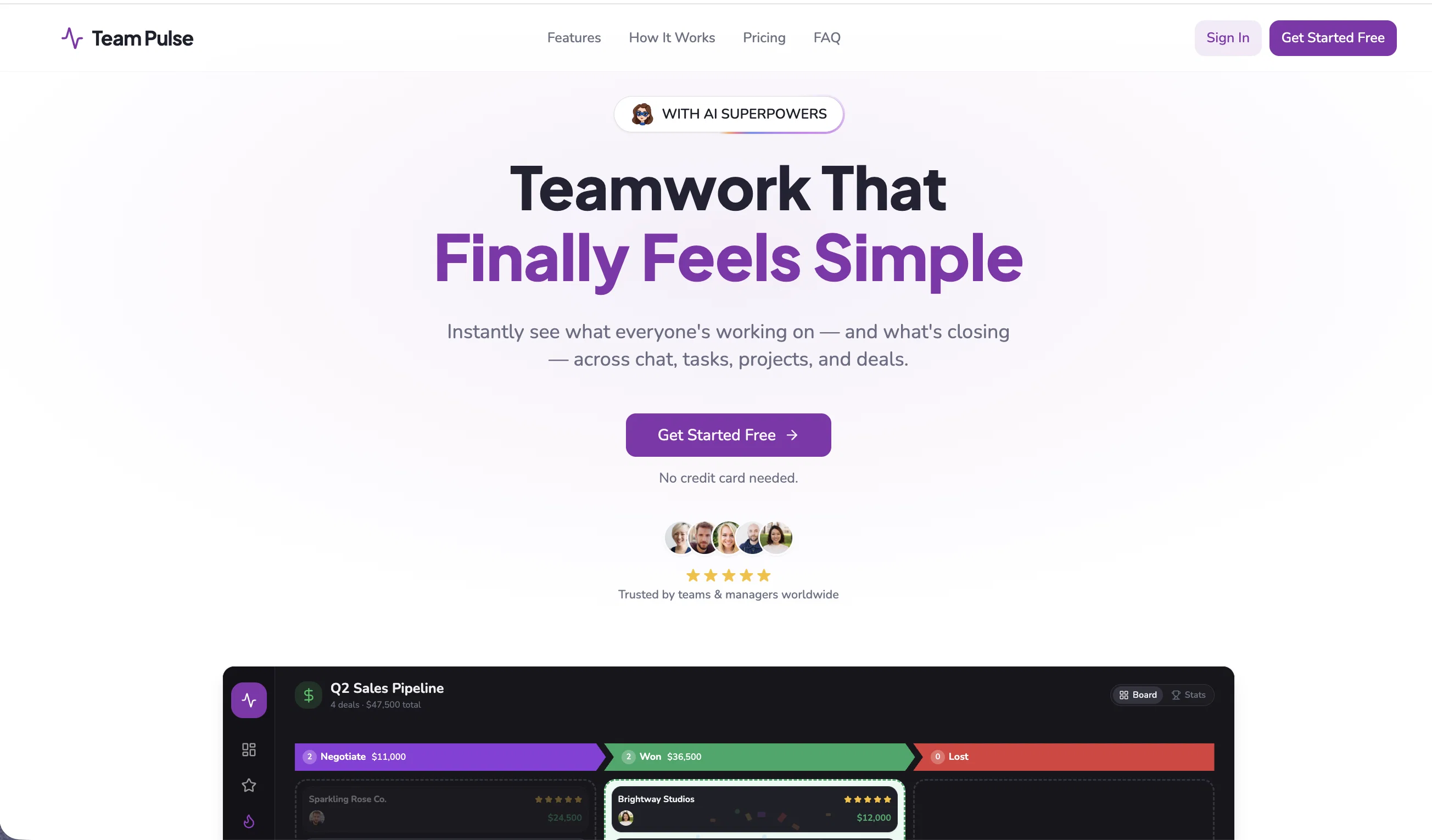
When considering Team Pulse for integration into your organizational workflow, we recommend deploying a structured score card across three critical operational pillars: Security & Compliance, Integration Friction, and long-term Price Scalability. Rather than looking only at basic feature lists, modern procurement teams must assess how a software platform behaves under high load and how well it fits into the team's data security guidelines.
Depending on your operating region and field, ensure that Team Pulse supports standard security layers such as SOC 2 Type II certifications, GDPR compliance, or HIPAA-compliant database encryption. If the tool connects directly to client database tables or handles user passwords, verify that they implement multi-factor authentication (MFA), single sign-on (SSO) integrations, and end-to-end data encryption in transit and at rest.
Siloed data is the primary cause of operational friction. Evaluate if Team Pulse has native connectors for your current project trackers, messaging hubs, and customer communication channels. For custom developer requirements, check if they provide a fully documented REST API with reasonable rate limits, comprehensive Webhooks support, and robust SDK packages in your language. A flexible API layer saves hundreds of hours of manual copy-paste overhead.
SaaS pricing packages are often deceptively simple. When reviewing Team Pulse's billing structure, map out your team's projected expansion over the next 12 to 24 months. Determine how costs scale as your customer database increases or as you add team members. Factor in setup costs, mandatory support plan upgrades, API access fees, and storage overage rates to understand the true cost before committing to a contract.
By combining verified user reviews from our directory with internal workflow pilot tests, your procurement team can make an informed decision that drives productivity without creating capital waste.
Overall rating
Based on 53 reviews
Looks great, helps my family a lot!
mikew12044@lofiey.com
Love this CRM. No fields to configure or pipeline to define, it just does everything for you.
Mr Abier
Very interesting
Béatrice Duval
This tool i found is super cool, I created 5 books from this tool to sell them online, which gives me great profit. I am creating more valuable books to spread knowledge, and earn some bucks as well 🤑.
Bilal Ashraf
Great tool! Was very helpful in content production
Duck Typer
I think it's the best @Image Generator I ever found on the net. It gives more accurate image according to the prompt. And thank you for keeping it for free.
My Sawsiri
While searching for audio transcription tools, I found that many came with limitations—until I discovered @Audio Transcriber AI. Not only is it free and unlimited, but its accuracy rivals that of paid tools; I have since recommended it to my friends.
Jason zhang
Thank you — this honestly means a lot 🙏 "No design experience needed" was exactly the goal, so it's awesome to hear it clicked for you. Thanks for creating with @MagicReels, and don't hesitate to reach out if you ever need anything!
MagicReels
Easily the best Chat GPT alternative... A hidden Gem. A few issues with reasoning models but overall awesome product
Ali Morris
Deploys the backend directly from chat!
Spam Trapper
Its a promising project and works well so far. Wishing them all the best and godspeed.
Dipak Rautela
The most humanly AI i have used so far but the problem is as soon as you start piling up messages in single chat session , it starts getting slow and at some point it starts freezing and also uses a lot of resources. For time being its okay to do 3 4 messages but as soon as we continue it has messages limitation and also starts getting very very slow . For the price of £18 per month this is unacceptable and with the newly introduced feature called project, if we start new chat within the project we cannot continue with the context we provided in other chats within same project. There are lot of improvements for them to work on. And to start with the its speed and its price
Bibash Katel
Went from a C to an A in Cognitive Psychology using @Thea!!
Sarah White
I started using @Team Pulse recently, and I really like how simple it feels. Managing projects, tasks, and pipelines in one place is smooth, clean, and easy to understand without overcomplicating the workflow.
Zain Saeed
@Team Pulse makes collaboration simple and organized. The real-time updates and task tracking features are excellent.
Alena
Very clean and easy-to-use project management tool.
Amelia
@Team Pulse is a very solid project management and collaboration tool with great features like team chat, task organization, file sharing, and CRM pipelines all in one workspace. The drag-and-drop functionality and clean layout make daily work much easier. The AI-powered insights are useful for quickly understanding team progress. I’d love to see even more customization options in future updates, but overall it’s a reliable and user-friendly platform for managing projects and teamwork.
Andrew
@Team Pulse keeps our projects, chats, and files perfectly organized. The interface is smooth, simple, and very team-friendly.
Anya
Excellent tool for managing tasks and team collaboration in real time. The AI insights and Kanban boards make workflow tracking effortless.
Aqsa
@Team Pulse makes project management feel simple and stress-free. The collaboration tools and real-time updates are incredibly useful for daily teamwork.
Carmela
A great platform for organizing tasks, pipelines, and team communication in one place. The clean interface and smooth workflow tracking stand out.
Ava
Really impressed with how easy @Team Pulse is to use.
Chris
Excellent collaboration software with powerful features and a very user-friendly design. It keeps everything organized without feeling overwhelming.
Jack Rayan
The platform works smoothly overall, though adding more customization features would make it even better.
Blonde
@Team Pulse completely changed how our team manages projects. Everything from tasks to chats lives in one place, and nothing gets lost anymore. It feels effortless to stay aligned.
Ayan
Finally a project management tool that doesn’t require training manuals. The drag-and-drop system is so simple, even new team members pick it up instantly.
Cooper
We replaced three different tools with @Team Pulse. Now our tasks, files, and communication are all unified, and productivity has noticeably improved.
David
@Team Pulse is a very strong project management tool with a clean and intuitive layout that makes organizing tasks and collaborating with the team simple and efficient. The real-time updates and drag-and-drop workflow are especially useful for keeping everything on track without confusion. The only drawback is that a few advanced customization options feel limited compared to more established platforms, but overall it delivers excellent value for day-to-day team operations.
DEVIN
The real-time updates are a game changer.
Zayn
AI Insights save so much time. Instead of digging through tasks, I get a clear summary of what’s done and what needs attention.
Adam
Moving tasks around feels natural and keeps our workflow visually clear.
Glorious Raven
@Team Pulse gives powerful features but keeps the interface clean and easy to navigate.
Green
Finally, a tool that combines chat, tasks, and CRM in one place. No more jumping between Slack, Asana, and spreadsheets. The AI Insights tell me exactly what needs attention
Hazel
The drag-and-drop Kanban boards are buttery smooth, and real-time activity tracking keeps everyone accountable. Setup took 10 minutes. My team actually uses it – that's the real win.
Hazel
@Team Pulse does a lot right: the AI Insights are genuinely helpful, the Kanban boards are easy to use, and having chat + tasks + CRM in one place is a huge time-saver. Real-time collaboration works smoothly, and my team picked it up quickly. That said, the mobile app feels a bit basic compared to the desktop version, and I'd love more advanced filtering options for pipelines. Still, for the price and unlimited collaborators, it's an excellent choice. Just needs a little polish.
lian
Simple enough for my non-technical team, powerful enough for our agency. Real-time updates, file sharing, and project folders without the bloat of tools like ClickUp. Highly recommend.
Isac
Finally, a tool that reduces chaos. Real-time updates, built-in chat, and AI Insights keep our team on track without jumping between apps. Unlimited collaborators sealed the deal.
Kevin Freddy
So easy to use. No training needed. Drag-and-drop tasks, file sharing, and guest access work perfectly. My whole team picked it up in an hour. Highly recommend.
Kevin Hart
Really solid tool with great real-time chat and Kanban boards. Unlimited collaborators and guest access are awesome. Dropping one star because integrations (Google Calendar, Zapier) are limited and mobile app lags a bit. Once those improve, easy 5 stars.
Lark
he real-time collaboration is incredible. See updates instantly, mention teammates, and track everything in one place. Cut our status meetings in half.
Aleena
Having CRM and task boards together finally connects sales and ops. Worth it.
Robert
Finally, no more app juggling. Chat, tasks, and files all in one place. The drag-and-drop is buttery smooth. Love it.
Spidey
CRM + tasks + AI = finally. The AI Insights alone are worth it. Tracks deals and team progress without me begging for updates.
Salvia
Really solid tool. Missing one small thing but otherwise excellent. @Team Pulse does almost everything right—chat, Kanban, AI insights, file sharing. The only reason it's not 5 stars is I wish the mobile app (if there is one) had offline mode. Otherwise, highly recommend for teams who want simplicity without losing power features.
Samuel
My non-techy clients can actually use this. Guest access is seamless. Real-time updates = fewer "just checking in" emails.
Shoaib
I know that sounds dramatic, but hear me out. @Team Pulse gives us real-time collaboration without the sluggishness of enterprise bloat. The AI-powered workflows suggested task groupings that actually made sense for our sprint planning—it caught dependencies I missed. The Kanban boards with drag-and-drop are responsive, and team mentions & comments keep discussions attached to the right task instead of lost in a Slack thread. File sharing is centralized, so no more digging through Google Drive folders named "final_v3_REALLYfinal." Plus, unlimited collaborators means our QA contractors don't cost extra. Lightweight, smart, and refreshingly un-annoying.
Trevor
Finally, all our tools in one place. The AI Insights save me hours every week, and real-time chat keeps everyone aligned. No more app-hopping!
Stefan
Finally, a single tool that combines chat, tasks, CRM, and AI insights seamlessly.
Sofia
Solid core features like drag-and-drop and real-time chat, but AI Insights feel basic and mobile app is noticeably laggy compared to desktop.
John
Drag-and-drop Kanban plus client guest access made our team productive in one day.
Myles
If you manage multiple teams or pipelines, you need @Team Pulse. The Kanban boards are intuitive, and the drag-and-drop task progression is instant—no lag, no refreshes needed. Activity tracking shows me exactly who did what and when, which has improved accountability across 15+ team members. The built-in CRM pipelines surprised me; we retired a separate sales tool after two weeks. And unlike other platforms, unlimited collaborators didn’t come with a hidden price hike. Solid, fast, and refreshingly uncluttered.
Gibson
@Team Pulse has become the central hub for our team's work. Everything from tasks and discussions to files and project updates is organized in one place, making collaboration much smoother. The interface is intuitive, the real-time updates keep everyone aligned, and the AI insights provide quick visibility into what’s done and what needs attention. It’s a powerful yet easy-to-use platform that helps teams stay productive without unnecessary complexity.
Chris
One of the best website analytics tools I’ve tried so far.
Anya
Starting Price
Free plan available
Free tier available with optional paid upgrades.