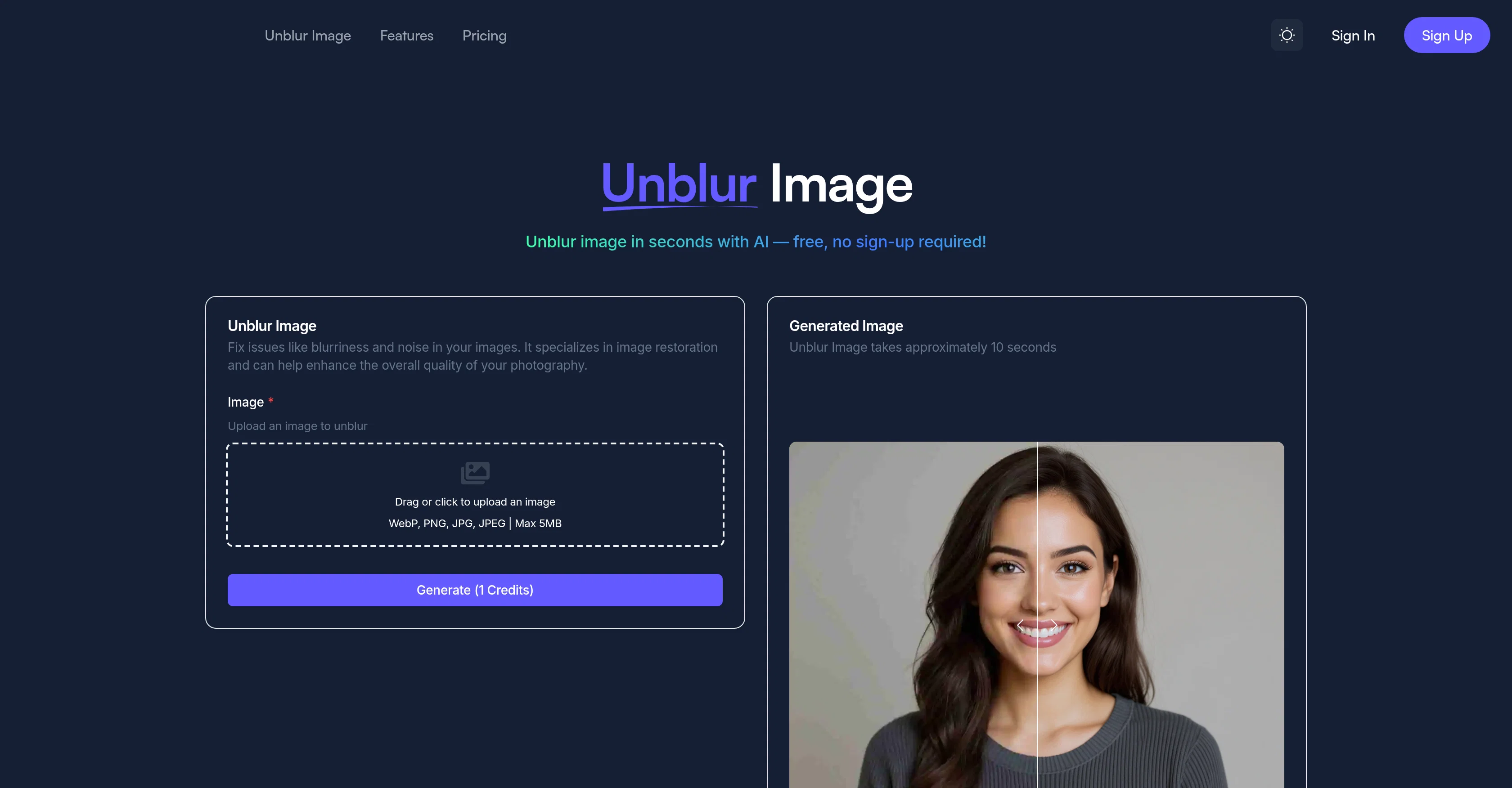
Help other people by letting them know if this AI was useful.
Add your own prompts and outputs to help others understand how to use this AI.
Screenshot gallery
Pros & Cons
Pros
+Instant AI-powered unblurring and sharpening
+No signup or installation required
+Free daily credits and browser-based access
+Fixes motion blur and focus issues automatically
+Delivers HD clarity with natural texture retention
+Ideal for old, damaged, or low-resolution photos
+Supports all major image formats
+Secure and private image processing
+Integrated into an all-in-one image & video AI suite
Cons
−File size limit (5MB per image)
−Requires an internet connection for processing
−Advanced editing options available only on paid plans
−Results can vary for extremely low-quality or damaged images
−Limited control over manual sharpening settings
A Professional Framework to Evaluate Unblur Img AI
When considering Unblur Img AI for integration into your organizational workflow, we recommend deploying a structured score card across three critical operational pillars: Security & Compliance, Integration Friction, and long-term Price Scalability. Rather than looking only at basic feature lists, modern procurement teams must assess how a software platform behaves under high load and how well it fits into the team's data security guidelines.
1. Security and Database Compliance
Depending on your operating region and field, ensure that Unblur Img AI supports standard security layers such as SOC 2 Type II certifications, GDPR compliance, or HIPAA-compliant database encryption. If the tool connects directly to client database tables or handles user passwords, verify that they implement multi-factor authentication (MFA), single sign-on (SSO) integrations, and end-to-end data encryption in transit and at rest.
2. API Coverage and Custom Integrations
Siloed data is the primary cause of operational friction. Evaluate if Unblur Img AI has native connectors for your current project trackers, messaging hubs, and customer communication channels. For custom developer requirements, check if they provide a fully documented REST API with reasonable rate limits, comprehensive Webhooks support, and robust SDK packages in your language. A flexible API layer saves hundreds of hours of manual copy-paste overhead.
3. Total Cost of Ownership (TCO)
SaaS pricing packages are often deceptively simple. When reviewing Unblur Img AI's billing structure, map out your team's projected expansion over the next 12 to 24 months. Determine how costs scale as your customer database increases or as you add team members. Factor in setup costs, mandatory support plan upgrades, API access fees, and storage overage rates to understand the true cost before committing to a contract.
By combining verified user reviews from our directory with internal workflow pilot tests, your procurement team can make an informed decision that drives productivity without creating capital waste.
Features of Unblur Img AI
AI Image Enhancement
AI Image Generator
AI Photography Tools
Blur Fix
Cloud Photo Editor
Digital Restoration
Free + From $9.9/Mo
SaaS1to10 verified reviews for Unblur Img AI
Overall rating
★★★★★5.0
Based on 16 reviews
★★★★★5.02 months ago
“Review”
Hi Mike, can you give me an email to reach out to you or chat with our chatbot and ask for support and tell us you left the comment here. We block cash app for our other products because of fraud but will make it work for you!
Raphael Marchand
★★★★★5.02 months ago
“Review”
Hello everyone! Thank you for anyone that are using or just checking my tool. Please let me know if you have any questions or feedback!
Nick Launches
★★★★★5.02 months ago
“Review”
Hey everyone, I’m Evaldas, co-founder of @Guideless, the fastest way to turn any browser workflow into a polished, AI-narrated video guide in minutes. No screen recording. No tedious editing. Just turn on the extension, click through your process as you normally would, and instantly get a share-ready guide. We recently shipped a major update: a sleeker UX and new high-quality AI voiceover characters — making guides sound and feel more vibrant than ever. Give @Guideless a try and see how effortless creating high-quality tutorials can be 🪄
Evaldas Bieliūnas
★★★★★5.02 months ago
“Review”
I often struggle to find the right words, but this tool helps me polish my expressions and make my writing flow naturally.
Sarah
★★★★★5.02 months ago
“Review”
Great and easy to use chatbot.... It is my personal advisor...
David Mavashev
★★★★★5.02 months ago
“Review”
Athena has been a useful product for travel and product recommendations. Additionally, it has helped me with my daily tasks.
Ash Pradeep
★★★★★5.02 months ago
“Review”
Would rate 4.9 if possible, but rounding up to 5 stars because this app truly excels compared to other AI coding tools. Why 5 Stars: Best-in-class AI coding assistance Huge improvements over competitors Actually works for real development Real Impact: I successfully built and published an actual app using this tool - that's game-changing for non-developers like me. Bottom Line: Yes, there's room for improvement, but this is already the top AI coding app available. The fact that ordinary people can create real apps with it says everything. Perfect for anyone wanting to turn ideas into actual apps!
Johnson
★★★★★5.02 months ago
“Review”
i love it i use it to teach me Italian and ukranian and programing ! and it awesome , because it allows you in the free version send many prints of your screen , not having to explain all the errors by typing diferent from gpt that you can only send 3 photos in the free version. i also use @Grok to study i frist make the exercise in my book then i take a photo of my exercise then i ask it to see if there is any mistake and dissipate my terryble handwriting it understands
fernand Lopes
★★★★★5.02 months ago
“Review”
This tool finally helps me understand what makes a great prompt. It doesn't just give me a better version, it shows me to get there by analyzing why the original prompt is weak and showing what to improve. The difference this makes to the final AI output is incredible. An essential tool for getting more accurate and detailed results, Great Job!
Milo Quinn
★★★★★5.02 months ago
“Review”
Very interesting
Béatrice Duval
★★★★★5.02 months ago
“Review”
nice holistic
Amit ImmI
★★★★★5.02 months ago
“Review”
Not at all accurate…. The only thing similar between original and generated images were the clothes and accessories… face was absolutely new and unconnected.
Shvetank Sharma
★★★★★5.02 months ago
“Review”
This tool is expected to evolve rapidly, we are also taking all feature requests so submit what you like and we'll build it if it aligns with our product vision! Have fun with the tool and let us know what you think!
New Odyssey
★★★★★5.02 months ago
“Review”
I think it's the best @Image Generator I ever found on the net. It gives more accurate image according to the prompt. And thank you for keeping it for free.
My Sawsiri
★★★★★5.02 months ago
“Review”
it's a quick and effective tool for reviving old, low-quality, or motion-blurred images
john
★★★★★5.02 months ago
“Review”
I really appreciate you trying it out and sharing this! 🙏 The tools should work, but sometimes the verification gets stuck depending on the network. I’ll work on making this smoother. Thanks again!