5.02 months ago
“Review”
saving time and effort.
chloe

Multiply your skills with the ultimate AI chat tool.
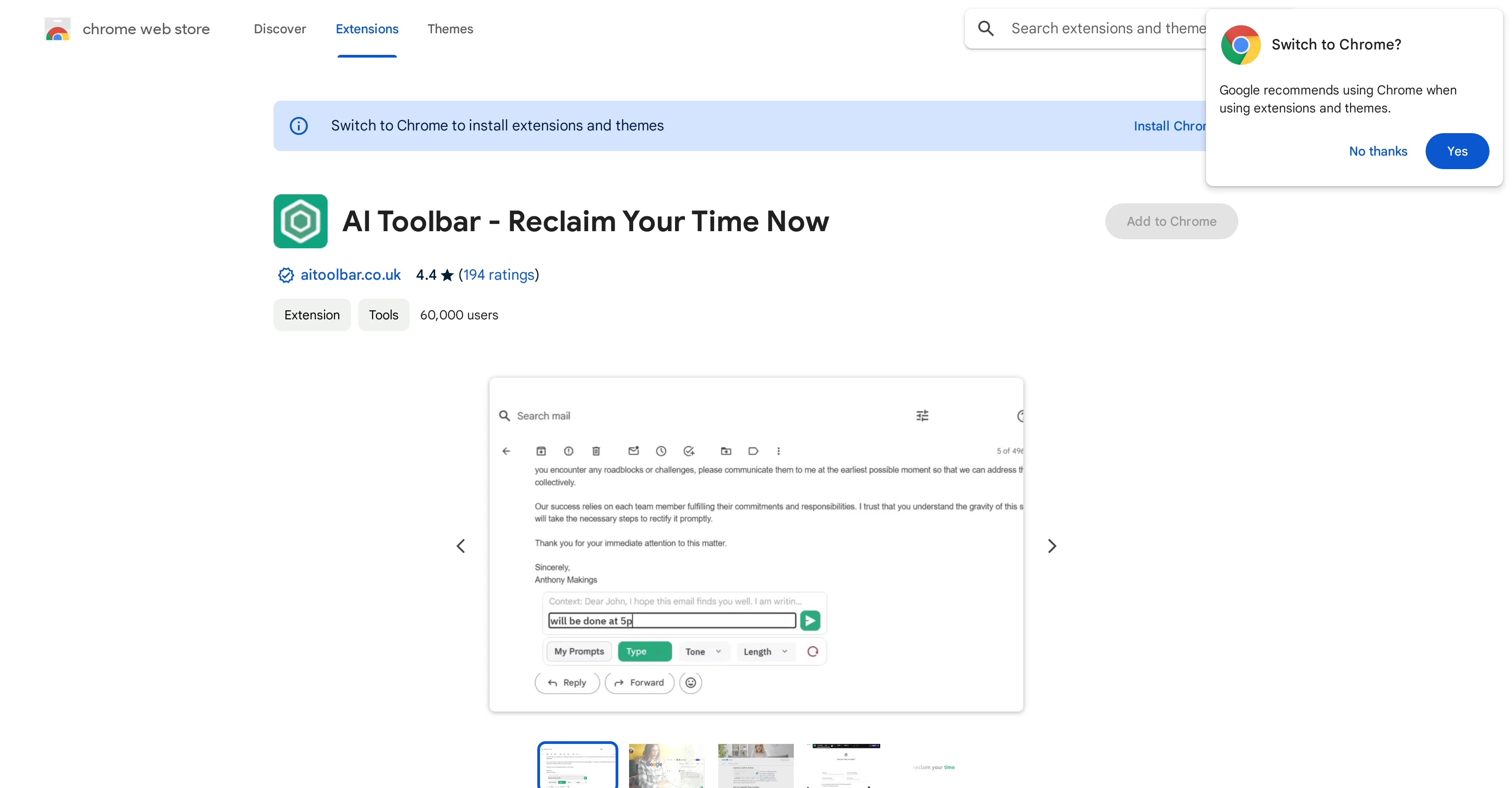
AI Toolbar is a powerful, efficient, and free Virtual Assistant tool designed to simplify user interaction with online content. This tool uses chatbot technology powered by Chatgpt, a high-performing language model, to reduce time spent on repetitive tasks. AI Toolbar offers a range of features, such as generating responses to emails, activating voice commands, combining and saving prompts, and summarizing selected web text. Notable for its multilingual abilities, AI Toolbar can translate, summarize, and paraphrase selected text, thereby aiding in overcoming language barriers. Another essential feature includes its integration with Chatgpt, allowing you to engage in dialogue, gather information, and export in Word or PDF with ease. The tool also boasts automation capabilities and functionalities for voice prompts. As a Chrome extension, AI Toolbar supports over 300 combinable prompts that allow user customization for conversations and written content. Its distinctive feature allows voice control for real-time transcription and the ability to save commonly used prompts. Importantly, AI Toolbar enables smooth exports in Word and PDF formats, making it a practical application for school projects, business reports or quick messaging. Please note that links to third-party websites or services, such as OpenAI, may be present and their privacy practices are not governed by AI Toolbar. Help other people by letting them know if this AI was useful. Add your own prompts and outputs to help others understand how to use this AI.
When considering Ultimate Toolbar GPT for integration into your organizational workflow, we recommend deploying a structured score card across three critical operational pillars: Security & Compliance, Integration Friction, and long-term Price Scalability. Rather than looking only at basic feature lists, modern procurement teams must assess how a software platform behaves under high load and how well it fits into the team's data security guidelines.
Depending on your operating region and field, ensure that Ultimate Toolbar GPT supports standard security layers such as SOC 2 Type II certifications, GDPR compliance, or HIPAA-compliant database encryption. If the tool connects directly to client database tables or handles user passwords, verify that they implement multi-factor authentication (MFA), single sign-on (SSO) integrations, and end-to-end data encryption in transit and at rest.
Siloed data is the primary cause of operational friction. Evaluate if Ultimate Toolbar GPT has native connectors for your current project trackers, messaging hubs, and customer communication channels. For custom developer requirements, check if they provide a fully documented REST API with reasonable rate limits, comprehensive Webhooks support, and robust SDK packages in your language. A flexible API layer saves hundreds of hours of manual copy-paste overhead.
SaaS pricing packages are often deceptively simple. When reviewing Ultimate Toolbar GPT's billing structure, map out your team's projected expansion over the next 12 to 24 months. Determine how costs scale as your customer database increases or as you add team members. Factor in setup costs, mandatory support plan upgrades, API access fees, and storage overage rates to understand the true cost before committing to a contract.
By combining verified user reviews from our directory with internal workflow pilot tests, your procurement team can make an informed decision that drives productivity without creating capital waste.
Overall rating
Based on 11 reviews
saving time and effort.
chloe
Seems to be working for me. Maybe try again?
Aramis
They're dreaming if they think I'd give them my credit card info just for a free trial. Most useless thing ever...
Noeffen Way
Really like how it finds connection in the content that I save. I don't think any other tool can do that.
amix ffx
O GPT faz uma análise melhor e mais personalizada.
Vinicius Vilela
it says its free but its not true
Lebron domfe
Fantastic features, build by an excellent developer; I really love the way some UI implementations have been done. Btw, it supports ALL models, including O1 mini, Claude, etc. The description is out dated
WillemvG
@FlowGPT was great... up until the point where all my history disappeared, I stopped being able to see content, and I was unable to do anything without their ever helpful "something went wrong" error message. I'm glad I didn't pay for their currency... it would have all be lost.
David Holden
This app is awesome because it has two cool features. First, it lets you chat with an AI that talks like a real person, perfect for customer service or just having fun conversations. The second feature lets you create amazing artwork instantly using AI. The app is super easy to use, and you don’t even need to sign up. Plus, it’s a free mobile app, so you can take it anywhere! It’s a fun, creative tool for everyone.
Tahir
Athena has been a useful product for travel and product recommendations. Additionally, it has helped me with my daily tasks.
Ash Pradeep
State of the Art
Dmitry G.
Starting Price
Free plan available
Free tier available with optional paid upgrades.


