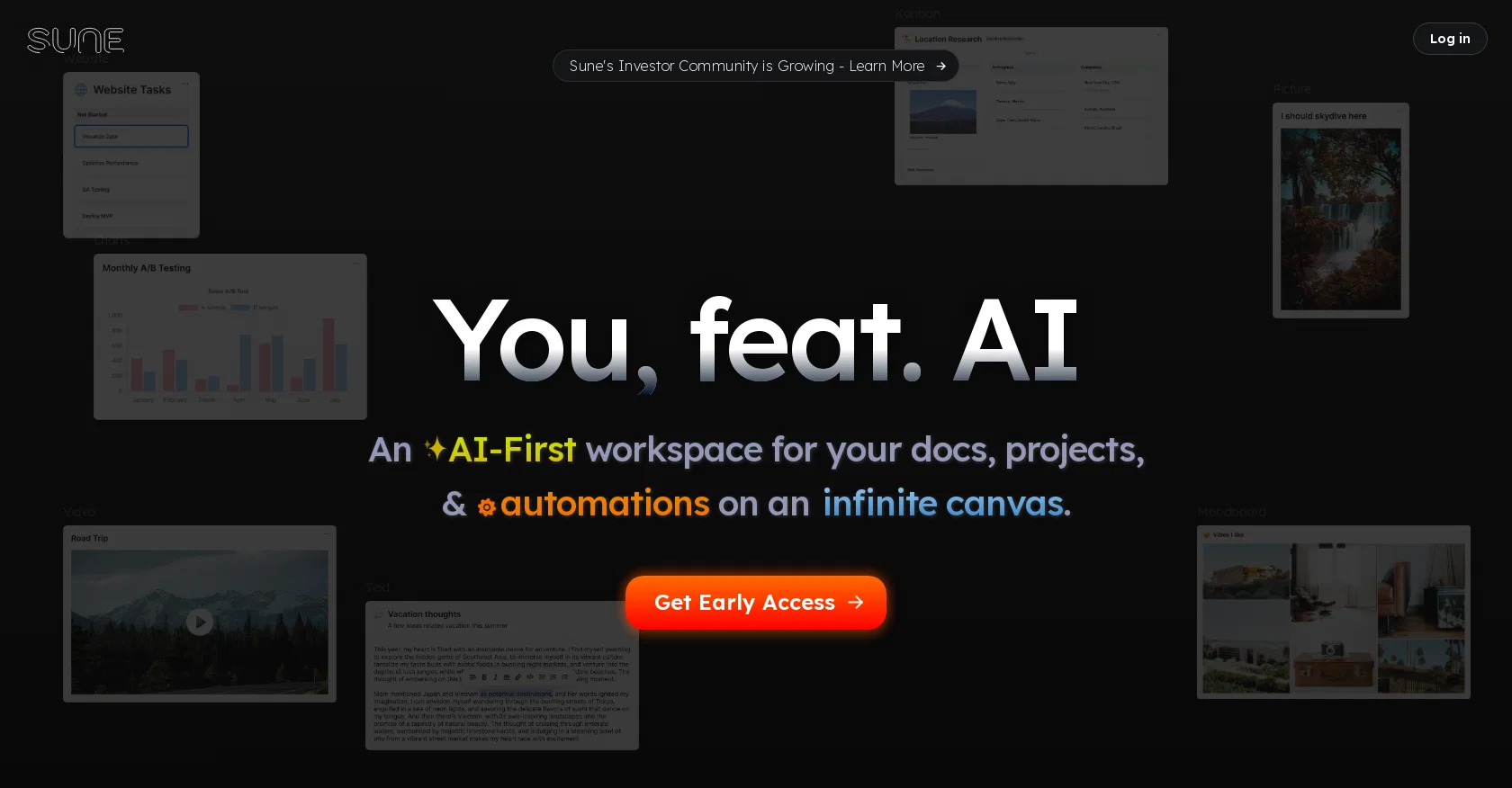
Sune is an AI tool designed to create a collaborative workspace for users to bring their documents, projects, and tasks to life in a new way. It offers an infinite canvas, functioning as a virtual whiteboard, where users can visually organize their work in a way that makes sense to them.
Users can add various elements such as text, images, tables, kanban boards, calendars, sketches, and more to their workspace.One of Sune's key features is its ability to create and edit blocks within the workspace.
Users can select an item, make a request, and watch as Sune creates, edits, and iterates on it. With Sune, the workspace doesn't merely host documents, but actively participates in creating and customizing blocks, allowing users to tailor the workspace to their specific needs.Sune also provides automation capabilities, allowing users to scale their work infinitely and streamline their projects for maximum efficiency.
By connecting blocks and integrating services, tasks can be automated, enhancing workflow productivity.Additionally, Sune goes beyond basic file names and text to understand the content within the workspace, providing better contextual understanding.
This enables Sune to offer personalized services and automation based on the user's workspace content.Overall, Sune offers a dynamic workspace where work is not static but actively powered by understanding and automation.
It aims to foster collaboration by acting as more than just a tool, but as a teammate in the creative process.
Help other people by letting them know if this AI was useful.
Add your own prompts and outputs to help others understand how to use this AI.
Screenshot gallery
Pros & Cons
Pros
+Collaborative visualization
+Infinite canvas
+Versatile workspace elements
+Ability to edit blocks
+Workspace customization
+Automation capabilities
+Content understanding
+Personalized services
+Dynamic workspace
+Block connection
+Service integration
+Workspace navigation
+File enrichment
+Custom themes
+Detailed document creation
+Content-based automation
+Workflow revolution
+Teammate-like interaction
Cons
−No offline mode
−Limited integrations with other services
−Depends heavily on user input
−No version control capabilities
−Workspace can be too cluttered
−No mentioned security measures
−No mobile app mentioned
−Requires constant internet connection
−Limited language support mentioned
A Professional Framework to Evaluate Sune
When considering Sune for integration into your organizational workflow, we recommend deploying a structured score card across three critical operational pillars: Security & Compliance, Integration Friction, and long-term Price Scalability. Rather than looking only at basic feature lists, modern procurement teams must assess how a software platform behaves under high load and how well it fits into the team's data security guidelines.
1. Security and Database Compliance
Depending on your operating region and field, ensure that Sune supports standard security layers such as SOC 2 Type II certifications, GDPR compliance, or HIPAA-compliant database encryption. If the tool connects directly to client database tables or handles user passwords, verify that they implement multi-factor authentication (MFA), single sign-on (SSO) integrations, and end-to-end data encryption in transit and at rest.
2. API Coverage and Custom Integrations
Siloed data is the primary cause of operational friction. Evaluate if Sune has native connectors for your current project trackers, messaging hubs, and customer communication channels. For custom developer requirements, check if they provide a fully documented REST API with reasonable rate limits, comprehensive Webhooks support, and robust SDK packages in your language. A flexible API layer saves hundreds of hours of manual copy-paste overhead.
3. Total Cost of Ownership (TCO)
SaaS pricing packages are often deceptively simple. When reviewing Sune's billing structure, map out your team's projected expansion over the next 12 to 24 months. Determine how costs scale as your customer database increases or as you add team members. Factor in setup costs, mandatory support plan upgrades, API access fees, and storage overage rates to understand the true cost before committing to a contract.
By combining verified user reviews from our directory with internal workflow pilot tests, your procurement team can make an informed decision that drives productivity without creating capital waste.
Features of Sune
Collaborative Tool
Visualization Aid
Team Collaboration
Workspace Management
Project Management
Productivity Tool
Free + From $0.00
SaaS1to10 verified reviews for Sune
Overall rating
★★★★★5.0
Based on 16 reviews
★★★★★5.01 months ago
“Review”
Good idea on democratization of AHP based Multiple Criteria Decision Making / Analysis (MCDM / MCDA). Helping common people to get AI powered MCDA at own mobile phone, otherwise only available expencive software with enterprises.
Shashi Bhattarai
★★★★★5.02 months ago
“Review”
It's not free, it forces you to input an email before shoving a price tag in your face.
Arvoly XSL
★★★★★5.02 months ago
“Review”
Really amazing! Makes learning content and engaging with things so much easier!
Jamie McDonald
★★★★★5.02 months ago
“Review”
O GPT faz uma análise melhor e mais personalizada.
Vinicius Vilela
★★★★★5.02 months ago
“Review”
Matt here from @Dokkio support! Thanks for checking out our page. If you'd like a free demo of @Dokkio, please do not hesitate to reach out to support@Dokkio.com
Matt Castaldo
★★★★★5.02 months ago
“Review”
Use full workspaces multiple people can use this ai
Rajkumar Dyagala
★★★★★5.02 months ago
“Review”
I would highly recommend for researches and students. useful to manage your articles and use AI to get the key points.
Hamed Mousavi
★★★★★5.02 months ago
“Review”
Amazing, fast
Leonel Curra
★★★★★5.02 months ago
“Review”
It seems to be working fine right now. Maybe try again and double check if you’re using the book’s original or most recognized title. That might make a difference.
Alexandru Bostina
★★★★★5.02 months ago
“Review”
Nice interface, but no good at PDF answers, especially tables data.
hifive szu
★★★★★5.02 months ago
“Review”
As the service was in beta-testing stage, I created there a dozen of AI-generated courses for free. I wanted to use them. Those courses remained in my account as they started subscription tiers. But recently I have found out that they were deleted. The support didn't answer to my e-mail at all.
Oldfag TV
★★★★★5.02 months ago
“Review”
Undetectable.wtf is better bypasses everything maintaining thee integrity of the text.
LiteEagle
★★★★★5.02 months ago
“Review”
Great idea, but does not find what you are looking for-about the same as Google Scholar
Andy
★★★★★5.02 months ago
“Review”
Good tool & good website on https://workin.space
François Vermeil
★★★★★5.02 months ago
“Review”
If you are just starting a company and need an All in one place for your operation, this is the tool you need!
Ling Chang
★★★★★5.02 months ago
“Review”
It's a powerful AI-powered personal knowledge system that brings together links, files, notes, and documents in one unified workspace. It's like Notion meets Raindrop meets Google Drive, but with an AI layer that helps you resurface forgotten content, cluster related topics, and even draft documents based on your saved materials.