5.01 months ago
“Review”
An amazing app, I love the share feature and the comment section summaries
Silvia Cho

Create custom AI presentations in seconds.
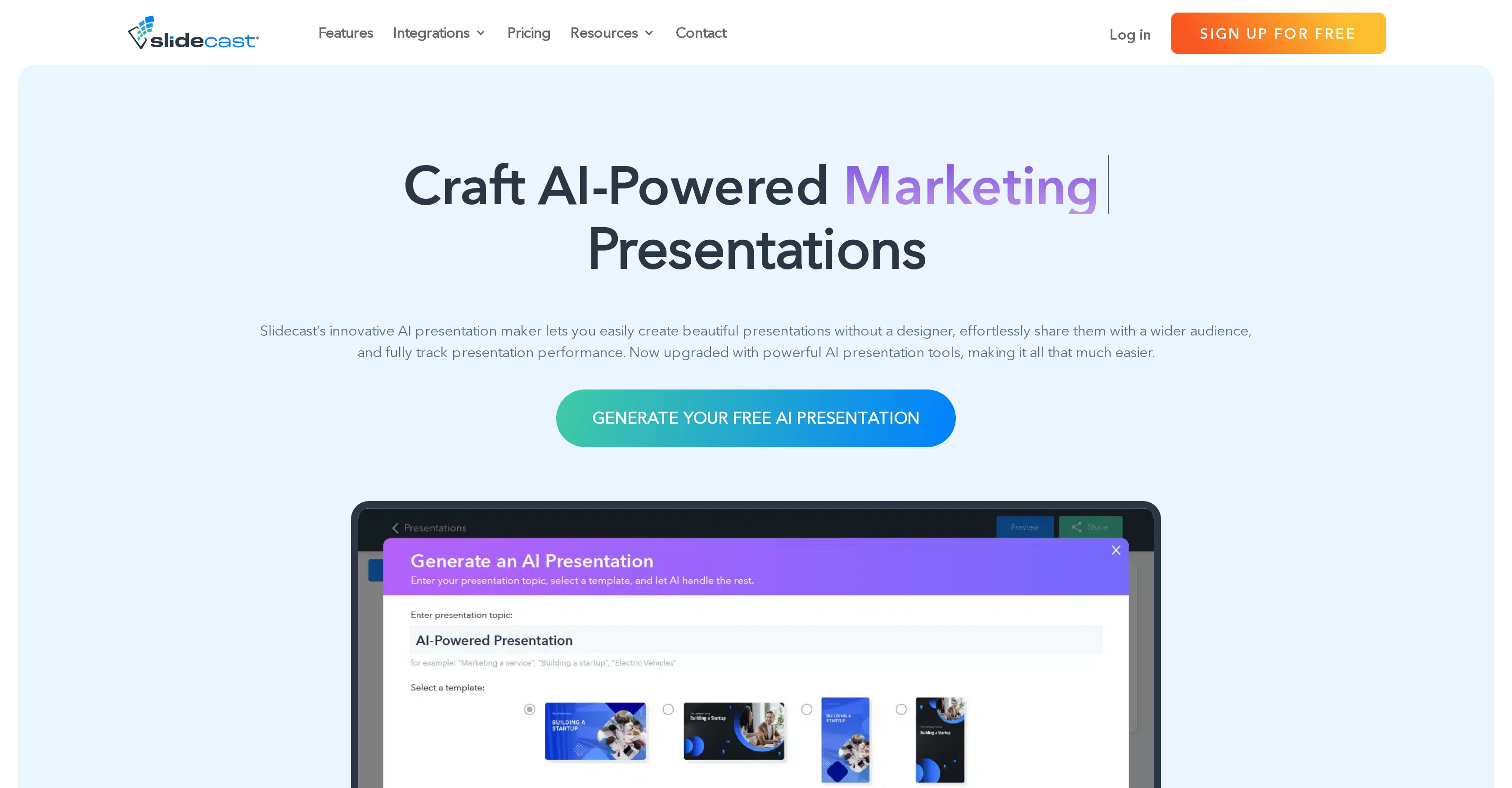
Slidecast's AI Presentation Maker is an automated solution for the creation and distribution of custom presentations. Utilizing artificial intelligence, this tool allows users to generate comprehensive presentations simply by providing a topic. The AI system, in response, designs a 7-slide deck complete with text and design elements. Furthermore, it provides AI-generated voiceovers for enhancing the presentations. Users are offered a vast choice of 35 unique voices to create a professional auditory overlay for their slides. This tool also features fully automated slide formatting, which makes individual slide layouts and graphic design elements easier to manage. Users can also personalize their presentations using the tool's drag-and-drop builder and extensive graphics library. Additionally, the Maker enables integration with marketing campaigns and permits sharing of presentations via text, email, QR codes, or URLs without necessitating additional logins or downloads. Researching and tracking the performance of presentations is another key feature offered by the platform. Users can gain insights into the viewing duration, geographic location, QR code scans, completion rates, and more through advanced analytics. Furthermore, it provides users with standard and mobile-first sized templates and a library of over a million high-quality photos. Slidecast's AI Presentation Maker helps to save time, boost productivity, and deliver compelling presentations effortlessly. Help other people by letting them know if this AI was useful. Add your own prompts and outputs to help others understand how to use this AI.
When considering Slidecast for integration into your organizational workflow, we recommend deploying a structured score card across three critical operational pillars: Security & Compliance, Integration Friction, and long-term Price Scalability. Rather than looking only at basic feature lists, modern procurement teams must assess how a software platform behaves under high load and how well it fits into the team's data security guidelines.
Depending on your operating region and field, ensure that Slidecast supports standard security layers such as SOC 2 Type II certifications, GDPR compliance, or HIPAA-compliant database encryption. If the tool connects directly to client database tables or handles user passwords, verify that they implement multi-factor authentication (MFA), single sign-on (SSO) integrations, and end-to-end data encryption in transit and at rest.
Siloed data is the primary cause of operational friction. Evaluate if Slidecast has native connectors for your current project trackers, messaging hubs, and customer communication channels. For custom developer requirements, check if they provide a fully documented REST API with reasonable rate limits, comprehensive Webhooks support, and robust SDK packages in your language. A flexible API layer saves hundreds of hours of manual copy-paste overhead.
SaaS pricing packages are often deceptively simple. When reviewing Slidecast's billing structure, map out your team's projected expansion over the next 12 to 24 months. Determine how costs scale as your customer database increases or as you add team members. Factor in setup costs, mandatory support plan upgrades, API access fees, and storage overage rates to understand the true cost before committing to a contract.
By combining verified user reviews from our directory with internal workflow pilot tests, your procurement team can make an informed decision that drives productivity without creating capital waste.
Overall rating
Based on 21 reviews
An amazing app, I love the share feature and the comment section summaries
Silvia Cho
It's not free, it forces you to input an email before shoving a price tag in your face.
Arvoly XSL
Really amazing! Makes learning content and engaging with things so much easier!
Jamie McDonald
I think it's the best @Image Generator I ever found on the net. It gives more accurate image according to the prompt. And thank you for keeping it for free.
My Sawsiri
This video generator did much better than I expected on complex subjects. Unfortunately, it isn't as free as I wished. I could not iterate my creation to create a resolved result.
Gamaliel yd
I joined Kin's beta program on my iPhone XR. After upgrading to an iPhone 13, I found that I couldn't log into my existing account on the new phone, forcing me to create a new account. Now, I have two separate Kin accounts on different phones. Today, when I accessed the beta version of Kin, I got a notification stating that the test version ended on Monday, September 23rd. It instructed me to back up my data and move to the official Kin app. I did as advised—backed up my data, confirmed, uninstalled the beta app via TestFlight, and installed the official Kin app. However, when I attempted to “log in”, I was still unable to access my existing account. This issue hasn't been resolved yet. I have been trying desperately to get in contact with the support team. I left feedback through the test flight app and sent emails. No response. Now trying to find a forums, Reddit posts, TAAFT comments☻
Desiree Miller
No other tool quite like this, it's pretty straightforward. Needed to extract a long interview from YouTube and it extracted everything, providing it in different meaningful formats in less than two minutes. Awesome
Juan Sierra
Suppppeeeeerrr! Wowwww! @Mindsmith is absolutely fantastic! It is incredibly useful, easy to use, and very professional.
Claudia Scilletta
As the service was in beta-testing stage, I created there a dozen of AI-generated courses for free. I wanted to use them. Those courses remained in my account as they started subscription tiers. But recently I have found out that they were deleted. The support didn't answer to my e-mail at all.
Oldfag TV
I can't explain how impressed i am by this. I've seen tools to help you brainstorm ideas, but not one to break your task down into big steps, then little steps for each of these. Plus "games" to help come up with more ideas for your project. I'm excited to use this!
ImpulseOscar
Fantastic tool for anyone who is looking to promote their personal brand and gain followers on Linkedin with no experience. The tool has a lot of potential to grow and as someone who has recently purchased the tool I'm hoping for more topics in settings.
Ed Soltani
Really like how it finds connection in the content that I save. I don't think any other tool can do that.
amix ffx
When testing out the free version it looked promising, but as soon as I purchased the largest package for more characters the slides were unusable with text running vertically up and beyond my slides (1 character per line). When I reached out to the supplier, they wouldn't refund me because it had been more than 48 hours since my purchase. Waste of money and time.
Jenna Hayes
after playing around with it for a bit, i am now aware of how much i need this. i can already feel the hours of sleep coming back to me <3
Bru no no no
Would be better if they let you use your own text as an option.
William Lowe
We will give you guys a go! thanks!
Silent Co
I already have another transcription tool, but this one is much better. I love the different features such as the summary, quiz, and chapters. It does a great job of them. I've only done one transcript so far to try it out, but I'm truly impressed and am going to grab another code. A couple things that would make it even better are: - the ability to rename the files and organize them through folders. - the ability to download a copy of the other features as well as the transcript. Copying and pasting it works, but doesn't keep the format.
dunn
A very useful AI slides tool! The content it generates is genuinely smart.
Shane Qian
It does it's job and I love that it has a lifetime plan
Matthew Edwan
You spent half of hour on describing how your presentation should look like, and just after that getting informed that you need to pay subscription to proceed. Who’ll pay my time back?
Grigorij Dudnik
Makes it easy to get started with a presentation if you have an outline, but as soon as you want more control, you're better off using Google Slides. @Gamma's feature that I used the most was image generation - you can select among a variety of models (Ideogram, Flux, DALL-E, but not Midjourney), and it shows 3 variations to choose from. Performance is slow and a little janky, even in Chrome. Prompts and settings are often not respected - e.g. you set it to "preserve text" and just generate slides, and it goes onto dumping an entire 3 paragraphs of text in one slide. You can't overlay text over images (e.g. for image attribution), and there's no precise positioning control, or grouping elements. No way to control table layout, e.g. to have two images slide-by-side in full bleed mode. I tried @Gamma for a new presentation, but next time I need to make a presentation, I'll go back to Google Slides and generate images independently.
Dan Dascalescu
Starting Price
Free plan available
Free tier available with optional paid upgrades.


