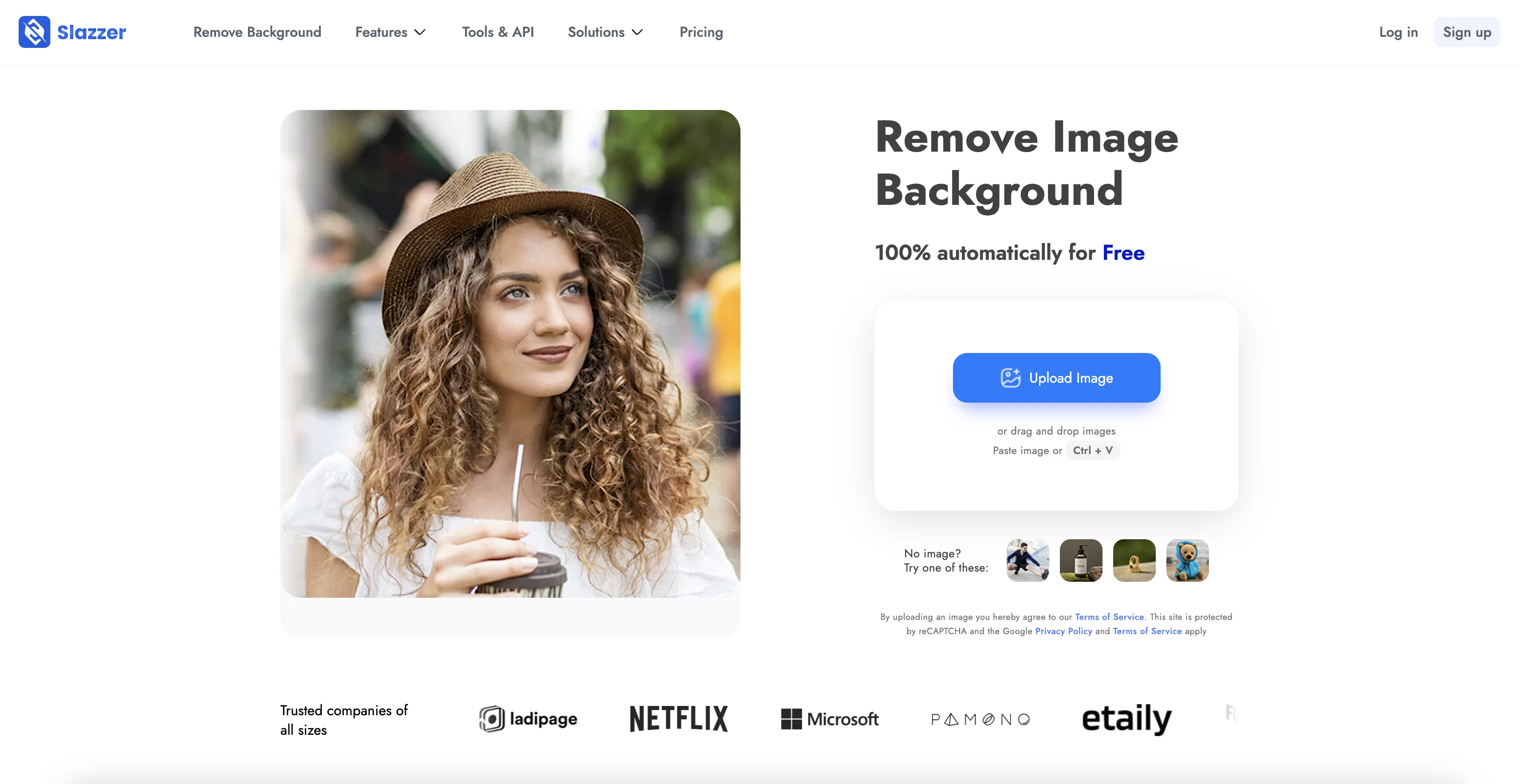
Slazzer is an AI-powered tool designed to automatically remove backgrounds from images in seconds. The tool eliminates the need for manual selection of pixels, replacing it with a platform that allows for instant cutouts once the user uploads a photo.
Its use cases extend to personal images, ecommerce, photography, news and media, advertising, car dealerships, developers, and enterprises. This broad applicability means it can be used for both personal and commercial purposes.
Once an image is uploaded, the background is automatically removed producing a smooth and clear cut-out. The tool is capable of handling images with complex edges such as hair or fur.
Furthermore, the platform also offers API integration, making it easy to embed this tool into existing projects or platforms. Additionally, Slazzer provides desktop applications that allow users to efficiently process large numbers of images, including options to replace backgrounds from multiple images.
The tool's swift operation enhances user workflow efficiency, particularly for individuals and businesses processing large volumes of images.
Help other people by letting them know if this AI was useful.
Add your own prompts and outputs to help others understand how to use this AI.
Screenshot gallery
Pros & Cons
Pros
+Automated Background Removal
+Fast Processing Speed
+Complex Edge Handling
+API Integration
+Desktop Application Available
+Supports Bulk Image Processing
+Retailers and Advertisers Specific Features
+Enhances Workflow Efficiency
+Ecommerce Friendly Features
+Photography Oriented Functions
+Personal and Commercial Use
+New Background Addition Capability
+Integrations with Design Tools
+GDPR Compliant
+Improves Productivity For Enterprises
+Useful for News and Media
+Beneficial for Car Dealerships
+Developer Friendly Options
+Supports Images with Hair/Fur
+Customizable Editing Options
+Promotes Creative Control
+Trusted Global User Base
+Handles High Volume Processing
+Cutout Image Quality Assurance
+Streamlines Image Editing Process
+Selection Free Pixel Automation
+User Friendly Interface
+Automated Image Cut-Out
+Supports Multiple Languages
+On-Premise Solution Available
+Automated Image Processing
+Saves Time on Manual Work
+Precision Control for Blur
+Image Editing Tools Available
+Drag & Drop Option
+Advanced Computer Vision Algorithms
Cons
−Complex edges not perfectly handled
−Slower processing for bulk images
−Might struggle with intricate images
−Lack of customizing editing options
−Does not support all image formats
−No live customer support
−Not designed for low-resolution pictures
−Limited free services
−Cannot handle images with similar foreground and background
−Privacy concerns with image uploads
A Professional Framework to Evaluate Slazzer
When considering Slazzer for integration into your organizational workflow, we recommend deploying a structured score card across three critical operational pillars: Security & Compliance, Integration Friction, and long-term Price Scalability. Rather than looking only at basic feature lists, modern procurement teams must assess how a software platform behaves under high load and how well it fits into the team's data security guidelines.
1. Security and Database Compliance
Depending on your operating region and field, ensure that Slazzer supports standard security layers such as SOC 2 Type II certifications, GDPR compliance, or HIPAA-compliant database encryption. If the tool connects directly to client database tables or handles user passwords, verify that they implement multi-factor authentication (MFA), single sign-on (SSO) integrations, and end-to-end data encryption in transit and at rest.
2. API Coverage and Custom Integrations
Siloed data is the primary cause of operational friction. Evaluate if Slazzer has native connectors for your current project trackers, messaging hubs, and customer communication channels. For custom developer requirements, check if they provide a fully documented REST API with reasonable rate limits, comprehensive Webhooks support, and robust SDK packages in your language. A flexible API layer saves hundreds of hours of manual copy-paste overhead.
3. Total Cost of Ownership (TCO)
SaaS pricing packages are often deceptively simple. When reviewing Slazzer's billing structure, map out your team's projected expansion over the next 12 to 24 months. Determine how costs scale as your customer database increases or as you add team members. Factor in setup costs, mandatory support plan upgrades, API access fees, and storage overage rates to understand the true cost before committing to a contract.
By combining verified user reviews from our directory with internal workflow pilot tests, your procurement team can make an informed decision that drives productivity without creating capital waste.
Features of Slazzer
API
Background Removal Tool
Automated Image Cutout
AI Image Processing
Complex Edge Handling
Fast Image Processing
Free + From $11.00/Mo
SaaS1to10 verified reviews for Slazzer
Overall rating
★★★★★5.0
Based on 16 reviews
★★★★★5.01 months ago
“Review”
B12 exceeded my expectations especially after I tried a few similar tools. Signing up took under a minute and because I offer a very specific set of services as a consultant, I didn't expect the AI to be able to capture my work, but it did a great job with creating content for me. I only had to make a few edits, add my bio, and was able to publish that same day. Now I get lots of compliments on my site and I've even tried their other tools like email marketing, which is great because the emails match my site's appearance. Overall I would recommend B12 as an effective, affordable, and easy to use website solution.
Katie G
★★★★★5.02 months ago
“Review”
O GPT faz uma análise melhor e mais personalizada.
Vinicius Vilela
★★★★★5.02 months ago
“Review”
Super easy for batch processing. Love bgeraser
Olivia
★★★★★5.02 months ago
“Review”
It's not free. $13 a month.
Brittany Allen
★★★★★5.02 months ago
“Review”
Is this a joke? creator of this web must be deaf, otherwise i honestly don't understand how he/she can make that absolute crap
Xavi Ayllon
★★★★★5.02 months ago
“Review”
I think this is the point of a free trial...
Michael McWilliam
★★★★★5.02 months ago
“Review”
After my first use, I think it's surprisingly good. The only drawback so far is the PDF export option for the report which is formatless.
Alejandro Correa
★★★★★5.02 months ago
“Review”
I was on their premium plan. 9 usd per month. Good features with alot of bugs and zero user support. I wrote them more than 10 support requests without even one reply. At last i lost control to my account and every try to login was unsuccessful because of an unknown error message. They didn't even help me to rectify the problem. 9 usd has been wasted .
persiannova.ps4 ps4
★★★★★5.02 months ago
“Review”
Free Start with a Free Experience $0 /mo
Vitus Bering
★★★★★5.02 months ago
“Review”
Such a great place to start out!
Helli Lang
★★★★★5.02 months ago
“Review”
Will not let you test on a HD picture without paying. I found a lot of these "programs" do a poor job and I am tired of paying for a test. Maybe offer 1 HD picture, but crop it (user crop)?
Tim Patrie
★★★★★5.02 months ago
“Review”
@Removal.ai is fast and easy to use, especially useful when removing backgrounds in batches. However, with complex backgrounds, manual adjustments are sometimes required. Overall, this is a useful tool that is fast and saves time.
Seol Jeon
★★★★★5.02 months ago
“Review”
still background removing accuracy is required. it only 80% not 100%
Krutika Creations
★★★★★5.02 months ago
“Review”
Thank you for your support. We value your feedback. If you have any questions or suggestions, please send us your feedback.
picsman
★★★★★5.02 months ago
“Review”
It works! It is fast and you have many choices for the background. Also the pricing seems to be ok