5.01 months ago
“Review”
Great tool. I'm excited for the full release. I think this can be a great way to get people to learn things using hobbies and activities they already like and enjoy https://youtu.be/hYLOW3Pbr20
J.I.

Make engaging, accessible videos quickly with AI.
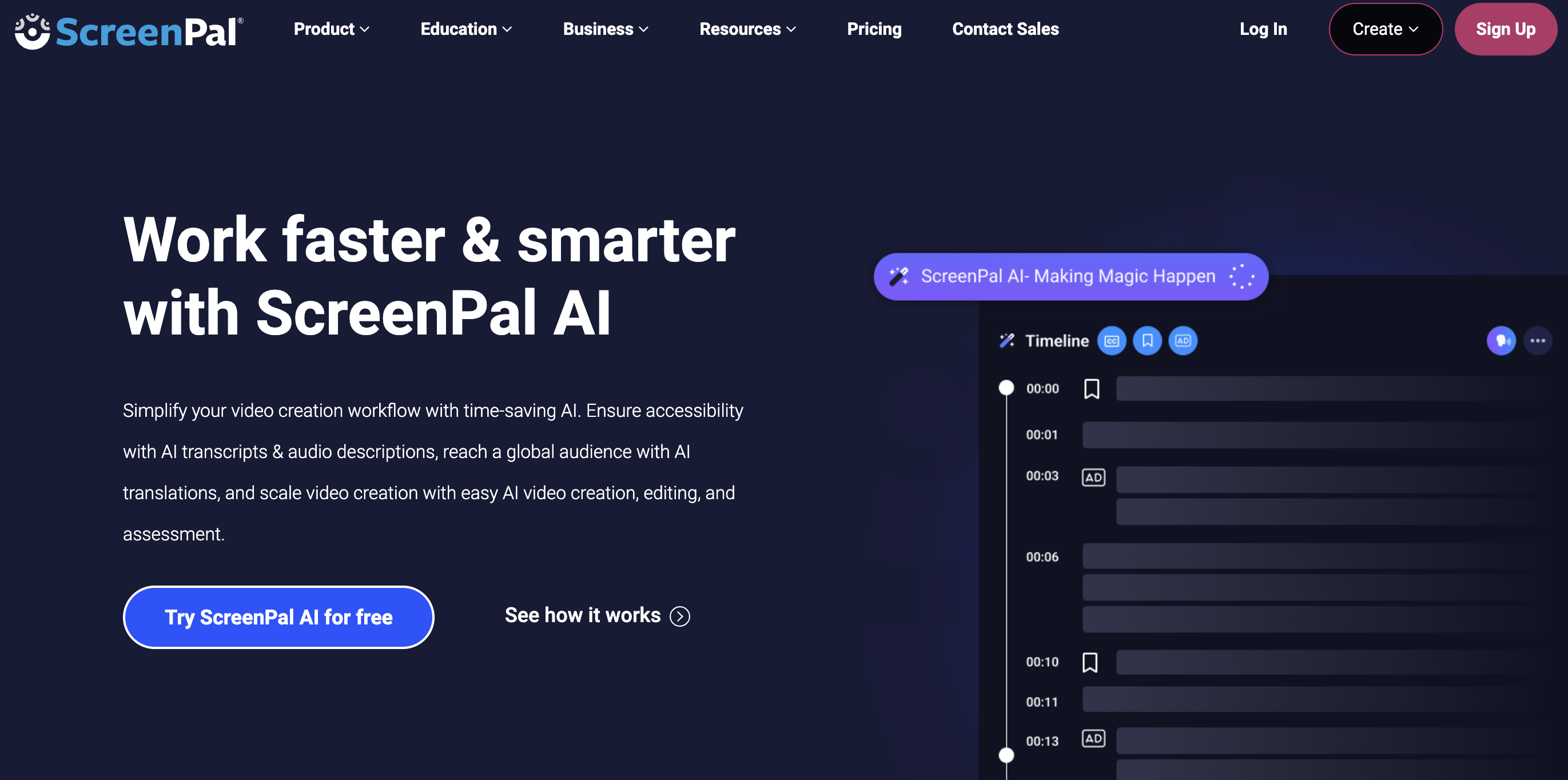
ScreenPal is a versatile AI-enhanced tool designed to simplify video creation, adding another dimension to screen captures, video and image editing, and video hosting. Its comprehensive suite of features enables users to record their screens swiftly and provides an intuitive Video Editor, both of which are accessible on online and desktop versions for user convenience. Users can also edit images and screenshots, enriching content and clarity within minutes.ScreenPal's unique feature is its AI-assisted creation, which includes adding video titles, summaries, transcriptions, and chapters to videos effortlessly, thereby making video content more engaging and accessible. In addition, the tool offers a quiz creation feature, allowing users to engage with their audience through interactive quizzes, ratings, and polls, designed to increase viewer engagement and feedback.Integration with everyday tools, advanced analytics, and storyboard-driven video creation are also part of ScreenPal's offerings, increasing productivity and understanding of audience use patterns. Its Image Hosting service provides a platform to share and protect content, while the extensive Stock Library can be used to explore a range of videos, images and music resources. This tool is designed with both education and business users in mind, offering an array of solutions to create, collaborate and share visually engaging content. For schools, it provides a means to bring interactive learning to life through videos and images and allows resources sharing with teaching staff. For businesses, it covers multiple domains from training, sales, marketing, to customer support, facilitating the seamless integration of visual content into their workflow. Help other people by letting them know if this AI was useful. Add your own prompts and outputs to help others understand how to use this AI.
When considering ScreenPal AI for integration into your organizational workflow, we recommend deploying a structured score card across three critical operational pillars: Security & Compliance, Integration Friction, and long-term Price Scalability. Rather than looking only at basic feature lists, modern procurement teams must assess how a software platform behaves under high load and how well it fits into the team's data security guidelines.
Depending on your operating region and field, ensure that ScreenPal AI supports standard security layers such as SOC 2 Type II certifications, GDPR compliance, or HIPAA-compliant database encryption. If the tool connects directly to client database tables or handles user passwords, verify that they implement multi-factor authentication (MFA), single sign-on (SSO) integrations, and end-to-end data encryption in transit and at rest.
Siloed data is the primary cause of operational friction. Evaluate if ScreenPal AI has native connectors for your current project trackers, messaging hubs, and customer communication channels. For custom developer requirements, check if they provide a fully documented REST API with reasonable rate limits, comprehensive Webhooks support, and robust SDK packages in your language. A flexible API layer saves hundreds of hours of manual copy-paste overhead.
SaaS pricing packages are often deceptively simple. When reviewing ScreenPal AI's billing structure, map out your team's projected expansion over the next 12 to 24 months. Determine how costs scale as your customer database increases or as you add team members. Factor in setup costs, mandatory support plan upgrades, API access fees, and storage overage rates to understand the true cost before committing to a contract.
By combining verified user reviews from our directory with internal workflow pilot tests, your procurement team can make an informed decision that drives productivity without creating capital waste.
Overall rating
Based on 21 reviews
Great tool. I'm excited for the full release. I think this can be a great way to get people to learn things using hobbies and activities they already like and enjoy https://youtu.be/hYLOW3Pbr20
J.I.
Tired of wrestling with complex formulas, spending hours cleaning data, and struggling to create the right charts? Excelmatic is a powerful web-based AI agent designed to revolutionize your relationship with spreadsheets.
neu gls
killer. this guy is a genius
Deus
Can u tell me my lucky number?
Som Sarkar
They nailed it. It’s better than 3.7 at coding.
Tealgreen
Only available on the iphone... doesn't seem super intuitive to use.
Mental Forge Media
The most humanly AI i have used so far but the problem is as soon as you start piling up messages in single chat session , it starts getting slow and at some point it starts freezing and also uses a lot of resources. For time being its okay to do 3 4 messages but as soon as we continue it has messages limitation and also starts getting very very slow . For the price of £18 per month this is unacceptable and with the newly introduced feature called project, if we start new chat within the project we cannot continue with the context we provided in other chats within same project. There are lot of improvements for them to work on. And to start with the its speed and its price
Bibash Katel
I didn't get to the voices. I don't give my credit card information up front. I clicked away as soon as I saw that. It's a shame too, the pricing structure looked great.
David Marshall
Did not work, keeps on thinking
Frank van Tussenbroek
I tried using it but the website has too many bugs.
João Neiva
It's sad to see people want to try your tool out but you have no free sample for them. This may be the best tool out there, but, as mentioned, going through with the AI for minutes to explain what you want, then being prompted to pay, without even knowing if it CAN create something, is discouraging. I hope we can get a free sample or preview at one point, im interested in this one.
Ron Jayson
The website is pretty good but there are only a limited number of responses
Probal Roy
Works but I cannot understand what's the use. I was expecting it to give me some videos
Samartha Venkatramana
Really amazing! Makes learning content and engaging with things so much easier!
Jamie McDonald
O GPT faz uma análise melhor e mais personalizada.
Vinicius Vilela
As the service was in beta-testing stage, I created there a dozen of AI-generated courses for free. I wanted to use them. Those courses remained in my account as they started subscription tiers. But recently I have found out that they were deleted. The support didn't answer to my e-mail at all.
Oldfag TV
They're dreaming if they think I'd give them my credit card info just for a free trial. Most useless thing ever...
Noeffen Way
easy onboarding, quick to set up.
Pluto Radigund
You get 300 credits upon signing up, which is enough to test out the app and see its potential. I had a bit of fun with it. It takes a few minutes to generate content, but the results are impressive. There are many styles, modifiers, and customization options available. I would definitely use this for content creation or storytelling.
Daniel Garaiacu
WE USE @D-ID AT THE COLORADO VIRTUAL CREATIVE FACTORY...AND LOVE IT.
Franco Arteseros
The concept is great.
kanawati
Starting Price
Free plan available
Free tier available with optional paid upgrades.


