5.02 months ago
“Review”
Tested. Good Tool!
AIAgents

Turn text into publication-ready scientific figures.
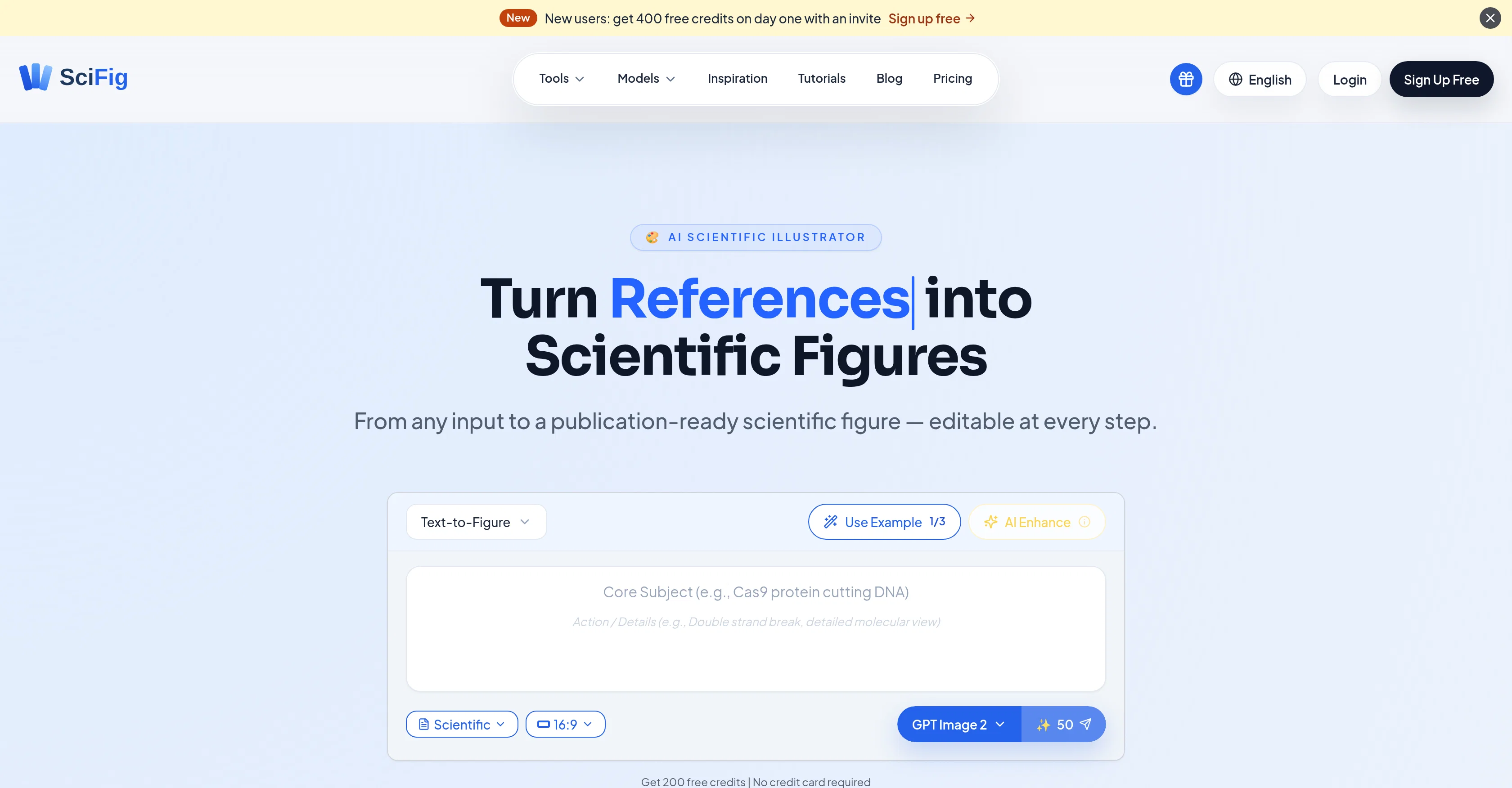
SciFig is an AI-powered tool designed to facilitate researchers in generating publication-ready scientific figures. The tool creates figures by transforming various types of input, such as text, sketches, references, PDFs, or photos. Utilising special models like GPT Image 2 for journal submissions, Nano Banana Pro for slides and posters, and Nano Banana 2 for routine tasks, SciFig accurately serves different types of figure work. This tool maintains quality balances concerning speed and accuracy for everyday routine figures preparation. SciFig also has an auto mode to accommodate the style overlay based on your prompt, creating figures in six publication styles, including Scientific, line, 3D, editorial, sketch, or watercolor. SciFig provides an enhance feature that allows users to refine details without starting over. All generated figures remain editable after generation, and users can change any text's content, font, size or position. Users can generate figures more efficiently by selecting a region and regenerating it with a natural-language prompt, or feeding a PDF for smarter edits. With SciFig, you can export figures as editable PPTX or layered SVG. Furthermore, it has a built-in canvas where researchers can fine tune every shape, color, and label of the figures with full undo/redo options available. This makes it a comprehensive tool for creating scientific figures. Help other people by letting them know if this AI was useful. Add your own prompts and outputs to help others understand how to use this AI.
When considering SciFig for integration into your organizational workflow, we recommend deploying a structured score card across three critical operational pillars: Security & Compliance, Integration Friction, and long-term Price Scalability. Rather than looking only at basic feature lists, modern procurement teams must assess how a software platform behaves under high load and how well it fits into the team's data security guidelines.
Depending on your operating region and field, ensure that SciFig supports standard security layers such as SOC 2 Type II certifications, GDPR compliance, or HIPAA-compliant database encryption. If the tool connects directly to client database tables or handles user passwords, verify that they implement multi-factor authentication (MFA), single sign-on (SSO) integrations, and end-to-end data encryption in transit and at rest.
Siloed data is the primary cause of operational friction. Evaluate if SciFig has native connectors for your current project trackers, messaging hubs, and customer communication channels. For custom developer requirements, check if they provide a fully documented REST API with reasonable rate limits, comprehensive Webhooks support, and robust SDK packages in your language. A flexible API layer saves hundreds of hours of manual copy-paste overhead.
SaaS pricing packages are often deceptively simple. When reviewing SciFig's billing structure, map out your team's projected expansion over the next 12 to 24 months. Determine how costs scale as your customer database increases or as you add team members. Factor in setup costs, mandatory support plan upgrades, API access fees, and storage overage rates to understand the true cost before committing to a contract.
By combining verified user reviews from our directory with internal workflow pilot tests, your procurement team can make an informed decision that drives productivity without creating capital waste.
Overall rating
Based on 12 reviews
Tested. Good Tool!
AIAgents
Superior generation quality and a strategic game-changer for fashion brand content creation
Luca Patrone
Used this on my WooCommerce store and found 12 critical issues I had no idea about. Missing product schema fields, duplicate meta descriptions across variants, and my store was blocking AI crawlers completely. The report came in 48 hours with everything I needed to fix it. Great tool.
restdesk_LiLi
Image3D feels like a practical tool rather than just a demo. The workflow is simple, the preview loads in-browser, and I can export common formats like GLB, OBJ, STL, and PLY. I would recommend it for fast 3D asset drafts and 3D printing experiments.
刘中奎
finally don't have to babysit my campaigns at 2am. alex ai actually catches issues before they burn through budget. paused three underperforming ads last night while i was asleep. worth every penny
Gary Elhadi
Thanks for your feedback! We are also shipping some exciting new features this month!
Saverio Pulizzi
Never thought I needed this but it’s really good
Paul
Reducing manual efforts in first-pass during code-review process helps speed up the "final check" before merging PRs
Sahil Mohan Bansal
Very interesting
Béatrice Duval
This tool i found is super cool, I created 5 books from this tool to sell them online, which gives me great profit. I am creating more valuable books to spread knowledge, and earn some bucks as well 🤑.
Bilal Ashraf
Viz makes the process of turning data into dashboards feel much simpler and more natural. Being able to upload or connect data, ask questions in plain language, and quickly get interactive visualizations is genuinely useful, especially for people who do not want to spend hours building dashboards manually. What I like most is that Viz feels focused: it is not just an AI chat tool, but a product designed to help users move from raw data to clear, shareable insights. Overall, it looks like a practical and intuitive tool for making data analysis faster and more accessible.
Giuseppe
Hi TAAFT! I'm Henry, the founder of CartoMind. CartoMind offers a fully automated AI workflow to help you quickly organize text content and generate the perfect infographics to match. 【Why did I build this?】 When creating infographics with AI today, users are often forced to choose between two extremes. You either use generic AI image SaaS tools that trap you in complex prompt engineering and steep design learning curves with zero knowledge management, or you use products like NotebookLM. While they are fantastic for knowledge management, their infographic generation is just an afterthought, lacking design freedom and rich templates. 【Here is where CartoMind stands out:】 1. Lightweight knowledge & note management: We support uploading multiple file formats and automatically parsing text, allowing you to freely select the exact knowledge snippets you want to visualize. 2. Fully automated workflow: Based on your selected content, our AI automatically distills the key text elements and instantly matches you with the ideal infographic design from over 500 professional combinations. 3. Massive template library: A rich selection of infographic templates offering a true what-you-see-is-what-you-get experience. 【Who is using it?】 Marketers, educators, social media creators... In fact, anyone who needs to make their domain knowledge "visible" and loves to share it will find it incredibly useful. 【I can't wait for you all to try it out!】
Henry
Starting Price
Free plan available
Free tier available with optional paid upgrades.


