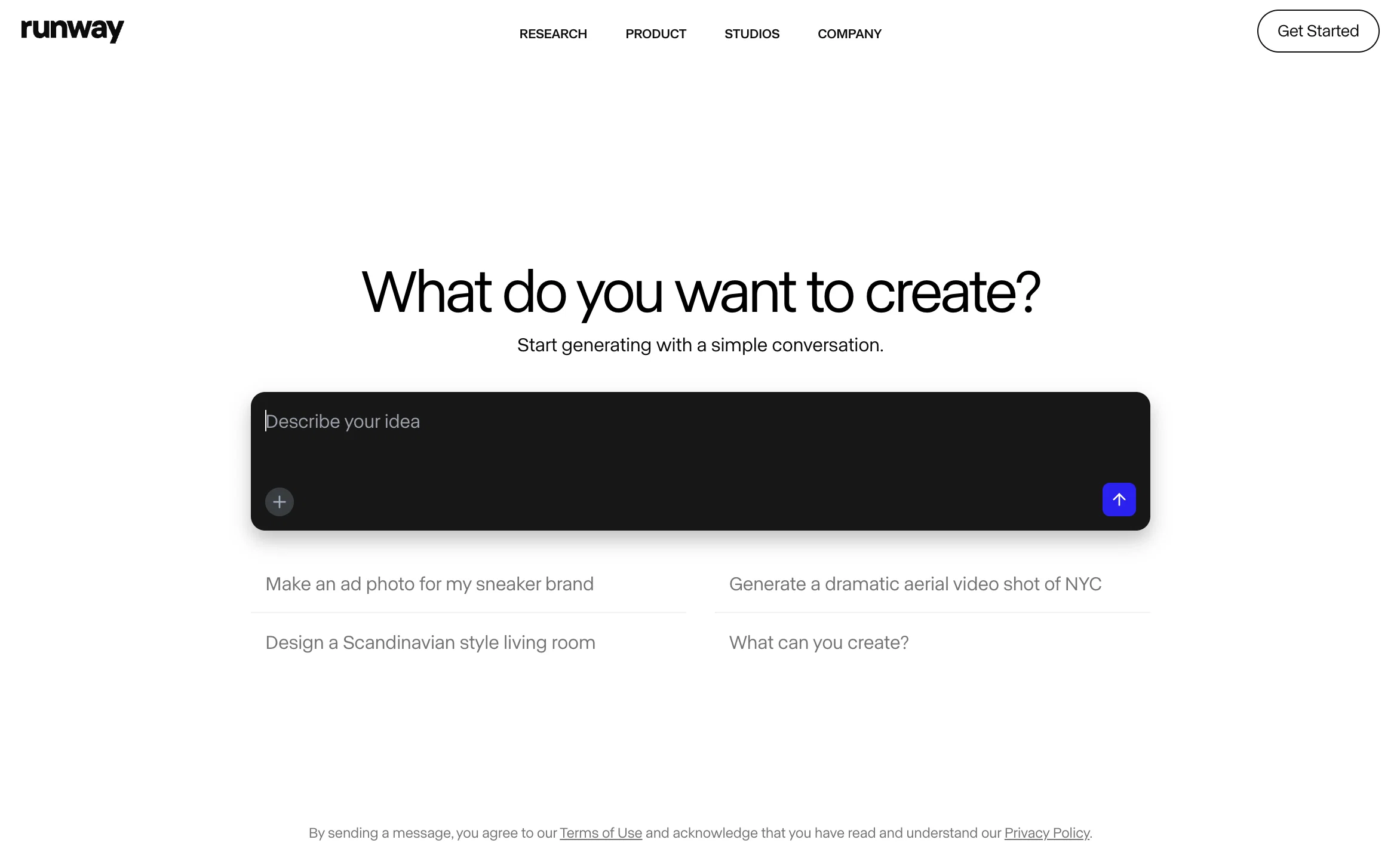
Runway is an AI-powered content creation suite designed to help users create, edit and collaborate on content. It offers a wide range of AI-powered creative tools, such as text to image generation, erase and replace, AI training, text to color grade, super-slow motion, image to image generation, and infinite image.
It also features powerful video editing tools like green screen, inpainting, and motion tracking.Runway simplifies the tedious, repetitive, and time consuming aspects of content creation and video editing, allowing users to have full creative control over their projects.
The suite also offers collaboration tools to enable users to securely share compositions, assets and content with their team. Runway also provides hundreds of professionally crafted templates that users can customize with just a few clicks.
Runway's AI Magic Tools provide users with a faster and better way to create content. It includes automatic beat detection, automatic subtitles, automatic noise removal, and more.
Runway offers advanced security, team management, and an asset hub to keep all of a user's assets, videos, fonts, and content in one centralized place.
More realistic, natural motion and physics, less “floaty” movement overall
Better temporal consistency throughout, characters and details stay stable across frames
Stronger prompt adherence and control, especially for complex multi-step actions
Richer, more reliable style control, easier to lock in a cinematic or specific look
Similar speed and pricing, but noticeably higher overall visual quality
Gen-4 improves story coherence across scenes (characters, environments, plot).
Ideal for long-form content like short films and music videos.
Higher fidelity visuals: better lighting, motion, and camera work.
More cinematic and production-ready outputs.
Used in high-profile projects (e.g. Tribeca Festival, Lionsgate, Madonna Tour).
Tailored for filmmakers, studios, and creative professionals.
Supports new production workflows via Runway Studios.
Advanced Model Architectures: Gen3 features further refined algorithms and architectures, providing even greater accuracy and contextual relevance in outputs compared to Gen2.
Faster Processing Speed: Gen3 enhances processing efficiency, enabling quicker generation and manipulation of media, surpassing the speed improvements of Gen2.
Superior Content Quality: The newer version delivers higher-quality content with increased precision, making it better suited for handling complex creative tasks than Gen2.
Broadened Capabilities: Gen3 introduces new functionalities for more sophisticated media generation and manipulation, expanding the range of creative tools beyond what was available in Gen2.
Greater Versatility: Gen3 supports an even wider array of creative applications, offering enhanced effectiveness and adaptability for diverse projects compared to Gen2.
Refined User Experience: The updates in Gen3 provide a more intuitive and streamlined user experience, with improved performance and usability features over Gen2.
Enhanced Model Architectures: Gen2 features upgraded algorithms and architectures that provide more accurate and contextually relevant outputs.
Increased Processing Speed: Gen2 improves processing efficiency, allowing for faster generation and manipulation of media.
Higher Content Quality: The newer iteration delivers better quality in generated content, handling complex creative tasks with greater precision.
Expanded Capabilities: Gen2 introduces advanced functionalities for media generation and manipulation, offering more versatile tools for creative projects.
Improved Versatility: Gen2 supports a broader range of creative applications, enhancing its effectiveness across different types of tasks and projects.
Enhanced User Experience: The updates in Gen2 contribute to a smoother and more intuitive user experience with improved performance and usability.
Help other people by letting them know if this AI was useful.
Screenshot gallery
Pros & Cons
Pros
+Browser-based, no downloads required
+Offers text to image generation
+Text to color grade option
+Super-slow motion feature
+Image to image generation utility
+Infinite image generator
+Advanced video editing tools
+Features inpainting and motion tracking
+Secure collaboration tools
+Professionally crafted templates
+Automatic beat detection
+Automatic subtitles feature
+Automatic noise removal
+Advanced security setup
+Team management tools
+Comprehensive asset hub
+Frame interpolation tool
+Background removal tool
+Real-time video editing capabilities
+Text to 3D texture tool
+Audio noise removal
+SRT transcript generation
+Alpha Matte creation
+Automatic motion tracking
+Video background blurring
+Removal of video objects
+Simple brush strokes for video editing
+Removal of video backgrounds
+Automatic beat detection
+Automatic subtitles creation
+Automated noise removal from audios
+Collaboration in real-time
+Secure user management
+View mode and edit mode for team management
+Single hub for all assets, videos, fonts, content
+Professionally designed customizable templates
+More than 400 effects and filters
+Multi-track audio-editing and customization
+Keyframe control for audio tracks
+Content creation from text
+Green screen effect for background replacement
+Context-specific tool like erase and replace for specific part of an image
+Team sharing for assets, projects, compositions
+Real-time object tracking in videos
+Offers asset customization
Cons
−Requires Internet connection
−Limited to browser-based editing
−Limited templates customization
−Limited export formats
−Does not support VR
−No offline editing capabilities
−Limited advanced video editing
−No high-end 3D features
A Professional Framework to Evaluate Runway4.5
When considering Runway4.5 for integration into your organizational workflow, we recommend deploying a structured score card across three critical operational pillars: Security & Compliance, Integration Friction, and long-term Price Scalability. Rather than looking only at basic feature lists, modern procurement teams must assess how a software platform behaves under high load and how well it fits into the team's data security guidelines.
1. Security and Database Compliance
Depending on your operating region and field, ensure that Runway4.5 supports standard security layers such as SOC 2 Type II certifications, GDPR compliance, or HIPAA-compliant database encryption. If the tool connects directly to client database tables or handles user passwords, verify that they implement multi-factor authentication (MFA), single sign-on (SSO) integrations, and end-to-end data encryption in transit and at rest.
2. API Coverage and Custom Integrations
Siloed data is the primary cause of operational friction. Evaluate if Runway4.5 has native connectors for your current project trackers, messaging hubs, and customer communication channels. For custom developer requirements, check if they provide a fully documented REST API with reasonable rate limits, comprehensive Webhooks support, and robust SDK packages in your language. A flexible API layer saves hundreds of hours of manual copy-paste overhead.
3. Total Cost of Ownership (TCO)
SaaS pricing packages are often deceptively simple. When reviewing Runway4.5's billing structure, map out your team's projected expansion over the next 12 to 24 months. Determine how costs scale as your customer database increases or as you add team members. Factor in setup costs, mandatory support plan upgrades, API access fees, and storage overage rates to understand the true cost before committing to a contract.
By combining verified user reviews from our directory with internal workflow pilot tests, your procurement team can make an informed decision that drives productivity without creating capital waste.
Features of Runway4.5
Content Creation
Content Editing
Multimedia Production
Digital Content
Enhanced Content
Creative Suite
Free + From $15.00/Mo
SaaS1to10 verified reviews for Runway4.5
Overall rating
★★★★★5.0
Based on 30 reviews
★★★★★5.02 months ago
“Review”
As the service was in beta-testing stage, I created there a dozen of AI-generated courses for free. I wanted to use them. Those courses remained in my account as they started subscription tiers. But recently I have found out that they were deleted. The support didn't answer to my e-mail at all.
Oldfag TV
★★★★★5.02 months ago
“Review”
easy onboarding, quick to set up.
Pluto Radigund
★★★★★5.02 months ago
“Review”
It's not free, it forces you to input an email before shoving a price tag in your face.
Arvoly XSL
★★★★★5.02 months ago
“Review”
quick and the quality's nuts. tons of presets and styles to pick from, definitely one of those tools that makes you wanna keep testing more stuff.
Kyle Up
★★★★★5.02 months ago
“Review”
Accuracy nice. Free
Álvaro Sánchez Román
★★★★★5.02 months ago
“Review”
WE USE @D-ID AT THE COLORADO VIRTUAL CREATIVE FACTORY...AND LOVE IT.
Franco Arteseros
★★★★★5.02 months ago
“Review”
Looks promising and allows free image generation after signing up (with a daily limit).
Jaroslav Osicka
★★★★★5.02 months ago
“Review”
Free Start with a Free Experience $0 /mo
Vitus Bering
★★★★★5.02 months ago
“Review”
Just tried it and it’s working fine for me. The results are actually nice, worth trying again!
Alexandru Bostina
★★★★★5.02 months ago
“Review”
Diffusion pulls out extremely good images from simple prompts. Renders were a little slow on higher quality, but totally worth it for the results. The controls feel clear enough and the outputs look legit. Good one here!
Harsh Nether
★★★★★5.02 months ago
“Review”
State of the Art
Dmitry G.
★★★★★5.02 months ago
“Review”
The most humanly AI i have used so far but the problem is as soon as you start piling up messages in single chat session , it starts getting slow and at some point it starts freezing and also uses a lot of resources. For time being its okay to do 3 4 messages but as soon as we continue it has messages limitation and also starts getting very very slow . For the price of £18 per month this is unacceptable and with the newly introduced feature called project, if we start new chat within the project we cannot continue with the context we provided in other chats within same project. There are lot of improvements for them to work on. And to start with the its speed and its price
Bibash Katel
★★★★★5.02 months ago
“Review”
Loved the search engine ideas.
Amr عمرو Amin امين
★★★★★5.02 months ago
“Review”
I got some top quality results after learning how to prompt songs 🤩
Claes Lanng
★★★★★5.02 months ago
“Review”
When I want to sign up on the @Ideogram website with "Continue with Google" and press it, the sentence "Please choose an option to continue" appears below the banner and no action happens. Anybody can help me?
Michael Ryan
★★★★★5.02 months ago
“Review”
I think it's the best @Image Generator I ever found on the net. It gives more accurate image according to the prompt. And thank you for keeping it for free.
My Sawsiri
★★★★★5.02 months ago
“Review”
too expensive for me, I just want to make memes, not pay that much
Grzegorz Rolnik
★★★★★5.02 months ago
“Review”
Such a great place to start out!
Helli Lang
★★★★★5.02 months ago
“Review”
okayyy this is actually way closer to what i expected from @FilmmakerPRO lol. tossed in a short horror concept and got a pretty sick visual draft back fast. a few transitions felt kinda cheesy, but the overall vibe was there and it gave me enough to build on. solid little tool.
Miss Roso
★★★★★5.02 months ago
“Review”
I’ve been using @RunwayML for the past year and I’m stoked about Gen4.
WordStudio
★★★★★5.02 months ago
“Review”
Animate the individuals on the green benches by having them sway gently side to side, mimicking the motion of the trees around them. Zoom in on each person’s face while they smile, then slowly pull back to reveal the serene forest backdrop.
Laxya Prakash Sharma
★★★★★5.02 months ago
“Review”
Classic tool 😮💨 Loving Gen 4, it's wild how good the motion consistency is. It feels like a full studio in your browser. Big W guys keep it up!
Chris Studioz
★★★★★5.02 months ago
“Review”
Editing gameplay clips here is way faster than I expected. Super handy for turning scrims or highlights into polished reels with overlays and effects
Samuel Pubg
★★★★★5.02 months ago
“Review”
Been using this for editing and it's been super helpful. Lots of features for cleanup and enhancement. Makes the whole editing workflow way smoother.
Ashu Jain
★★★★★5.02 months ago
“Review”
I've been using this to visualize stage concepts and it's kind of amazing. You can create these dreamy motion sequences that feel like they're capturing the essence of a performance. Not always technically perfect for ballet specifics.
Lady Phongloo
★★★★★5.02 months ago
“Review”
This tool is AWESOME! The workflow is handy for content
Paolo Cas
★★★★★5.02 months ago
“Review”
Classic tool! @Runway's video editing is next level, the AI effects and motion tracking are straight up magic. Makes my shorts look cinematic in minutes. Big W for content creators, keep it up! 😍
Chris Studioz
★★★★★5.02 months ago
“Review”
I trained on mockup of our robots and used the photos for presentation!! Loved how they look on my presentation. Planning to use it to create headshots for our team.
Yume Robotics
★★★★★5.02 months ago
“Review”
graet AI, just try out and you will see
noenka ra
★★★★★5.02 months ago
“Review”
tried @Veo 3 today and it honestly feels like a sneak peek into the future. one short prompt and it gave me a crisp 4K video with perfect audio and cinematic camera moves. not flawless yet, but wow.