5.01 months ago
“Review”
after playing around with it for a bit, i am now aware of how much i need this. i can already feel the hours of sleep coming back to me <3
Bru no no no

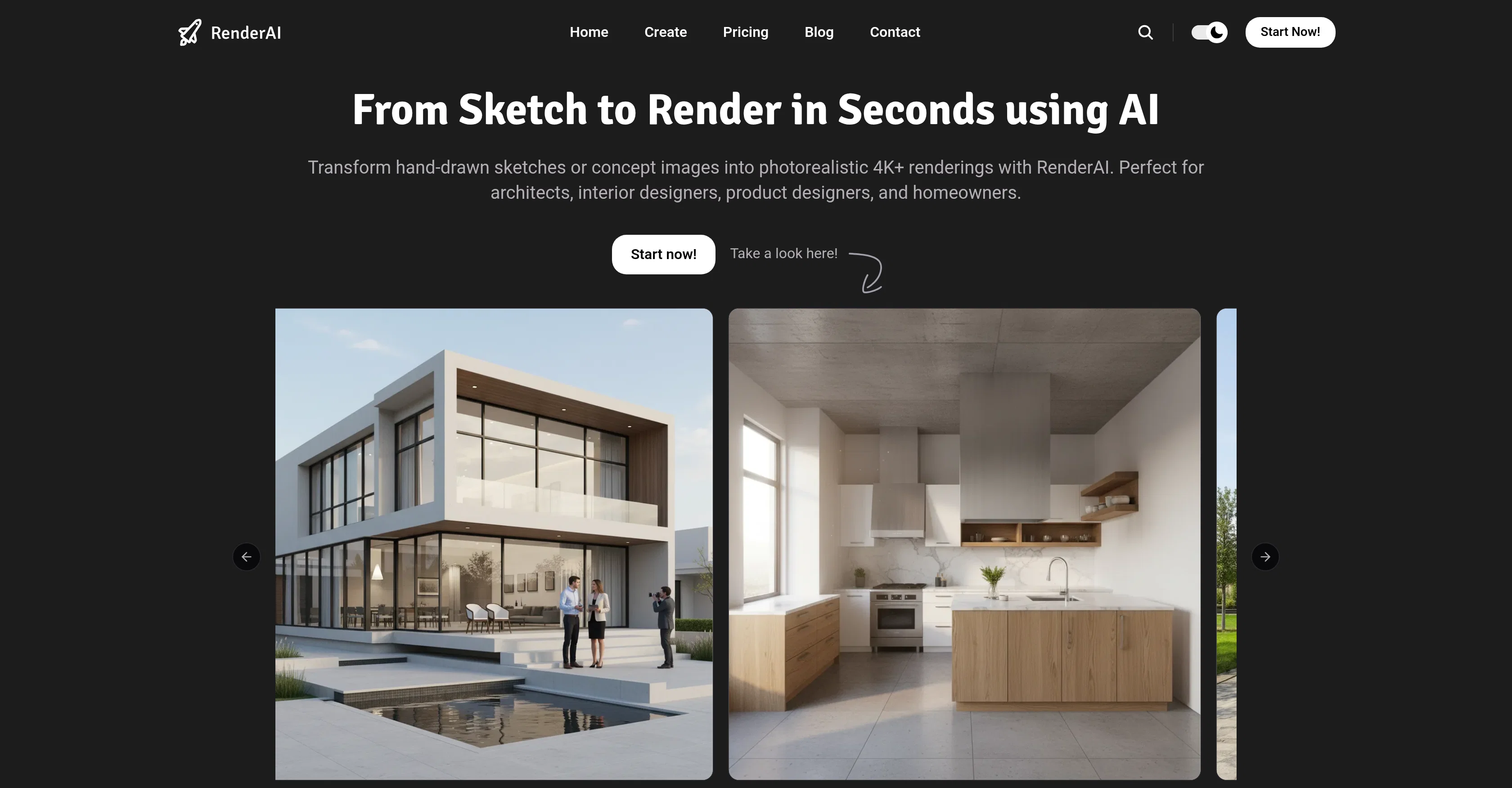
Transform Sketches into 4K+ photorealistic renderings with AI
Help other people by letting them know if this AI was useful. Add your own prompts and outputs to help others understand how to use this AI.
When considering RenderAI for integration into your organizational workflow, we recommend deploying a structured score card across three critical operational pillars: Security & Compliance, Integration Friction, and long-term Price Scalability. Rather than looking only at basic feature lists, modern procurement teams must assess how a software platform behaves under high load and how well it fits into the team's data security guidelines.
Depending on your operating region and field, ensure that RenderAI supports standard security layers such as SOC 2 Type II certifications, GDPR compliance, or HIPAA-compliant database encryption. If the tool connects directly to client database tables or handles user passwords, verify that they implement multi-factor authentication (MFA), single sign-on (SSO) integrations, and end-to-end data encryption in transit and at rest.
Siloed data is the primary cause of operational friction. Evaluate if RenderAI has native connectors for your current project trackers, messaging hubs, and customer communication channels. For custom developer requirements, check if they provide a fully documented REST API with reasonable rate limits, comprehensive Webhooks support, and robust SDK packages in your language. A flexible API layer saves hundreds of hours of manual copy-paste overhead.
SaaS pricing packages are often deceptively simple. When reviewing RenderAI's billing structure, map out your team's projected expansion over the next 12 to 24 months. Determine how costs scale as your customer database increases or as you add team members. Factor in setup costs, mandatory support plan upgrades, API access fees, and storage overage rates to understand the true cost before committing to a contract.
By combining verified user reviews from our directory with internal workflow pilot tests, your procurement team can make an informed decision that drives productivity without creating capital waste.
Overall rating
Based on 23 reviews
after playing around with it for a bit, i am now aware of how much i need this. i can already feel the hours of sleep coming back to me <3
Bru no no no
O GPT faz uma análise melhor e mais personalizada.
Vinicius Vilela
As the service was in beta-testing stage, I created there a dozen of AI-generated courses for free. I wanted to use them. Those courses remained in my account as they started subscription tiers. But recently I have found out that they were deleted. The support didn't answer to my e-mail at all.
Oldfag TV
Needs to learn about different art schools, imo: doesn’t seem to understand the concept of cubism.
Catherine Karaguézian
Subsequent to my comment, I was able to login and spend the rest of the purchased credits. Currently, the daily check-in is under maintenance.
Bumblebee 9337
Love this app!
Chase O'Neal
Unite is amazing! The ultimate tool for marketing teams.
Pedro Matiotti Bassan
Nice experience, selection of materials to play with imagination and ease!
Martín Goldman
easy onboarding, quick to set up.
Pluto Radigund
Reducing manual efforts in first-pass during code-review process helps speed up the "final check" before merging PRs
Sahil Mohan Bansal
Makes it easy to get started with a presentation if you have an outline, but as soon as you want more control, you're better off using Google Slides. @Gamma's feature that I used the most was image generation - you can select among a variety of models (Ideogram, Flux, DALL-E, but not Midjourney), and it shows 3 variations to choose from. Performance is slow and a little janky, even in Chrome. Prompts and settings are often not respected - e.g. you set it to "preserve text" and just generate slides, and it goes onto dumping an entire 3 paragraphs of text in one slide. You can't overlay text over images (e.g. for image attribution), and there's no precise positioning control, or grouping elements. No way to control table layout, e.g. to have two images slide-by-side in full bleed mode. I tried @Gamma for a new presentation, but next time I need to make a presentation, I'll go back to Google Slides and generate images independently.
Dan Dascalescu
It is very receptive to the prompts and gives very aesthetically pleasing results.
Arianna
There were no aristocratic Asians and Africans in ancient Rome.
Sándor Gajdos
Not at all accurate…. The only thing similar between original and generated images were the clothes and accessories… face was absolutely new and unconnected.
Shvetank Sharma
Such a great place to start out!
Helli Lang
I think it's the best @Image Generator I ever found on the net. It gives more accurate image according to the prompt. And thank you for keeping it for free.
My Sawsiri
Seems to be working for me just fine. Perhaps try again?
Aramis
Love @RenderAI ❤️
Online Tools
This is easily the best Ai tool for creating landscapes because it is completely free, really easy to use and the results are beautiful and almost indistinguishable from real photos
Silas Braen
It's kind of lame to promise the moon and deliver essentially nothing.
Victor Brodt
Great tool for experimenting with paint effects. It's like an AI-powered version of microsoft paint. Also made a video on it https://youtu.be/ZWOP1M7pgSE
J.I.
I want a doodle wall design for IT company consists of an idea
Anjali
love it and the customization it offers. still needs some work creating faces :| even cartoon ones
Bernard
Starting Price
Free plan available
Free tier available with optional paid upgrades.


