5.01 months ago
“Review”
this is so good, i pasted a youtube link of 40 mins long video and it gave me a clean text nice to read and i didn’t find any mistakes. best part it only took 2 mins maybe less
beni1

Revolutionize map editing with AI and open data.
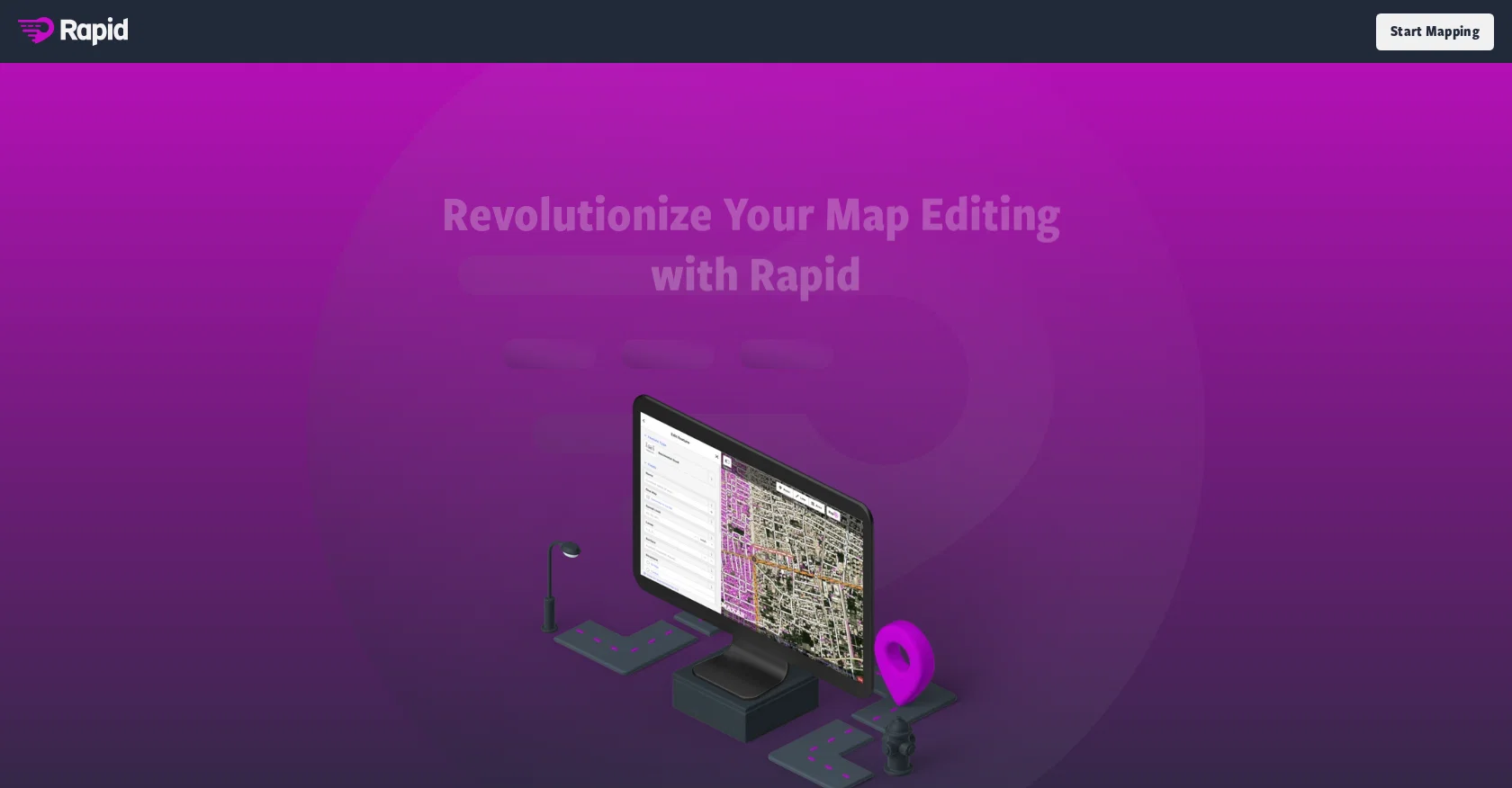
Rapid Editor is an AI-powered mapping tool that enhances map editing by integrating advanced mapping tools, authoritative geospatial open data, and cutting-edge technology. It streamlines the map editing process by leveraging open data or predicted features identified through artificial intelligence, eliminating the need for manual map geometry drawing. The tool provides a high-level overview of unmapped and missing data globally, thanks to AI-analyzed satellite imagery. It displays open map data and machine learning detections, making it easier for mappers to identify areas that require mapping attention. The user interface is designed to be intuitive, enabling clear and simple mapping.Rapid Editor prioritizes humanitarian efforts by offering community task mapping for those involved in humanitarian projects. By joining the Rapid and OpenStreetMap (OSM) community, users can stay up-to-date with the latest developments and connect with other mappers through various channels such as Facebook, Twitter, GitHub, and Slack.To ensure a user-friendly experience, Rapid Editor provides a Frequently Asked Questions section along with support and contact details for assistance. The tool is developed by an undisclosed entity and operates under the domain rapideditor.org.Overall, Rapid Editor revolutionizes map editing by harnessing the power of AI, open data, and machine learning, empowering mappers of all expertise levels to make accurate and fresh edits to maps efficiently. Help other people by letting them know if this AI was useful. Add your own prompts and outputs to help others understand how to use this AI.
When considering RapidEditor for integration into your organizational workflow, we recommend deploying a structured score card across three critical operational pillars: Security & Compliance, Integration Friction, and long-term Price Scalability. Rather than looking only at basic feature lists, modern procurement teams must assess how a software platform behaves under high load and how well it fits into the team's data security guidelines.
Depending on your operating region and field, ensure that RapidEditor supports standard security layers such as SOC 2 Type II certifications, GDPR compliance, or HIPAA-compliant database encryption. If the tool connects directly to client database tables or handles user passwords, verify that they implement multi-factor authentication (MFA), single sign-on (SSO) integrations, and end-to-end data encryption in transit and at rest.
Siloed data is the primary cause of operational friction. Evaluate if RapidEditor has native connectors for your current project trackers, messaging hubs, and customer communication channels. For custom developer requirements, check if they provide a fully documented REST API with reasonable rate limits, comprehensive Webhooks support, and robust SDK packages in your language. A flexible API layer saves hundreds of hours of manual copy-paste overhead.
SaaS pricing packages are often deceptively simple. When reviewing RapidEditor's billing structure, map out your team's projected expansion over the next 12 to 24 months. Determine how costs scale as your customer database increases or as you add team members. Factor in setup costs, mandatory support plan upgrades, API access fees, and storage overage rates to understand the true cost before committing to a contract.
By combining verified user reviews from our directory with internal workflow pilot tests, your procurement team can make an informed decision that drives productivity without creating capital waste.
Overall rating
Based on 16 reviews
this is so good, i pasted a youtube link of 40 mins long video and it gave me a clean text nice to read and i didn’t find any mistakes. best part it only took 2 mins maybe less
beni1
Transforms words into captivating bio with ease. A game-changer for bio creation.
Swathisree 01
dont have option to scrap in bulk, then is useless
Leandro Conti
We are live now!
Peter Pan
This one is great for logo and poster concepts. The vector-style output looks clean, and it handled a few pixel-art prompts better than expected. I’d still like tighter controls for fonts and style consistency, but it’s a strong tool overall.
Oleg John
DO NOT PAY FOR THIS. TERRIBLE PRODUCT, THERES FREE ALTERNATIVES OUT THERE THAT ARE JUST AS GOOD IF NOT BETTER. TRUST ME.
Michael Israel
How has this not received a single review. It’s a brilliant analytical writer of up to 5,000 words
L Jenkins
Very expensive for most common pages, no way you pay that
Leandro Conti
Use full workspaces multiple people can use this ai
Rajkumar Dyagala
Wish it had a 1-7 day trial or short demo.
Daniel Garaiacu
i dont recommend
Miguel Conceicao
Great product to offload the data analytics workflow.
Pedro A Porras Luraschi
Hey Dillon, email me at bobby@revmo.ai and let’s see if we can figure out what’s going on.
Revmo
Really like how it finds connection in the content that I save. I don't think any other tool can do that.
amix ffx
I already have another transcription tool, but this one is much better. I love the different features such as the summary, quiz, and chapters. It does a great job of them. I've only done one transcript so far to try it out, but I'm truly impressed and am going to grab another code. A couple things that would make it even better are: - the ability to rename the files and organize them through folders. - the ability to download a copy of the other features as well as the transcript. Copying and pasting it works, but doesn't keep the format.
dunn
Undetectable.wtf is better bypasses everything maintaining thee integrity of the text.
LiteEagle
Starting Price
Free plan available
Free tier available with optional paid upgrades.


