5.01 months ago
“Review”
It's genius. Amazing tool. PDF generation might be improved, but apart from that is amazing.
Aleksander Lukashou

AI-powered assistants for technical sales teams
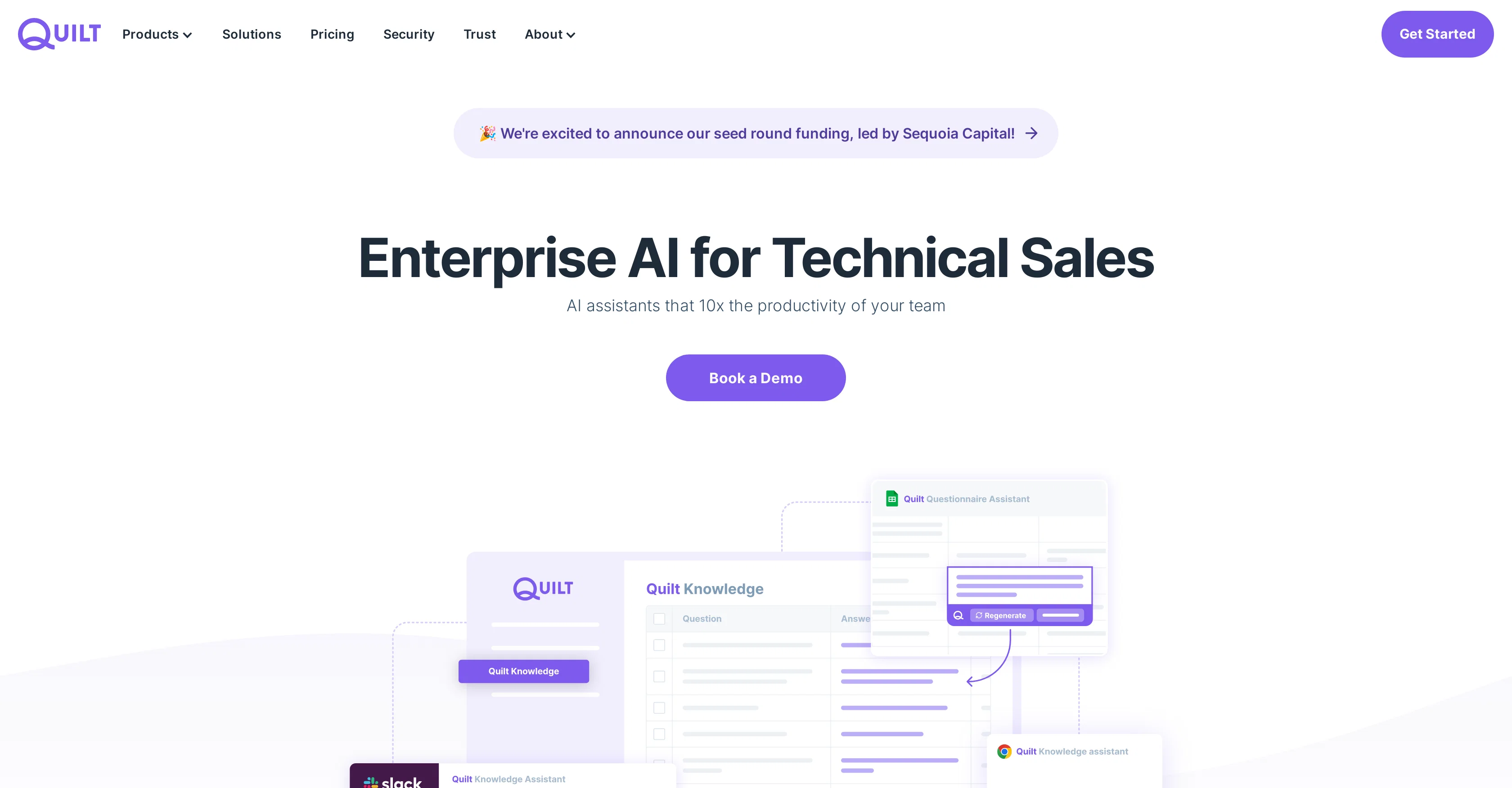
Quilt is an AI-assisted platform designed to enhance productivity for technical sales teams. It encompasses three main components: the Quilt Knowledge Platform, Questionnaire Assistant, and Chat Assistant. The Quilt Knowledge Platform provides an overarching view of an organization's data, syncing with various knowledge sources to ensure data stays up-to-date. It also offers collaboration and editing features. The Questionnaire Assistant is a tool that automates the process of completing RFPs and questionnaires, striving to save both time and effort. The third tool is the Chat Assistant, designed to offer immediate technical assistance 24/7. This tool pulls data directly from the user's knowledge sources and offers support across different platforms, including Web, Chrome, and Slack. These tools collectively aim to deliver automation, immediate time savings, on-demand answers, and auto-updating of knowledge. Furthermore, Quilt ensures data security, controlling what users share, isolating data across organizations, and providing encryption for data at rest and in transit. The platform is SOC 2 Type 2 Compliant, demonstrating a commitment to stringent security standards. Integration with various tools, including Google Suite, Confluence, Notion, Gong, Chorus, Zoom, and Salesforce, is another feature of Quilt. Help other people by letting them know if this AI was useful. Add your own prompts and outputs to help others understand how to use this AI.
When considering Quilt for integration into your organizational workflow, we recommend deploying a structured score card across three critical operational pillars: Security & Compliance, Integration Friction, and long-term Price Scalability. Rather than looking only at basic feature lists, modern procurement teams must assess how a software platform behaves under high load and how well it fits into the team's data security guidelines.
Depending on your operating region and field, ensure that Quilt supports standard security layers such as SOC 2 Type II certifications, GDPR compliance, or HIPAA-compliant database encryption. If the tool connects directly to client database tables or handles user passwords, verify that they implement multi-factor authentication (MFA), single sign-on (SSO) integrations, and end-to-end data encryption in transit and at rest.
Siloed data is the primary cause of operational friction. Evaluate if Quilt has native connectors for your current project trackers, messaging hubs, and customer communication channels. For custom developer requirements, check if they provide a fully documented REST API with reasonable rate limits, comprehensive Webhooks support, and robust SDK packages in your language. A flexible API layer saves hundreds of hours of manual copy-paste overhead.
SaaS pricing packages are often deceptively simple. When reviewing Quilt's billing structure, map out your team's projected expansion over the next 12 to 24 months. Determine how costs scale as your customer database increases or as you add team members. Factor in setup costs, mandatory support plan upgrades, API access fees, and storage overage rates to understand the true cost before committing to a contract.
By combining verified user reviews from our directory with internal workflow pilot tests, your procurement team can make an informed decision that drives productivity without creating capital waste.
Overall rating
Based on 18 reviews
It's genius. Amazing tool. PDF generation might be improved, but apart from that is amazing.
Aleksander Lukashou
Did not work, keeps on thinking
Frank van Tussenbroek
It's sad to see people want to try your tool out but you have no free sample for them. This may be the best tool out there, but, as mentioned, going through with the AI for minutes to explain what you want, then being prompted to pay, without even knowing if it CAN create something, is discouraging. I hope we can get a free sample or preview at one point, im interested in this one.
Ron Jayson
Works but I cannot understand what's the use. I was expecting it to give me some videos
Samartha Venkatramana
O GPT faz uma análise melhor e mais personalizada.
Vinicius Vilela
I think it's the best @Image Generator I ever found on the net. It gives more accurate image according to the prompt. And thank you for keeping it for free.
My Sawsiri
I want to become a genius
Palash Kumar Khanra
Seems good , but do not have single easy to use step guide to help use it. Its like your learn and then it works . They could prepared a small cheat sheet to make their product easy to use . I am logging out
Jayesh Patel
The app is good
Abiola Valentine, Taiwo
I joined Kin's beta program on my iPhone XR. After upgrading to an iPhone 13, I found that I couldn't log into my existing account on the new phone, forcing me to create a new account. Now, I have two separate Kin accounts on different phones. Today, when I accessed the beta version of Kin, I got a notification stating that the test version ended on Monday, September 23rd. It instructed me to back up my data and move to the official Kin app. I did as advised—backed up my data, confirmed, uninstalled the beta app via TestFlight, and installed the official Kin app. However, when I attempted to “log in”, I was still unable to access my existing account. This issue hasn't been resolved yet. I have been trying desperately to get in contact with the support team. I left feedback through the test flight app and sent emails. No response. Now trying to find a forums, Reddit posts, TAAFT comments☻
Desiree Miller
The website is pretty good but there are only a limited number of responses
Probal Roy
I tried using it but the website has too many bugs.
João Neiva
I tried NovelGPT a template in @Agentgpt and it did an excellent job writing the first two episodes of my novel complete with character descriptions, setting,plot points and well I think you get the point. Great tool can't wait to see it out of beta.
Kelli Crose
Used it for PPT generation and performed extremely well, especially the numbers and data part.
Salina Hook
I’ve been using @Collate to go through technical PDFs, and it’s been surprisingly handy. Summarizing docs and being able to ask questions directly saves me time, especially when I’m skimming through research or API references. No sign-ups, works offline, and everything stays on my device — which I appreciate.
Harman
Miro has massively improved how we collaborate and execute. The AI features have made a real difference in day-to-day productivity, helping us structure ideas quickly and get to decisions faster. What really surprised me is the new prototyping feature: it’s now much easier to turn a workshop board into an actual prototype and iterate with the team. If you’re running product work, workshops, roadmaps, or even GTM planning, Miro is worth it.
Joran Hofman
Works well and connects with my apps easily. I’m considering using it for daily reports and posts
Ron Hardman
Great tool! Was very helpful in content production
Duck Typer
Starting Price
Contact vendor for pricing
Pricing may vary based on team size and features selected.


