5.01 months ago
“Review”
superb, e gratis, merge blana, in EN se aude ideal
jon doe

Bring ideas to life with dynamic presentations
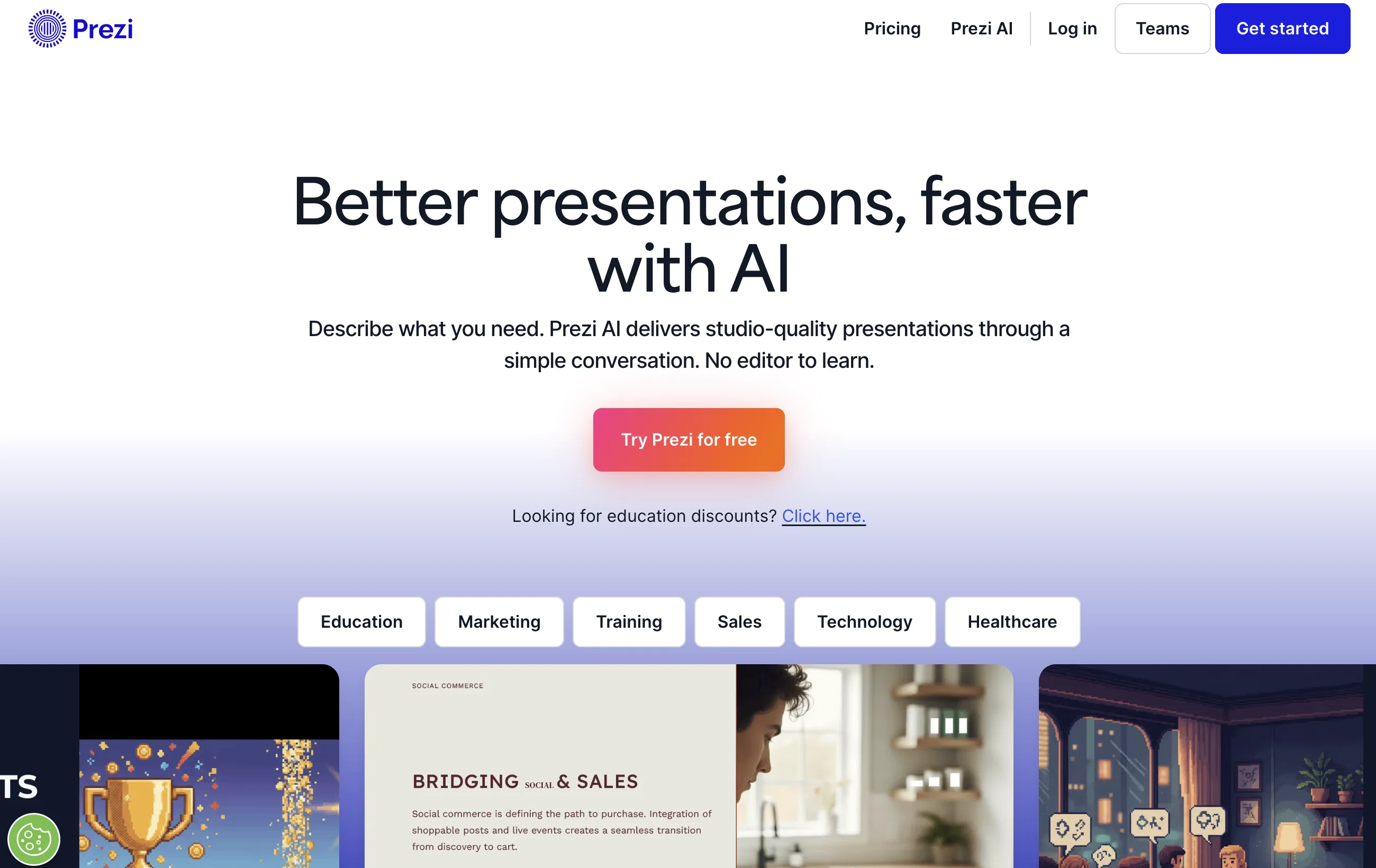
Prezi is a dynamic presentation software designed to bring ideas to life by strategically using motion, zoom, and spatial relationships. It offers unique capabilities for creating videos, presentations, and infographics that captivate and engage the audience. Prezi has integrations with popular interfaces like Webex, Zoom, and Microsoft Teams, allowing users to deliver more engaging and visually appealing virtual presentations. In addition to providing pre-made templates for presentations, Prezi facilitates a customizable creation experience where users can create and share their own designs. Prezi's suite of offerings extends to educational environments for both teachers and students, with resources for creating interactive, hybrid learning experiences. Furthermore, Prezi provides an array of helpful resources including product tutorials, presentation tips, and educational resources to ensure users are utilizing the software to its full potential. At all times, the software complies with SOC2 standards ensuring a secure experience for users. The tool is used by a diverse range of companies across various sectors, leveraging Prezi to enhance their communication experiences. Help other people by letting them know if this AI was useful. Add your own prompts and outputs to help others understand how to use this AI.
When considering Prezi for integration into your organizational workflow, we recommend deploying a structured score card across three critical operational pillars: Security & Compliance, Integration Friction, and long-term Price Scalability. Rather than looking only at basic feature lists, modern procurement teams must assess how a software platform behaves under high load and how well it fits into the team's data security guidelines.
Depending on your operating region and field, ensure that Prezi supports standard security layers such as SOC 2 Type II certifications, GDPR compliance, or HIPAA-compliant database encryption. If the tool connects directly to client database tables or handles user passwords, verify that they implement multi-factor authentication (MFA), single sign-on (SSO) integrations, and end-to-end data encryption in transit and at rest.
Siloed data is the primary cause of operational friction. Evaluate if Prezi has native connectors for your current project trackers, messaging hubs, and customer communication channels. For custom developer requirements, check if they provide a fully documented REST API with reasonable rate limits, comprehensive Webhooks support, and robust SDK packages in your language. A flexible API layer saves hundreds of hours of manual copy-paste overhead.
SaaS pricing packages are often deceptively simple. When reviewing Prezi's billing structure, map out your team's projected expansion over the next 12 to 24 months. Determine how costs scale as your customer database increases or as you add team members. Factor in setup costs, mandatory support plan upgrades, API access fees, and storage overage rates to understand the true cost before committing to a contract.
By combining verified user reviews from our directory with internal workflow pilot tests, your procurement team can make an informed decision that drives productivity without creating capital waste.
Overall rating
Based on 20 reviews
superb, e gratis, merge blana, in EN se aude ideal
jon doe
2 times I tried and it threw error. it is not clear how to use it.
marcelo prizmic
I think it's the best @Image Generator I ever found on the net. It gives more accurate image according to the prompt. And thank you for keeping it for free.
My Sawsiri
The content generated from @Cclarity is quite impressive. It helps me save a lot of time thinking about content during marketing and other features like leads and analysis look amazing
Công Phan Huy
This is the first slide creator I found that actually creates an outline, and nice looking slides with images. The one negative/con is it takes yoursubject and title and generates an outline, but it doesn't allow you to put in your own outline
Robert Scott
It's helps you get started on a presentation. Likely need to edit photos and text.
Peg Sherven
It does it's job and I love that it has a lifetime plan
Matthew Edwan
Hate that LinkedIn carousel took so much time, and tools on the market either too simple or sophisticated and paid. This one is awesome, solved my problem
Islam Midov
Very intuitive and easy to use tool, that will allow whoever wants to create presentations a wide range of templates to add cool graphics and design in very little time. The cons are that as a web based app, you have to store your presentations online and depend on having good internet connection to present. It does give you the option to download a PDF or PPTX document, but transitions, videos and audio doesn't download. The AI generator for images is not quite there yet, but the prompts to create slides is very good. Tip: Create slide by slide if you are going to use AI. The command to generate a whole presentation from a prompt is still not very accurate in my experience.
Gonzalo Mena Fuenzalida
Great accuracy and easy to crosscheck with the provided hyperlinks to the sources.
Marius Schmitt
Loved the search engine ideas.
Amr عمرو Amin امين
Really like how it finds connection in the content that I save. I don't think any other tool can do that.
amix ffx
It’s more than just a presentation maker, it also helps organize information.A great alternative to PowerPoint or Google Slides when you need something fast and professional. It has become part of my daily workflow at the office.
poen ai
Would be better if they let you use your own text as an option.
William Lowe
State of the Art
Dmitry G.
Makes it easy to get started with a presentation if you have an outline, but as soon as you want more control, you're better off using Google Slides. @Gamma's feature that I used the most was image generation - you can select among a variety of models (Ideogram, Flux, DALL-E, but not Midjourney), and it shows 3 variations to choose from. Performance is slow and a little janky, even in Chrome. Prompts and settings are often not respected - e.g. you set it to "preserve text" and just generate slides, and it goes onto dumping an entire 3 paragraphs of text in one slide. You can't overlay text over images (e.g. for image attribution), and there's no precise positioning control, or grouping elements. No way to control table layout, e.g. to have two images slide-by-side in full bleed mode. I tried @Gamma for a new presentation, but next time I need to make a presentation, I'll go back to Google Slides and generate images independently.
Dan Dascalescu
One of my all time favorite products.
Andrei
An AI that can present slides! I used to only use AI that could create PowerPoint presentations, but this is the first time I've encountered an AI that can present slides for me! I hope it will provide even more help with my work in the future.
Chase
best presentations ever :)
Fruzsi Peti
I abso love it! However it gives better results if you’ve had the content ready at hand. I’d love if they can incorporate llms and enable the users to create content and ppts under one platform. Also, Atleast the first ppt should be downloadable.
Tania J
Starting Price
Free plan available
Free tier available with optional paid upgrades.


