5.01 months ago
“Review”
Thanks for the nice comment Cath! I'm working on it by myself, it's the first app that I build and I try to make the customer experience as good as I can. It's always the number one focus.
Marc Lamy

Create stunning presentations in minutes with AI.
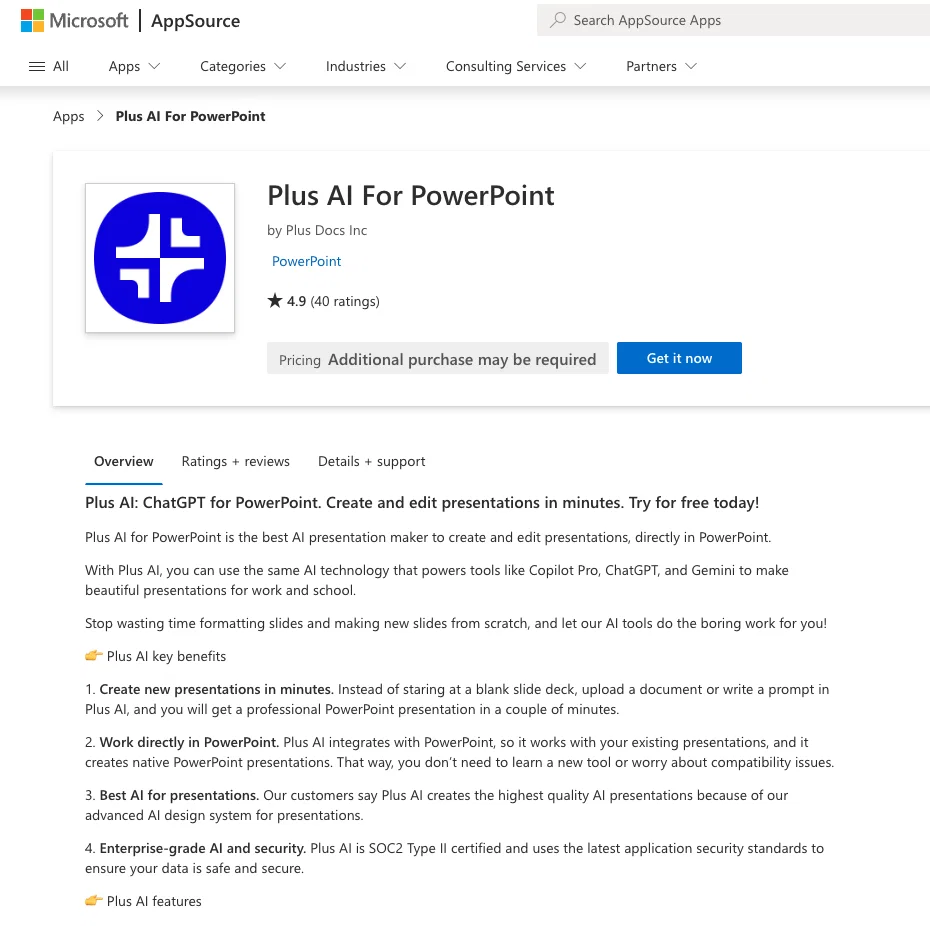
Plus AI for PowerPoint is a unique tool that leverages the power of artificial intelligence to provide users with a streamlined and efficient process for creating and editing presentations. By implementing ChatGPT technology, this platform automates the process of presentation design, significantly reducing time and effort typically required. The technology enables users to generative narrative content and arrange slides, providing a comprehensive solution for all presentation-related tasks. With its user-friendly interface, Plus AI for PowerPoint promises a seamless user experience, making it suitable for individuals without specialist design or technical backgrounds. As it integrates directly with PowerPoint, it offers a familiar, easy-to-use environment. But keep in mind, the tool may require sign up or subscription for use. Help other people by letting them know if this AI was useful. Add your own prompts and outputs to help others understand how to use this AI.
When considering Plus AI for PowerPoint for integration into your organizational workflow, we recommend deploying a structured score card across three critical operational pillars: Security & Compliance, Integration Friction, and long-term Price Scalability. Rather than looking only at basic feature lists, modern procurement teams must assess how a software platform behaves under high load and how well it fits into the team's data security guidelines.
Depending on your operating region and field, ensure that Plus AI for PowerPoint supports standard security layers such as SOC 2 Type II certifications, GDPR compliance, or HIPAA-compliant database encryption. If the tool connects directly to client database tables or handles user passwords, verify that they implement multi-factor authentication (MFA), single sign-on (SSO) integrations, and end-to-end data encryption in transit and at rest.
Siloed data is the primary cause of operational friction. Evaluate if Plus AI for PowerPoint has native connectors for your current project trackers, messaging hubs, and customer communication channels. For custom developer requirements, check if they provide a fully documented REST API with reasonable rate limits, comprehensive Webhooks support, and robust SDK packages in your language. A flexible API layer saves hundreds of hours of manual copy-paste overhead.
SaaS pricing packages are often deceptively simple. When reviewing Plus AI for PowerPoint's billing structure, map out your team's projected expansion over the next 12 to 24 months. Determine how costs scale as your customer database increases or as you add team members. Factor in setup costs, mandatory support plan upgrades, API access fees, and storage overage rates to understand the true cost before committing to a contract.
By combining verified user reviews from our directory with internal workflow pilot tests, your procurement team can make an informed decision that drives productivity without creating capital waste.
Overall rating
Based on 23 reviews
Thanks for the nice comment Cath! I'm working on it by myself, it's the first app that I build and I try to make the customer experience as good as I can. It's always the number one focus.
Marc Lamy
Just implemented your instruction out how to run drip campaigns automatically, nice! Getting prospect calls coming in
Jenn N.
Keep improving!
Abubakr Jajja
Edisa, thanks for the reply. Didn't know about the confidentiality guarantee.
Kevin Corrigan
Would be better if they let you use your own text as an option.
William Lowe
I think it's the best @Image Generator I ever found on the net. It gives more accurate image according to the prompt. And thank you for keeping it for free.
My Sawsiri
Not at all accurate…. The only thing similar between original and generated images were the clothes and accessories… face was absolutely new and unconnected.
Shvetank Sharma
Since discovering this tool in January 2024, my workflow as an entrepreneur, educator, and content creator has undergone a complete transformation, becoming far more efficient. With a total of +13,617 snippets used, I have managed to save +3,811 hours of work that were previously spent on repetitive and tedious tasks. Its ability to combine web scraping features with @AI Blaze instructions makes it far superior and more user-friendly compared to other technical alternatives. This system has truly become a bridge for me to stop worrying about exhausting operational details and shift my focus entirely to things that are essential in my career. Although the features that currently exist are already very solid and comprehensive, I see a great opportunity for improvement if @AI Blaze supported open-source models like DeepSeek or GLM. Giving users the option to add external API keys independently would be an amazing update that provides unlimited flexibility for users. Overall, this is the best productivity solution that continues to provide exceptional value to my community even after two years of active use.
Iwan Kurniawan
I've been using the free trial to use different chatbot models in the same conversation and it's way more efficient than having 3 or 4 different browser tabs open at the same time. It was really cool to see that when changing a model in the middle of a chat, it keeps the context! Can't wait to start using the image and speech features!
Vítor Soares
Thanks for your great feedback Gregory. A feature in @Macky that is designed for more specific industry-specific information is the "Ask @Macky" one. In this feature you can use your own promopting to get outputs that are specific to the business question being asked. Also, at the end of each output you have an opportunity to ask any detailed question you want about the output to get more specific responses. You can drill down several times to get further insights using this feature. Hope this helps!
Kinetic Consulting
I’ve been using it for a month now and I have decided to keep it for a year. There definitely are some kinks they can still work out like file management, but it’s very good at it’s core function: it generally does a good job answering questions and most times identifies PDFs automatically and correctly. The browser plugin works great, and it’s very nice that @Papers allows you to add your university’s library API so you can automatically download PDFs that are accessible through your institution (sometimes it refuses to download some @Papers, so you just have to downlow it yourself and manually add it). The iPad and Android apps are serviceable. Every once in a while it will mess up the PDF identification, especially with @Papers from either very old sources or online-only journals. Things they must work on: * A much better system to annotate PDFs (the post-it type notes are cumbersome). * Introduce a notepad attached to each PDF or some way to easily link and save the AI’s output to the PDF. Currently, you have to add a little post it note and then paste the text there. * Keep the AI answers available after closing the documents. If you close the document by mistake or have several open and wish to close some, the ai conversation will be reset. * I REALLY wish that you could get citations and links to where the info was from extracted from PDFs. Currently, I have found Coral.ai does a much better job of showing you where the info came from and it even highlights it for you. Give it a try, their 30-day no credit card needed trial allowed me to truly test it, and now I’m a yearly subscriber looking forward for new additions and releases.
JB
interesting ai tool, quickly let you create a good looking website.. thumbs up
avoda mehabait
Really like how it finds connection in the content that I save. I don't think any other tool can do that.
amix ffx
I've known @WebFill for a while, I use it almost every day, the interface is pretty good, what I like the most is that it solves any MCQ. Congratulations on the launch!
Takata 54
I'm still testing the tool yet it looks very promising. I tested it with a 5.5k words Academic text that I had previously red. I tested the Key points feature, it does work!
Ivana González
I want a presentation on the topic **Travel**. I want words that are easy to read and pronounce and have an expressive, useful and scientific meaning.
محمد محمد
Forbiden for personal users. Just for commercial accounts! People are nuts!!!
Paulo Leme
⭐⭐⭐⭐⭐ Great AI Presentation Tool! I really liked the Brand PPT feature. It helped me create professional, on-brand presentation slides in under 60 seconds. The AI-generated content was well-structured, the design looked polished, and the editing process was simple. It has saved me a lot of time compared to creating presentations manually. Highly recommended for anyone who needs fast, professional-quality PowerPoint presentations.
Alex Johnson
@Xpptx: Your One-Click Professional PowerPoint Solution. Making PowerPoint & Slides Creation Easier
Bo Zhang
It’s more than just a presentation maker, it also helps organize information.A great alternative to PowerPoint or Google Slides when you need something fast and professional. It has become part of my daily workflow at the office.
poen ai
Did not allow to download the slides.... ideally they should keep it free till sufficient traffic hits the platform and allow people to share feedback.
Pramesh Nair
The PowerPoint presentation I made met my expectations very well
kismettttt
@PPT.AI is an outstanding AI-powered presentation tool that has completely transformed my workflow! With just a few clicks, it turns my ideas, documents, or even YouTube links into polished, professional slides in minutes. The platform offers over 800 premium templates and smart editing tools, making customization both powerful and intuitive. I especially appreciate the real-time cloud collaboration and version control features, which make working in teams seamless. Whether you’re a professional, educator, or entrepreneur, @PPT.AI saves a tremendous amount of time and ensures every presentation looks visually engaging and consistent. Highly recommended—definitely a five-star experience!
Leo Wang
Starting Price
Contact vendor for pricing
Pricing may vary based on team size and features selected.


