5.02 months ago
“Review”
This team killed it with this launch!
Anders Therkildsen

Turn any idea into stunning pictures in seconds.
PictureMaker is an all-in-one AI picture creator designed to transform ideas into visuals in seconds with no design skills necessary. This online AI generator produces high-quality images from user descriptions and includes a variety of tools for creating and manipulating visual content.The platform includes 'Text to Image' conversion, where a text description is converted into a picture. The 'Image Edit' feature allows users to upload an image and modify it according to their needs, and 'Image Upscale' improves the quality of the image. Other features include 'Face Swap', 'Remove Background', and 'Style Transfer', the latter of which applies the style of one image to another. The 'Smart Shot' tool is another innovative service provided by the tool.PictureMaker also offers 'Image to Image' conversion, where an uploaded image is transformed into a new image following user instructions. It incorporates some of the top AI models in its toolset, including GPT Image 2, Nano Banana 2, Midjourney, and Seedream 5.0.In addition to image creation, PictureMaker is also equipped with character creation tools, audio creation tools such as 'Create Voice-over' and 'Voice Changer', and video editing capabilities. The images and videos generated by PictureMaker can be used for both personal and commercial projects. While usage of some features comes free, higher resolution and faster generation capabilities are available as a premium service.A notable feature of the PictureMaker is its adaptability for creating profile pictures for platforms like YouTube, Discord, or Roblox. The 'Remove Background' export functionality enables users to create clean PNG avatars to fit the profile frame of any platform. This AI tool turns creative ideas into customizable, shareable visual content. Help other people by letting them know if this AI was useful. Add your own prompts and outputs to help others understand how to use this AI.
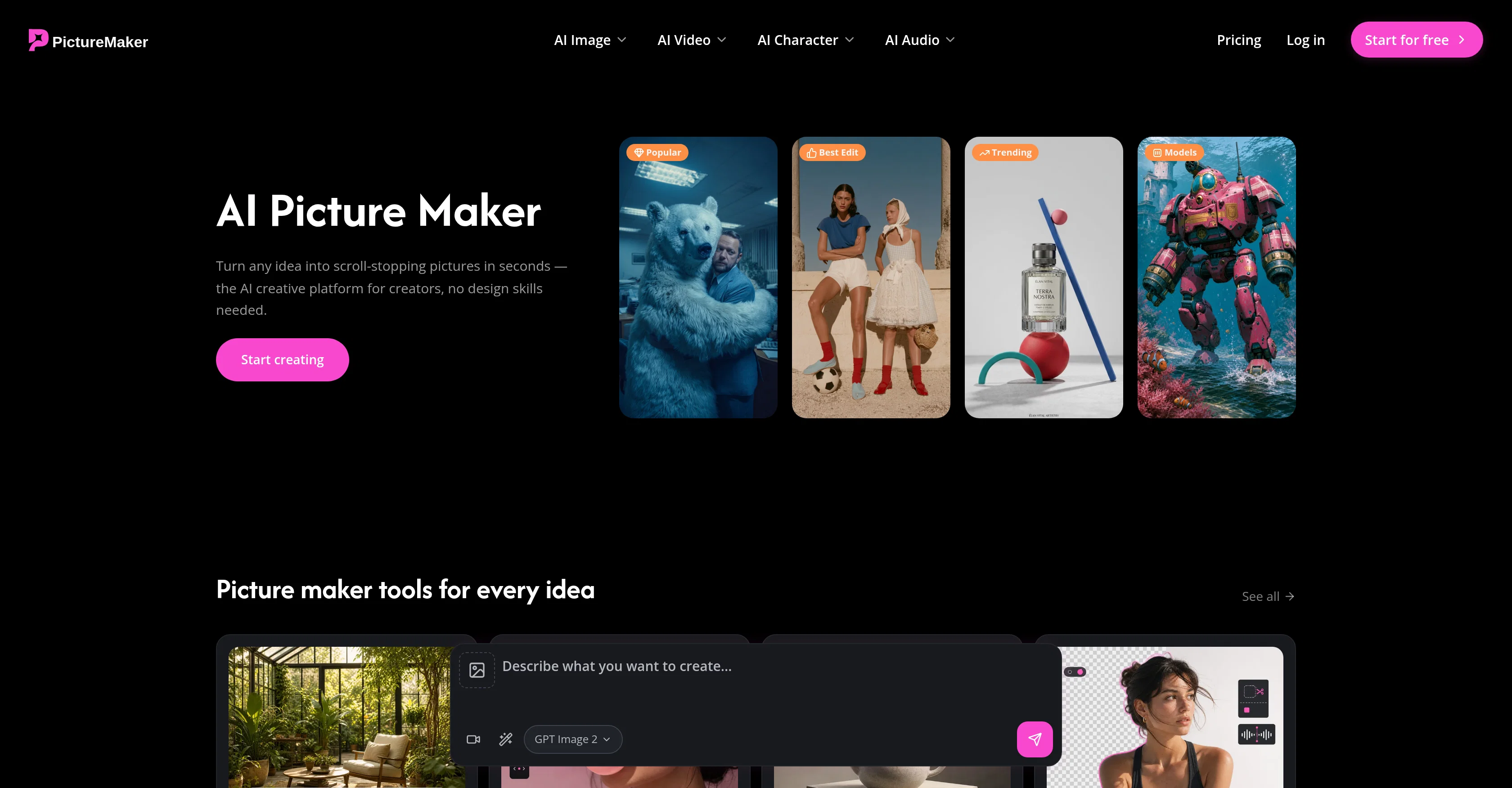
When considering PictureMaker for integration into your organizational workflow, we recommend deploying a structured score card across three critical operational pillars: Security & Compliance, Integration Friction, and long-term Price Scalability. Rather than looking only at basic feature lists, modern procurement teams must assess how a software platform behaves under high load and how well it fits into the team's data security guidelines.
Depending on your operating region and field, ensure that PictureMaker supports standard security layers such as SOC 2 Type II certifications, GDPR compliance, or HIPAA-compliant database encryption. If the tool connects directly to client database tables or handles user passwords, verify that they implement multi-factor authentication (MFA), single sign-on (SSO) integrations, and end-to-end data encryption in transit and at rest.
Siloed data is the primary cause of operational friction. Evaluate if PictureMaker has native connectors for your current project trackers, messaging hubs, and customer communication channels. For custom developer requirements, check if they provide a fully documented REST API with reasonable rate limits, comprehensive Webhooks support, and robust SDK packages in your language. A flexible API layer saves hundreds of hours of manual copy-paste overhead.
SaaS pricing packages are often deceptively simple. When reviewing PictureMaker's billing structure, map out your team's projected expansion over the next 12 to 24 months. Determine how costs scale as your customer database increases or as you add team members. Factor in setup costs, mandatory support plan upgrades, API access fees, and storage overage rates to understand the true cost before committing to a contract.
By combining verified user reviews from our directory with internal workflow pilot tests, your procurement team can make an informed decision that drives productivity without creating capital waste.
Overall rating
Based on 12 reviews
This team killed it with this launch!
Anders Therkildsen
Great tool for content creation. It automatically finds context on your brand and learns your brand voice
Thijs Suurmond
I built a medical tracking App for a friend undergoing cancer treatment. He uses it to record side effects, medications, temperature, blood pressure, and more. The app turns his records into charts, making doctor visits much more efficient. Most importantly, all data stays on his own phone, giving him complete peace of mind!!! We can build apps not only for ourselfs but also as a new type of gift for people we care about. I am excited about this as I have no IT background. @NiuNiu keeps its promise that it is easy to build and deploy a real app just by chatting. definately I will try more ideas.
chaer
The Agent is really handy. It's much more streamlined and convenient than canvas-based AI tools. There's a bit of a learning curve at the start, but once you get the hang of it, it's incredibly useful
Fanzhen Wang
Building multi-agent AI systems shouldn’t require wrestling with messy Python boilerplate, cloud subscription or complex local setups. I built @AgentSwarms (@AgentSwarms.fyi) to solve this. It’s an interactive, in-browser visual sandbox for learning, building, testing, and orchestrating multi-agent AI workflows. Instead of relying on a single AI chatbot that easily hallucinates, @AgentSwarms lets you drag and drop specialized AI agents—like data extractors, code reviewers, and SQL query nodes—to handle complex tasks reliably. Key features for builders: Visual Edge Tracing: Stop guessing why your AI failed. Click any connection line to see the exact JSON data passing between agents in real-time. In-Browser Execution: Powered by local DuckDB WASM. No backend setup required. Enterprise Templates: Test reverse-engineered Agenitic AI architectures for Cybersecurity, Finance, and E-commerce and 10+ industries right on the canvas. If you are tired of black-box AI debugging and want to master Agentic AI orchestration visually, come try the sandbox for free! Let me know what you think of the new execution history features. 🚀
Rohan Ghosh
Purely magic. It increases the productivity by a lot and the process is pretty addictive. I've been building websites like there's not tomorrow.
Geo Burlibasa
This one gives some pretty decent logo directions quickly. The first concepts are useful, but I’d still want finer control over typography and spacing before calling anything final.
Josh KUMAR
Such a great place to start out!
Helli Lang
Love how it offers stuff for both free and premium users. huge thanks to the devs and keep it up!
Burner Cruz
Free Start with a Free Experience $0 /mo
Vitus Bering
It's not free, it forces you to input an email before shoving a price tag in your face.
Arvoly XSL
I think it's the best @Image Generator I ever found on the net. It gives more accurate image according to the prompt. And thank you for keeping it for free.
My Sawsiri
Starting Price
Free plan available
Free tier available with optional paid upgrades.


