5.02 months ago
“Review”
your answer is much too general, so useless. You could have just tell me to ask Perplexity.
Ta
AI-powered presentations in one click.
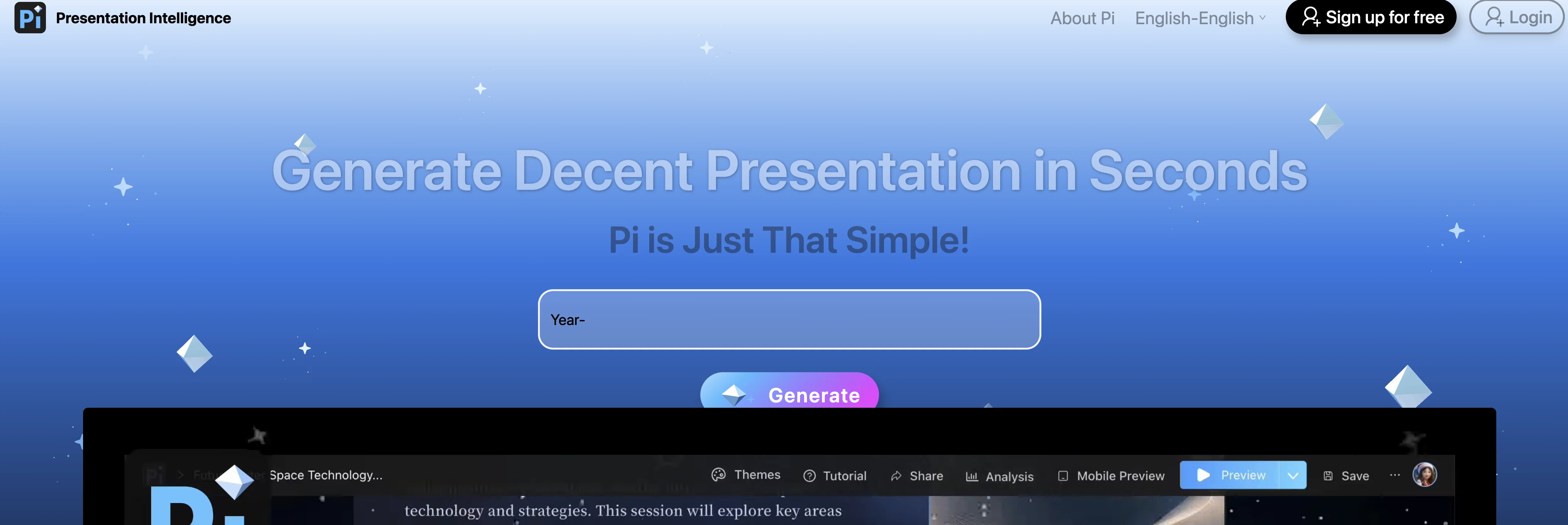
Pi - Presentation Intelligence is an Artificial Intelligence-driven tool designed for easy and efficient creation of professional presentations. This tool facilitates the automatic generation of presentations with only single-click effort by the users. Rather than creating a presentation manually or from scratch, users simply need to plug in their content and the tool structures it aesthetically with smart layouts and customizable themes.The principal feature of this tool is its smart layout system that aligns the content in an organized fashion, providing a polished and professional look to the final output. This automation saves users from the complexity of designing and formatting the presentation, thus reducing time and effort considerably. In addition, Presentation Intelligence supports theme customization that allows users to tailor the look and feel of their presentations according to their specific needs or preferences. This encompasses changes in color schemes, fonts, and other visual elements that can make the presentation more engaging and fitting for its intended audience or purpose.A significant advantage of using this tool is its user-friendly interface which makes it accessible and convenient even for non-technical users. Moreover, the tool's AI-powered system ensures the generation of presentations that are not only visually appealing but also coherent and effective in conveying the intended information or message.Overall, Pi - Presentation Intelligence is a powerful tool for individuals or organizations that frequently develop presentations, featuring an effortless content-to-presentation process that integrates AI functionality with design versatility. Help other people by letting them know if this AI was useful. Add your own prompts and outputs to help others understand how to use this AI.
When considering Pi - Presentation Intelligence for integration into your organizational workflow, we recommend deploying a structured score card across three critical operational pillars: Security & Compliance, Integration Friction, and long-term Price Scalability. Rather than looking only at basic feature lists, modern procurement teams must assess how a software platform behaves under high load and how well it fits into the team's data security guidelines.
Depending on your operating region and field, ensure that Pi - Presentation Intelligence supports standard security layers such as SOC 2 Type II certifications, GDPR compliance, or HIPAA-compliant database encryption. If the tool connects directly to client database tables or handles user passwords, verify that they implement multi-factor authentication (MFA), single sign-on (SSO) integrations, and end-to-end data encryption in transit and at rest.
Siloed data is the primary cause of operational friction. Evaluate if Pi - Presentation Intelligence has native connectors for your current project trackers, messaging hubs, and customer communication channels. For custom developer requirements, check if they provide a fully documented REST API with reasonable rate limits, comprehensive Webhooks support, and robust SDK packages in your language. A flexible API layer saves hundreds of hours of manual copy-paste overhead.
SaaS pricing packages are often deceptively simple. When reviewing Pi - Presentation Intelligence's billing structure, map out your team's projected expansion over the next 12 to 24 months. Determine how costs scale as your customer database increases or as you add team members. Factor in setup costs, mandatory support plan upgrades, API access fees, and storage overage rates to understand the true cost before committing to a contract.
By combining verified user reviews from our directory with internal workflow pilot tests, your procurement team can make an informed decision that drives productivity without creating capital waste.
Overall rating
Based on 19 reviews
your answer is much too general, so useless. You could have just tell me to ask Perplexity.
Ta
Not at all accurate…. The only thing similar between original and generated images were the clothes and accessories… face was absolutely new and unconnected.
Shvetank Sharma
It’s a decent tool for making slide presentations. A bit complicated at first, but once you get used, it gets better. Offers some nice features
Jorelle Joseph
Please give invite code.
Manish Jain (MJ)
This thing is actually insane. I uploaded a picture from a random hike I did years ago, and it guessed the location exactly. Not just the country but the exact trail. I have no idea how it works, but its pretty impressive.
James Mcgill
gave it a shot and it cooked. vocals and beats came out decent, def fun to mess around with when you're bored or something. i wonder if it uses the same ai magic as suno.
Georgina Ahmad
Love it!!! It still need work, I wish I can add 3 or 4 more voices in my podcast. I trying to make callers call in. That would help.
ERICA BELL
Would rate 4.9 if possible, but rounding up to 5 stars because this app truly excels compared to other AI coding tools. Why 5 Stars: Best-in-class AI coding assistance Huge improvements over competitors Actually works for real development Real Impact: I successfully built and published an actual app using this tool - that's game-changing for non-developers like me. Bottom Line: Yes, there's room for improvement, but this is already the top AI coding app available. The fact that ordinary people can create real apps with it says everything. Perfect for anyone wanting to turn ideas into actual apps!
Johnson
This tool i found is super cool, I created 5 books from this tool to sell them online, which gives me great profit. I am creating more valuable books to spread knowledge, and earn some bucks as well 🤑.
Bilal Ashraf
Went from a C to an A in Cognitive Psychology using @Thea!!
Sarah White
Does not know how to spell
Emily Hamilton
There were no aristocratic Asians and Africans in ancient Rome.
Sándor Gajdos
I think it's the best @Image Generator I ever found on the net. It gives more accurate image according to the prompt. And thank you for keeping it for free.
My Sawsiri
Thanks for your note. Pi is independently developed, with more than Gamma: richer themes, interactive surveys, AI copilot. 7-day free trial—try it to see! We value innovation and users.
Zhi Xing
Do you know gamma it's exactly the same app same ui same ux same interface same icon like bro if you try to copy someone work do it well not like that it's just steeling work lol and it'sssssssss chiness so no one is surprised
Hugo BAIGUE
A very useful AI slides tool! The content it generates is genuinely smart.
Shane Qian
It does it's job and I love that it has a lifetime plan
Matthew Edwan
You spent half of hour on describing how your presentation should look like, and just after that getting informed that you need to pay subscription to proceed. Who’ll pay my time back?
Grigorij Dudnik
Makes it easy to get started with a presentation if you have an outline, but as soon as you want more control, you're better off using Google Slides. @Gamma's feature that I used the most was image generation - you can select among a variety of models (Ideogram, Flux, DALL-E, but not Midjourney), and it shows 3 variations to choose from. Performance is slow and a little janky, even in Chrome. Prompts and settings are often not respected - e.g. you set it to "preserve text" and just generate slides, and it goes onto dumping an entire 3 paragraphs of text in one slide. You can't overlay text over images (e.g. for image attribution), and there's no precise positioning control, or grouping elements. No way to control table layout, e.g. to have two images slide-by-side in full bleed mode. I tried @Gamma for a new presentation, but next time I need to make a presentation, I'll go back to Google Slides and generate images independently.
Dan Dascalescu
Starting Price
Free plan available
Free tier available with optional paid upgrades.


