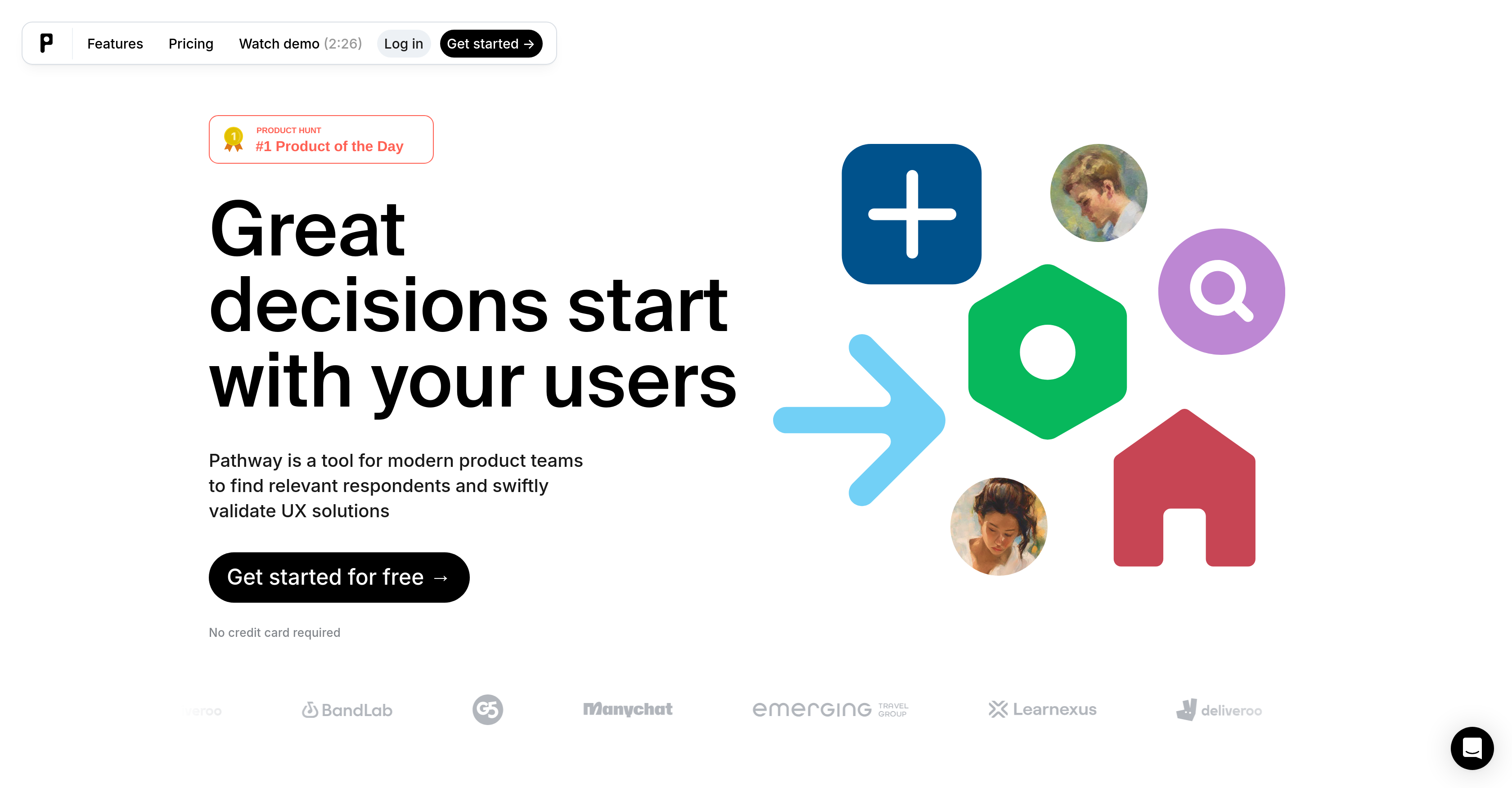
Pathway is a comprehensive unmoderated research platform primarily designed for product teams aiming to validate their User Experience (UX) solutions swiftly and smoothly.
The main functionality of the tool resides in its ability to find relevant respondents for research purposes. Teams can use Pathway to create user-friendly experiences, assemble faster insights and integrate their team into the research process.
A notable feature of the tool allows teams to create perfect research studies with an array of usability tests, surveys or asynchronous user interviews employing a wide range of methodologies.
Pathway facilitates tasks such as testing Figma prototypes, conducting A/B tests for design options, getting product feedback, running discovery surveys, as well as validating product copy.
The platform also supports multilingual interaction with various languages available including English, Spanish, French, German, Portuguese, Hindi, Turkish, Arabic, Indonesian, Russian, Uzbek, Kazakh, and more.
Recognizing the importance of getting feedback from the right respondents, Pathway provides a feature to reach the targeted audience with over 400+ filters for more precise respondent selection.
The tool utilizes Artificial Intelligence to ask specific, context-based questions to extract deeper insights. Pathway caters to the need for user-centered design and iterative development in the context of modern product teams.
Help other people by letting them know if this AI was useful.
Add your own prompts and outputs to help others understand how to use this AI.
Screenshot gallery
Pros & Cons
Pros
+Swift UX validation
+Integration of team into research
+Creation of research studies
+Array of usability tests
+Supports asynchronous user interviews
+Testing of Figma prototypes
+Supports A/B tests
+Product feedback functionality
+Supports discovery surveys
+Validates product copy
+Multilingual interaction
+Precise respondent selection with 400+ filters
+Context-based questioning
+Facilitates iterative development
+User-centered design
+Facilitates design research
+Supports user interviews
+Extensive survey creation
+Advanced audience filtering
+Provides detailed reports
+Offers Figma interactions recording
+Features like text response analysis
+Reports exportable to .csv or .xlsx
+Magic link for test variations
+Prototype paths and heat maps in reports
+Smart survey analysis
+Cheaper respondents
+Intuitive and powerful builder
+External respondent panel integration
+Sharing reports with the team via link
+Recordings for any devices
+Beginning journey with usability testing support
+Advanced logic, test variations, filtering
+Adds up to 5 teammates
+Tests branding for Enterprise
+Custom product enhancements for Enterprise
+Priority support and help for Enterprise
+Automatic quota mechanisms
+Unlimited response collection
+Video recording of interactions
+Exportable reports
+Share results link
+Multiple methodology support
Cons
−Limited team size in paid plan
−No mobile app
−No freemium plan for larger tests
−Limited exporting formats
−No custom branding except Enterprise
−No API mentioned
−No custom contract except Enterprise
−No example studies provided
−No direct sync with popular management tools
A Professional Framework to Evaluate Pathway
When considering Pathway for integration into your organizational workflow, we recommend deploying a structured score card across three critical operational pillars: Security & Compliance, Integration Friction, and long-term Price Scalability. Rather than looking only at basic feature lists, modern procurement teams must assess how a software platform behaves under high load and how well it fits into the team's data security guidelines.
1. Security and Database Compliance
Depending on your operating region and field, ensure that Pathway supports standard security layers such as SOC 2 Type II certifications, GDPR compliance, or HIPAA-compliant database encryption. If the tool connects directly to client database tables or handles user passwords, verify that they implement multi-factor authentication (MFA), single sign-on (SSO) integrations, and end-to-end data encryption in transit and at rest.
2. API Coverage and Custom Integrations
Siloed data is the primary cause of operational friction. Evaluate if Pathway has native connectors for your current project trackers, messaging hubs, and customer communication channels. For custom developer requirements, check if they provide a fully documented REST API with reasonable rate limits, comprehensive Webhooks support, and robust SDK packages in your language. A flexible API layer saves hundreds of hours of manual copy-paste overhead.
3. Total Cost of Ownership (TCO)
SaaS pricing packages are often deceptively simple. When reviewing Pathway's billing structure, map out your team's projected expansion over the next 12 to 24 months. Determine how costs scale as your customer database increases or as you add team members. Factor in setup costs, mandatory support plan upgrades, API access fees, and storage overage rates to understand the true cost before committing to a contract.
By combining verified user reviews from our directory with internal workflow pilot tests, your procurement team can make an informed decision that drives productivity without creating capital waste.
Features of Pathway
UX Validation
User Research
Product Development
Usability Testing
Design Research
A/B Testing
Free + From $175/Mo
SaaS1to10 verified reviews for Pathway
Overall rating
★★★★★5.0
Based on 18 reviews
★★★★★5.01 months ago
“Review”
Currently, the website provides free text-to-speech (TTS) with emotions without requiring registration. You can generate 50,000 characters using generic Microsoft voices which are available also within any ReadAloud/Read out Loud apps. However, these voices lack emotion, but you can generate 5,000 characters with emotion per generation for free. Firstly, you have to select a voice, preview it, and then select it - paste your text or write it down and after a few minutes, you can listen and download it for free. However, the website's reviews are likely fake, suggesting that this free service might not last long.
Shteryan Nikolaev (AcTePuKc)
★★★★★5.01 months ago
“Review”
It analyzes my search campaign data exceptionally well. I wouldn’t be able to find so many optimization opportunities manually. With this tool, I save 50% of my time on data analysis.
Сергей Калашников
★★★★★5.01 months ago
“Review”
5 star and Ai is the best to guide anybody Ai helps many things like hardwork is easy due to use of Ai .You help in your study
Mohit Singh
★★★★★5.01 months ago
“Review”
Produce nice picture and is fast but does a horrible job if you are no a white dude
Anderson Torres
★★★★★5.01 months ago
“Review”
It would be nice if the application could narrow the results to a especific city, state and not just a country.
Eduardo Biasi
★★★★★5.01 months ago
“Review”
The humanization is good it bypasses most AI detectors; besides you don't need to pay for it, it just gives like a promotion at the end of the message that is not annoying at all. So, it doesn't have a limitation of free tokens or something like that.
Sergio
★★★★★5.01 months ago
“Review”
Thanks, works!
Canada Centrist
★★★★★5.01 months ago
“Review”
Super student Ai is a genius idea! It makes studying more fun by turning practice questions into a scrollable format like TikTok. Perfect for students who want to learn smarter and stay engaged."
Ogasia Game
★★★★★5.01 months ago
“Review”
Thanks for free credits. Please 🙏 adapt for mobile💪
Budget Plusit
★★★★★5.01 months ago
“Review”
I’ve been using it for a month now and I have decided to keep it for a year. There definitely are some kinks they can still work out like file management, but it’s very good at it’s core function: it generally does a good job answering questions and most times identifies PDFs automatically and correctly. The browser plugin works great, and it’s very nice that @Papers allows you to add your university’s library API so you can automatically download PDFs that are accessible through your institution (sometimes it refuses to download some @Papers, so you just have to downlow it yourself and manually add it). The iPad and Android apps are serviceable. Every once in a while it will mess up the PDF identification, especially with @Papers from either very old sources or online-only journals. Things they must work on: * A much better system to annotate PDFs (the post-it type notes are cumbersome). * Introduce a notepad attached to each PDF or some way to easily link and save the AI’s output to the PDF. Currently, you have to add a little post it note and then paste the text there. * Keep the AI answers available after closing the documents. If you close the document by mistake or have several open and wish to close some, the ai conversation will be reset. * I REALLY wish that you could get citations and links to where the info was from extracted from PDFs. Currently, I have found Coral.ai does a much better job of showing you where the info came from and it even highlights it for you. Give it a try, their 30-day no credit card needed trial allowed me to truly test it, and now I’m a yearly subscriber looking forward for new additions and releases.
JB
★★★★★5.01 months ago
“Review”
Use it for more focused, less hallucinated result
Fatih Baltacı
★★★★★5.01 months ago
“Review”
10 MB Limit does limit usability best if .pdf contains NO images.
Steve Bastiman
★★★★★5.01 months ago
“Review”
Keep improving!
Abubakr Jajja
★★★★★5.01 months ago
“Review”
I'm new in using AI tools, but i found @COACH quite helpful! It follows you step by step both analyzing your situation and finding resources... thanks!
Gabriele Orsini
★★★★★5.01 months ago
“Review”
This is phenomenal. I demo it in my sessions all the time.
Beth Ziesenis
★★★★★5.01 months ago
“Review”
Free fire India
Talib Khan
★★★★★5.01 months ago
“Review”
Think its a fab tool but why wont it allow you to save your workflows?
Azmat Yusaf
★★★★★5.01 months ago
“Review”
It's genius. Amazing tool. PDF generation might be improved, but apart from that is amazing.