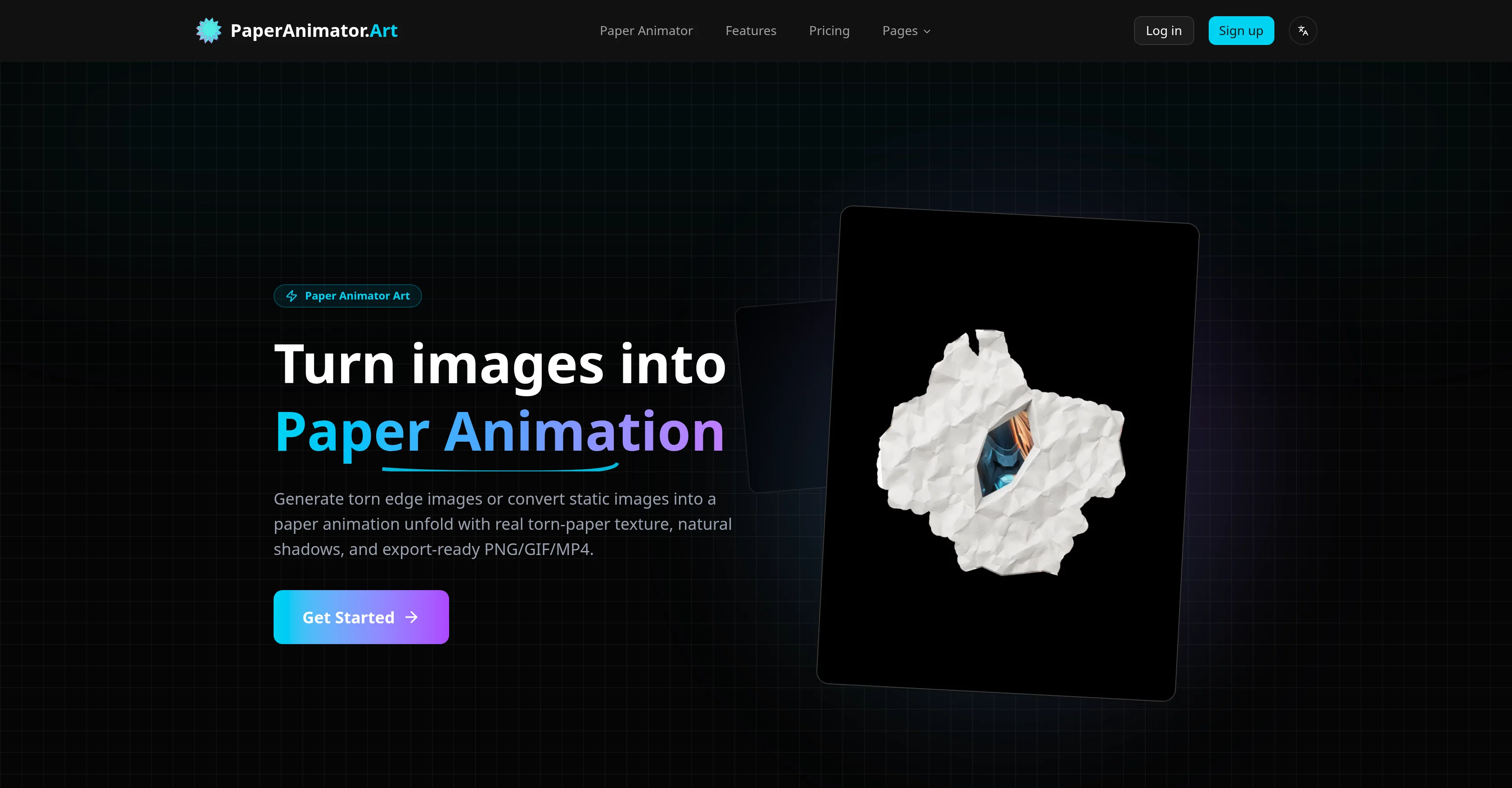
Paper Animator Art is a digital tool designed to transform regular images into paper animations. The tool is equipped with AI capabilities that identify the subject matter of an image and mimic the effect of a paper unfold animation.
This results in detailed renditions where even the edges appear organically torn. The AI also evaluates and applies shadows enhancing the life-like effect of the animations.
Images are easily uploadable to the tool, with support for various formats like PNG, JPG, JPEG, and WEBP. To ease users, Paper Animator Art also swiftly processes and removes the background from these images, eradicating the need for manual cutouts.
Users are granted the ability to customize the thickness, details, and size of the animations along with the shadows. Additionally, the tool offers green screen and transparent background support.
The end animations can be exported as videos, GIFs, or PNGs. Importantly, each animation made with this tool is unique, providing a handcrafted feel distinct from template-based variations.
This makes the tool ideal for social media promotions, brand storytelling, product launches, and consistent content creation. The exported animations maintain clean edges making them readily adaptable into other editing timelines.
Help other people by letting them know if this AI was useful.
Add your own prompts and outputs to help others understand how to use this AI.
Screenshot gallery
Pros & Cons
Pros
+Transforms static images
+Unique torn-paper edge effect
+Automates background removal
+Simulates crumpled sheet animation
+Enhances depth, details
+Highly customizable
+Adjustable edge thickness
+Adjustable animation size
+Shadow adjustment
+High-quality GIF export
+High-quality MP4 export
+Transparent PNG export
+Green screen support
+Unique animation per image
+Ideal for social media
+Ideal for brand storytelling
+Ideal for product launches
+Ideal for content creation
+Supports various image formats
+Fast background processing
+Offers shadow application
+Maintains clean animation edges
+Promotes handcrafted feel
+Adaptable into other timelines
+One-click operation
+Loop-ready exports
+Crisp 1080p video output
+Supports JPG and PNG
+No use of templates
+Super easy to use
+Natural shadows on animations
+Ideal for stop-motion effects
+Supports large files
+Automated unfolding motion
+Switchable background styles
+Preserves image details
+Faster paper animation rendering
+Ideal for ads
+Supports commercial projects
+Delivers consistent results
+Helps engage online audience
+Quality balance in exports
+1080p export for social
+Helps humanize campaigns
+Generates paper fold-out animation
+Useful for product launches
+Delivers weekly fresh visuals
Cons
−Limited file size
−Limited import formats
−No collaborative features
−No template support
−Limited to 1080p
−Doesn't support vector images
−No batch processing
−No multi-platform support
−3-step export process
−No real-time previews
A Professional Framework to Evaluate Paper Animator
When considering Paper Animator for integration into your organizational workflow, we recommend deploying a structured score card across three critical operational pillars: Security & Compliance, Integration Friction, and long-term Price Scalability. Rather than looking only at basic feature lists, modern procurement teams must assess how a software platform behaves under high load and how well it fits into the team's data security guidelines.
1. Security and Database Compliance
Depending on your operating region and field, ensure that Paper Animator supports standard security layers such as SOC 2 Type II certifications, GDPR compliance, or HIPAA-compliant database encryption. If the tool connects directly to client database tables or handles user passwords, verify that they implement multi-factor authentication (MFA), single sign-on (SSO) integrations, and end-to-end data encryption in transit and at rest.
2. API Coverage and Custom Integrations
Siloed data is the primary cause of operational friction. Evaluate if Paper Animator has native connectors for your current project trackers, messaging hubs, and customer communication channels. For custom developer requirements, check if they provide a fully documented REST API with reasonable rate limits, comprehensive Webhooks support, and robust SDK packages in your language. A flexible API layer saves hundreds of hours of manual copy-paste overhead.
3. Total Cost of Ownership (TCO)
SaaS pricing packages are often deceptively simple. When reviewing Paper Animator's billing structure, map out your team's projected expansion over the next 12 to 24 months. Determine how costs scale as your customer database increases or as you add team members. Factor in setup costs, mandatory support plan upgrades, API access fees, and storage overage rates to understand the true cost before committing to a contract.
By combining verified user reviews from our directory with internal workflow pilot tests, your procurement team can make an informed decision that drives productivity without creating capital waste.
Features of Paper Animator
Paper Animation
Image To Animation
Animation Tool
Torn Paper Effect
Animation
Image Processing
Free + From $4.99
SaaS1to10 verified reviews for Paper Animator
Overall rating
★★★★★5.0
Based on 18 reviews
★★★★★5.02 months ago
“Review”
The most humanly AI i have used so far but the problem is as soon as you start piling up messages in single chat session , it starts getting slow and at some point it starts freezing and also uses a lot of resources. For time being its okay to do 3 4 messages but as soon as we continue it has messages limitation and also starts getting very very slow . For the price of £18 per month this is unacceptable and with the newly introduced feature called project, if we start new chat within the project we cannot continue with the context we provided in other chats within same project. There are lot of improvements for them to work on. And to start with the its speed and its price
Bibash Katel
★★★★★5.02 months ago
“Review”
Loved the search engine ideas.
Amr عمرو Amin امين
★★★★★5.02 months ago
“Review”
easy onboarding, quick to set up.
Pluto Radigund
★★★★★5.02 months ago
“Review”
too expensive for me, I just want to make memes, not pay that much
Grzegorz Rolnik
★★★★★5.02 months ago
“Review”
It's good, needs a lot of training but the potential is clearly visible. Dev well done
OPUSBYAB
★★★★★5.02 months ago
“Review”
I got some top quality results after learning how to prompt songs 🤩
Claes Lanng
★★★★★5.02 months ago
“Review”
Such a great place to start out!
Helli Lang
★★★★★5.02 months ago
“Review”
State of the Art
Dmitry G.
★★★★★5.02 months ago
“Review”
It doesn't want to follow the prompt (only up to 30%), so the strong stylization is too close to "coloring book art" rather than paintings, 2D, 3D, or any "handmade art," as strictly specified in the prompt and shown on the app's demo picture. It simply does whatever it wants, not whatever we want because it's a shiny-fancy rebel like R2D2 ;-) THX
Timeship
★★★★★5.02 months ago
“Review”
I especially like that there's a colored side to guide the artist as reference
Kristoff 1 Skalet 1
★★★★★5.02 months ago
“Review”
2 times I tried and it threw error. it is not clear how to use it.
marcelo prizmic
★★★★★5.02 months ago
“Review”
very good and hyper realistic
David Akers
★★★★★5.02 months ago
“Review”
nice holistic
Amit ImmI
★★★★★5.02 months ago
“Review”
There were no aristocratic Asians and Africans in ancient Rome.
Sándor Gajdos
★★★★★5.02 months ago
“Review”
your answer is much too general, so useless. You could have just tell me to ask Perplexity.
Ta
★★★★★5.02 months ago
“Review”
I think it's the best @Image Generator I ever found on the net. It gives more accurate image according to the prompt. And thank you for keeping it for free.
My Sawsiri
★★★★★5.02 months ago
“Review”
Not at all accurate…. The only thing similar between original and generated images were the clothes and accessories… face was absolutely new and unconnected.
Shvetank Sharma
★★★★★5.02 months ago
“Review”
Apologies for the delayed response. Let me clarify our free tier benefits: 1.Daily Quick Credits: Free users receive 2 quick generation credits every day. 2.Unlimited Standard Generation: You can generate an unlimited number of images daily. Please note that during peak usage times, generation speeds may be slower to accommodate high traffic. 3.Advanced Features: Free users also have access to our excellent face-swap feature. 4.Our platform features the leading Nanobanana series models, supports various LoRA effects, and includes tools for background removal and image outpainting/expansion. 5.We welcome you to try them out! Regarding your question about pricing: The core features mentioned above are genuinely free. The 'pricing' structure you saw likely refers to optional paid plans for users who need faster speeds during peak times, higher priority, or additional commercial features. It is not 'free after you pay,' but rather a free base service with optional upgrades. We hope this clears up any confusion!"