5.01 months ago
“Review”
They're dreaming if they think I'd give them my credit card info just for a free trial. Most useless thing ever...
Noeffen Way

AI-powered livestream studio for explosive growth
Opus Creative Livestream Studio is a live streaming platform that aims to help content creators build a professional, engaging livestream in just 5 minutes. This platform offers a variety of AI-powered tools that assist users in creating on-screen engagement with their audience. One of the unique features of Opus is its Magic Poll, which allows creators to include a dynamic poll for audience engagement during the live stream. Additionally, Magic Memes automatically generates memes using the presenter's words to help keep audience members entertained. Video Comment enables the audience to participate in the show by inviting them to join the presenter in the studio and build a deeper connection. The tool also features Emoji Rain, which uses falling emojis to make the show more visually appealing. Opus offers a custom branding experience with its Brand Kit, which allows the user to add their own logo, stickers, and call-to-actions to promote their brand. The user has full customization freedom for overlays and logos. The platform offers full HD streaming (1080p), screen sharing, and local recording. The guest pairing tool enables content creators to collaborate with others during their stream. Additionally, Opus also provides the ability to stream to unlimited destinations and offers in-event promotion across social media platforms. Opus has received praise from users who have reported a significant increase in engagement rates, average views, likes, and comments. The platform is trusted by content creators across industries such as coding, podcast coaching, TV show reviews, etc. Help other people by letting them know if this AI was useful. Add your own prompts and outputs to help others understand how to use this AI.
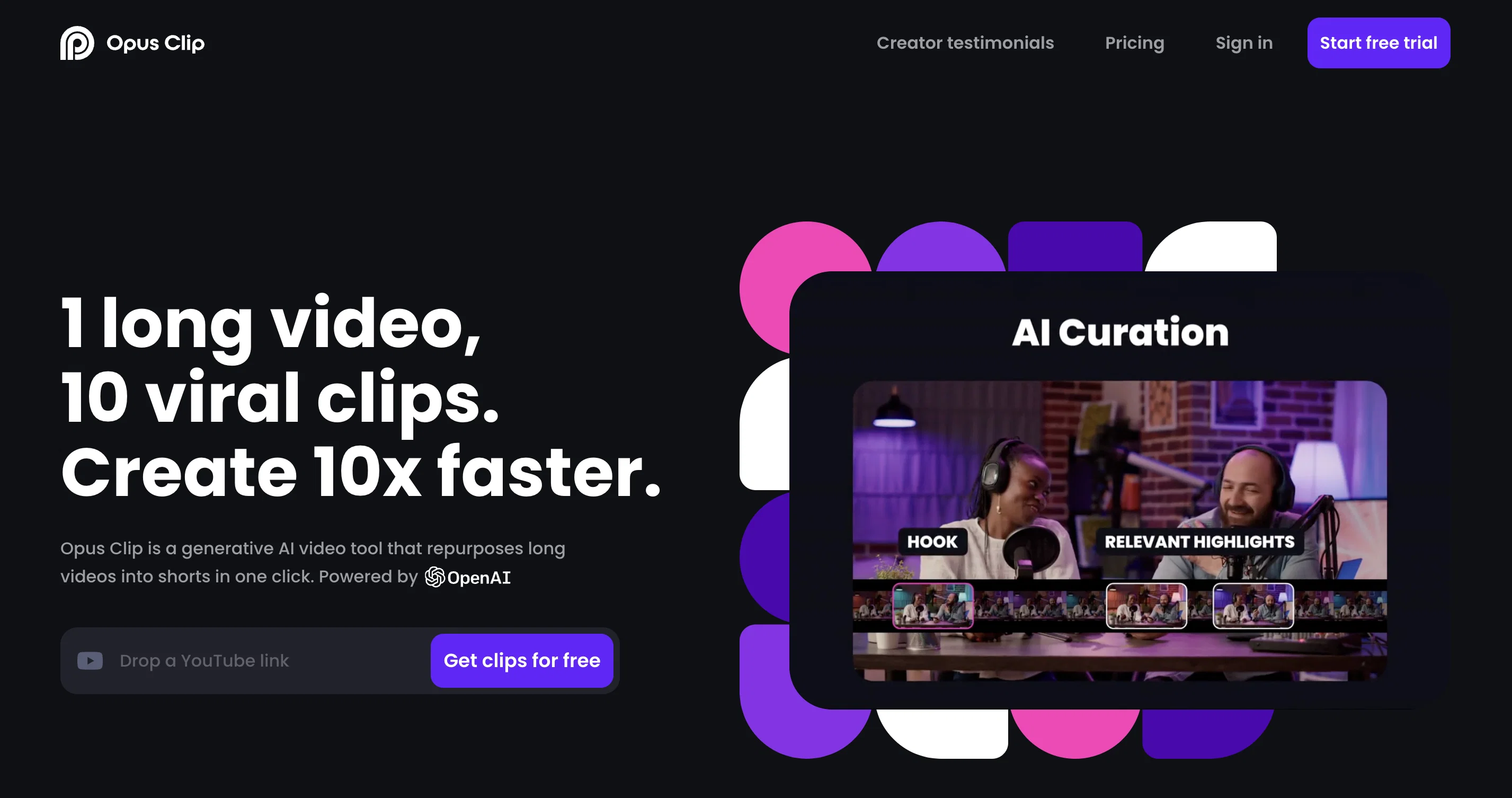
When considering Opus Clip for integration into your organizational workflow, we recommend deploying a structured score card across three critical operational pillars: Security & Compliance, Integration Friction, and long-term Price Scalability. Rather than looking only at basic feature lists, modern procurement teams must assess how a software platform behaves under high load and how well it fits into the team's data security guidelines.
Depending on your operating region and field, ensure that Opus Clip supports standard security layers such as SOC 2 Type II certifications, GDPR compliance, or HIPAA-compliant database encryption. If the tool connects directly to client database tables or handles user passwords, verify that they implement multi-factor authentication (MFA), single sign-on (SSO) integrations, and end-to-end data encryption in transit and at rest.
Siloed data is the primary cause of operational friction. Evaluate if Opus Clip has native connectors for your current project trackers, messaging hubs, and customer communication channels. For custom developer requirements, check if they provide a fully documented REST API with reasonable rate limits, comprehensive Webhooks support, and robust SDK packages in your language. A flexible API layer saves hundreds of hours of manual copy-paste overhead.
SaaS pricing packages are often deceptively simple. When reviewing Opus Clip's billing structure, map out your team's projected expansion over the next 12 to 24 months. Determine how costs scale as your customer database increases or as you add team members. Factor in setup costs, mandatory support plan upgrades, API access fees, and storage overage rates to understand the true cost before committing to a contract.
By combining verified user reviews from our directory with internal workflow pilot tests, your procurement team can make an informed decision that drives productivity without creating capital waste.
Overall rating
Based on 27 reviews
They're dreaming if they think I'd give them my credit card info just for a free trial. Most useless thing ever...
Noeffen Way
Tried it on my podcast generated clips were completely off
Dearbhail Birgis
@Opus Clip is clutch fr
gregory brooks
very good, even the free ver
Hamza Bashiri
It's not free, it forces you to input an email before shoving a price tag in your face.
Arvoly XSL
easy onboarding, quick to set up.
Pluto Radigund
@KeywordSearch creates AI Ad Targeting audiences for YouTube
Aleric Heck
I’ve tried many AI writing tools in the past, but this one actually delivers content that sounds human and ranks. I love how you can create a full SEO blog post with just a keyword… and it’s ready to publish in one click. That saves me so much time. Also, small win for the wallet — use code FSL25 to get 25% off on any plan. Definitely helped me out when testing it for the first time. 👍 Hope this helps someone else who’s been struggling like I was!
Jason
As the service was in beta-testing stage, I created there a dozen of AI-generated courses for free. I wanted to use them. Those courses remained in my account as they started subscription tiers. But recently I have found out that they were deleted. The support didn't answer to my e-mail at all.
Oldfag TV
After my first use, I think it's surprisingly good. The only drawback so far is the PDF export option for the report which is formatless.
Alejandro Correa
@Dumme is an AI-powered tool that helps content creators generate ready-to-upload shorts from existing long-form content. It uses AI to detect clip-worthy moments while preserving the context and structure of the original content. The tool also provides automated captions, titles, and descriptions to optimize performance on various platforms. @Dumme supports videos and podcasts across all platforms of any length and content type, and will generate 8-12 clips from a 20-minute video and more from longer videos. It does not require users to connect their YouTube account and supports most languages. Request early access for the tool at [https://@Dumme.typeform.com/waiting-list].
Ishan IdrisI
I think it's the best @Image Generator I ever found on the net. It gives more accurate image according to the prompt. And thank you for keeping it for free.
My Sawsiri
WE USE @D-ID AT THE COLORADO VIRTUAL CREATIVE FACTORY...AND LOVE IT.
Franco Arteseros
The website is pretty good but there are only a limited number of responses
Probal Roy
Selamat siang saya akan membagikan tutorial gimana caranya mengedit video di aplikasi capcut
Rhyben Rinto
O GPT faz uma análise melhor e mais personalizada.
Vinicius Vilela
I uploaded a video and edited it, then downloaded shorter clips for free. The free version only allows one video upload
Silviu
This sucky website is wow!
Puspa Dotcom
Works but I cannot understand what's the use. I was expecting it to give me some videos
Samartha Venkatramana
It's not free
Thiago Tunay de Oliveira
It`s up and running Amar! Give it another chance when you want to :D
Daniel Garaiacu
Could not generate any videos at all. Lost $19.99 from this site. Could not contact them at all.
Wilfred Reyes
5 star and Ai is the best to guide anybody Ai helps many things like hardwork is easy due to use of Ai .You help in your study
Mohit Singh
Misleading! Said you dont need credit card to start for free. when I signed up it was not available and I had to buy credits to try the tool.
Saad Saiyed
This app is so cool, I use it daily to find trending topics then make a little short video! I’m already seeing results from views on socials like TikTok
Aims Whitter
Very cool tool that gives me free hours to cut my videos into shorts. Wish to get more referral bonus hours. If it could deal the video faster that would be even better.👍🏻
Siying Bai (Maria)
Generating captions was super fast like seconds. Wish they had Anton font though
bob miller
Starting Price
Free plan available
Free tier available with optional paid upgrades.


