5.02 months ago
“Review”
It’s good tool, but needs work when I write what supposed to be written is not working properly
Omar Ibrahim

Turn text into royalty-free songs instantly.
OpenMusic AI is an all-in-one music generation tool that uses artificial intelligence to transform ideas into full-fledged songs. The tool's capabilities include creating complete songs and lyrics from text descriptions and chosen moods resulting in a royalty-free song that is studio-quality and ready for commercial use. Features range from AI music mastering, stem separation, and vocal removal to genre-specific music creation. OpenMusic AI also provides advanced AI studio-quality audio and all-in-one creation toolkit. It caters to creators across various fields including artists, hobbyists, and businesses, and supports music creation across all genres, from lofi beats to cinematic scores. OpenMusic AI also offers additional features like powerful editing and production tools for refining melodies, converting audio to MIDI, and creating instrumentals. Additionally, it allows for vocal transformation, lo-fi audio conversion, and speed adjustments for music to cater to various creative requirements. All music created using OpenMusic AI is royalty-free and commercially viable, allowing users to use the generated music in videos, games, or any other releases with confidence. Help other people by letting them know if this AI was useful. Add your own prompts and outputs to help others understand how to use this AI.
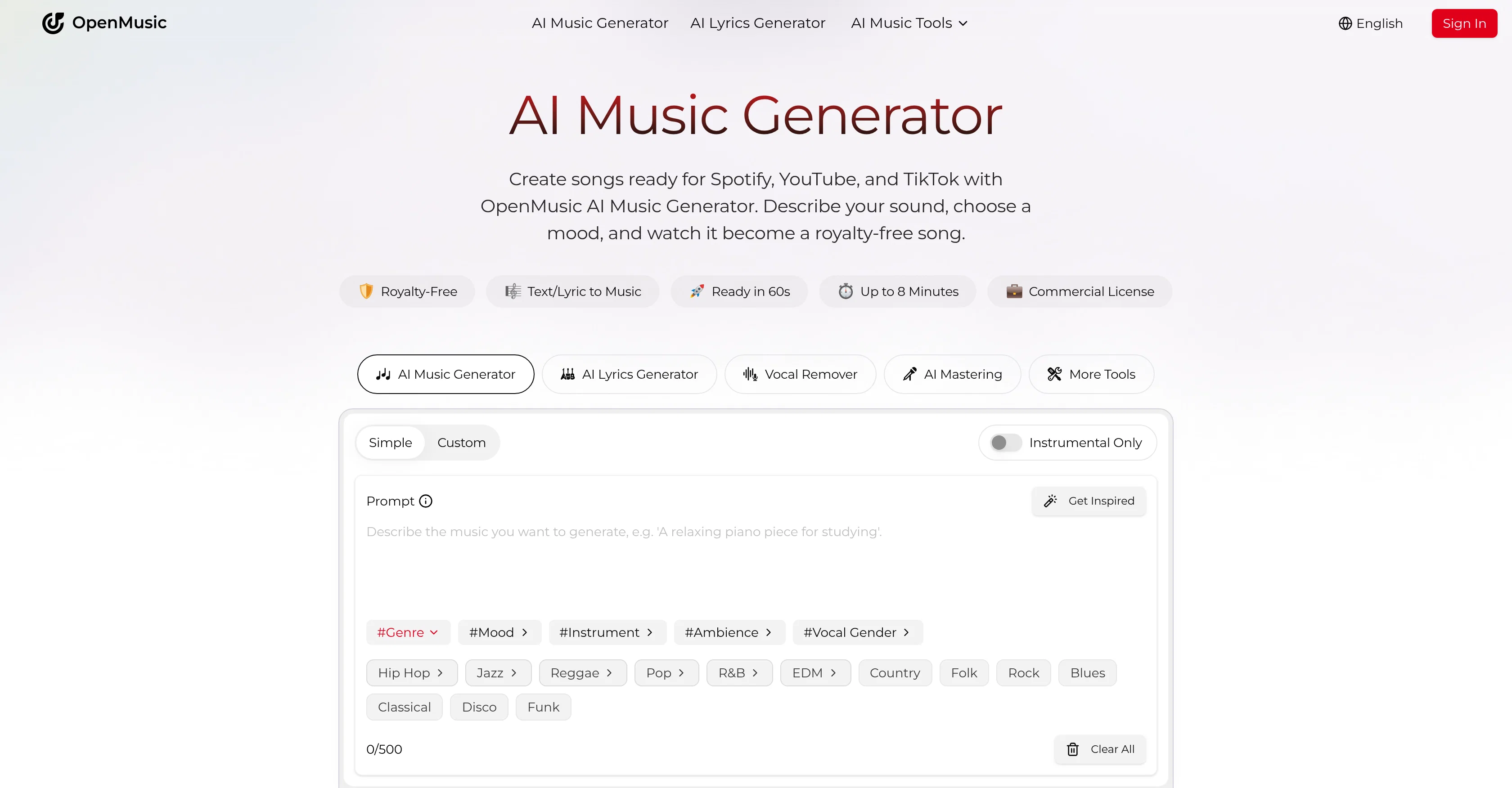
When considering OpenMusic AI for integration into your organizational workflow, we recommend deploying a structured score card across three critical operational pillars: Security & Compliance, Integration Friction, and long-term Price Scalability. Rather than looking only at basic feature lists, modern procurement teams must assess how a software platform behaves under high load and how well it fits into the team's data security guidelines.
Depending on your operating region and field, ensure that OpenMusic AI supports standard security layers such as SOC 2 Type II certifications, GDPR compliance, or HIPAA-compliant database encryption. If the tool connects directly to client database tables or handles user passwords, verify that they implement multi-factor authentication (MFA), single sign-on (SSO) integrations, and end-to-end data encryption in transit and at rest.
Siloed data is the primary cause of operational friction. Evaluate if OpenMusic AI has native connectors for your current project trackers, messaging hubs, and customer communication channels. For custom developer requirements, check if they provide a fully documented REST API with reasonable rate limits, comprehensive Webhooks support, and robust SDK packages in your language. A flexible API layer saves hundreds of hours of manual copy-paste overhead.
SaaS pricing packages are often deceptively simple. When reviewing OpenMusic AI's billing structure, map out your team's projected expansion over the next 12 to 24 months. Determine how costs scale as your customer database increases or as you add team members. Factor in setup costs, mandatory support plan upgrades, API access fees, and storage overage rates to understand the true cost before committing to a contract.
By combining verified user reviews from our directory with internal workflow pilot tests, your procurement team can make an informed decision that drives productivity without creating capital waste.
Overall rating
Based on 23 reviews
It’s good tool, but needs work when I write what supposed to be written is not working properly
Omar Ibrahim
Really impressive! The suggestions were simple, and the image came out beautifully well too!
Jojo
O GPT faz uma análise melhor e mais personalizada.
Vinicius Vilela
As the service was in beta-testing stage, I created there a dozen of AI-generated courses for free. I wanted to use them. Those courses remained in my account as they started subscription tiers. But recently I have found out that they were deleted. The support didn't answer to my e-mail at all.
Oldfag TV
very good image
Bristan “Capesterre” Carbier
still background removing accuracy is required. it only 80% not 100%
Krutika Creations
I think it's the best @Image Generator I ever found on the net. It gives more accurate image according to the prompt. And thank you for keeping it for free.
My Sawsiri
Not at all accurate…. The only thing similar between original and generated images were the clothes and accessories… face was absolutely new and unconnected.
Shvetank Sharma
Honestly @SurfSense is amazing, I use it almost every morning to get an mp3/podcast of my Gmail, Gcal and urgent Linear tickets so I know exactly what's going on that day. It's also insane for board games because I just throw the rulebooks in and share it with my friends so we can chat with the AI together to figure out how to play. And it is scarily good at untangling and explaining really complex rules when we encounter some weird situation!
Eric Lammertsma
Handy when I need a quick explanation
Julian Wasser
Thanks for your feedback! We are also shipping some exciting new features this month!
Saverio Pulizzi
awful, voice is incredibly robotic
Rick
i love it i use it to teach me Italian and ukranian and programing ! and it awesome , because it allows you in the free version send many prints of your screen , not having to explain all the errors by typing diferent from gpt that you can only send 3 photos in the free version. i also use @Grok to study i frist make the exercise in my book then i take a photo of my exercise then i ask it to see if there is any mistake and dissipate my terryble handwriting it understands
fernand Lopes
The most humanly AI i have used so far but the problem is as soon as you start piling up messages in single chat session , it starts getting slow and at some point it starts freezing and also uses a lot of resources. For time being its okay to do 3 4 messages but as soon as we continue it has messages limitation and also starts getting very very slow . For the price of £18 per month this is unacceptable and with the newly introduced feature called project, if we start new chat within the project we cannot continue with the context we provided in other chats within same project. There are lot of improvements for them to work on. And to start with the its speed and its price
Bibash Katel
Suppppeeeeerrr! Wowwww! @Mindsmith is absolutely fantastic! It is incredibly useful, easy to use, and very professional.
Claudia Scilletta
Maybe you don’t have a subscription, so there are no credits on your account, and a lot of features require credits to use.
Span Chen
Absolute disgrace 2 song's /month 😂
Disgrace
This is just more than I thought. Very useful n trusted site. Great
Ajit Thongram
Not available in Uruguay
Fabián Bozoglilanian
Upside: Amazing quality, full-length songs, intelligent use of timing change-ups and key changes. Downside: A very, very miserly 3 free creation credits and the only way to get more is to subscribe. Overall: Using this felt like easily 1-2 generations ahead of competitors like Udio. I guess that's why it isn't free.
Patrick “Bahumat” Rochefort
@Singify completely blew my mind. I’ve tried a few AI music tools before, but nothing comes close to how easy and fun this is.
Alex Rivera
Really appreciate the support and thank you for making a video about @Tunee. That means a lot.❤️
Tunee Team
I got some top quality results after learning how to prompt songs 🤩
Claes Lanng
Starting Price
Free plan available
Free tier available with optional paid upgrades.


