5.02 months ago
“Review”
I wasn't able to use this one (I have my API key)
Pauline LeBlanc

Enhance AI chats with seamless prompt switching and iOS integration.
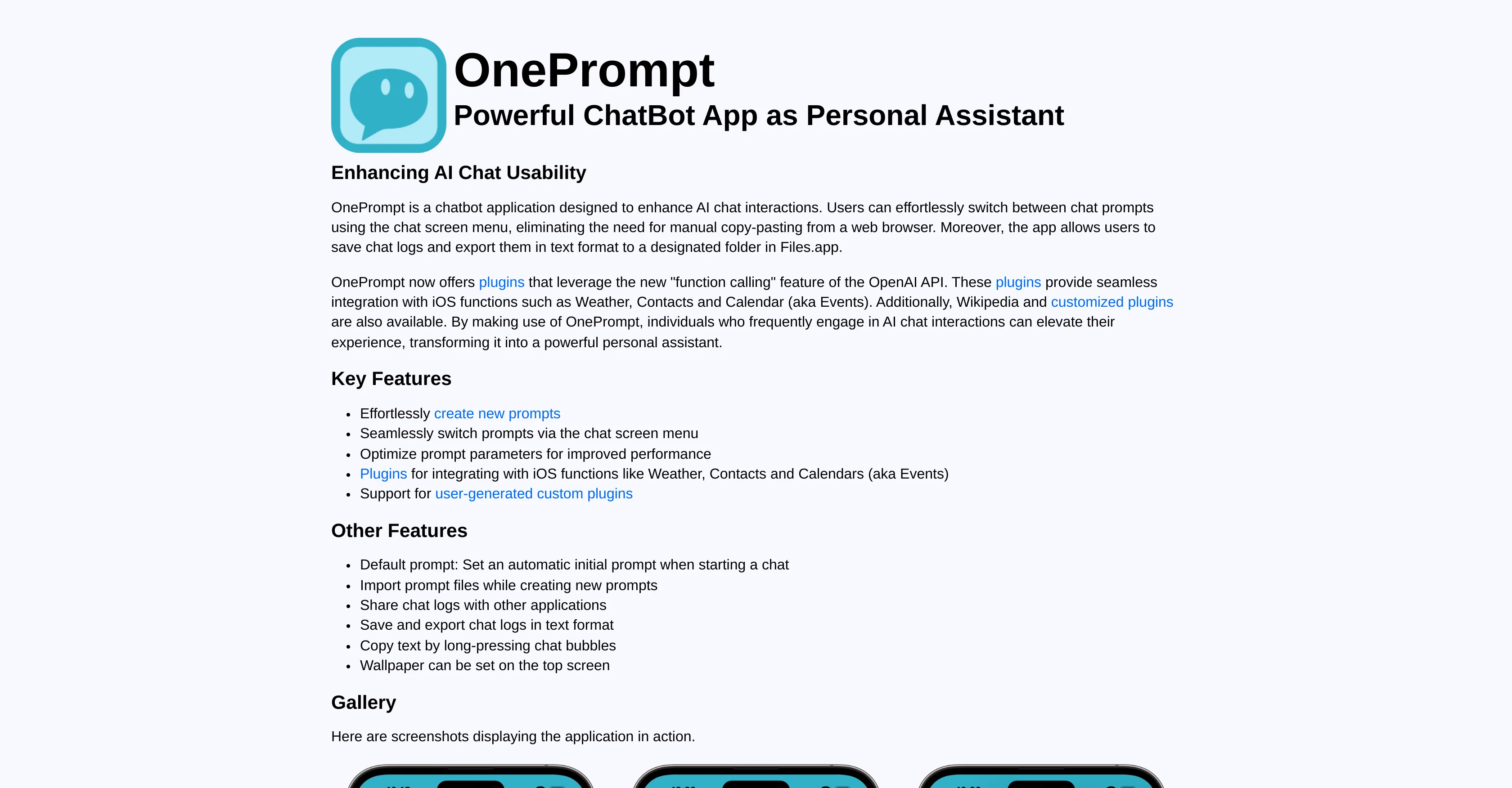
OnePrompt is an AI chat enhancement application optimally made for iOS. It significantly improves AI chat interactions by offering an effortless means to switch between chat prompts via the chat screen menu, thereby eliminating manual copying and pasting from a web browser. The application also supports chat log storage, hence allowing users to save and export chat logs as text to the Files.app. Among its powerful features are plugins that utilize 'function calling,' a feature of the OpenAI API. This ensures a smooth integration with iOS functions such as Weather, Contacts, and Calendar. In order to further personalize the app according to the user's needs, OnePrompt also provides user-generated custom plugins and default prompts set to initialize when a chat starts. The application underscores its capabilities not just as a chat interaction tool but also as a strong personal assistant. Safety being a priority, OnePrompt only operates using the user's OpenAI API key and is strictly based on user consent. It guarantees that the user's information is not employed for machine learning activities or disclosed, emphasizing data protection. Help other people by letting them know if this AI was useful. Add your own prompts and outputs to help others understand how to use this AI.
When considering OnePrompt for integration into your organizational workflow, we recommend deploying a structured score card across three critical operational pillars: Security & Compliance, Integration Friction, and long-term Price Scalability. Rather than looking only at basic feature lists, modern procurement teams must assess how a software platform behaves under high load and how well it fits into the team's data security guidelines.
Depending on your operating region and field, ensure that OnePrompt supports standard security layers such as SOC 2 Type II certifications, GDPR compliance, or HIPAA-compliant database encryption. If the tool connects directly to client database tables or handles user passwords, verify that they implement multi-factor authentication (MFA), single sign-on (SSO) integrations, and end-to-end data encryption in transit and at rest.
Siloed data is the primary cause of operational friction. Evaluate if OnePrompt has native connectors for your current project trackers, messaging hubs, and customer communication channels. For custom developer requirements, check if they provide a fully documented REST API with reasonable rate limits, comprehensive Webhooks support, and robust SDK packages in your language. A flexible API layer saves hundreds of hours of manual copy-paste overhead.
SaaS pricing packages are often deceptively simple. When reviewing OnePrompt's billing structure, map out your team's projected expansion over the next 12 to 24 months. Determine how costs scale as your customer database increases or as you add team members. Factor in setup costs, mandatory support plan upgrades, API access fees, and storage overage rates to understand the true cost before committing to a contract.
By combining verified user reviews from our directory with internal workflow pilot tests, your procurement team can make an informed decision that drives productivity without creating capital waste.
Overall rating
Based on 11 reviews
I wasn't able to use this one (I have my API key)
Pauline LeBlanc
I tried NovelGPT a template in @Agentgpt and it did an excellent job writing the first two episodes of my novel complete with character descriptions, setting,plot points and well I think you get the point. Great tool can't wait to see it out of beta.
Kelli Crose
As the service was in beta-testing stage, I created there a dozen of AI-generated courses for free. I wanted to use them. Those courses remained in my account as they started subscription tiers. But recently I have found out that they were deleted. The support didn't answer to my e-mail at all.
Oldfag TV
Excellent tool. Especially their chrome extension and context feature that makes it so I never need to repeat myself when jumping between LLMs. It upgrades my prompts instantly right inside any LLM chat tool. Super worth the monthly sub, unlimited prompt generation and unlimited prompt saving AND unlimited contexts.
Freddy Meenice
Was a good program, now offline unfortunately
test jantje
NOt transparent, pricing not given, you cannot choose plan prior to registering, or even after that. One prompt free.
Tibor Prievara
Finally, a prompt optimizer that makes sense, adding power to my own words. Easy to expand details, easy to go deeper and to get exactly what I need to squeeze out incredible results with ChatGPT. The Prompt_Enhancer setting is something serious. Thanks guys, keep on providing excellent AI tools!
Hollie Arsement
I swear this actually saved me a lot. 100% recommend to anyone.
307LLL
$20 LET ALONE $100!! is way to expensive for this, and they dont have an unlimited amount of generations even then. The UI is wonderful tho, but the prompts only work half the time (but props to the ui engineers)
project iris
OctiAI makes you work SMARTER, not harder.
Caramelt
This tool finally helps me understand what makes a great prompt. It doesn't just give me a better version, it shows me to get there by analyzing why the original prompt is weak and showing what to improve. The difference this makes to the final AI output is incredible. An essential tool for getting more accurate and detailed results, Great Job!
Milo Quinn
Starting Price
Free plan available
Free tier available with optional paid upgrades.


