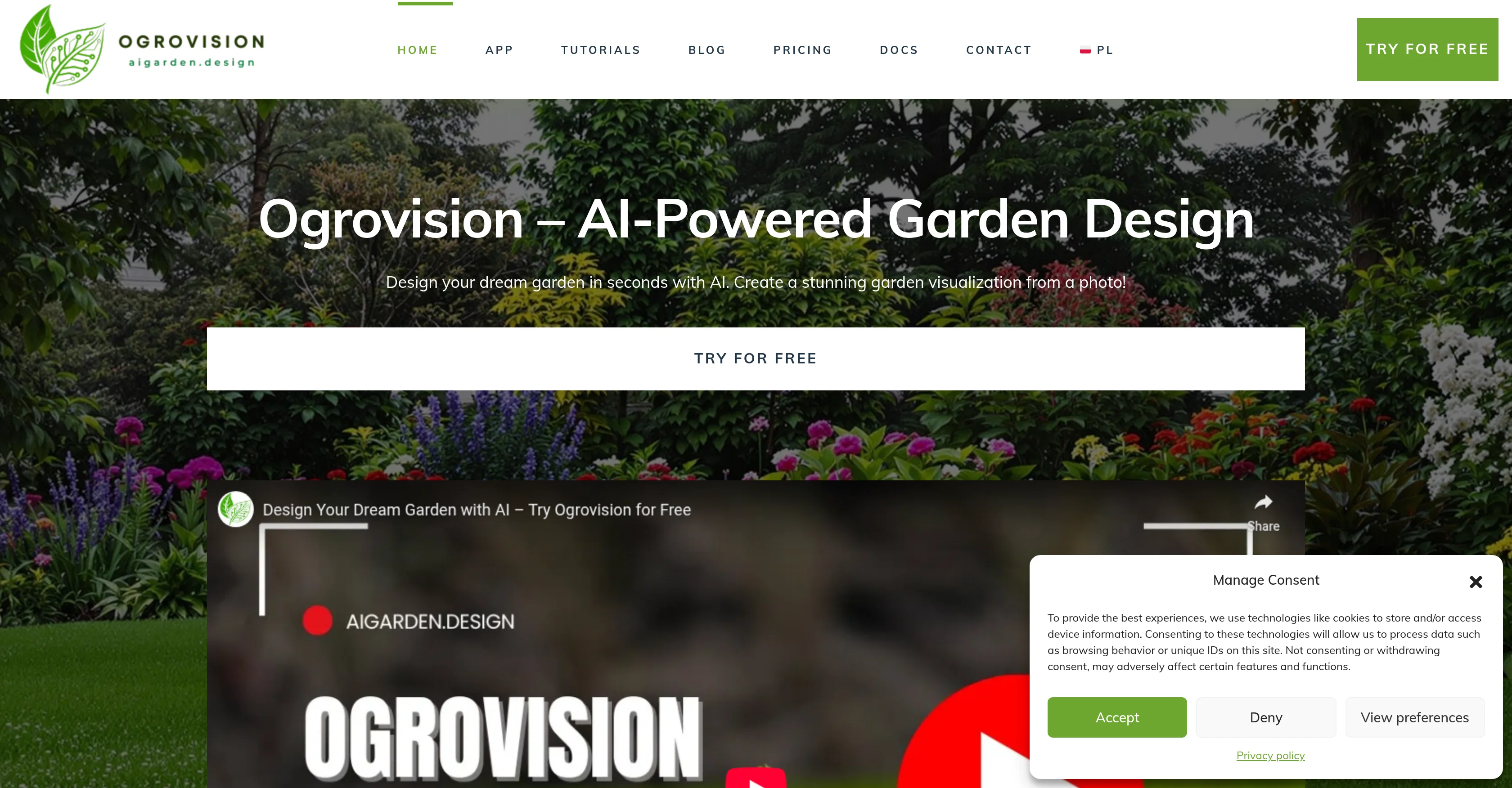
AI Garden Design by Ogrovision is an AI-powered tool designed to facilitate the creation of customized garden designs. Users are able to upload a photo of their garden and highlight the areas they wish to change, and then describe their desired outcome.
The AI tool then generates a realistic image of the transformation based on this input.The tool offers support throughout the entire transformation process, from image generation to layout description, hence aiming to provide the best possible results.
It also includes a built-in prompt generator designed to assist users in describing their desired garden transformation, thereby enhancing creativity and feasibility.
Another notable feature is the tool's ability to recognize plants in the generated designs, offering care recommendations and a customized planting plan.
The users are able to download this information as a PDF for effortless reference. Additionally, the AI tool considers the season, light conditions, and visual style of the photo submitted to ensure the suggested garden design appears natural and fits perfectly into the users' space.
AI Garden Design by Ogrovision also dedicates its efforts in supporting inexperienced users with tutorials and guides that demystifies the process of using the tool.
Furthermore, it enables users to experiment with a variety of garden styles and explore sustainable garden design possibilities. Overall, this tool is designed to provide a user-friendly experience, making the garden design process both accessible and enjoyable.
Help other people by letting them know if this AI was useful.
Add your own prompts and outputs to help others understand how to use this AI.
Screenshot gallery
Pros & Cons
Pros
+Easy to Use
+Fast Results
+Built-in Prompt Generator
+Plant Recognition
+Care Recommendations
+Customized Planting Plan
+PDF Download
+Seasonal Considerations
+Light Condition Analysis
+Visual Style Adaptation
+Tutorials and Guides
+Free to Start
+Additional Credits Available
+Sustainable Design Possibilities
+Variety of Garden Styles
+Image Generation
+Layout Description
+Smart Assistance
+Photorealistic Rendering
+Universal Accessibility
+Device Independence
+Inspirational Examples
+Beginner Friendly
+Masking Feature
+Prompt Assistance
+Statistical Analysis
+Automatic Design Adaptation
+Personalized Results
+Raised Bed Suggestions
+Pathway Design
+Colorful Flower Options
+Herb Garden Design
+Vegetable Garden Design
+Urban Garden Solutions
+EcoFriendly Options
Cons
−Dependent on user input quality
−No direct export to CAD software
−Only generates photorealistic images
−Limited to 2D designs
−No native integration with popular design tools
−Free version has limited generations
−Requires photo upload for processing
−No support for non-rectangular gardens
−Plant database may be limited
A Professional Framework to Evaluate Ogrovision
When considering Ogrovision for integration into your organizational workflow, we recommend deploying a structured score card across three critical operational pillars: Security & Compliance, Integration Friction, and long-term Price Scalability. Rather than looking only at basic feature lists, modern procurement teams must assess how a software platform behaves under high load and how well it fits into the team's data security guidelines.
1. Security and Database Compliance
Depending on your operating region and field, ensure that Ogrovision supports standard security layers such as SOC 2 Type II certifications, GDPR compliance, or HIPAA-compliant database encryption. If the tool connects directly to client database tables or handles user passwords, verify that they implement multi-factor authentication (MFA), single sign-on (SSO) integrations, and end-to-end data encryption in transit and at rest.
2. API Coverage and Custom Integrations
Siloed data is the primary cause of operational friction. Evaluate if Ogrovision has native connectors for your current project trackers, messaging hubs, and customer communication channels. For custom developer requirements, check if they provide a fully documented REST API with reasonable rate limits, comprehensive Webhooks support, and robust SDK packages in your language. A flexible API layer saves hundreds of hours of manual copy-paste overhead.
3. Total Cost of Ownership (TCO)
SaaS pricing packages are often deceptively simple. When reviewing Ogrovision's billing structure, map out your team's projected expansion over the next 12 to 24 months. Determine how costs scale as your customer database increases or as you add team members. Factor in setup costs, mandatory support plan upgrades, API access fees, and storage overage rates to understand the true cost before committing to a contract.
By combining verified user reviews from our directory with internal workflow pilot tests, your procurement team can make an informed decision that drives productivity without creating capital waste.
Features of Ogrovision
Gardening
Landscape Design
AI Powered Design
Sustainable Gardening
Garden Planning
Interior Design
Free + From $4.99
SaaS1to10 verified reviews for Ogrovision
Overall rating
★★★★★5.0
Based on 20 reviews
★★★★★5.01 months ago
“Review”
Thanks for your great feedback Gregory. A feature in @Macky that is designed for more specific industry-specific information is the "Ask @Macky" one. In this feature you can use your own promopting to get outputs that are specific to the business question being asked. Also, at the end of each output you have an opportunity to ask any detailed question you want about the output to get more specific responses. You can drill down several times to get further insights using this feature. Hope this helps!
Kinetic Consulting
★★★★★5.01 months ago
“Review”
very impressive, will use again
josh Rawlinson
★★★★★5.01 months ago
“Review”
Casavista Dec AI Room Dremiai gave me nice ideas to redesign my room. The AI decorate options are creative yet realistic, and I love the Zodiac Designer feature. It's like having an interior designer in my pocket!
conmaledn
★★★★★5.01 months ago
“Review”
Its a promising project and works well so far. Wishing them all the best and godspeed.
Dipak Rautela
★★★★★5.01 months ago
“Review”
Just implemented your instruction out how to run drip campaigns automatically, nice! Getting prospect calls coming in
Jenn N.
★★★★★5.01 months ago
“Review”
Really nice app with free audio guides
Max Sveshnikov
★★★★★5.01 months ago
“Review”
i would say it gives the mind a sense of clarity
Emmanuella Marshall
★★★★★5.01 months ago
“Review”
It's genius. Amazing tool. PDF generation might be improved, but apart from that is amazing.
Aleksander Lukashou
★★★★★5.01 months ago
“Review”
after playing around with it for a bit, i am now aware of how much i need this. i can already feel the hours of sleep coming back to me <3
Bru no no no
★★★★★5.01 months ago
“Review”
Not at all accurate…. The only thing similar between original and generated images were the clothes and accessories… face was absolutely new and unconnected.
Shvetank Sharma
★★★★★5.01 months ago
“Review”
Thanks for free credits. Please 🙏 adapt for mobile💪
Budget Plusit
★★★★★5.01 months ago
“Review”
I joined Kin's beta program on my iPhone XR. After upgrading to an iPhone 13, I found that I couldn't log into my existing account on the new phone, forcing me to create a new account. Now, I have two separate Kin accounts on different phones. Today, when I accessed the beta version of Kin, I got a notification stating that the test version ended on Monday, September 23rd. It instructed me to back up my data and move to the official Kin app. I did as advised—backed up my data, confirmed, uninstalled the beta app via TestFlight, and installed the official Kin app. However, when I attempted to “log in”, I was still unable to access my existing account. This issue hasn't been resolved yet. I have been trying desperately to get in contact with the support team. I left feedback through the test flight app and sent emails. No response. Now trying to find a forums, Reddit posts, TAAFT comments☻
Desiree Miller
★★★★★5.01 months ago
“Review”
Really like how it finds connection in the content that I save. I don't think any other tool can do that.
amix ffx
★★★★★5.01 months ago
“Review”
Pricing too steep for the offered quality.
Richard Stone
★★★★★5.01 months ago
“Review”
This tool i found is super cool, I created 5 books from this tool to sell them online, which gives me great profit. I am creating more valuable books to spread knowledge, and earn some bucks as well 🤑.
Bilal Ashraf
★★★★★5.01 months ago
“Review”
I think it's the best @Image Generator I ever found on the net. It gives more accurate image according to the prompt. And thank you for keeping it for free.
My Sawsiri
★★★★★5.02 months ago
“Review”
What do you mean?
Karol Orzeł
★★★★★5.02 months ago
“Review”
How can i study?
Arlan L Sidik
★★★★★5.02 months ago
“Review”
Actually impressive! I tested it on a random image of a plain yard and it did a really good job turning it into a modern garden. Asked it to add a stepping stone path and a planting layout and tbh it looked real and natural, well thought out. I like how the design respects the existing house style and feels realistic for the space and season. If you are looking for ideas for your garden design, this tool is more than worth trying
Andrew Pellegrini
★★★★★5.02 months ago
“Review”
@Gardenly lets me quickly iterate on my garden design. A great way to get inspired!