5.02 months ago
“Review”
nice holistic
Amit ImmI

Make great videos by chatting with AI.
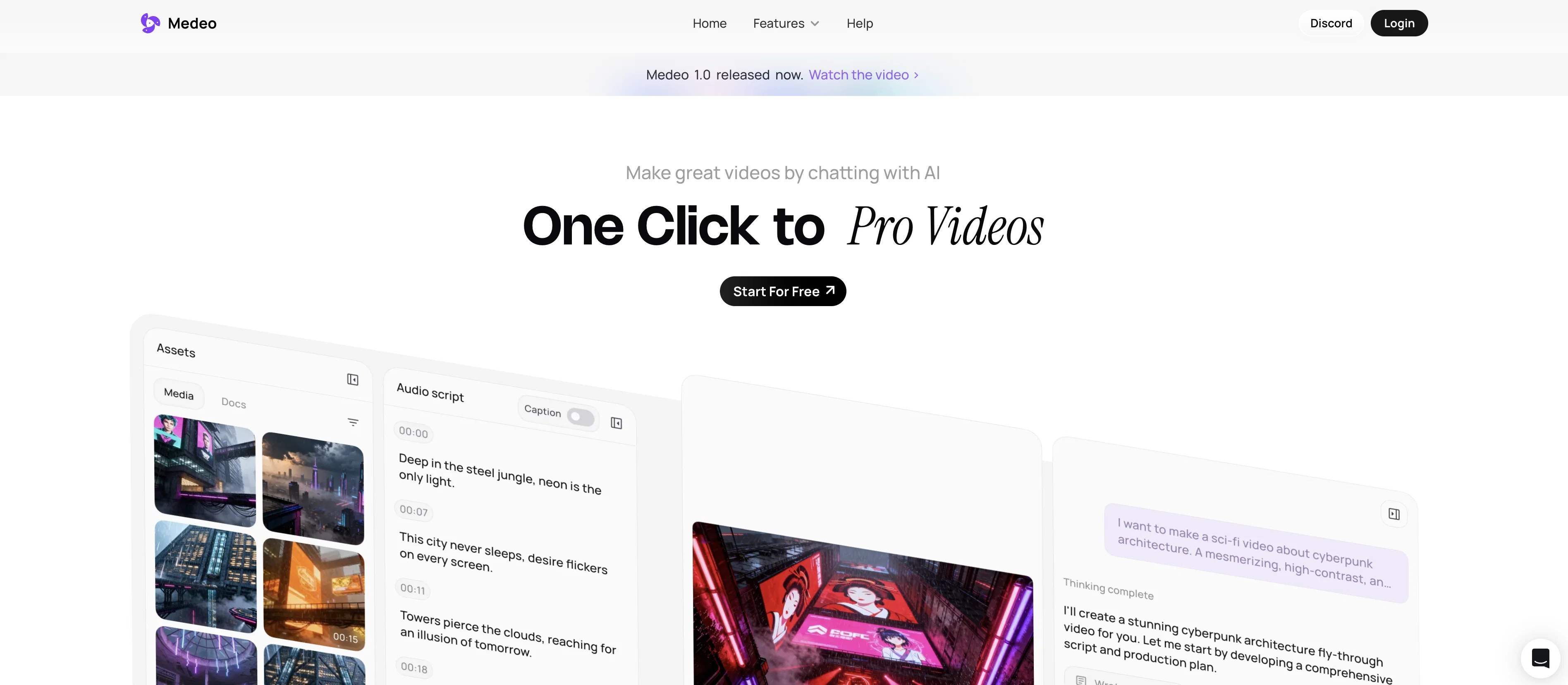
Medeo is an AI-enhanced video editing platform that offers a range of features to simplify the video creation process. The platform's AI-driven capabilities facilitate complex video processing tasks, making it a valuable tool for content producers of all levels of expertise. Medeo's distinguishing feature is its innovative chat-based creation and editing system. Users can instruct the AI by typing text commands, enabling a seamless and intuitive workflow to generate and alter videos. Commands may include prompts like 'Make this part faster' or 'Change the music', which the AI executes with precision providing instant changes in the video edit. The platform also offers character consistency, allowing users to generate characters in new contexts, yet maintaining a visually coherent character identity. Medeo caters to a broad scope of video production needs, including but not limited to marketing, education, and animation. The platform grants users access to an extensive library of assets, such as stock images, videos, and AI voices, and also allows users to upload their custom files and text. Medeo's interface enables users to intuitively modify and synchronize sounds, subtitles, and visual elements. Export options provide flexibility, allowing for varying aspect ratios to accommodate different viewing platforms. Help other people by letting them know if this AI was useful. Add your own prompts and outputs to help others understand how to use this AI.
When considering Medeo for integration into your organizational workflow, we recommend deploying a structured score card across three critical operational pillars: Security & Compliance, Integration Friction, and long-term Price Scalability. Rather than looking only at basic feature lists, modern procurement teams must assess how a software platform behaves under high load and how well it fits into the team's data security guidelines.
Depending on your operating region and field, ensure that Medeo supports standard security layers such as SOC 2 Type II certifications, GDPR compliance, or HIPAA-compliant database encryption. If the tool connects directly to client database tables or handles user passwords, verify that they implement multi-factor authentication (MFA), single sign-on (SSO) integrations, and end-to-end data encryption in transit and at rest.
Siloed data is the primary cause of operational friction. Evaluate if Medeo has native connectors for your current project trackers, messaging hubs, and customer communication channels. For custom developer requirements, check if they provide a fully documented REST API with reasonable rate limits, comprehensive Webhooks support, and robust SDK packages in your language. A flexible API layer saves hundreds of hours of manual copy-paste overhead.
SaaS pricing packages are often deceptively simple. When reviewing Medeo's billing structure, map out your team's projected expansion over the next 12 to 24 months. Determine how costs scale as your customer database increases or as you add team members. Factor in setup costs, mandatory support plan upgrades, API access fees, and storage overage rates to understand the true cost before committing to a contract.
By combining verified user reviews from our directory with internal workflow pilot tests, your procurement team can make an informed decision that drives productivity without creating capital waste.
Overall rating
Based on 19 reviews
nice holistic
Amit ImmI
There were no aristocratic Asians and Africans in ancient Rome.
Sándor Gajdos
your answer is much too general, so useless. You could have just tell me to ask Perplexity.
Ta
The watermark was removed so cleanly, it's amazing!
picsman
What is My AI Ninja? My AI Ninja simplifies content creation for social media posts, carousels, long blog posts and editorial calendars tailored to your business, writing style, and audience profile. Powered by AI, it transforms your insights into authentic, engaging content. The tool is not limited to generating text; it also comes equipped with features to aid with the appropriate illustration of the content, ensuring a comprehensive package for your content requirements with a simple and efficient user interface. ► Why My AI Ninja? Social media growth is crucial but time-consuming. Balancing authenticity with efficiency is a challenge. That’s where My AI Ninja comes in: → Save Time: No more hours spent crafting posts. → Stay Authentic: Content reflects your voice, not a cookie-cutter template. → Achieve Results: Build influence without sacrificing your focus. ► How It Works: → We Understand You: The AI learns your tone, style, and goals. → Simplified Input: Share ideas via text or voice notes; we handle the rest. → Authentic Output: From social media posts to blogs and carousels, every piece feels uniquely you. ► What You Gain: → Direct connection with your audience. → Insightful sharing that feels natural. → Expanded reach while staying true to your expertise. ►►►Join Hundreds of Entrepreneurs My AI Ninja already supports hundreds of users in turning ideas into impactful content. With new features on the horizon, it’s the perfect time to amplify your voice and share
Sanjay Das
Everything is working normally. Best,
Stefan Mitrovic
I'm new in using AI tools, but i found @COACH quite helpful! It follows you step by step both analyzing your situation and finding resources... thanks!
Gabriele Orsini
Finally, a prompt optimizer that makes sense, adding power to my own words. Easy to expand details, easy to go deeper and to get exactly what I need to squeeze out incredible results with ChatGPT. The Prompt_Enhancer setting is something serious. Thanks guys, keep on providing excellent AI tools!
Hollie Arsement
Hi there! The tool works just fine, all you need to do is copy the text you want to rewrite and paste it in the little prompt box, where it says "Enter your prompt here". Click "Generate" and you're done!
Antonia Mitrea
Very interesting
Béatrice Duval
I think the software is really good.
Jiahui Zhou
I think it's the best @Image Generator I ever found on the net. It gives more accurate image according to the prompt. And thank you for keeping it for free.
My Sawsiri
Not at all accurate…. The only thing similar between original and generated images were the clothes and accessories… face was absolutely new and unconnected.
Shvetank Sharma
I'm giving it two stars because it does do an ok job on videos but I would NOT recommend this. The "free trial" gives you 80 credits. It's not even enough to make a 60 second video so you can't really "trial" anything. I then spent $35 to make a 60 second video and I did two edits to it and I only have 451 credits left for the month. Until the costs come down, this is not feasible.
Pam L
They're dreaming if they think I'd give them my credit card info just for a free trial. Most useless thing ever...
Noeffen Way
easy onboarding, quick to set up.
Pluto Radigund
You get 300 credits upon signing up, which is enough to test out the app and see its potential. I had a bit of fun with it. It takes a few minutes to generate content, but the results are impressive. There are many styles, modifiers, and customization options available. I would definitely use this for content creation or storytelling.
Daniel Garaiacu
WE USE @D-ID AT THE COLORADO VIRTUAL CREATIVE FACTORY...AND LOVE IT.
Franco Arteseros
The concept is great.
kanawati
Starting Price
Free plan available
Free tier available with optional paid upgrades.


