5.02 months ago
“Review”
Maps Scraper AI is like a robot that scrapes Bing Maps, giving us real, verified leads. It's the best way to get leads automatically, straight from Maps listings. https://mapsscraper.ai/
MapsScraperAI

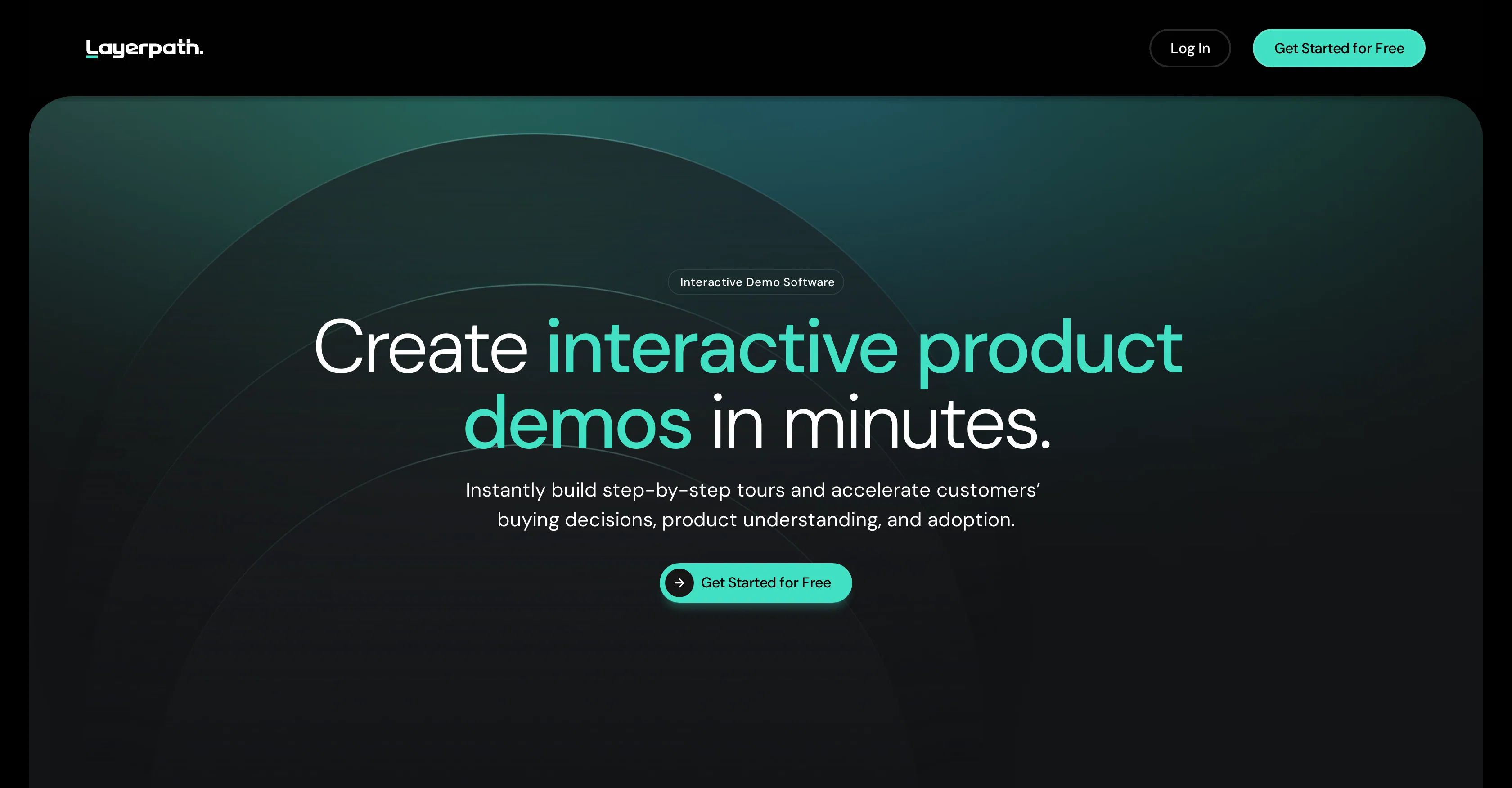
Create interactive product demos in minutes.
Layerpath is a digital tool designed to create interactive product demos in an efficient and effective manner. This tool allows users to capture screen recordings and convert them into various formats such as step-by-step guides, product tours, and videos. Its aim is to enrich product understanding and accelerate the buying and adoption decisions of potential customers. Notably, Layerpath offers its users the capability to organize and measure engagement through features like Lead Forms, Playlists, and Analytics. Users can create personalized tours, sales demonstrations, and onboarding processes, providing a richer, interactive alternative to static screenshots. These tours can be customized to enhance the viewer's learning experience, by adjusting various aspects including colors, voiceovers, layouts, fonts, and more. In addition to this, Layerpath leverages AI technology to assist in the creation of these tours, with features to improve text and add engaging voiceovers. Further, it provides data capture functionality within tours to capture viewer information, and assist in driving conversions. Layerpath offers different subscription plans, accommodating the needs of individuals and professional teams alike, each offering a diverse range of features and capabilities. Help other people by letting them know if this AI was useful. Add your own prompts and outputs to help others understand how to use this AI.
When considering Layerpath for integration into your organizational workflow, we recommend deploying a structured score card across three critical operational pillars: Security & Compliance, Integration Friction, and long-term Price Scalability. Rather than looking only at basic feature lists, modern procurement teams must assess how a software platform behaves under high load and how well it fits into the team's data security guidelines.
Depending on your operating region and field, ensure that Layerpath supports standard security layers such as SOC 2 Type II certifications, GDPR compliance, or HIPAA-compliant database encryption. If the tool connects directly to client database tables or handles user passwords, verify that they implement multi-factor authentication (MFA), single sign-on (SSO) integrations, and end-to-end data encryption in transit and at rest.
Siloed data is the primary cause of operational friction. Evaluate if Layerpath has native connectors for your current project trackers, messaging hubs, and customer communication channels. For custom developer requirements, check if they provide a fully documented REST API with reasonable rate limits, comprehensive Webhooks support, and robust SDK packages in your language. A flexible API layer saves hundreds of hours of manual copy-paste overhead.
SaaS pricing packages are often deceptively simple. When reviewing Layerpath's billing structure, map out your team's projected expansion over the next 12 to 24 months. Determine how costs scale as your customer database increases or as you add team members. Factor in setup costs, mandatory support plan upgrades, API access fees, and storage overage rates to understand the true cost before committing to a contract.
By combining verified user reviews from our directory with internal workflow pilot tests, your procurement team can make an informed decision that drives productivity without creating capital waste.
Overall rating
Based on 17 reviews
Maps Scraper AI is like a robot that scrapes Bing Maps, giving us real, verified leads. It's the best way to get leads automatically, straight from Maps listings. https://mapsscraper.ai/
MapsScraperAI
Love Dadan's new AI features. I used to hate searching through videos to find specific points and actions. Now I just get AI Assist to transcribe them and use one of the meeting templates to find what I need in a few seconds.
Olly Silver
I like the way I can read, search, write, take note and organize in one seamless place.
ali. market
Big fan of @1Template. Building my resume is the bane of my existence, so this is something really helps me out. Nice one.
Joshua Kessel
Interesting and futuristic concept :)
nhta
UI Experience is fast & good with free account limited data (100 csv records) but no 3rd party integrations and limited data connection and no 3D /funnel many more chart visualizations are missing.
Poojitha Bandaru
It's amazing, I have already used it to create a personal website.
Dvlin
What is My AI Ninja? My AI Ninja simplifies content creation for social media posts, carousels, long blog posts and editorial calendars tailored to your business, writing style, and audience profile. Powered by AI, it transforms your insights into authentic, engaging content. The tool is not limited to generating text; it also comes equipped with features to aid with the appropriate illustration of the content, ensuring a comprehensive package for your content requirements with a simple and efficient user interface. ► Why My AI Ninja? Social media growth is crucial but time-consuming. Balancing authenticity with efficiency is a challenge. That’s where My AI Ninja comes in: → Save Time: No more hours spent crafting posts. → Stay Authentic: Content reflects your voice, not a cookie-cutter template. → Achieve Results: Build influence without sacrificing your focus. ► How It Works: → We Understand You: The AI learns your tone, style, and goals. → Simplified Input: Share ideas via text or voice notes; we handle the rest. → Authentic Output: From social media posts to blogs and carousels, every piece feels uniquely you. ► What You Gain: → Direct connection with your audience. → Insightful sharing that feels natural. → Expanded reach while staying true to your expertise. ►►►Join Hundreds of Entrepreneurs My AI Ninja already supports hundreds of users in turning ideas into impactful content. With new features on the horizon, it’s the perfect time to amplify your voice and share
Sanjay Das
Great designs
Brian Gacheru
Although not very detailed, the key points are almost all included. Not only can PDFs be uploaded, but other text files as well, and can be translated into the specified language, Overall, it's quite practical!
Chen Ye
Thanks, works!
Canada Centrist
Personal top 5 most convenient tools for creating content for website or social media. Writing text and generating images immediately
Juju
Immo currently best solution if you want to convert / enchant your how-to tutorials to more professional!
asusi zuppa
I've used it for my new business. It save tons of time and money.
Aleksandr Veryayskiy
When I want to sign up on the @Ideogram website with "Continue with Google" and press it, the sentence "Please choose an option to continue" appears below the banner and no action happens. Anybody can help me?
Michael Ryan
easy onboarding, quick to set up.
Pluto Radigund
Really like how it finds connection in the content that I save. I don't think any other tool can do that.
amix ffx
Starting Price
Free plan available
Free tier available with optional paid upgrades.


