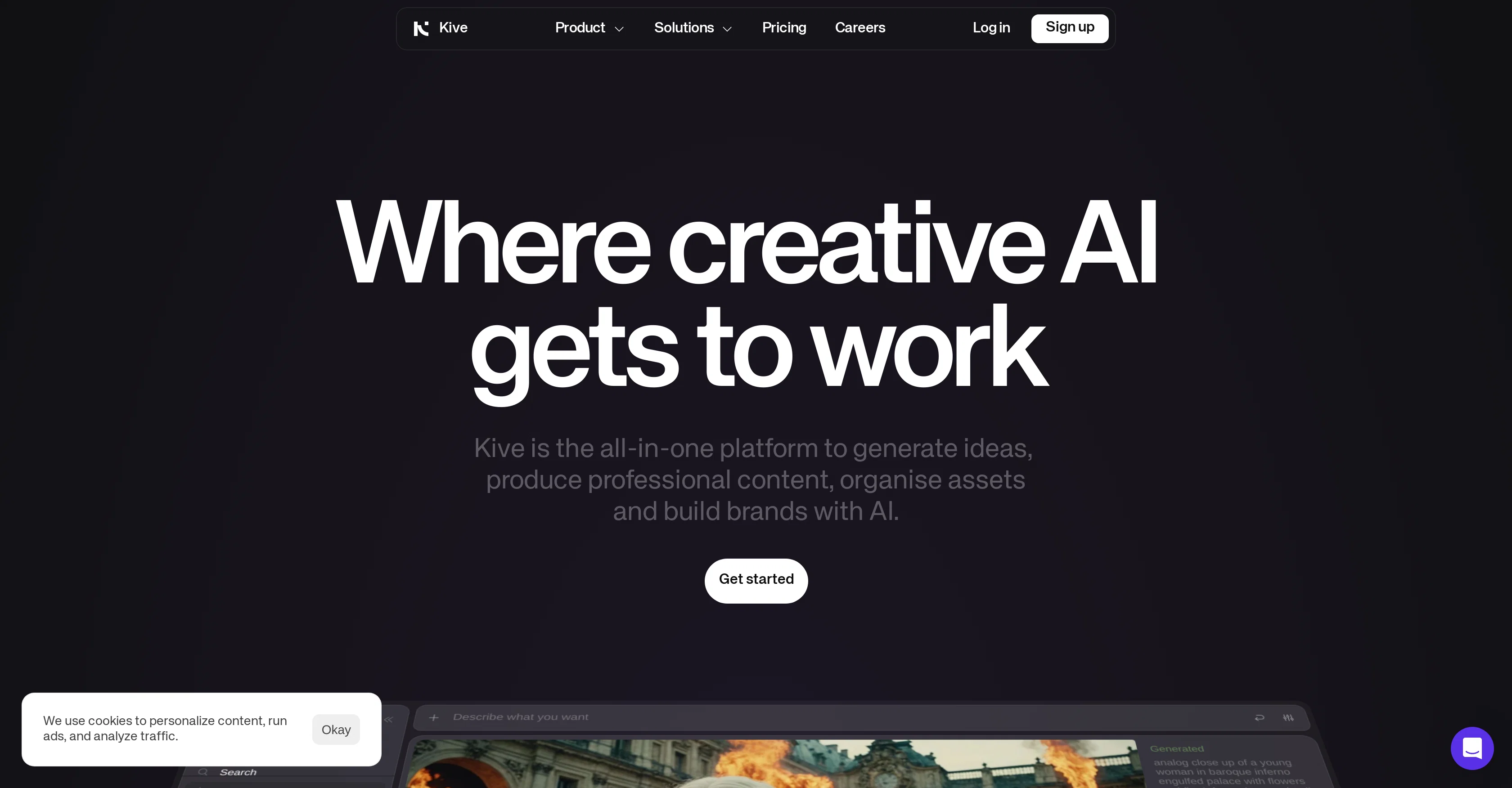
Kive is an AI-powered tool designed to amplify and enhance the creative process. Its main focus is to assist users in expanding their creative libraries.
Kive leverages AI technology to help you refine and reimagine your unique visions, aiming to streamline the creative process and simplify it for users of all technical backgrounds.
The tool helps users represent their creative ideas effectively by using AI to interpret and translate these ideas into achievable projects. Kive is not only a tool for individual use, it is also equipped with collaborative features.
These features facilitate teamwork on projects, making it easier for different users to contribute their ideas and skills, enabling a seamless, communal creative process.
The combination of these features help to remove technological barriers, allowing users to focus purely on their creativity. Kive is thereby committed to enhancing the creative practice by making it more accessible, collaborative and efficient.
Help other people by letting them know if this AI was useful.
Add your own prompts and outputs to help others understand how to use this AI.
Screenshot gallery
Pros & Cons
Pros
+Organized visual library
+Image tagging
+Facilitates mood board creation
+Enables collaboration in shared workspaces
+Access to creative community
+Intuitive interface
+Powerful search engine
+Creation of beautiful boards
+Presentable through a simple link
+Makes content search easier
+Automated sorting
+Serverless architecture
+Fast and accurate search
+Ignores file names during search
+Accessible from browser, iOS, iPad
+Allows for remote collaboration
+Facilitates feedback and selection
+Eliminates need for emails
+Creation of stunning presentations
+Easy sharing via link
+Inspiration from top creatives
+Free trial available
+Complete creative solution
+Trusted by industry professionals
+Reduces research time
+Enhances work efficiency
+Increases pitch win rate
+Revolutionizes work flow
+Archive upload for search
+Beautiful interface
+Excellent client service
+Improves brainstorming process
+Keeps folders organized
Cons
−No Android support mentioned
−Potentially limited tagging vocabulary
−Potential for incorrect tagging
−No offline access mentioned
−No multi-language support mentioned
−Lack of advanced editing features
−No API for third-party integrations
−No multi-project simultaneous support mentioned
−Possible privacy concerns with shared workspaces
−Lack of file format support clarity
A Professional Framework to Evaluate Kive
When considering Kive for integration into your organizational workflow, we recommend deploying a structured score card across three critical operational pillars: Security & Compliance, Integration Friction, and long-term Price Scalability. Rather than looking only at basic feature lists, modern procurement teams must assess how a software platform behaves under high load and how well it fits into the team's data security guidelines.
1. Security and Database Compliance
Depending on your operating region and field, ensure that Kive supports standard security layers such as SOC 2 Type II certifications, GDPR compliance, or HIPAA-compliant database encryption. If the tool connects directly to client database tables or handles user passwords, verify that they implement multi-factor authentication (MFA), single sign-on (SSO) integrations, and end-to-end data encryption in transit and at rest.
2. API Coverage and Custom Integrations
Siloed data is the primary cause of operational friction. Evaluate if Kive has native connectors for your current project trackers, messaging hubs, and customer communication channels. For custom developer requirements, check if they provide a fully documented REST API with reasonable rate limits, comprehensive Webhooks support, and robust SDK packages in your language. A flexible API layer saves hundreds of hours of manual copy-paste overhead.
3. Total Cost of Ownership (TCO)
SaaS pricing packages are often deceptively simple. When reviewing Kive's billing structure, map out your team's projected expansion over the next 12 to 24 months. Determine how costs scale as your customer database increases or as you add team members. Factor in setup costs, mandatory support plan upgrades, API access fees, and storage overage rates to understand the true cost before committing to a contract.
By combining verified user reviews from our directory with internal workflow pilot tests, your procurement team can make an informed decision that drives productivity without creating capital waste.
Features of Kive
Creativity Amplifier
Creative Process Streamlining
Creative Practice Enhancement
Creative Library
Accessibility Focus
Idea Translation
Free + From $12/Mo
SaaS1to10 verified reviews for Kive
Overall rating
★★★★★5.0
Based on 18 reviews
★★★★★5.01 months ago
“Review”
Good idea on democratization of AHP based Multiple Criteria Decision Making / Analysis (MCDM / MCDA). Helping common people to get AI powered MCDA at own mobile phone, otherwise only available expencive software with enterprises.
Shashi Bhattarai
★★★★★5.01 months ago
“Review”
Best labeling tool for complex image
Ce Fung
★★★★★5.02 months ago
“Review”
B12 exceeded my expectations especially after I tried a few similar tools. Signing up took under a minute and because I offer a very specific set of services as a consultant, I didn't expect the AI to be able to capture my work, but it did a great job with creating content for me. I only had to make a few edits, add my bio, and was able to publish that same day. Now I get lots of compliments on my site and I've even tried their other tools like email marketing, which is great because the emails match my site's appearance. Overall I would recommend B12 as an effective, affordable, and easy to use website solution.
Katie G
★★★★★5.02 months ago
“Review”
The website is pretty good but there are only a limited number of responses
Probal Roy
★★★★★5.02 months ago
“Review”
Works but I cannot understand what's the use. I was expecting it to give me some videos
Samartha Venkatramana
★★★★★5.02 months ago
“Review”
I tried NovelGPT a template in @Agentgpt and it did an excellent job writing the first two episodes of my novel complete with character descriptions, setting,plot points and well I think you get the point. Great tool can't wait to see it out of beta.
Kelli Crose
★★★★★5.02 months ago
“Review”
Such an impressive platform for all of us who are looking for more efficient ways to do the investigation. @OpenRead has the potential to solve our problems.
Zhuohang Tong
★★★★★5.02 months ago
“Review”
Great! I think @AI Lawyer is the best service I've ever seen. Perfect use. Prompting helps in the work
Yuri Gerasimov
★★★★★5.02 months ago
“Review”
easy to pick up and you get a few free file imports. it gives you results pretty fast, unfortunately i can't find a way to get back to these, they're locked behind the paid service.
Ron Jayson
★★★★★5.02 months ago
“Review”
As the service was in beta-testing stage, I created there a dozen of AI-generated courses for free. I wanted to use them. Those courses remained in my account as they started subscription tiers. But recently I have found out that they were deleted. The support didn't answer to my e-mail at all.
Oldfag TV
★★★★★5.02 months ago
“Review”
Easy to implement into my workflow and helps save time reviewing and drafting various legal documents
Meaghan Hounslow
★★★★★5.02 months ago
“Review”
It's not free, it forces you to input an email before shoving a price tag in your face.
Arvoly XSL
★★★★★5.02 months ago
“Review”
Really amazing! Makes learning content and engaging with things so much easier!
Jamie McDonald
★★★★★5.02 months ago
“Review”
I tried using it but the website has too many bugs.
João Neiva
★★★★★5.02 months ago
“Review”
O GPT faz uma análise melhor e mais personalizada.
Vinicius Vilela
★★★★★5.02 months ago
“Review”
it has a lot of potential but is pretty crappy due to lack of features
Jon Novak
★★★★★5.02 months ago
“Review”
I use it to post photos to Adobe Stocks, works great