5.01 months ago
“Review”
Great tool with lots of modes
David Sirera

Redesign your interior in seconds using AI
Help other people by letting them know if this AI was useful. Add your own prompts and outputs to help others understand how to use this AI.
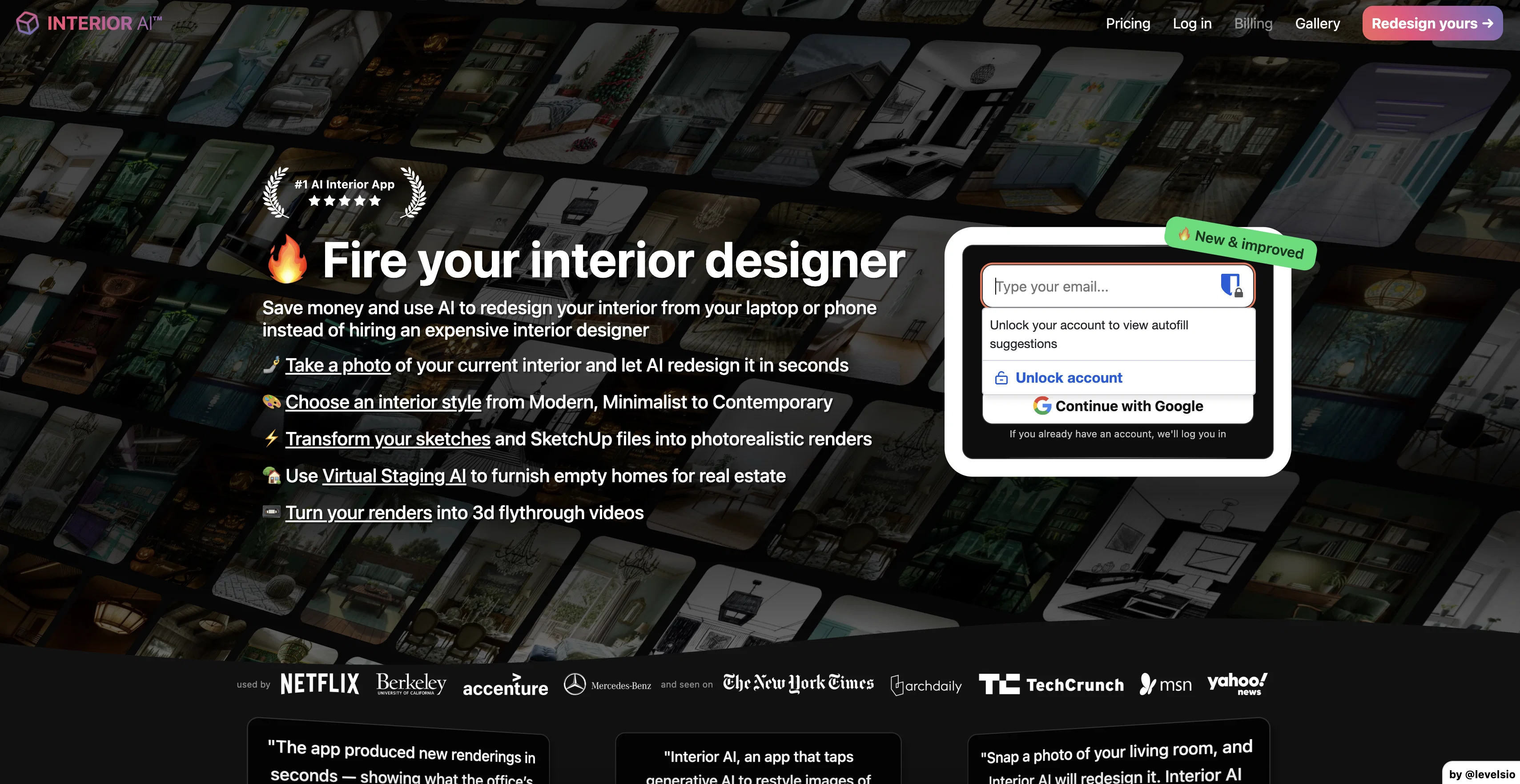
When considering Interior AI for integration into your organizational workflow, we recommend deploying a structured score card across three critical operational pillars: Security & Compliance, Integration Friction, and long-term Price Scalability. Rather than looking only at basic feature lists, modern procurement teams must assess how a software platform behaves under high load and how well it fits into the team's data security guidelines.
Depending on your operating region and field, ensure that Interior AI supports standard security layers such as SOC 2 Type II certifications, GDPR compliance, or HIPAA-compliant database encryption. If the tool connects directly to client database tables or handles user passwords, verify that they implement multi-factor authentication (MFA), single sign-on (SSO) integrations, and end-to-end data encryption in transit and at rest.
Siloed data is the primary cause of operational friction. Evaluate if Interior AI has native connectors for your current project trackers, messaging hubs, and customer communication channels. For custom developer requirements, check if they provide a fully documented REST API with reasonable rate limits, comprehensive Webhooks support, and robust SDK packages in your language. A flexible API layer saves hundreds of hours of manual copy-paste overhead.
SaaS pricing packages are often deceptively simple. When reviewing Interior AI's billing structure, map out your team's projected expansion over the next 12 to 24 months. Determine how costs scale as your customer database increases or as you add team members. Factor in setup costs, mandatory support plan upgrades, API access fees, and storage overage rates to understand the true cost before committing to a contract.
By combining verified user reviews from our directory with internal workflow pilot tests, your procurement team can make an informed decision that drives productivity without creating capital waste.
Overall rating
Based on 24 reviews
Great tool with lots of modes
David Sirera
The policy and rules are really scares
Deleted user
What are the alternatives?
Neel Gupta
DO NOT PAY FOR THIS. TERRIBLE PRODUCT, THERES FREE ALTERNATIVES OUT THERE THAT ARE JUST AS GOOD IF NOT BETTER. TRUST ME.
Michael Israel
Does not have a free or trial version.
Elliot Nemeth
The tool does not work - the pricing is excessive and there is no way to get a refund and no way to contact the developer. It does not maintain the room's construction, it hallucinates to the point of it being useless. Do not waste your money - stay away.
Paul Berberian
not too good result
beltz
It's sad to see people want to try your tool out but you have no free sample for them. This may be the best tool out there, but, as mentioned, going through with the AI for minutes to explain what you want, then being prompted to pay, without even knowing if it CAN create something, is discouraging. I hope we can get a free sample or preview at one point, im interested in this one.
Ron Jayson
It created some decent logos. They are great as a start point
Samuel Barlet
after playing around with it for a bit, i am now aware of how much i need this. i can already feel the hours of sleep coming back to me <3
Bru no no no
Great! I think @AI Lawyer is the best service I've ever seen. Perfect use. Prompting helps in the work
Yuri Gerasimov
Free Start with a Free Experience $0 /mo
Vitus Bering
After my first use, I think it's surprisingly good. The only drawback so far is the PDF export option for the report which is formatless.
Alejandro Correa
Really amazing! Makes learning content and engaging with things so much easier!
Jamie McDonald
It's not free, it forces you to input an email before shoving a price tag in your face.
Arvoly XSL
Nice website but when you discover the tool. you realize it's half-baked. Hardly does what they claim to do.
Julien Demare
As the service was in beta-testing stage, I created there a dozen of AI-generated courses for free. I wanted to use them. Those courses remained in my account as they started subscription tiers. But recently I have found out that they were deleted. The support didn't answer to my e-mail at all.
Oldfag TV
O GPT faz uma análise melhor e mais personalizada.
Vinicius Vilela
Nice alternatives to redecorate a room.
Victoria G
Wow! Very cool and easy to use.
Vitor Alves
Wish it had a 1-7 day trial or short demo.
Daniel Garaiacu
Casavista Dec AI Room Dremiai gave me nice ideas to redesign my room. The AI decorate options are creative yet realistic, and I love the Zodiac Designer feature. It's like having an interior designer in my pocket!
conmaledn
Fun, but weird. It thought my flat screen tv was a window in every render. Runners and bricks mid-floor. Other strangeness.
Sandia Harrison
The application arbitrarily adds doors and windows, making the final design unusable. It also changes the view from the window. In the final you are looking at a completely different room than the one you are interested in redesigning.
Martin Březina
Starting Price
From $16.00/user/month
Pricing may vary based on team size and features selected.


