5.01 months ago
“Review”
good nothing more to say just very good
yves Anguilet

AI-powered assistant for your team's desktop
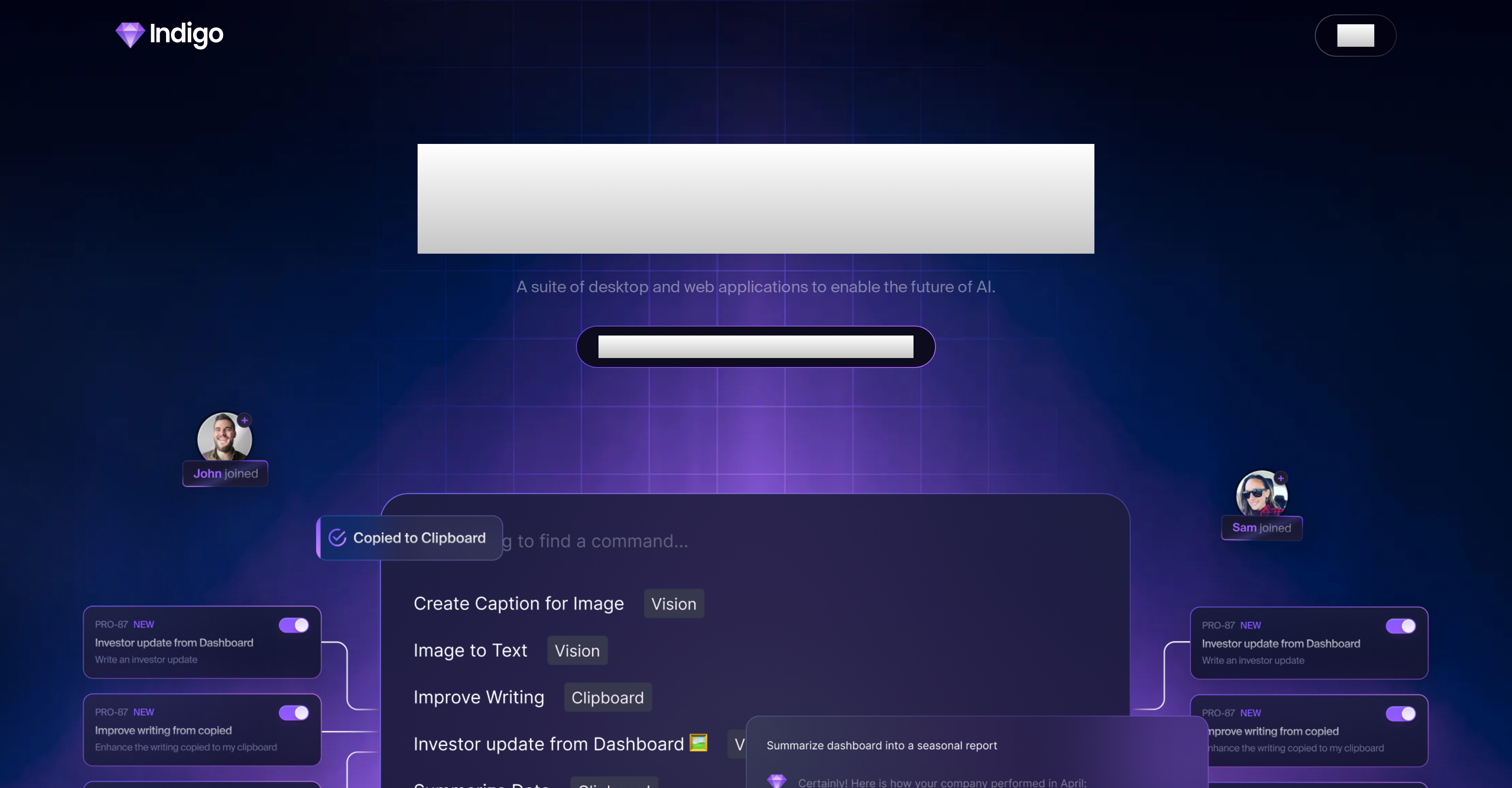
Indigo is a comprehensive AI suite encompassing a range of desktop and web applications. This tool is designed to facilitate enhanced efficiency and collaboration within an organizational setting, functioning much like an all-encompassing AI interface. Indigo features three main working modes: Assistant Mode, Command Palette and Vision Commands. In Assistant Mode, users are presented with a ChatGPT-style interface that's enriched with the specific knowledge pool and branding elements of the organization. Command Palette mode allows users to create, brainstorm, and plan in a seamless manner, using clipboard content for contextual intelligence across various applications. In Vision Commands mode, users can execute tasks by highlighting screen areas, performing assignments like coding a given user interface, or creating a search engine-friendly caption. Indigo puts a strong emphasis on teamwork, offering AI-powered features to promote collaboration, brand consistency, and innovation. A noteworthy feature of Indigo is its Living Knowledge Base. This goes beyond a traditional repository, acting as a continually evolving digital brain. It can integrate with over 200 applications and expand hand-in-hand with your organization. Indigo offers a variety of subscription plans suitable for solo pioneers or larger teams, making it a flexible solution for optimizing productivity through AI in a variety of work contexts. Help other people by letting them know if this AI was useful. Add your own prompts and outputs to help others understand how to use this AI.
When considering Indigo for integration into your organizational workflow, we recommend deploying a structured score card across three critical operational pillars: Security & Compliance, Integration Friction, and long-term Price Scalability. Rather than looking only at basic feature lists, modern procurement teams must assess how a software platform behaves under high load and how well it fits into the team's data security guidelines.
Depending on your operating region and field, ensure that Indigo supports standard security layers such as SOC 2 Type II certifications, GDPR compliance, or HIPAA-compliant database encryption. If the tool connects directly to client database tables or handles user passwords, verify that they implement multi-factor authentication (MFA), single sign-on (SSO) integrations, and end-to-end data encryption in transit and at rest.
Siloed data is the primary cause of operational friction. Evaluate if Indigo has native connectors for your current project trackers, messaging hubs, and customer communication channels. For custom developer requirements, check if they provide a fully documented REST API with reasonable rate limits, comprehensive Webhooks support, and robust SDK packages in your language. A flexible API layer saves hundreds of hours of manual copy-paste overhead.
SaaS pricing packages are often deceptively simple. When reviewing Indigo's billing structure, map out your team's projected expansion over the next 12 to 24 months. Determine how costs scale as your customer database increases or as you add team members. Factor in setup costs, mandatory support plan upgrades, API access fees, and storage overage rates to understand the true cost before committing to a contract.
By combining verified user reviews from our directory with internal workflow pilot tests, your procurement team can make an informed decision that drives productivity without creating capital waste.
Overall rating
Based on 8 reviews
good nothing more to say just very good
yves Anguilet
well this sparked my interest! having parents with hearing aids, maybe this'll help them fine tune what they hear. i for one was impressed on how sensitive it was on picking up voices and how clear they sounded without the noise
Gabriela Dono
I really like @Transkribieren. The free features allowed to me to transcribe PERFECTLY some Youtube downloaded audios, into perfectly written texts (in French). Too bad there are no timestamps, but it did the job I needed it to do.
Olivia Carrel
5 star and Ai is the best to guide anybody Ai helps many things like hardwork is easy due to use of Ai .You help in your study
Mohit Singh
Big time saver but the download file is not very friendly
Paul Mercer
I already have another transcription tool, but this one is much better. I love the different features such as the summary, quiz, and chapters. It does a great job of them. I've only done one transcript so far to try it out, but I'm truly impressed and am going to grab another code. A couple things that would make it even better are: - the ability to rename the files and organize them through folders. - the ability to download a copy of the other features as well as the transcript. Copying and pasting it works, but doesn't keep the format.
dunn
superb, e gratis, merge blana, in EN se aude ideal
jon doe
It’s a fantastic tool that makes collaboration seamless and super productive by bringing AI-powered assistance directly into shared workspaces. Highly recommended!
melbin
Starting Price
From $11.00/user/month
Pricing may vary based on team size and features selected.


