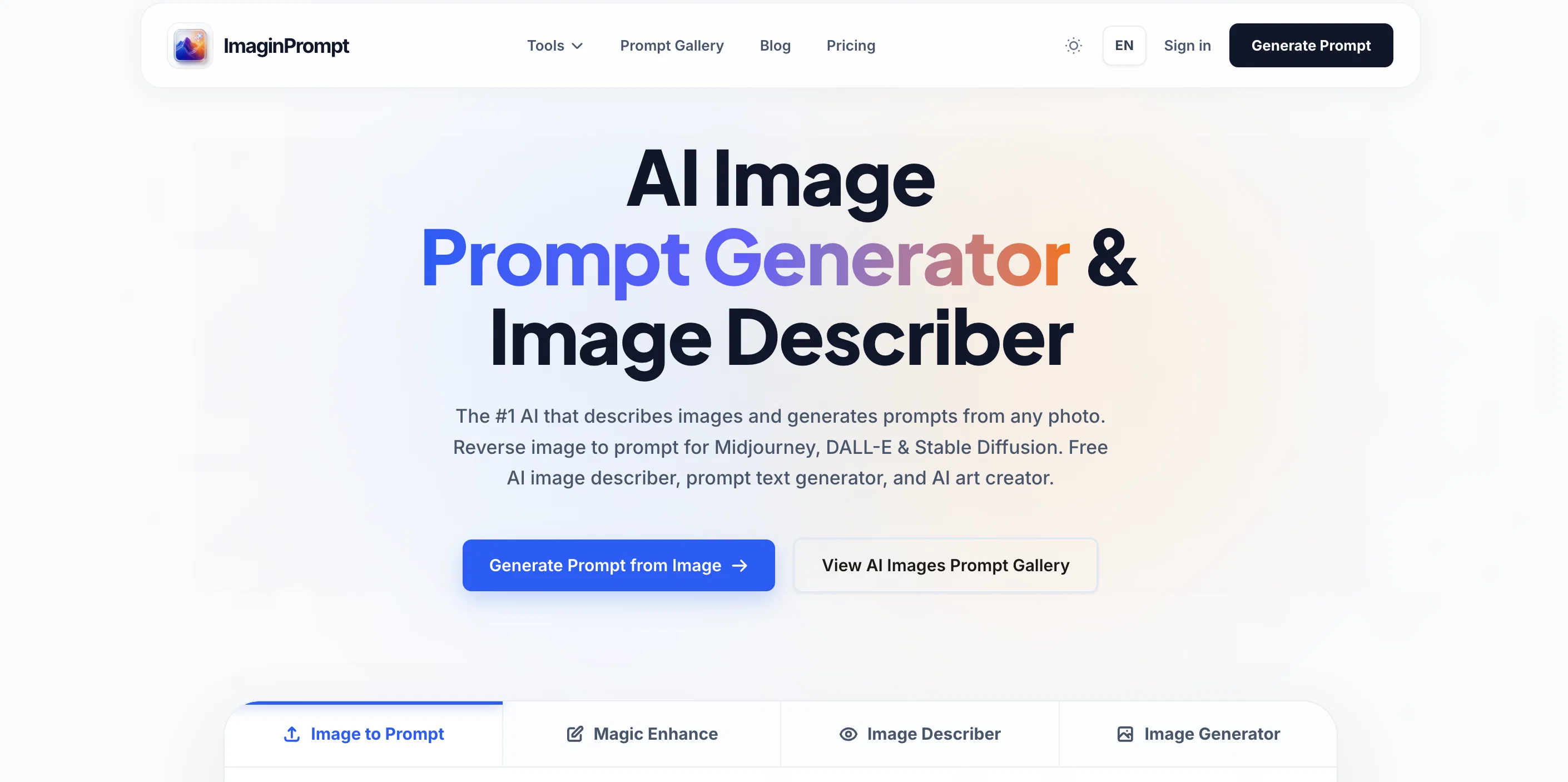
ImaginPrompt is an advanced AI tool designed to generate prompts from images and provide precise descriptions of these images. Its able to reverse engineer any given photo into a detailed, effective prompt for various AI applications, including Midjourney, DALL-E, and Stable Diffusion.
Using a high-performing vision-to-language engine, it can isolate specific variables from an image and generate corresponding textual prompts. These technical aspects include lighting details, camera lens type, aesthetic style, and even the medium used for the creation of the original image.
ImaginPrompt supports multiple output models, allowing prompt generation specifically formatted for every major engine. Furthermore, it includes an integrated language optimization feature to enhance simple descriptions into studio-grade aesthetic scripts.
Users can auto-translate extracted metadata or typed descriptions into over 15 languages. The tool prioritizes user privacy with a zero-knowledge security policy, ensuring that users' intellectual assets remain protected.
ImaginPrompt is aimed at diverse user groups, ranging from casual creators and digital artists to AI enthusiasts and professional design teams. Its utility ranges from identifying the exact syntax to reproduce a particular art style, to simplifying the process of generating AI art from images for beginners, and ensuring brand consistency in creative assets for design agencies.
Help other people by letting them know if this AI was useful.
Add your own prompts and outputs to help others understand how to use this AI.
Screenshot gallery
Pros & Cons
Pros
+Generic scripts from images
+Multi-output models
+Identifies various image parameters
+Advanced vision extraction
+Universal engine restructuring
+Integrated language optimization
+Supports multiple languages
+Auto-translate feature
+Works with multi-region datacenters
+Zero-knowledge security
+Diverse user range
+Camera lens analysis
+Aesthetic scripting tool
+Art style reproduction
+Metadata extraction
+Aids brand consistency
+Extracts lighting components
+Built-in image describer
+Various models support
+Automated workflow
+Near-instantaneous response
+Allows peer platform analysis
+Enhanced with Cloudflare's technology
+Automatic server wipe
+Applications for various users
+Ideal for design agencies
+Enhances text to prompt
+Supports privacy and integrity
+One-stop-shop for image converting
+Powerful vision-to-language engine
+Features advanced prompt generator
+Highly effective output
+User-friendly
+Adaptable for complex tasks
+Not bound by syntax
+Precision in extraction
+Drastic speed in results
+Zero API cost
+Analyzes photo aesthetics
+Easy to use system
+Ideal for large projects
+Text-to-prompt language support
+Translates visual inspiration
+Portfolio building capabilities
+Advanced image to text converter
Cons
−Limited prompt customizability
−No offline functionality
−Limited daily conversions for free users
−Need for constant server connection
−Complex interface for beginners
−Limited prompt recreation accuracy
−Potential latency in multi-region datacenters
−Auto-wipe features might cause data loss
−Restricted to specific image formats
A Professional Framework to Evaluate ImaginPrompt
When considering ImaginPrompt for integration into your organizational workflow, we recommend deploying a structured score card across three critical operational pillars: Security & Compliance, Integration Friction, and long-term Price Scalability. Rather than looking only at basic feature lists, modern procurement teams must assess how a software platform behaves under high load and how well it fits into the team's data security guidelines.
1. Security and Database Compliance
Depending on your operating region and field, ensure that ImaginPrompt supports standard security layers such as SOC 2 Type II certifications, GDPR compliance, or HIPAA-compliant database encryption. If the tool connects directly to client database tables or handles user passwords, verify that they implement multi-factor authentication (MFA), single sign-on (SSO) integrations, and end-to-end data encryption in transit and at rest.
2. API Coverage and Custom Integrations
Siloed data is the primary cause of operational friction. Evaluate if ImaginPrompt has native connectors for your current project trackers, messaging hubs, and customer communication channels. For custom developer requirements, check if they provide a fully documented REST API with reasonable rate limits, comprehensive Webhooks support, and robust SDK packages in your language. A flexible API layer saves hundreds of hours of manual copy-paste overhead.
3. Total Cost of Ownership (TCO)
SaaS pricing packages are often deceptively simple. When reviewing ImaginPrompt's billing structure, map out your team's projected expansion over the next 12 to 24 months. Determine how costs scale as your customer database increases or as you add team members. Factor in setup costs, mandatory support plan upgrades, API access fees, and storage overage rates to understand the true cost before committing to a contract.
By combining verified user reviews from our directory with internal workflow pilot tests, your procurement team can make an informed decision that drives productivity without creating capital waste.
Features of ImaginPrompt
API
AI Prompt Generation
AI Image Analysis
Image Processing
Prompt Generation
Visual To Text Conversion
Free + From $14.99/Mo
SaaS1to10 verified reviews for ImaginPrompt
Overall rating
★★★★★5.0
Based on 18 reviews
★★★★★5.02 months ago
“Review”
You get 300 credits upon signing up, which is enough to test out the app and see its potential. I had a bit of fun with it. It takes a few minutes to generate content, but the results are impressive. There are many styles, modifiers, and customization options available. I would definitely use this for content creation or storytelling.
Daniel Garaiacu
★★★★★5.02 months ago
“Review”
i love it i use it to teach me Italian and ukranian and programing ! and it awesome , because it allows you in the free version send many prints of your screen , not having to explain all the errors by typing diferent from gpt that you can only send 3 photos in the free version. i also use @Grok to study i frist make the exercise in my book then i take a photo of my exercise then i ask it to see if there is any mistake and dissipate my terryble handwriting it understands
fernand Lopes
★★★★★5.02 months ago
“Review”
This is exactly what we have been looking for. Can't wait to run it
Simon
★★★★★5.02 months ago
“Review”
When I want to sign up on the @Ideogram website with "Continue with Google" and press it, the sentence "Please choose an option to continue" appears below the banner and no action happens. Anybody can help me?
Michael Ryan
★★★★★5.02 months ago
“Review”
The most humanly AI i have used so far but the problem is as soon as you start piling up messages in single chat session , it starts getting slow and at some point it starts freezing and also uses a lot of resources. For time being its okay to do 3 4 messages but as soon as we continue it has messages limitation and also starts getting very very slow . For the price of £18 per month this is unacceptable and with the newly introduced feature called project, if we start new chat within the project we cannot continue with the context we provided in other chats within same project. There are lot of improvements for them to work on. And to start with the its speed and its price
Bibash Katel
★★★★★5.02 months ago
“Review”
This tool i found is super cool, I created 5 books from this tool to sell them online, which gives me great profit. I am creating more valuable books to spread knowledge, and earn some bucks as well 🤑.
Bilal Ashraf
★★★★★5.02 months ago
“Review”
It’s quite nice! It does exactly what it suggests, which is amazing too.
Jojo
★★★★★5.02 months ago
“Review”
very good image
Bristan “Capesterre” Carbier
★★★★★5.02 months ago
“Review”
Not at all accurate…. The only thing similar between original and generated images were the clothes and accessories… face was absolutely new and unconnected.
Shvetank Sharma
★★★★★5.02 months ago
“Review”
I’ve been using Image Combiner for quick image blending tests, and it does exactly what I need without making the workflow complicated. The interface is clean, uploads are simple, and the generated combinations are useful enough to iterate on quickly.
ShanAIDev
★★★★★5.02 months ago
“Review”
Outfit change feature are amazing
Mr Abier
★★★★★5.02 months ago
“Review”
I like it but sometimes it changes some features in somone
Cherry
★★★★★5.02 months ago
“Review”
This tool is definitely good for basic stuff, no doubt. Just keep the prompts super duper simple and it gets the job done. But once I put in something a bit more complex at it… it kinda screwed up the thing. Still, I see potential here
Anil Felipe
★★★★★5.02 months ago
“Review”
Maybe you don’t have a subscription, so there are no credits on your account, and a lot of features require credits to use.
Span Chen
★★★★★5.02 months ago
“Review”
I think it's the best @Image Generator I ever found on the net. It gives more accurate image according to the prompt. And thank you for keeping it for free.
My Sawsiri
★★★★★5.02 months ago
“Review”
This is Fantastic the Prompts are so detailed
Stewies Creations
★★★★★5.02 months ago
“Review”
this one looks good, it has a clean layout and a clear flow that makes prompt-building feel approachable. the idea is genuinely useful, and the execution alr feels solid, it has a lot of potential, WELL DONE! :)