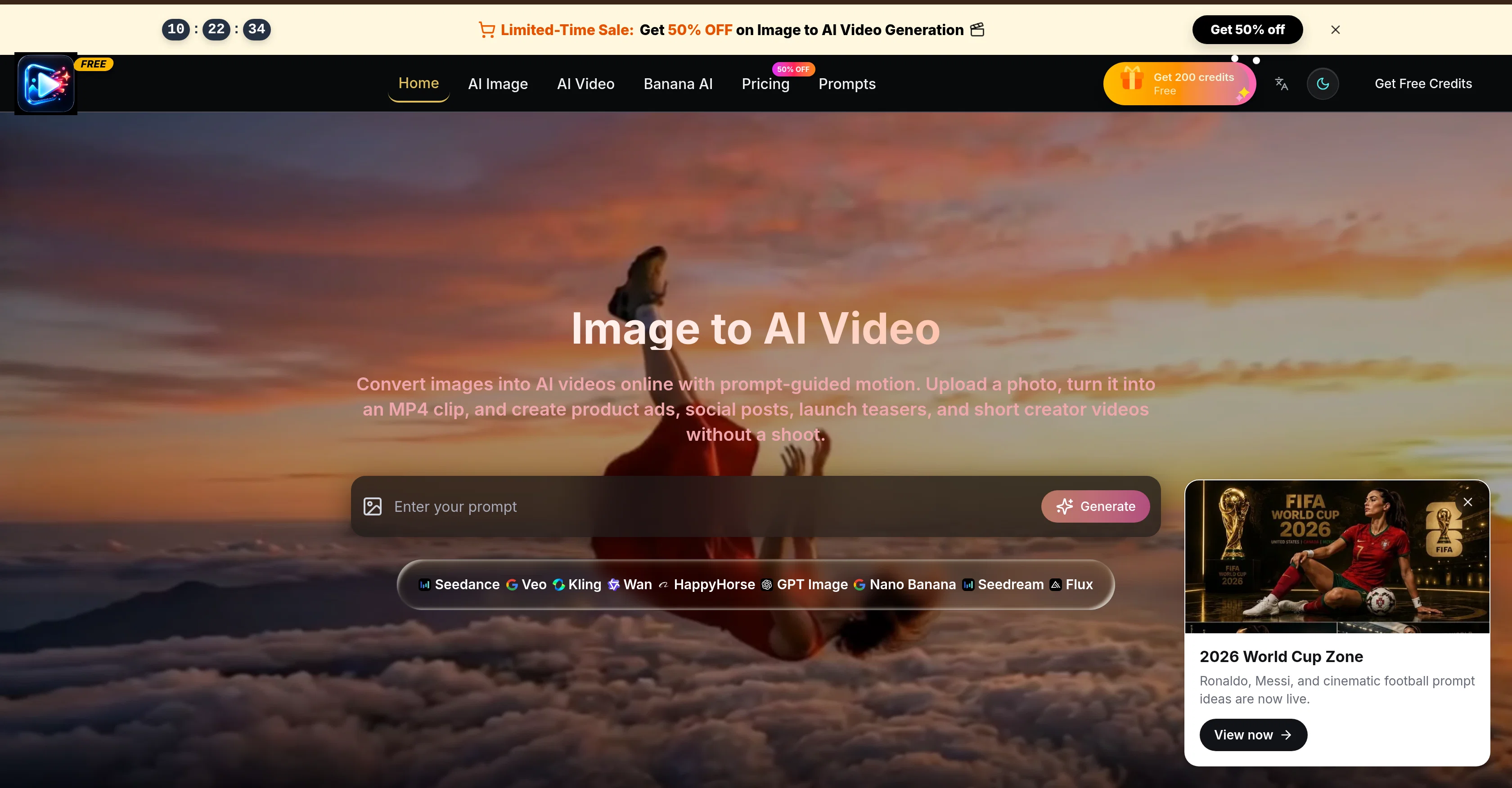
Image to AI Video is an innovative tool that allows users to turn static photos into dynamic AI-generated videos. The process is simple: users upload an image, guide the motion of the video with selected prompts, and then generate an MP4 clip.
The tool is designed to be versatile and is ideal for creating engaging video content for a variety of platforms including social media posts, product ads, launch teasers and other creative projects.
Despite requiring no filming, the videos created are far from generic, with the option to personalize the camera movement, lighting, mood, and scene changes all reliant on user specification.
Moreover, the tool ensures consistency between the original photo and video, preserving the subject, composition, product details, and visual style. It also provides the ability to draft in low quality before moving to higher quality outputs, making creative iterations cost-effective and efficient.
Overall, Image to AI Video offers practical solutions for content creators looking to diversify their creation process and animate their still images into dynamic, short video clips.
Help other people by letting them know if this AI was useful.
Add your own prompts and outputs to help others understand how to use this AI.
Screenshot gallery
Pros & Cons
Pros
+Turns static images into videos
+Guided motion prompts
+Generates MP4 clips
+Versatile tool for content
+No filming required
+Personalize camera movement
+Control over lighting
+Customize scene changes
+Consistency between photo and video
+Draft in low quality
+Efficient high quality production
+Cost-effective content creation
+Ideal for product ads
+Perfect for social media
+Assists in product launches
+Brief storytelling videos
+Video personalization
+Dynamic content creation
+Lighting Control
+Camera Movement Control
+Scene Change Control
+Video Quality Control
+Online conversion service
+Prompt-guided motion
+Product detail preservation
+Visual style consistency
+Various video lengths options
+Multiple format ratio
+MP4 video export
+Credit-based rendering
+Clear credit costs displayed
+Consistent look for campaigns
+Fast visual iteration
+Ad hook testing functionality
+Product walkthrough creation
+Seasonal shop clips creation
+UGC-style story drafts
+Plan options variety
+Unused credits roll over
+Commercial License
+Unlimited Storage
+Priority Processing Queue
+Ads-Free Experience
+Priority Support
+Workflows with clear costs
+Online course creation
+Teaser video creation
+Short clips creation
+Narrative clip drafts
Cons
−Limited to short videos
−No subtitle feature
−No advanced editing tools
−Limited output formats (MP4 only)
−Credit-based rendering
−No mention of voice/audio support
−No native watermark removal
−Only vertical, square, landscape options
−Generic user interface
−No listed compatibility with other software
A Professional Framework to Evaluate ImageToAI.Video
When considering ImageToAI.Video for integration into your organizational workflow, we recommend deploying a structured score card across three critical operational pillars: Security & Compliance, Integration Friction, and long-term Price Scalability. Rather than looking only at basic feature lists, modern procurement teams must assess how a software platform behaves under high load and how well it fits into the team's data security guidelines.
1. Security and Database Compliance
Depending on your operating region and field, ensure that ImageToAI.Video supports standard security layers such as SOC 2 Type II certifications, GDPR compliance, or HIPAA-compliant database encryption. If the tool connects directly to client database tables or handles user passwords, verify that they implement multi-factor authentication (MFA), single sign-on (SSO) integrations, and end-to-end data encryption in transit and at rest.
2. API Coverage and Custom Integrations
Siloed data is the primary cause of operational friction. Evaluate if ImageToAI.Video has native connectors for your current project trackers, messaging hubs, and customer communication channels. For custom developer requirements, check if they provide a fully documented REST API with reasonable rate limits, comprehensive Webhooks support, and robust SDK packages in your language. A flexible API layer saves hundreds of hours of manual copy-paste overhead.
3. Total Cost of Ownership (TCO)
SaaS pricing packages are often deceptively simple. When reviewing ImageToAI.Video's billing structure, map out your team's projected expansion over the next 12 to 24 months. Determine how costs scale as your customer database increases or as you add team members. Factor in setup costs, mandatory support plan upgrades, API access fees, and storage overage rates to understand the true cost before committing to a contract.
By combining verified user reviews from our directory with internal workflow pilot tests, your procurement team can make an informed decision that drives productivity without creating capital waste.
Features of ImageToAI.Video
AI Video Generation
Image To Video Conversion
AI Video Production
AI Created Videos
Image To Video Workflow
Content Creation
Free + From $8.33/Yr
SaaS1to10 verified reviews for ImageToAI.Video
Overall rating
★★★★★5.0
Based on 23 reviews
★★★★★5.02 months ago
“Review”
Hey! My name is Domantas and I invite all fellow solopreneurs, business and product owners to try Hostinger Horizons. Using it is super simple - you are creating a website or application just by prompting - chatting with AI. No struggle, code or design skills are needed. You can literally have your website live in few minutes. Looking forward for your feedback!
Domantas Patinskas
★★★★★5.02 months ago
“Review”
Thanks for looking that up so soon. I already tested it with the free credits. It's good, though i have to improve my prompt creating skills to get what i'm invisioning.
Du Nasc
★★★★★5.02 months ago
“Review”
Hi Du Nasc,
Thank you for reporting this and for sharing the exact error. A backend configuration issue introduced during a recent update affected new account creation, preventing both Google and email login.
The issue has now been fixed. We’re truly sorry that your first experience was a broken login. Please try again when convenient. If you still have any trouble, reply here and we’ll personally follow up.
AI SHU
★★★★★5.02 months ago
“Review”
I can't even log in. With google or just by putting the email, and then the code.
Edit: I just found the error. If i try to create a new user, the url comes up with the error unable to create user.
Du Nasc
★★★★★5.02 months ago
“Review”
Went from a C to an A in Cognitive Psychology using @Thea!!
Sarah White
★★★★★5.02 months ago
“Review”
B12 exceeded my expectations especially after I tried a few similar tools. Signing up took under a minute and because I offer a very specific set of services as a consultant, I didn't expect the AI to be able to capture my work, but it did a great job with creating content for me. I only had to make a few edits, add my bio, and was able to publish that same day. Now I get lots of compliments on my site and I've even tried their other tools like email marketing, which is great because the emails match my site's appearance. Overall I would recommend B12 as an effective, affordable, and easy to use website solution.
Katie G
★★★★★5.02 months ago
“Review”
your answer is much too general, so useless. You could have just tell me to ask Perplexity.
Ta
★★★★★5.02 months ago
“Review”
I think it's the best @Image Generator I ever found on the net. It gives more accurate image according to the prompt. And thank you for keeping it for free.
My Sawsiri
★★★★★5.02 months ago
“Review”
Not at all accurate…. The only thing similar between original and generated images were the clothes and accessories… face was absolutely new and unconnected.
Shvetank Sharma
★★★★★5.02 months ago
“Review”
i love ,very nice
AI SHU
★★★★★5.02 months ago
“Review”
it is so good
AI SHU
★★★★★5.02 months ago
“Review”
di lettering generator a nice touch, specially fi names, dates, an quotes. some fonts come out cleaner dan odders, but it gi yuh a quick way fi compare styles before carryin di idea to a real tattoo artist.
Jayam Santos
★★★★★5.02 months ago
“Review”
It's quite convenient to use.
Phan Tung
★★★★★5.02 months ago
“Review”
I’m the developer of @ClaviSay, and I’ve always struggled with learning foreign languages. But since I need to use them for work, I wondered if I could create an AI that would help me read more efficiently and save unfamiliar words—all while I’m actually reading content like BBC or Medium. Now I’ve made it happen—@ClaviSay. All features are free, so feel free to use them as you like. You can also provide feedback at any time; @ClaviSay offers a dedicated feedback channel. Thank you all.
W Gregorin
★★★★★5.02 months ago
“Review”
Creat cartoon video 5minet
PRAVIN THAKOR
★★★★★5.02 months ago
“Review”
WTF... this thing is actually wiiiildd! everything i've tried came out looking like straight up high quality movie scenes.. i'm actually mind blown... insane..
Chris Studioz
★★★★★5.02 months ago
“Review”
I think this is a sleeping giant.
AZMS
★★★★★5.02 months ago
“Review”
I mainly used Himedia AI for image creation and got surprisingly realistic outputs. Prompt control feels intuitive compared with some other tools.
KoooU
★★★★★5.02 months ago
“Review”
Many ai models help me create videos I love
long ff
★★★★★5.02 months ago
“Review”
Requires previous login, not fully free
Elenimotoon
★★★★★5.02 months ago
“Review”
Feels illegal to be this early, quick run with @Grok Imagine: great for teaser bits. The image-to-video pass holds up for shorts ~6s loops with decent motion and sound sync. Style range is solid. Access sits behind the Grok sub on mobile, so not fully free and I’d love longer clips!
Herbert Kemp
★★★★★5.02 months ago
“Review”
a friend sent me this the other day. veo, grok, seedance all run from one upload and it's actually fast. ui doesn't fight me. no complaints.