5.01 months ago
“Review”
this is a banger tool
Curran Van Waarde

Open-source platform replacing Linear, Jira, Slack, and Notion.
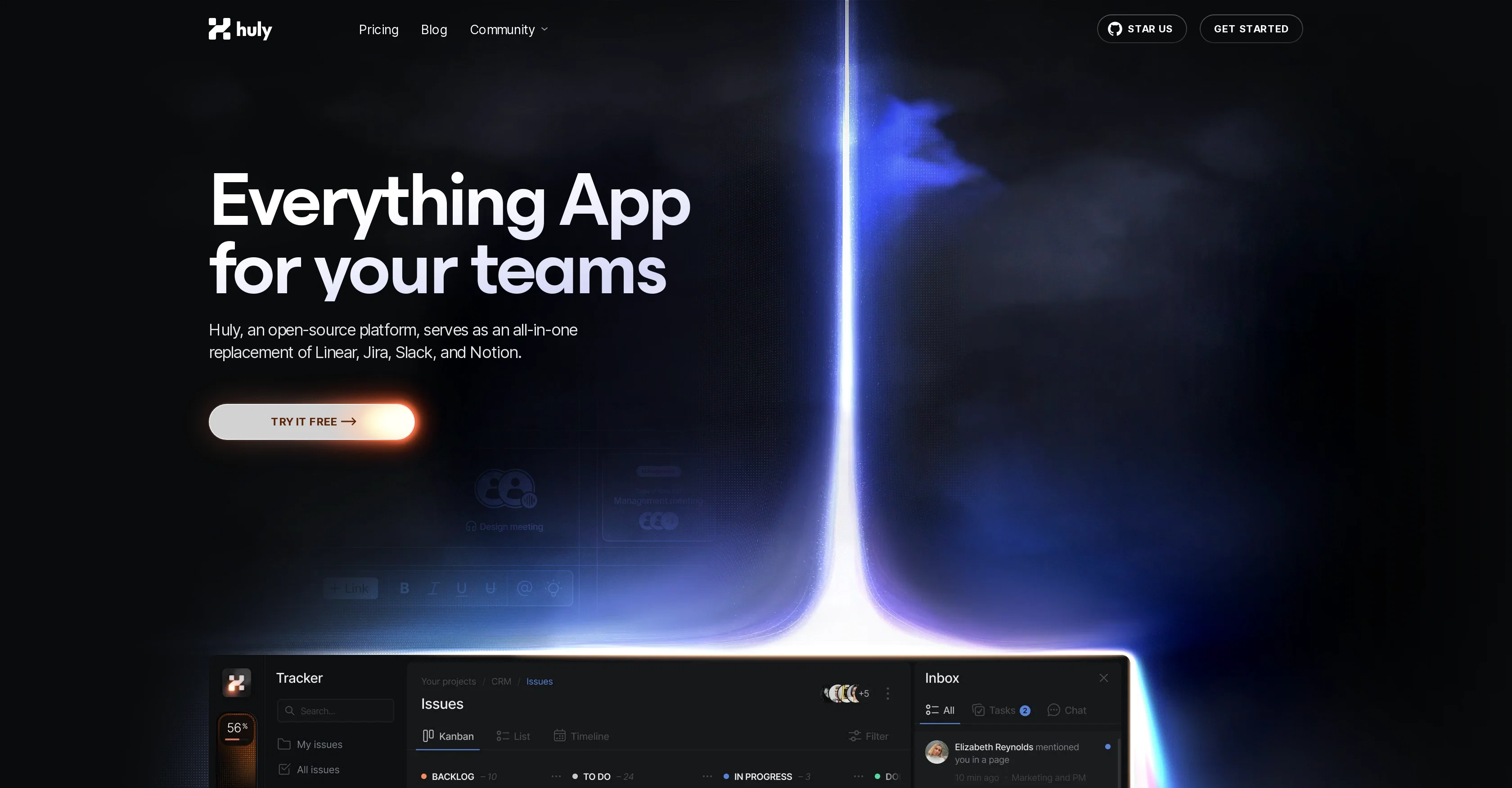
Huly is an open-source platform designed to facilitate productive teamwork by combining various functionalities into a single application. As an all-in-one platform, it aims to replace tools like Linear, Jira, Slack, and Notion. The platform provides comprehensive features for team planning, project management, communication, and document handling.A unique attribute of Huly is its highly customizable virtual office environment, allowing teams to create bespoke spaces for different departments or events. It supports high-quality audio and video conferencing, enhancing real-time communication within the workspace.Huly integrates closely with GitHub, supporting bidirectional synchronization. This means that tasks, milestones and repositories can be managed more effectively using Huly as an advanced front-end for GitHub. This close integration aids in keeping track of contributions and changes within your workspace and supported by advanced filtering capabilities for more precise project data searching.Additionally, Huly provides document editing tools that encourage collaborative efforts. Its document editor comes fitted with tagging, issue linking and action item assigning features, all targeted at boosting team efficiency. Manifold document enhancements are supported, including rich text formatting, images, attachments, and code blocks which can be used for creating technical documentation, organizing team plans or sharing resource materials.Lastly, Huly is developing an AI-powered 'Metabrain' feature that aims to connect every element of your workflow and build a dynamic knowledge base, functioning as a secondary brain for your team. This feature is intended to foster more synchronized and coordinated team collaboration. Help other people by letting them know if this AI was useful. Add your own prompts and outputs to help others understand how to use this AI.
When considering Huly for integration into your organizational workflow, we recommend deploying a structured score card across three critical operational pillars: Security & Compliance, Integration Friction, and long-term Price Scalability. Rather than looking only at basic feature lists, modern procurement teams must assess how a software platform behaves under high load and how well it fits into the team's data security guidelines.
Depending on your operating region and field, ensure that Huly supports standard security layers such as SOC 2 Type II certifications, GDPR compliance, or HIPAA-compliant database encryption. If the tool connects directly to client database tables or handles user passwords, verify that they implement multi-factor authentication (MFA), single sign-on (SSO) integrations, and end-to-end data encryption in transit and at rest.
Siloed data is the primary cause of operational friction. Evaluate if Huly has native connectors for your current project trackers, messaging hubs, and customer communication channels. For custom developer requirements, check if they provide a fully documented REST API with reasonable rate limits, comprehensive Webhooks support, and robust SDK packages in your language. A flexible API layer saves hundreds of hours of manual copy-paste overhead.
SaaS pricing packages are often deceptively simple. When reviewing Huly's billing structure, map out your team's projected expansion over the next 12 to 24 months. Determine how costs scale as your customer database increases or as you add team members. Factor in setup costs, mandatory support plan upgrades, API access fees, and storage overage rates to understand the true cost before committing to a contract.
By combining verified user reviews from our directory with internal workflow pilot tests, your procurement team can make an informed decision that drives productivity without creating capital waste.
Overall rating
Based on 14 reviews
this is a banger tool
Curran Van Waarde
This tool makes my team write about their work. AI summaries on top of daily reports are surprisingly helpful.
Jozo Kovac
Hey everyone! I’m Martin — co-founder, builder, and creator of @OneTask 🚀 @OneTask is specifically designed for people with ADHD and other creatives who can’t be bothered to spend time “managing” their tasks, and instead need an app that just helps them get things done. We have a Todoist and Google Calendar integration, and offer many other features that will help you optimize your life. Let me know if you have any questions! As of this writing, we have a special lifetime deal featured on our website — be sure to catch it before it’s gone! Martin
Martin Adams
AI Notebook does what it promises, it's a decent on the go note-taking app. I like the automated tweak of these newer note-taking apps. I can just throw in pdfs, voice memos or youtube videos, and it'll generate all type oof different format like summaries, mind maps or flashcards. Extremely useful for students and professionals as it digest lengthy materials into small chunks of text. Recommended for anyone looking for a no-frills note taker tool
John Hong
We built this for us, and if other people want to use it, so be it, but I’m not going to try and sell on why one should use or buy it. Judging by the sign-ups and upgrades, it looks like more people are finding it useful. You are right about #1 and that line does sound a bit dishonest and salesy - which was unintentional so I’m changing that. It was very real though and we carefully baked in tiny little details for our upgraded users. For eg, we have invited most of our upgraded users to try the mobile apps’ TestFlight version.
Jijo Sunny
Very powerful, too expensive
Alex Therien
This is a great tool! I have a question. The first time I created an Interactive Lesson, the published result had a transcript of the podcast which interacted simultaneously with the mindmap. After navigating out of that window, I can't access this again. Is there a way to access it? Currently it only shows an outline, the podcast and mindmap with no transcript or mindmap interactivity.
Fly Soul O
@AnythingLLM is easy to use, and allows us to build private databases using several (any) kinds of media (text, pdf, audio, etc) and use it as a source of knowledge for any LLM you might wonder to experiment!
Francisco Bischoff
I would highly recommend for researches and students. useful to manage your articles and use AI to get the key points.
Hamed Mousavi
Accuracy nice. Free
Álvaro Sánchez Román
A little biased, but I think it's great.
Dawson Whitfield
I use it for a few years now, for me it´s a great "all-in-one" tool especially if you like to build apps. Build-in AI is also great and at all the price is fair. no-Coder.io
O Schlachta
High bandwidth way to work with Claude Code and Codex. Has become my main workspace.
Karl Wirth
A work of a dedicated team that prioritizes user needs
劉維人
Starting Price
Free plan available
Free tier available with optional paid upgrades.


