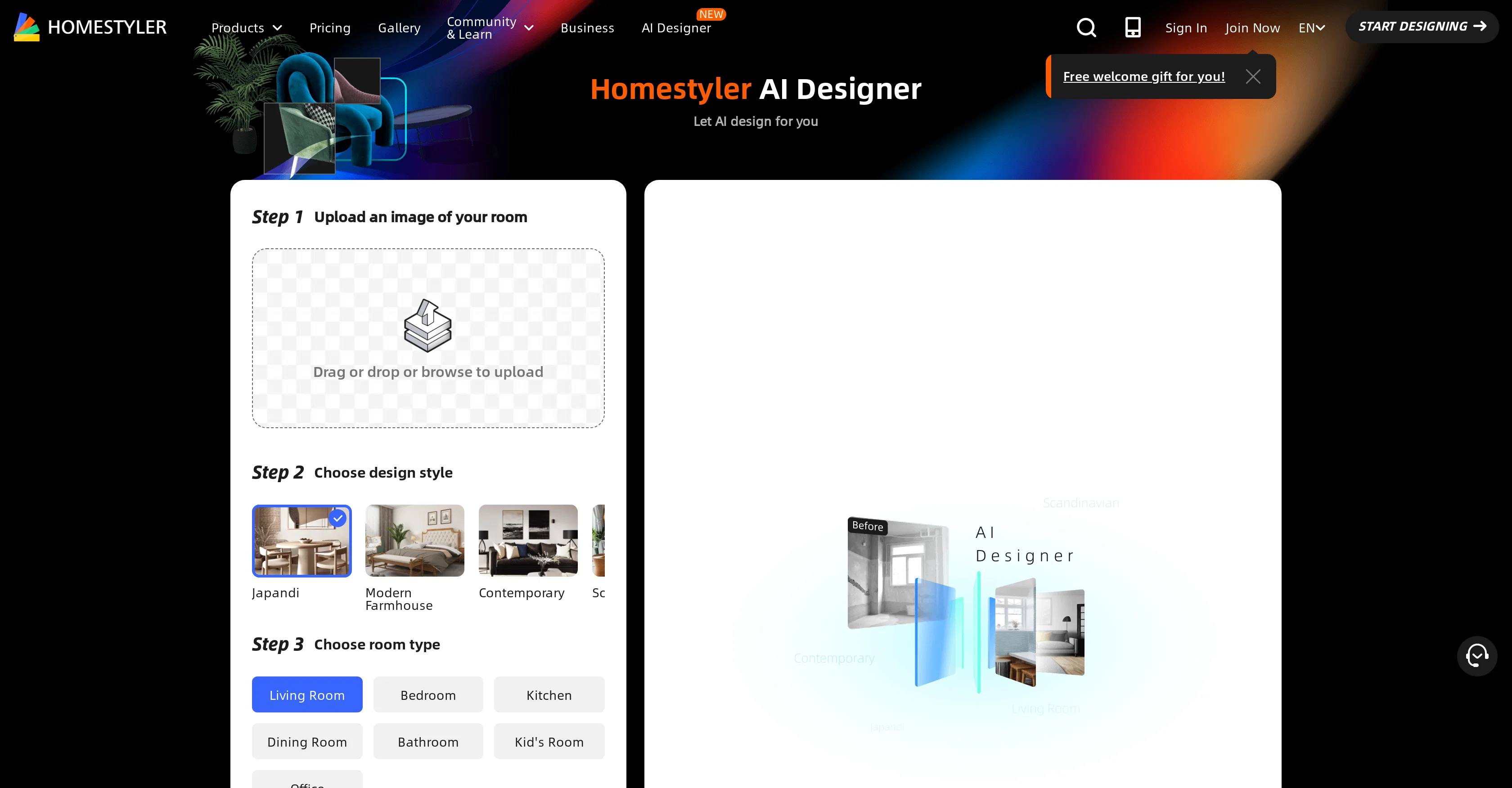
Homestyler AI is an innovative tool designed to intelligently assist in the design of home spaces. It serves a wide range of customers including interior designers, brands and retailers, real estate professionals, schools, and homeowners.
The platform provides an interactive environment to plan floors, design kitchens and bathrooms, and even offers features for team collaboration. Its mobile app compatibility ensures that designs can be created and modified on the go.
Homestyler AI brings life to designs by offering visualization tools including video rendering, virtual studio, VR and AR technology, and 3D viewer for a more immersive design experience.
The platform incorporates services such as 3D modeling and content creation to enhance the user experience. It also offers users the unique ability to upload a photo of their rooms, select a design style and room type, after which it generates a design image.
Updates to the tool include supporting multi-floor DWG files and floor alignment, construction drawing editing, and custom parameters for windows and doors.
Overall, Homestyler AI is a comprehensive tool for designing and visualizing home interiors.
Help other people by letting them know if this AI was useful.
Add your own prompts and outputs to help others understand how to use this AI.
Screenshot gallery
Pros & Cons
Pros
+Personalized design generation
+Floor planning feature
+Kitchen and bath design
+Collaboration capabilities
+Mobile app availability
+Video renderings
+Virtual studio capabilities
+Supports VR and AR
+3D modeling services
+Home design assistance
+3D content creation
+Variety of user categories
+Step-by-step instruction tutorials
+Design inspiration gallery
+Forum for designing discussion
+Regular functionalities update
+Construction drawing editing
+Parametric windows and doors
+Multi-floor DWG file support
+Structure model rotation
+Tile flooring in models
+Interactive design environment
+Designs from room photo
+Multi-floor alignment
+Custom parameters for features
+Arc wall drawing
+Wall alignment
+Quickly replacing the models
Cons
−Lacks in-depth customization options
−No offline functionality
−Limited style and room options
−Absence of real-time design preview
−No multi-language support
−Requires strong stable internet
−Limited AR/VR features
−No specific tool for exterior design
−No cross-platform synchronization
A Professional Framework to Evaluate Homestyler
When considering Homestyler for integration into your organizational workflow, we recommend deploying a structured score card across three critical operational pillars: Security & Compliance, Integration Friction, and long-term Price Scalability. Rather than looking only at basic feature lists, modern procurement teams must assess how a software platform behaves under high load and how well it fits into the team's data security guidelines.
1. Security and Database Compliance
Depending on your operating region and field, ensure that Homestyler supports standard security layers such as SOC 2 Type II certifications, GDPR compliance, or HIPAA-compliant database encryption. If the tool connects directly to client database tables or handles user passwords, verify that they implement multi-factor authentication (MFA), single sign-on (SSO) integrations, and end-to-end data encryption in transit and at rest.
2. API Coverage and Custom Integrations
Siloed data is the primary cause of operational friction. Evaluate if Homestyler has native connectors for your current project trackers, messaging hubs, and customer communication channels. For custom developer requirements, check if they provide a fully documented REST API with reasonable rate limits, comprehensive Webhooks support, and robust SDK packages in your language. A flexible API layer saves hundreds of hours of manual copy-paste overhead.
3. Total Cost of Ownership (TCO)
SaaS pricing packages are often deceptively simple. When reviewing Homestyler's billing structure, map out your team's projected expansion over the next 12 to 24 months. Determine how costs scale as your customer database increases or as you add team members. Factor in setup costs, mandatory support plan upgrades, API access fees, and storage overage rates to understand the true cost before committing to a contract.
By combining verified user reviews from our directory with internal workflow pilot tests, your procurement team can make an informed decision that drives productivity without creating capital waste.
Features of Homestyler
Interior Design
Design Visualization
Home Design
3D Modeling
3D Viewer
Interactive Design
Free + From $4.9/Mo
SaaS1to10 verified reviews for Homestyler
Overall rating
★★★★★5.0
Based on 18 reviews
★★★★★5.02 months ago
“Review”
Using @Homestyler AI has been an absolute game-changer for my interior design projects! The AI Home Designer feature makes bringing my ideas to life effortless, and the range of design options caters to every style. Plus, the collaboration capabilities make teamwork seamless. Truly impressed!
Mohamed Ibrahim
★★★★★5.02 months ago
“Review”
When I want to sign up on the @Ideogram website with "Continue with Google" and press it, the sentence "Please choose an option to continue" appears below the banner and no action happens. Anybody can help me?
Michael Ryan
★★★★★5.02 months ago
“Review”
Works but I cannot understand what's the use. I was expecting it to give me some videos
Samartha Venkatramana
★★★★★5.02 months ago
“Review”
After my first use, I think it's surprisingly good. The only drawback so far is the PDF export option for the report which is formatless.
Alejandro Correa
★★★★★5.02 months ago
“Review”
I'm still testing the tool yet it looks very promising. I tested it with a 5.5k words Academic text that I had previously red. I tested the Key points feature, it does work!
Ivana González
★★★★★5.02 months ago
“Review”
Gives you multiple versions of the room for free and also offers furniture to purchase listed by price. Pretty smart idea.
Deirdre Miller
★★★★★5.02 months ago
“Review”
It created some decent logos. They are great as a start point
Samuel Barlet
★★★★★5.02 months ago
“Review”
The website is pretty good but there are only a limited number of responses
Probal Roy
★★★★★5.02 months ago
“Review”
As the service was in beta-testing stage, I created there a dozen of AI-generated courses for free. I wanted to use them. Those courses remained in my account as they started subscription tiers. But recently I have found out that they were deleted. The support didn't answer to my e-mail at all.
Oldfag TV
★★★★★5.02 months ago
“Review”
not good. just changes a bit to same image. not creative at all. i tried free version for demo to know if good to take paid plan. i would not recommend at all.
Preeti Gupta
★★★★★5.02 months ago
“Review”
Casavista Dec AI Room Dremiai gave me nice ideas to redesign my room. The AI decorate options are creative yet realistic, and I love the Zodiac Designer feature. It's like having an interior designer in my pocket!
conmaledn
★★★★★5.02 months ago
“Review”
hard to control
1 Robert
★★★★★5.02 months ago
“Review”
O GPT faz uma análise melhor e mais personalizada.
Vinicius Vilela
★★★★★5.02 months ago
“Review”
Wow! Very cool and easy to use.
Vitor Alves
★★★★★5.02 months ago
“Review”
Nice alternatives to redecorate a room.
Victoria G
★★★★★5.02 months ago
“Review”
Fun, but weird. It thought my flat screen tv was a window in every render. Runners and bricks mid-floor. Other strangeness.
Sandia Harrison
★★★★★5.02 months ago
“Review”
The application arbitrarily adds doors and windows, making the final design unusable. It also changes the view from the window. In the final you are looking at a completely different room than the one you are interested in redesigning.
Martin Březina
★★★★★5.02 months ago
“Review”
DO NOT PAY FOR THIS. TERRIBLE PRODUCT, THERES FREE ALTERNATIVES OUT THERE THAT ARE JUST AS GOOD IF NOT BETTER. TRUST ME.