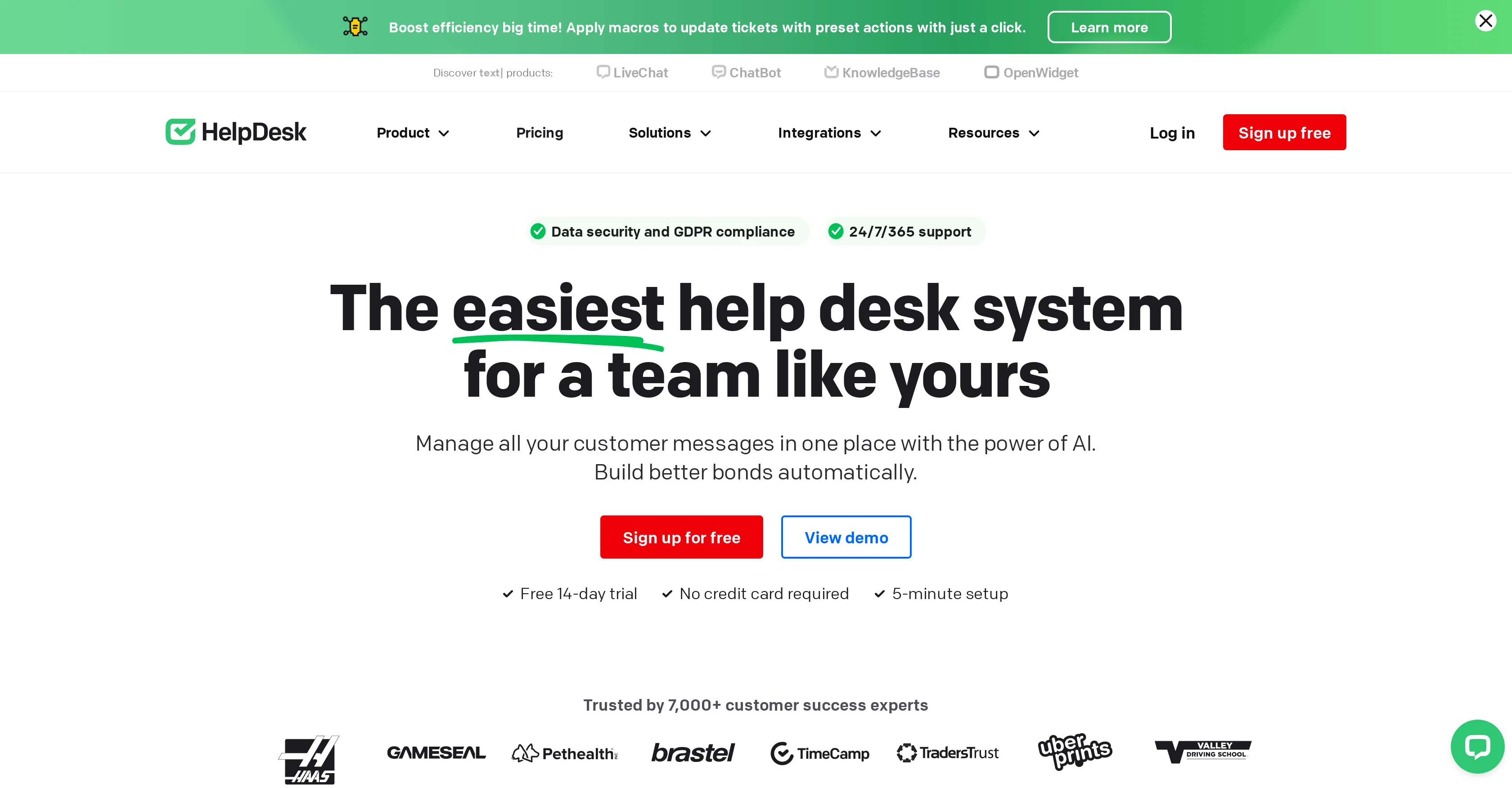
HelpDesk is an intuitive IT service desk software designed to help teams manage and streamline their customer communication. Considered suitable for teams of any size, it offers a collaborative platform to handle customer tickets effectively.
Central to its functionality is the ability to leverage macros to update tickets with preset actions, contributing to improving the overall efficiency.
As a comprehensive tool, HelpDesk incorporates features loved by users such as team collaboration, analytics, communication tools, a knowledge base, ticket management, automation, personalization, and multichannel support.
HelpDesk also flaunts a wide range of potential industry applications, including IT, SaaS, Retail/E-commerce, and Sales to name only a few.With its commitment to empower ticketing solutions, HelpDesk offers a user-friendly experience complemented by AI capabilities and even provides the ability to integrate with external applications like LiveChat, HubSpot, WordPress, and Webflow to power up its usage.
A focus on data security and GDPR compliance ensures user trust in the system. There is a free 14-day trial available, facilitating potential users to explore the features comprehensively before they make the decision to incorporate it for their operations.
Overall, HelpDesk is a versatile and robust tool committed to delivering improved customer service management.
Help other people by letting them know if this AI was useful.
Add your own prompts and outputs to help others understand how to use this AI.
Screenshot gallery
Pros & Cons
Pros
+Streamlines customer communication
+Handles customer tickets
+Leverages macros for efficiency
+Supports team collaboration
+Offers comprehensive analytics
+Features a knowledge base
+Enables ticket management
+Includes automation
+Allows for customizations
+Supports multichannel communication
+Applicable to various industries
+Integrates with external applications
+Ensures data security
+Complies with GDPR
+Offers free 14-day trial
+Promotes improved customer service
+Suitable for any team size
+Provides 24/7/365 Support
+Has dedicated teams feature
+Offers solutions for small business
+Also provides Enterprise solution
+Designed for IT support
+Designed for SaaS
+Role-based access controls
+Physical Infrastructure security
+Transparency over data processing
+Free data migration
+Third-party services integration
+Offers marketplace for apps
+Offers developer program
+Effective for Retail/E-commerce
+Relevant for sales industry
+Trusted by a wide clientele
+Provides easy-to-use ticketing
+Advanced ticketing for companies
+Supports variety of messaging channels
+User-friendly interface and workflow
+Promotes productivity growth
+Designed for service desk
+Workflow is easily navigable
+Robust security measures
+Preset actions applied to tickets
+Has text enhancements
+Matches brand's tone and style
+Detailed guides and courses available
+Interactive handbook for users
+Provides customizable ticket views
+Easy-to-configure automation features
Cons
−Lacks native mobile applications
−Limitations on customization
−Potential steep learning curve
−Limited integrations with external apps
−Inadequate reporting features
−No multi-language support
−No offline functionality
−Data import/export issues
−Dependent on internet connectivity
A Professional Framework to Evaluate HelpDesk
When considering HelpDesk for integration into your organizational workflow, we recommend deploying a structured score card across three critical operational pillars: Security & Compliance, Integration Friction, and long-term Price Scalability. Rather than looking only at basic feature lists, modern procurement teams must assess how a software platform behaves under high load and how well it fits into the team's data security guidelines.
1. Security and Database Compliance
Depending on your operating region and field, ensure that HelpDesk supports standard security layers such as SOC 2 Type II certifications, GDPR compliance, or HIPAA-compliant database encryption. If the tool connects directly to client database tables or handles user passwords, verify that they implement multi-factor authentication (MFA), single sign-on (SSO) integrations, and end-to-end data encryption in transit and at rest.
2. API Coverage and Custom Integrations
Siloed data is the primary cause of operational friction. Evaluate if HelpDesk has native connectors for your current project trackers, messaging hubs, and customer communication channels. For custom developer requirements, check if they provide a fully documented REST API with reasonable rate limits, comprehensive Webhooks support, and robust SDK packages in your language. A flexible API layer saves hundreds of hours of manual copy-paste overhead.
3. Total Cost of Ownership (TCO)
SaaS pricing packages are often deceptively simple. When reviewing HelpDesk's billing structure, map out your team's projected expansion over the next 12 to 24 months. Determine how costs scale as your customer database increases or as you add team members. Factor in setup costs, mandatory support plan upgrades, API access fees, and storage overage rates to understand the true cost before committing to a contract.
By combining verified user reviews from our directory with internal workflow pilot tests, your procurement team can make an informed decision that drives productivity without creating capital waste.
Features of HelpDesk
API
Customer Support
Ticket Management
Customer Communication
IT Service Desk
Team Collaboration
Free + From $29/Mo
SaaS1to10 verified reviews for HelpDesk
Overall rating
★★★★★5.0
Based on 17 reviews
★★★★★5.01 months ago
“Review”
I've been playing around with this for a few hours. It's made me say "WOW" too many times than i wish to admit. I'm going to follow this and see how it evolves. For now, i managed to create quite a nice Expenses app for personal use. | It did have some problems when it came to moving some components on other pages, but for how short the prompts it uses can be, it is really impressive. With some proper prompts it can generate some strong stuff.
Bernard
★★★★★5.01 months ago
“Review”
Useful tool for visualizing traffic flowing through your website. Does what GA4 does but without the headache and unnecessary learning curve.
Nic Miller
★★★★★5.01 months ago
“Review”
Hey Dillon, email me at bobby@revmo.ai and let’s see if we can figure out what’s going on.
Revmo
★★★★★5.01 months ago
“Review”
It created some decent logos. They are great as a start point
Samuel Barlet
★★★★★5.01 months ago
“Review”
I have been using @Saufter, and I'm blown away. It has created a marketing newsletters for all of my sales leads, and is giving me data on which leads are interacting with the newsletters, it has created a new 'recently active' segment. I just got the fully drafted campaign in my inbox last week. Very cool!
Ryan Mason
★★★★★5.01 months ago
“Review”
This tool i found is super cool, I created 5 books from this tool to sell them online, which gives me great profit. I am creating more valuable books to spread knowledge, and earn some bucks as well 🤑.
Bilal Ashraf
★★★★★5.01 months ago
“Review”
No other tool quite like this, it's pretty straightforward. Needed to extract a long interview from YouTube and it extracted everything, providing it in different meaningful formats in less than two minutes. Awesome
Juan Sierra
★★★★★5.01 months ago
“Review”
Suppppeeeeerrr! Wowwww! @Mindsmith is absolutely fantastic! It is incredibly useful, easy to use, and very professional.
Claudia Scilletta
★★★★★5.01 months ago
“Review”
I’ve tried many AI writing tools in the past, but this one actually delivers content that sounds human and ranks. I love how you can create a full SEO blog post with just a keyword… and it’s ready to publish in one click. That saves me so much time. Also, small win for the wallet — use code FSL25 to get 25% off on any plan. Definitely helped me out when testing it for the first time. 👍 Hope this helps someone else who’s been struggling like I was!
Jason
★★★★★5.01 months ago
“Review”
after playing around with it for a bit, i am now aware of how much i need this. i can already feel the hours of sleep coming back to me <3
Bru no no no
★★★★★5.01 months ago
“Review”
O GPT faz uma análise melhor e mais personalizada.
Vinicius Vilela
★★★★★5.01 months ago
“Review”
It's cool!!!!
Alethea
★★★★★5.01 months ago
“Review”
10 MB Limit does limit usability best if .pdf contains NO images.
Steve Bastiman
★★★★★5.01 months ago
“Review”
Keep improving!
Abubakr Jajja
★★★★★5.01 months ago
“Review”
I'm still testing the tool yet it looks very promising. I tested it with a 5.5k words Academic text that I had previously red. I tested the Key points feature, it does work!
Ivana González
★★★★★5.02 months ago
“Review”
WhatsApp and Messenger integrations don't work very well. Support team is very sporadic. Still couldn't get it to work consistently despite best effort to fix.
Orion Chin
★★★★★5.02 months ago
“Review”
@GPT Trainer is run by a highly responsive management team and support staff. Questions are answered quickly, feature requests are incorporated quickly. We have multiple chatbots that are live with GPT Traner, including for Healthcare, hospitality and solar energy providers. We highly recommend for both value and quality.