5.01 months ago
“Review”
Hi everyone, Jon here. I love Deep Research but hated reading the slop churned out by the major apps. Try this passion project out and let me know what you think!
Jon Sinclair

AI-powered email for everyone
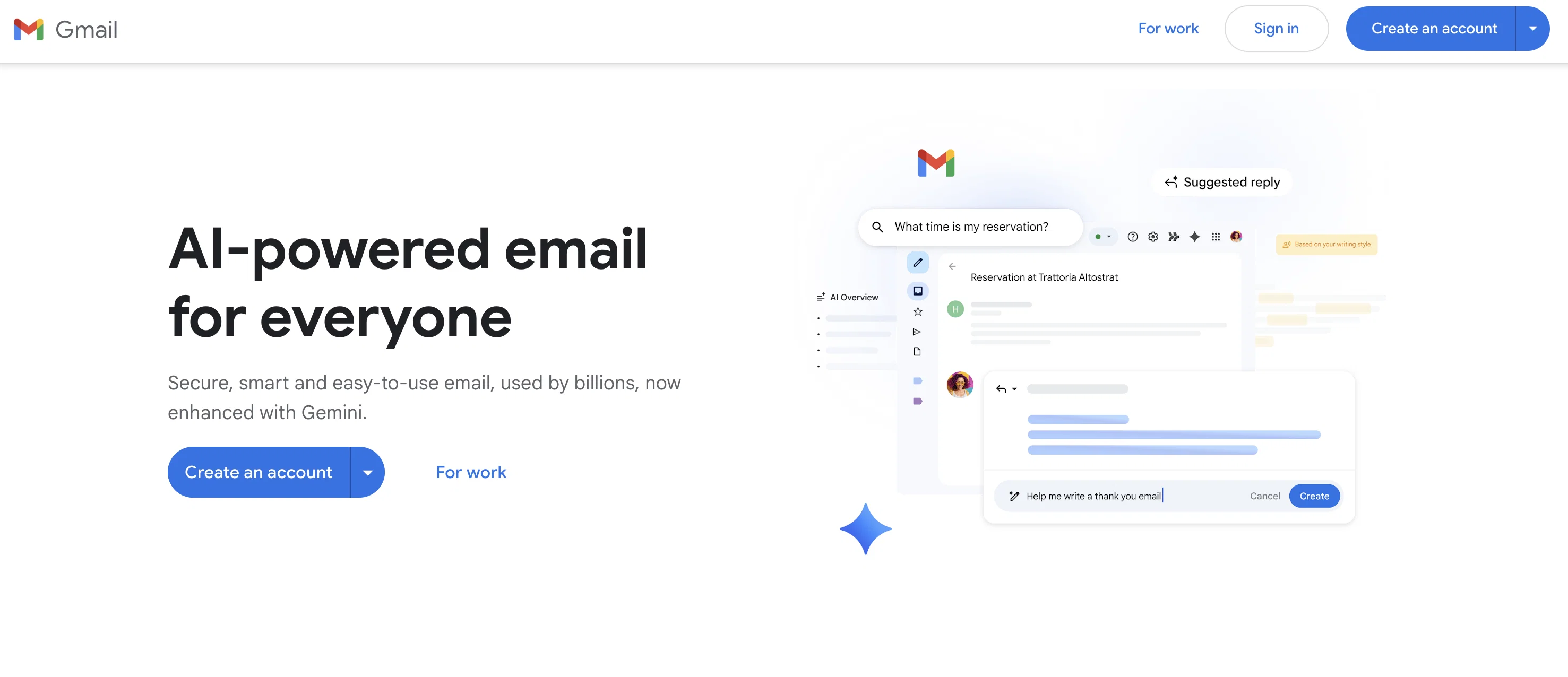
Gmail, a robust secure email service provided by Google, has newly integrated AI-powered features with the Gemini update. It is primarily designed to cater for both personal and business usage. At its core, Gmail offers you a secure, private email platform that maintains an industry-leading encryption standard to keep your emails safe, assuring that your email content will never be used for advertisement purposes. Email drafting is simplified with AI by offering suggested replies which aid in responding quickly in a tone that matches your writing style. Likewise, emails can be drafted or polished with the Gemini's added AI assistance. Managing emails has been revamped such that long threads can be summarised into essential points via an AI Overview, empowering users to catch up with key points swiftly. It also provides an expressive way to respond to emails using emojis, which is an exclusive feature to the Gmail app. Another intriguing advantage of Gmail is the smart search; you can search within your emails with your own words, converting the information into answers. Gmail also boasts a simple switch mechanism that brings together all emails from different providers into one app, aiding swift management of emails. In terms of productivity, it allows you to engage in chats, video calls, document collaboration, and more, directly from Gmail. Gentle nudges happen to keep you on track of crucial emails. Moreover, Gmail has compatibility with other desktop clients such as Microsoft Outlook, Apple Mail, and Mozilla Thunderbird, which includes contact and event synchronisation. Help other people by letting them know if this AI was useful. Add your own prompts and outputs to help others understand how to use this AI.
When considering Gmail for integration into your organizational workflow, we recommend deploying a structured score card across three critical operational pillars: Security & Compliance, Integration Friction, and long-term Price Scalability. Rather than looking only at basic feature lists, modern procurement teams must assess how a software platform behaves under high load and how well it fits into the team's data security guidelines.
Depending on your operating region and field, ensure that Gmail supports standard security layers such as SOC 2 Type II certifications, GDPR compliance, or HIPAA-compliant database encryption. If the tool connects directly to client database tables or handles user passwords, verify that they implement multi-factor authentication (MFA), single sign-on (SSO) integrations, and end-to-end data encryption in transit and at rest.
Siloed data is the primary cause of operational friction. Evaluate if Gmail has native connectors for your current project trackers, messaging hubs, and customer communication channels. For custom developer requirements, check if they provide a fully documented REST API with reasonable rate limits, comprehensive Webhooks support, and robust SDK packages in your language. A flexible API layer saves hundreds of hours of manual copy-paste overhead.
SaaS pricing packages are often deceptively simple. When reviewing Gmail's billing structure, map out your team's projected expansion over the next 12 to 24 months. Determine how costs scale as your customer database increases or as you add team members. Factor in setup costs, mandatory support plan upgrades, API access fees, and storage overage rates to understand the true cost before committing to a contract.
By combining verified user reviews from our directory with internal workflow pilot tests, your procurement team can make an informed decision that drives productivity without creating capital waste.
Overall rating
Based on 6 reviews
Hi everyone, Jon here. I love Deep Research but hated reading the slop churned out by the major apps. Try this passion project out and let me know what you think!
Jon Sinclair
very free to use the app for everyone letting them know if this AI was very useful
Raj Kumar
Great tool to write emails faster and answer emails faster. It's very easy to use and fast!
Lean ecommerce
unexpectedly nice email service with useful ai features. heavily recommended.
kevin
Time Saving.
hi ai
It works nicely. The autodraw function works really well, it easily detects what I’m trying to go for. W tool!
Orit Paredes
Starting Price
Free plan available
Free tier available with optional paid upgrades.


