5.02 months ago
“Review”
It created some decent logos. They are great as a start point
Samuel Barlet

AI-powered content creation, minus the hassle.
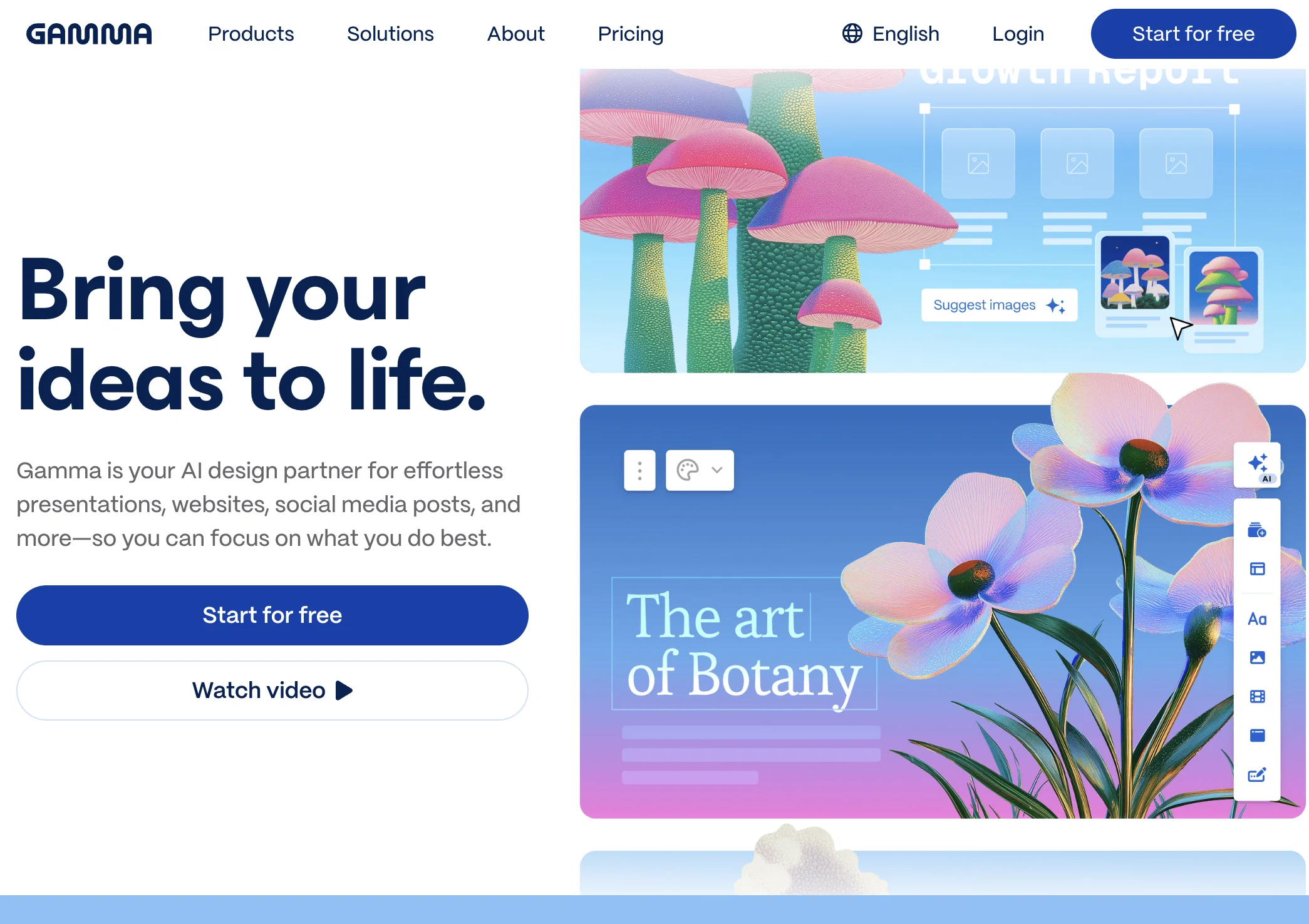
Gamma is a web-based tool that enables users to create and present content with minimal formatting and design work. Powered by AI, Gamma allows users to write and develop ideas, creating a polished and engaging medium for presenting those ideas. In just a few clicks, users can choose from customizable templates that align with their brand and editing options that require no coding. With Gamma, creating slides for presentations becomes faster, simpler, and more efficient than using traditional software.Gamma is designed to engage audiences on any device by bringing ideas to life with visual and interactive content. Users can embed a variety of media formats including GIFs, videos, websites, and charts, making it easier to understand complex ideas. Gamma also enables collaboration and feedback with features like quick reactions, comments, and publishing and analytics tools. Gamma memos can be presented while retaining the ability to stand alone, replacing more traditional and cumbersome slide decks. Gamma helps users to break down walls of text into bite-sized pieces, making it easier to understand and remember ideas. Finally, Gamma enables users to measure engagement using built-in analytics, allowing them to refine and improve their presentations for better results.Overall, Gamma is an AI-powered tool that simplifies the process of creating and presenting engaging content, making it an excellent resource for individuals and organizations seeking to present ideas in a more polished and compelling way. Hide cards without deleting them Option to generate content without images or use placeholders Smarter AI outlines with web research (Plus/Pro) Export to Google Slides & post directly to LinkedIn New chart/table generation and circle layout support Faster image generation and broader AI model access 16 new themes with advanced styling controls Updated filmstrip with multi-card actions Help other people by letting them know if this AI was useful.
When considering Gammav1.8 for integration into your organizational workflow, we recommend deploying a structured score card across three critical operational pillars: Security & Compliance, Integration Friction, and long-term Price Scalability. Rather than looking only at basic feature lists, modern procurement teams must assess how a software platform behaves under high load and how well it fits into the team's data security guidelines.
Depending on your operating region and field, ensure that Gammav1.8 supports standard security layers such as SOC 2 Type II certifications, GDPR compliance, or HIPAA-compliant database encryption. If the tool connects directly to client database tables or handles user passwords, verify that they implement multi-factor authentication (MFA), single sign-on (SSO) integrations, and end-to-end data encryption in transit and at rest.
Siloed data is the primary cause of operational friction. Evaluate if Gammav1.8 has native connectors for your current project trackers, messaging hubs, and customer communication channels. For custom developer requirements, check if they provide a fully documented REST API with reasonable rate limits, comprehensive Webhooks support, and robust SDK packages in your language. A flexible API layer saves hundreds of hours of manual copy-paste overhead.
SaaS pricing packages are often deceptively simple. When reviewing Gammav1.8's billing structure, map out your team's projected expansion over the next 12 to 24 months. Determine how costs scale as your customer database increases or as you add team members. Factor in setup costs, mandatory support plan upgrades, API access fees, and storage overage rates to understand the true cost before committing to a contract.
By combining verified user reviews from our directory with internal workflow pilot tests, your procurement team can make an informed decision that drives productivity without creating capital waste.
Overall rating
Based on 49 reviews
It created some decent logos. They are great as a start point
Samuel Barlet
looks cool, simple design, fast AI
Nicole Jackisch
Undetectable.wtf is better bypasses everything maintaining thee integrity of the text.
LiteEagle
When testing out the free version it looked promising, but as soon as I purchased the largest package for more characters the slides were unusable with text running vertically up and beyond my slides (1 character per line). When I reached out to the supplier, they wouldn't refund me because it had been more than 48 hours since my purchase. Waste of money and time.
Jenna Hayes
I tried using it but the website has too many bugs.
João Neiva
Nice interface, but no good at PDF answers, especially tables data.
hifive szu
Really amazing! Makes learning content and engaging with things so much easier!
Jamie McDonald
Works but I cannot understand what's the use. I was expecting it to give me some videos
Samartha Venkatramana
After my first use, I think it's surprisingly good. The only drawback so far is the PDF export option for the report which is formatless.
Alejandro Correa
I tried NovelGPT a template in @Agentgpt and it did an excellent job writing the first two episodes of my novel complete with character descriptions, setting,plot points and well I think you get the point. Great tool can't wait to see it out of beta.
Kelli Crose
The website is pretty good but there are only a limited number of responses
Probal Roy
Hello Lalith! Try refreshing the page and giving it another shot,the app seems to be working fine.
Daniel Garaiacu
Such a great place to start out!
Helli Lang
I'm still testing the tool yet it looks very promising. I tested it with a 5.5k words Academic text that I had previously red. I tested the Key points feature, it does work!
Ivana González
O GPT faz uma análise melhor e mais personalizada.
Vinicius Vilela
As the service was in beta-testing stage, I created there a dozen of AI-generated courses for free. I wanted to use them. Those courses remained in my account as they started subscription tiers. But recently I have found out that they were deleted. The support didn't answer to my e-mail at all.
Oldfag TV
after playing around with it for a bit, i am now aware of how much i need this. i can already feel the hours of sleep coming back to me <3
Bru no no no
Easy to use, output is great, a little costly but if you will be using this regularly it's def worth it. Works with PPT, have not used with Slides yet.
Kar Bar
Google Slides offers more precise control. It's slower to crank out a presentation though, no generation from an outline for instance.
Dan Dascalescu
It is an excellent AI for preparing presentations. I would strongly recommend it to everyone whoever is interested ! I am yet to find anything better than this !
RAMANUJA MANAGEMENT SERVICES Bangalore
does an excellent job at populating content and is beautifully designed.
Bethany Sadler-Jasmin
I uploaded my own agenda instead of using one recommended by the app and it completely failed to generate. I got one slide instead of a full presentation. good UI though
Alexander Liss
Easy to use and great output. A nicer way to start a slide deck than PowerPoint.
David Martin
The best so far
Asante Kwaku Afriyie
Easy to use and a good selection of customisable templates and attractive layouts. I liked that images were scoured from the Internet, which significantly cuts down on search time. Tested on the free option which gives you 400 credits upon signing.
Suzanie Mat Saat
Anyone having problems with the interface, it's a Chrome thing, open @Gamma up in Safari, and viola, problem solved.
Jacklyn Miller
Makes it easy to get started with a presentation if you have an outline, but as soon as you want more control, you're better off using Google Slides. @Gamma's feature that I used the most was image generation - you can select among a variety of models (Ideogram, Flux, DALL-E, but not Midjourney), and it shows 3 variations to choose from. Performance is slow and a little janky, even in Chrome. Prompts and settings are often not respected - e.g. you set it to "preserve text" and just generate slides, and it goes onto dumping an entire 3 paragraphs of text in one slide. You can't overlay text over images (e.g. for image attribution), and there's no precise positioning control, or grouping elements. No way to control table layout, e.g. to have two images slide-by-side in full bleed mode. I tried @Gamma for a new presentation, but next time I need to make a presentation, I'll go back to Google Slides and generate images independently.
Dan Dascalescu
Started with another .ai tool and ended up with a champion-and-challenger with @Gamma. @Gamma wins.
Hui L.
An amazing AI to help you with presentations, learning plans, or anything prompts needed. I was able to use it for school and edit it and I was able to teach my classmates about what I learned about the French revolution! Love @Gamma and @Gamma wins!!!
Mahina Phillips
I've been using @Gamma for about 6 months and it has been great. I drop in my lecture notes and it puts together the slides. I used to spend hours on my lecture presentations, now it's done in minutes. It's not always perfect, but it's super easy to adjust.
Alex Pate
Brilliant tool. Very easy to use, saves me lots of time. 10x better than Powerpoint and 20x better than Google Slides, which I used to use before. Generous free version.
Duda Bardavid
Don't waste your money
Alexandre Amato
Generous free version
Alexis Franco
tried it out for a quick presentation and was actually impressed. super easy to use and the results look really polished without spending hours formatting. nice tool if you’re not a fan of slideshows but still wanna present ideas well.
Claudiu Florin
Oh, I totally agree with you. They went and raised the subscription prices too, and it hits the old users – that’s just not cool.
Black Racoon
They released an "update" today and reduced the maximum number of slides from 60 to 50. Avoid this scam at all costs and don't even think about including an app like this, that downgrades you without warning, into your business. Not reliable.
Chris von Curland
At first, @Gamma looks really powerful and cool, but once you start creating illustrations for your content, it falls flat. For educational stuff, the AI-generated illustrations are basically useless—total garbage. @Gamma does offer tools to search for images and illustrations, but honestly, I can just Google them myself. The paid AI illustration features are a joke and full of hallucinations. @Gamma’s layout features are pretty strong, but that’s actually kind of a downside too. The final results end up looking a lot like PowerPoint or Google Slides presentations. But when you present, they don’t act like slides at all—more like basic webpages where you just scroll through the content. My take? Nope. For that kind of subscription price, you’d be better off with Gemini, Grok, Blackbox, or some other AI that actually performs way better. Paying that much just for layout? Big no from me.
Black Racoon
What situation are we even talking about? The outputs are unusable, so it’s basically garbage. Try making something serious, like about cosmology or even just anything around you, and see if it can even produce a decent illustration—you’ll thank me later for the wake-up call. Try other serious topics that need accurate, precise illustrations, and you’ll quickly realize this tool is just hallucinating. It’s basically a toy, don’t overhype it or think it’s some amazing tool. Scammy? Definitely. I’ve heard from other users too (Reddit and here) about the pricing—@Gamma raised the monthly fees and screwed over old subscribers, but the quality didn’t improve at all. What do you call that? And don’t get me started on customer service. That lady Ana? Super annoying and sounds like a robot. Is she even human? She’s way too confident about how great the tool is and all its “improvements.” Seriously, man, it’s just a toy. Try making something serious with illustrations again. This tool isn’t just bad, it’s also way overhyped and honestly dangerous for making educational content.
John Forestside
Can you please provide more info about your situation? I'm curious to understand more about it.
Bogdan Marian Ionita
Garbage and scammy. For serious contents, avoid this app.
John Forestside
helps me turn finalized docs into quick decks or summaries without fighting formatting. slides look consistent and it keeps the layout neat even when i’m moving fast.
Marcy Anderssen
Pretty good for quick presentations. It’s not perfect, but it helps a lot when you need clean slides fast and don’t want to spend hours in PowerPoint.
Oliver Liu
super handy for turning scattered notes or visuals into something finished fast. layouts look great right out of the box and it doesn’t slow you down with formatting. just type, refine, present.
Misty George
Takes brainstorm notes and turns them into something presentable. handles structure and visuals automatically which is nice. saves a lot of back and forth.
Hein Ríos
Nice for turning project ideas into simple presentations or step by step explanations. I wouldn’t use it without editing, but it does save time when preparing materials for others, especially for workshops or classes.
Diana Sebi
Please give invite code.
Manish Jain (MJ)
A very useful AI slides tool! The content it generates is genuinely smart.
Shane Qian
It does it's job and I love that it has a lifetime plan
Matthew Edwan
You spent half of hour on describing how your presentation should look like, and just after that getting informed that you need to pay subscription to proceed. Who’ll pay my time back?
Grigorij Dudnik
Starting Price
Free plan available
Free tier available with optional paid upgrades.


