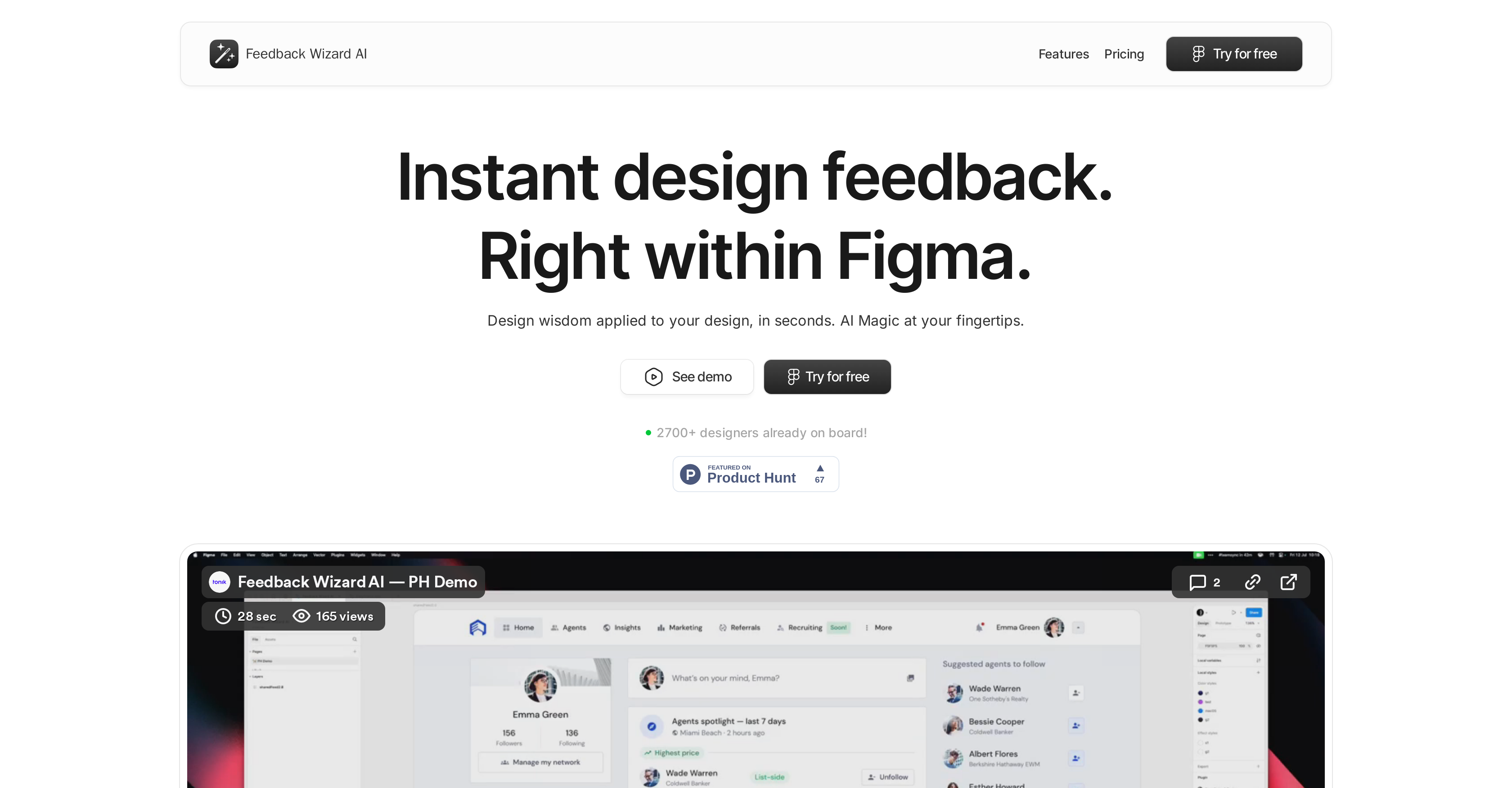
Feedback Wizard is a Figma plugin that utilizes AI to offer immediate feedback and design suggestions. Primarily, this tool serves to enhance creative output and optimize design workflows.
There are distinct feedback structures focusing on User Experience (UX) and User Interface (UI). The UX feedback aims at improvement of usability and functionality aspects of the design.
The UI Wizard, on the other hand, offers critical and actionable feedback concerning visual design elements. This feature assists in refining the aesthetics of a design, bettering user interactions, and streamlining design processes.
The plugin also provides the option for users to expand its context for more specific feedback, putting the designer in control of received input. Although it's primarily a professional tool for designers to improve their work, it is also built with collaboration in mind.
Feedback Wizard offers a free trial with limited requests, and an upgraded Pro version with unlimited feedback requests, priority support, and access to future updates.
Help other people by letting them know if this AI was useful.
Add your own prompts and outputs to help others understand how to use this AI.
Screenshot gallery
Pros & Cons
Pros
+Immediate design feedback
+Works within Figma
+Distinct UX and UI feedback
+Improves usability and functionality
+Refines visual design elements
+User in control of feedback
+Promotes collaboration
+Offers free trial
+Unlimited feedback in Pro version
+Priority support for Pro version
+Access to future updates
+Improves creative output
+Optimizes design workflows
+Encourages design process streamlining
+Context expansion for specific feedback
+Enhancement of user interactions
+Professional tool for designers
+Used by over 2700 designers
+Provides targeted and valuable feedback
+UI Wizard for visual feedback
+Expanding context feature
+UX mastery in Figma
+Elevate UI layer feature
+Swift, smart feedback
+Easily boosts user experience
+Enhanced user interface
+Improved aesthetics in design
+Helps increase engagement
+Streamlined workflows enhancement
+Boosts design creativity
+Elevates user satisfaction
+Ability to choose between UX and UI
Cons
−Only for Figma
−Limited requests in free trial
−Monthly subscription for Pro version
−Dependent on user's design input
−UX/UI feedback not customizable
−No offline functionality
−Requires high-level design understanding
A Professional Framework to Evaluate Feedback Wizard
When considering Feedback Wizard for integration into your organizational workflow, we recommend deploying a structured score card across three critical operational pillars: Security & Compliance, Integration Friction, and long-term Price Scalability. Rather than looking only at basic feature lists, modern procurement teams must assess how a software platform behaves under high load and how well it fits into the team's data security guidelines.
1. Security and Database Compliance
Depending on your operating region and field, ensure that Feedback Wizard supports standard security layers such as SOC 2 Type II certifications, GDPR compliance, or HIPAA-compliant database encryption. If the tool connects directly to client database tables or handles user passwords, verify that they implement multi-factor authentication (MFA), single sign-on (SSO) integrations, and end-to-end data encryption in transit and at rest.
2. API Coverage and Custom Integrations
Siloed data is the primary cause of operational friction. Evaluate if Feedback Wizard has native connectors for your current project trackers, messaging hubs, and customer communication channels. For custom developer requirements, check if they provide a fully documented REST API with reasonable rate limits, comprehensive Webhooks support, and robust SDK packages in your language. A flexible API layer saves hundreds of hours of manual copy-paste overhead.
3. Total Cost of Ownership (TCO)
SaaS pricing packages are often deceptively simple. When reviewing Feedback Wizard's billing structure, map out your team's projected expansion over the next 12 to 24 months. Determine how costs scale as your customer database increases or as you add team members. Factor in setup costs, mandatory support plan upgrades, API access fees, and storage overage rates to understand the true cost before committing to a contract.
By combining verified user reviews from our directory with internal workflow pilot tests, your procurement team can make an informed decision that drives productivity without creating capital waste.
Features of Feedback Wizard
Figma Plugin
AI Design Feedback
Design Optimization
UX Feedback
UI Feedback
Workflow Enhancement
Free + From $6.99/Mo
SaaS1to10 verified reviews for Feedback Wizard
Overall rating
★★★★★5.0
Based on 6 reviews
★★★★★5.01 months ago
“Review”
I'm usually kinda skeptical with tools that send stuff over email, but this one had the full book in my inbox in like a min. You can even pick how and what you wanna download, it has text, cover, epub, pdf. The story was an interesting read too. As a heads up though, you only get 1 free book and the max that you can go for is 10 chapters, which adds up to about 20-something pages, so basically don't expect a full novel is what I'm saying. Still really good overall.
Niraj Katy
★★★★★5.01 months ago
“Review”
Working good and enough credits including achievements to test the app for free
Steven sombr
★★★★★5.01 months ago
“Review”
Great tool! Loved that it asked questions before designing.
Supriyo Roy
★★★★★5.01 months ago
“Review”
Used it to make a client intake form and it nailed it, built the whole thing clean, simple and concise. Definitely considering using it more regularly.
Zheng Loo
★★★★★5.01 months ago
“Review”
@Lovart is the 1st design agent, built for socials, posters, videos, 3D and more.
Sylvia Liu
★★★★★5.01 months ago
“Review”
Impressive, looks like what I needed all these years... Finally I found something useful!