5.01 months ago
“Review”
Maybe you don’t have a subscription, so there are no credits on your account, and a lot of features require credits to use.
Span Chen

Upload Excel, create Gantt charts instantly.
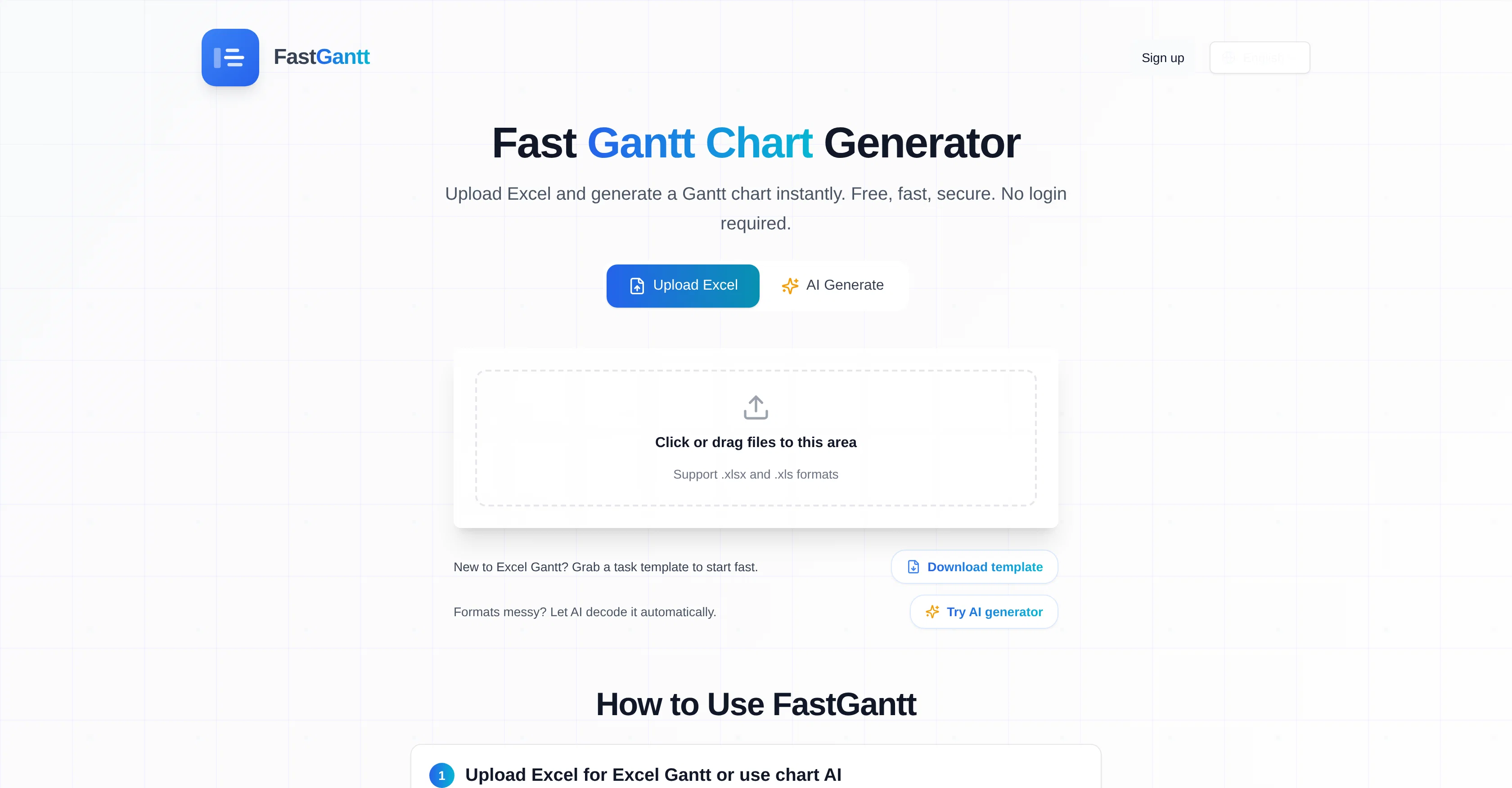
FastGantt is an online tool that enables the quick generation of Gantt charts from Excel files. Users upload an Excel file and the tool automatically constructs a Gantt chart, useful for visually communicating the schedule and progress of tasks over time. This tool supports .xlsx and .xls formats and automatically recognizes header synonyms to match Task, Start Date, End Date, and Progress fields. It accommodates different date formats and expects one task per row for the chart. FastGantt also provides an AI feature that can automatically convert plain text into a Gantt chart and decipher messy file formats. Users can adjust the chart's color schemes and labels, and switch view modes between Day, Week, and Month. The generated Gantt chart can be exported in either Excel or PNG format, making it easier for teams to share and communicate their progress. A unique offer of FastGantt is the feature to use AI to read and interpret messy files, making it an advantageous tool for handling text instructions to automatically generate clean Gantt charts. Despite its advanced features, FastGantt doesn't require user sign-ups and offers a free tier with substantial functionality, along with paid tiers for more extensive features and functionalities. Help other people by letting them know if this AI was useful. Add your own prompts and outputs to help others understand how to use this AI.
When considering FastGantt for integration into your organizational workflow, we recommend deploying a structured score card across three critical operational pillars: Security & Compliance, Integration Friction, and long-term Price Scalability. Rather than looking only at basic feature lists, modern procurement teams must assess how a software platform behaves under high load and how well it fits into the team's data security guidelines.
Depending on your operating region and field, ensure that FastGantt supports standard security layers such as SOC 2 Type II certifications, GDPR compliance, or HIPAA-compliant database encryption. If the tool connects directly to client database tables or handles user passwords, verify that they implement multi-factor authentication (MFA), single sign-on (SSO) integrations, and end-to-end data encryption in transit and at rest.
Siloed data is the primary cause of operational friction. Evaluate if FastGantt has native connectors for your current project trackers, messaging hubs, and customer communication channels. For custom developer requirements, check if they provide a fully documented REST API with reasonable rate limits, comprehensive Webhooks support, and robust SDK packages in your language. A flexible API layer saves hundreds of hours of manual copy-paste overhead.
SaaS pricing packages are often deceptively simple. When reviewing FastGantt's billing structure, map out your team's projected expansion over the next 12 to 24 months. Determine how costs scale as your customer database increases or as you add team members. Factor in setup costs, mandatory support plan upgrades, API access fees, and storage overage rates to understand the true cost before committing to a contract.
By combining verified user reviews from our directory with internal workflow pilot tests, your procurement team can make an informed decision that drives productivity without creating capital waste.
Overall rating
Based on 13 reviews
Maybe you don’t have a subscription, so there are no credits on your account, and a lot of features require credits to use.
Span Chen
I am honestly impressed by the quality of questions generated. Looks better than the other study tools so far.
Özgür Öcalan
I built VDraw out of pure necessity. Like many creators and marketers, I was spending hours reformatting blog posts, YouTube videos, or PDFs into carousels for social media. Most existing tools were either too design-heavy or too generic with their templates. With VDraw, my goal was simple:Let AI handle the hard part—extracting key insights, summarizing content, and applying modern visuals—so you can focus on your message. Just paste your content or upload a file, and within seconds, VDraw turns it into a ready-to-share carousel post tailored to your brand style. I use it daily now, and it’s saved me countless hours. I hope it does the same for you. ➡️ Try it out free at: https://vdraw.ai
VDraw AI
I work on the @Tendem team, so take this with that context — but I also use the product constantly for my own work. I've used @Tendem to research AI directories — finding relevant ones, pulling submission requirements, organizing everything into a spreadsheet I could act on. I've also used it for copy edits — sending over drafts and getting back tightened, polished versions without going back and forth with a prompt ten times. The thing that keeps me coming back is how little I have to think about the handoff. I describe what I need, send it, and move on to something else. It's slower than getting a ChatGPT response, sure. But I get something finished — not a starting point I still need to rework. When you use AI tools for this kind of work, you trade waiting time for cleanup time. @Tendem flips that. I'd rather wait and get a result I can use than get a fast draft I have to fix myself.
Vladimir Gromozdin
very usefull for my agency
Angus Chong
Excellent chatbot, very functional and easy to teach. It took me a while to vary the prompt, but I ended up getting a great result when I put it through a stress test. I give 4 stars because I think this AI can still improve. In any case I recommend it.
Waltdege
For now the best browser based AI scraper i have ever used.
Jason Shirazi
Absolutely in love. I could create my own custom AI and shared it with my colleuges to get instant support from me, i mean digital AI of me :)
Derek W.
This tool finally helps me understand what makes a great prompt. It doesn't just give me a better version, it shows me to get there by analyzing why the original prompt is weak and showing what to improve. The difference this makes to the final AI output is incredible. An essential tool for getting more accurate and detailed results, Great Job!
Milo Quinn
that's such a great AI
piw
Great tool! Was very helpful in content production
Duck Typer
Went from a C to an A in Cognitive Psychology using @Thea!!
Sarah White
I think it's the best @Image Generator I ever found on the net. It gives more accurate image according to the prompt. And thank you for keeping it for free.
My Sawsiri
Starting Price
Free plan available
Free tier available with optional paid upgrades.


