5.02 months ago
“Review”
Fast and easy for rewriting, but does anyone know if it still shows up as AI generated? I'm scared of detectors
Sa Vasilev

Create videos from text or photos in minutes.
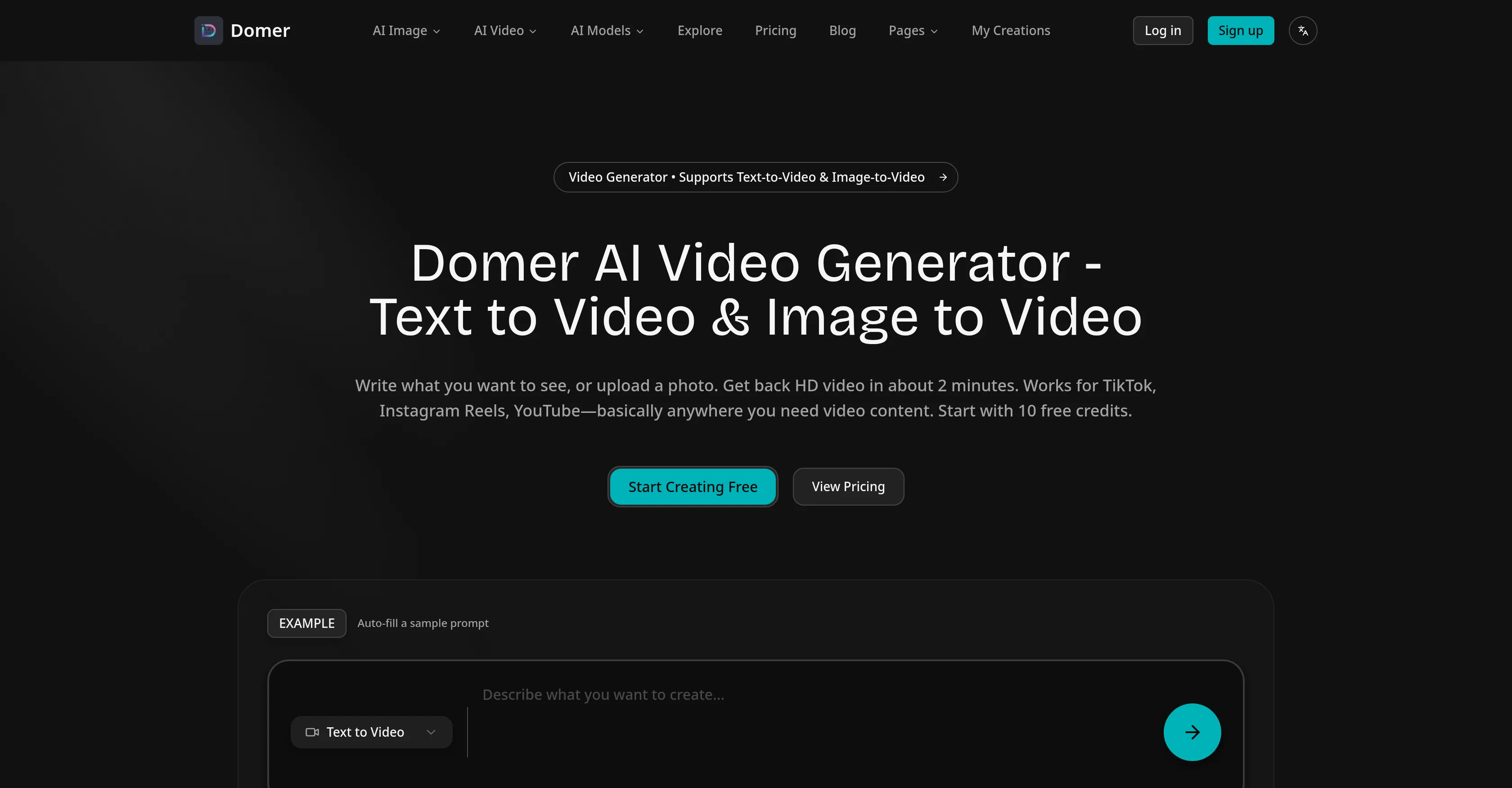
Domer is a free AI video generator that allows creating videos from text or photos, typically in a few minutes. It supports Text-to-Video & Image-to-Video conversions and returns HD video which can be leveraged for social media platforms like TikTok, Instagram Reels, or YouTube. Domer provides a straightforward process which starts with either writing a desired scene for a text-to-video, or uploading a photo and describing its desired movement for image-to-video. Domer offers the choice of three video models: Google Veo for quality, Kling for speed, and Wan for longer clips. Each model requires different credits, showing the credit cost before generation. In addition to video generation, Domer also offers image tools for quick mockups or concept art. The platform does not impose any watermarks on the created videos, permits comprehensive rights on the usage of the content and even offers a few initial free credits to test out the system. Domer is proven useful for creating product demos, ad concepts, or for testing out ideas prior to actual filming. Help other people by letting them know if this AI was useful. Add your own prompts and outputs to help others understand how to use this AI.
When considering Domer for integration into your organizational workflow, we recommend deploying a structured score card across three critical operational pillars: Security & Compliance, Integration Friction, and long-term Price Scalability. Rather than looking only at basic feature lists, modern procurement teams must assess how a software platform behaves under high load and how well it fits into the team's data security guidelines.
Depending on your operating region and field, ensure that Domer supports standard security layers such as SOC 2 Type II certifications, GDPR compliance, or HIPAA-compliant database encryption. If the tool connects directly to client database tables or handles user passwords, verify that they implement multi-factor authentication (MFA), single sign-on (SSO) integrations, and end-to-end data encryption in transit and at rest.
Siloed data is the primary cause of operational friction. Evaluate if Domer has native connectors for your current project trackers, messaging hubs, and customer communication channels. For custom developer requirements, check if they provide a fully documented REST API with reasonable rate limits, comprehensive Webhooks support, and robust SDK packages in your language. A flexible API layer saves hundreds of hours of manual copy-paste overhead.
SaaS pricing packages are often deceptively simple. When reviewing Domer's billing structure, map out your team's projected expansion over the next 12 to 24 months. Determine how costs scale as your customer database increases or as you add team members. Factor in setup costs, mandatory support plan upgrades, API access fees, and storage overage rates to understand the true cost before committing to a contract.
By combining verified user reviews from our directory with internal workflow pilot tests, your procurement team can make an informed decision that drives productivity without creating capital waste.
Overall rating
Based on 20 reviews
Fast and easy for rewriting, but does anyone know if it still shows up as AI generated? I'm scared of detectors
Sa Vasilev
All I can say is WoW! I don't know too terribly much about Tarot, but my reading was 110% spot on. And I am not referring only to the fact of the cards drawn couldn't have come closer if I hand-picked them but it was the analysis of each card individually, as well as overall. I'll be using this regularly from now on.
Jenna Hamilton
Great designs
Brian Gacheru
Best font app I ever tried. Because it is really simple and effective.
Alice Peyrol
This ai tool is awesome because I did figure out last Christmas when I was was lucky enough but thanks for sharing a tarot reading. But now I will be using this as often as I can. This may my Christmas a miracle for me.
Lauren music
I’ve been using it for a month now and I have decided to keep it for a year. There definitely are some kinks they can still work out like file management, but it’s very good at it’s core function: it generally does a good job answering questions and most times identifies PDFs automatically and correctly. The browser plugin works great, and it’s very nice that @Papers allows you to add your university’s library API so you can automatically download PDFs that are accessible through your institution (sometimes it refuses to download some @Papers, so you just have to downlow it yourself and manually add it). The iPad and Android apps are serviceable. Every once in a while it will mess up the PDF identification, especially with @Papers from either very old sources or online-only journals. Things they must work on: * A much better system to annotate PDFs (the post-it type notes are cumbersome). * Introduce a notepad attached to each PDF or some way to easily link and save the AI’s output to the PDF. Currently, you have to add a little post it note and then paste the text there. * Keep the AI answers available after closing the documents. If you close the document by mistake or have several open and wish to close some, the ai conversation will be reset. * I REALLY wish that you could get citations and links to where the info was from extracted from PDFs. Currently, I have found Coral.ai does a much better job of showing you where the info came from and it even highlights it for you. Give it a try, their 30-day no credit card needed trial allowed me to truly test it, and now I’m a yearly subscriber looking forward for new additions and releases.
JB
Hi there! The tool works just fine, all you need to do is copy the text you want to rewrite and paste it in the little prompt box, where it says "Enter your prompt here". Click "Generate" and you're done!
Antonia Mitrea
awesome, beets relationships...
Robert Shumway
B12 exceeded my expectations especially after I tried a few similar tools. Signing up took under a minute and because I offer a very specific set of services as a consultant, I didn't expect the AI to be able to capture my work, but it did a great job with creating content for me. I only had to make a few edits, add my bio, and was able to publish that same day. Now I get lots of compliments on my site and I've even tried their other tools like email marketing, which is great because the emails match my site's appearance. Overall I would recommend B12 as an effective, affordable, and easy to use website solution.
Katie G
nice holistic
Amit ImmI
still background removing accuracy is required. it only 80% not 100%
Krutika Creations
I think it's the best @Image Generator I ever found on the net. It gives more accurate image according to the prompt. And thank you for keeping it for free.
My Sawsiri
Hi everyone! I am Adnan, the author of @MakerSuite.AI. I am a content creator as well as a software engineer (16+ years of experience). @MakerSuite has been created firstly for my own needs with a goal to help me organize content creation workflow (from YouTube scripts to blog and social media posts). The application covers a lifecycle from idea generation to complete script, thumbnail, description, and all the necessary things to prepare you for video recording or to provide you with a script that you can use on your blog or social media platforms. @MakerSuite is a result of continuous work from more than 6 months of active day-night and weekend hard work on it. In the end I decided to share it with the world so other people could benefit from it, and also in return I can pay off the hard work and support the platform's future development and maintenance costs. As the models and infrastructure cost a lot. I am open to any form of suggestions or comments; even negative ones are always welcome. The platform has a lot of planned future developments that have to be added to make it even better. Please share your thoughts and feedback in the comments section, as it will help me improve it more! Thanks, everyone! Best, Adnan
MakerSuite
Hi there - I'm Nicolas, the founder, X @bolcoto We're the developers of @Virlo and would love feedback!
Virlo Support
very good tool. done your work in seconds with Retouch Pro
Tahir
They're dreaming if they think I'd give them my credit card info just for a free trial. Most useless thing ever...
Noeffen Way
easy onboarding, quick to set up.
Pluto Radigund
You get 300 credits upon signing up, which is enough to test out the app and see its potential. I had a bit of fun with it. It takes a few minutes to generate content, but the results are impressive. There are many styles, modifiers, and customization options available. I would definitely use this for content creation or storytelling.
Daniel Garaiacu
WE USE @D-ID AT THE COLORADO VIRTUAL CREATIVE FACTORY...AND LOVE IT.
Franco Arteseros
The concept is great.
kanawati
Starting Price
Free plan available
Free tier available with optional paid upgrades.


