5.01 months ago
“Review”
Awesome tool!
Hassan

Generated engineering diagrams.
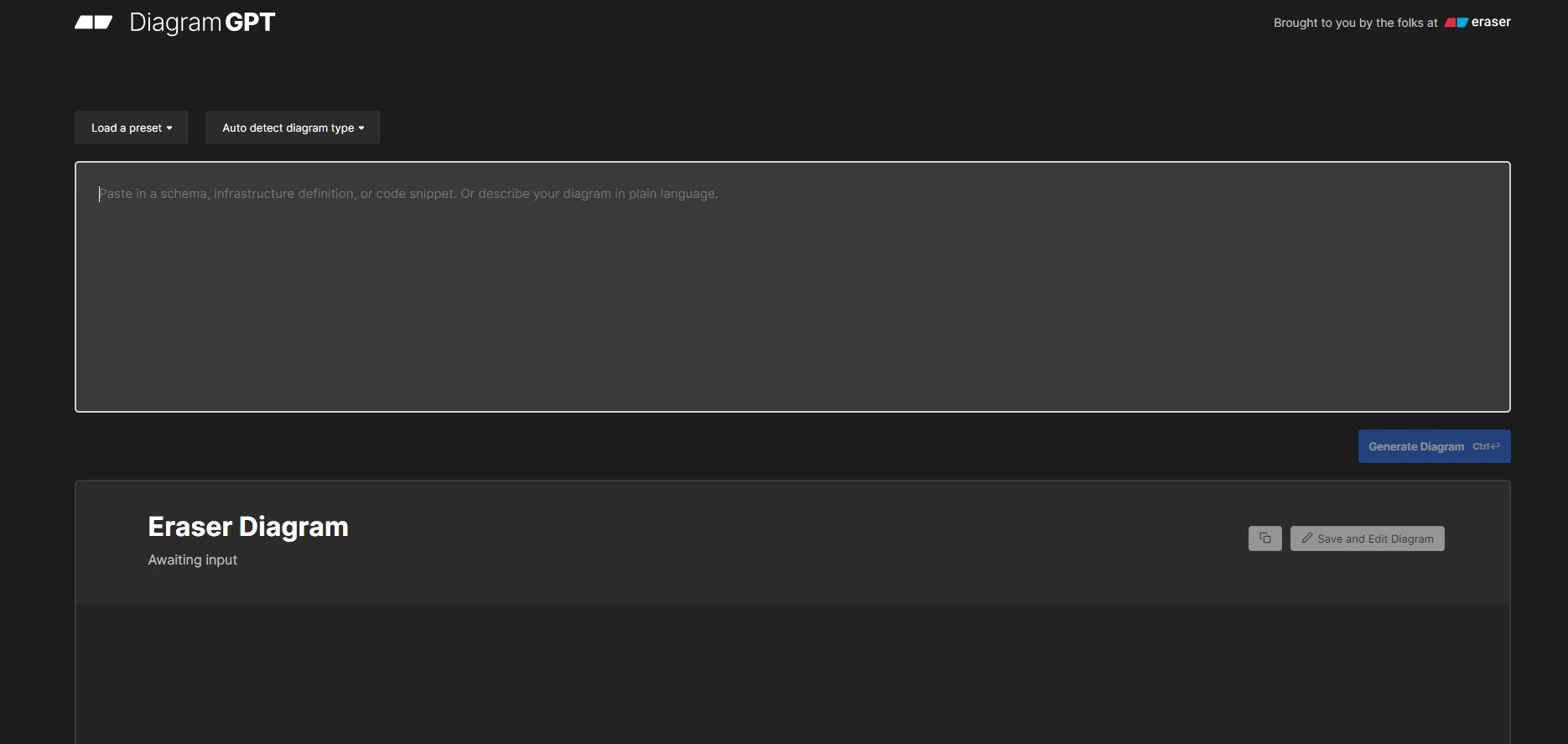
DiagramGPT is an AI tool developed by Eraser that enables users to generate technical diagrams using code or plain language prompts. The tool employs OpenAI's GPT-4 to classify user input and generate diagrams in a diagram-as-code format. Currently, DiagramGPT supports three types of diagrams, namely entity relationship diagrams, cloud architecture diagrams, and sequence diagrams, with flowcharts coming soon. Users can edit the diagrams generated by DiagramGPT in Eraser, a whiteboard tool designed for engineering teams. The diagrams can be edited using Eraser's diagram-as-code syntax. DiagramGPT can be used in various scenarios, including architecture diagrams, whiteboard interviews, documentation, wireframing, and brainstorming. Eraser provides a gallery of resources, templates, and integrations, as well as documentation and design resources at designDocs.dev. Additionally, users can provide feedback to the Eraser team about the tool and suggest improvements or new features through various channels such as email, Twitter, or Slack community. Overall, DiagramGPT offers a simple and effective means of generating technical diagrams, especially for engineering teams, while Eraser provides a comprehensive suite of tools and services to support diagramming, documentation, and collaboration. Help other people by letting them know if this AI was useful. Add your own prompts and outputs to help others understand how to use this AI.
When considering DiagramGPT by Eraser for integration into your organizational workflow, we recommend deploying a structured score card across three critical operational pillars: Security & Compliance, Integration Friction, and long-term Price Scalability. Rather than looking only at basic feature lists, modern procurement teams must assess how a software platform behaves under high load and how well it fits into the team's data security guidelines.
Depending on your operating region and field, ensure that DiagramGPT by Eraser supports standard security layers such as SOC 2 Type II certifications, GDPR compliance, or HIPAA-compliant database encryption. If the tool connects directly to client database tables or handles user passwords, verify that they implement multi-factor authentication (MFA), single sign-on (SSO) integrations, and end-to-end data encryption in transit and at rest.
Siloed data is the primary cause of operational friction. Evaluate if DiagramGPT by Eraser has native connectors for your current project trackers, messaging hubs, and customer communication channels. For custom developer requirements, check if they provide a fully documented REST API with reasonable rate limits, comprehensive Webhooks support, and robust SDK packages in your language. A flexible API layer saves hundreds of hours of manual copy-paste overhead.
SaaS pricing packages are often deceptively simple. When reviewing DiagramGPT by Eraser's billing structure, map out your team's projected expansion over the next 12 to 24 months. Determine how costs scale as your customer database increases or as you add team members. Factor in setup costs, mandatory support plan upgrades, API access fees, and storage overage rates to understand the true cost before committing to a contract.
By combining verified user reviews from our directory with internal workflow pilot tests, your procurement team can make an informed decision that drives productivity without creating capital waste.
Overall rating
Based on 31 reviews
Awesome tool!
Hassan
Superb! This is awesome for simple workflows. Quality of workflows depend on the quality of the prompt. Awesome tool for a non-BA that knows what he/she/they want and can explain it in words!
Eric Barrett
nice! does exatly what i wanted it to do, takes text, makes a nice looking diagram.
Lenny Deus
i just used it and loving it. just copy your abstract of the paper and it will handle all the steps to generate graphical abstract. amazing.
Bilal Ahmed
Absolutely phenomenal - the most visually appealing diagram creation program to date. Ai assist is better than majority of the industry standard programs.
Hemanshu Patel
Amazing. After endless searching for a cloud architecture diagram tool, this one knocked it out of the park!
Barry O'Sullivan
I understand the frustration — it can be really annoying when the tool doesn’t behave as expected. I actually built AI Diagram Maker as an alternative to Eraser. It lets you generate and refine diagrams from plain English descriptions Hope you find it useful! Checkout https://theresanaiforthat.com/ai/ai-diagram-maker/
Rajasekar Elango
used up my credits figuring out how the diagraming worked. was forced to use Eraser and it wouldn’t take the same input. just cycled through the same question sets. could not constraint diagrams to fit a specific sheet size or orientation. Help was void and just a time waster
KRIS SCHLUDERMANN
Tried it out for a microservices architecture diagram and it actually nailed most of it. Clean readable layout, the flow made sense out of the box. Some of the visual balance felt a bit off (for example, lots of dashed lines and the cluster dominates the view) and the services were super generic, but for quickly sketching out an idea, it definitely helped get the point across. Would've given it a 3.5 if I could but for now it's a 3.
Valentina Jara
Alternative for fast academic writing
Ivan Taslim
After my first use, I think it's surprisingly good. The only drawback so far is the PDF export option for the report which is formatless.
Alejandro Correa
Did not work, keeps on thinking
Frank van Tussenbroek
Such an impressive platform for all of us who are looking for more efficient ways to do the investigation. @OpenRead has the potential to solve our problems.
Zhuohang Tong
I wasn't able to use this one (I have my API key)
Pauline LeBlanc
Free Start with a Free Experience $0 /mo
Vitus Bering
I tried using it but the website has too many bugs.
João Neiva
It's sad to see people want to try your tool out but you have no free sample for them. This may be the best tool out there, but, as mentioned, going through with the AI for minutes to explain what you want, then being prompted to pay, without even knowing if it CAN create something, is discouraging. I hope we can get a free sample or preview at one point, im interested in this one.
Ron Jayson
Really amazing! Makes learning content and engaging with things so much easier!
Jamie McDonald
easy to pick up and you get a few free file imports. it gives you results pretty fast, unfortunately i can't find a way to get back to these, they're locked behind the paid service.
Ron Jayson
Undetectable.wtf is better bypasses everything maintaining thee integrity of the text.
LiteEagle
It took me less than 20 minutes to create infographic perfection- all the other AI design sites I tried, and I tried them all, weren't able to give me what I wanted in 1 way or another. Outline Ninja helped me create my infographic
Gay Shirer
I'm still testing the tool yet it looks very promising. I tested it with a 5.5k words Academic text that I had previously red. I tested the Key points feature, it does work!
Ivana González
I tried NovelGPT a template in @Agentgpt and it did an excellent job writing the first two episodes of my novel complete with character descriptions, setting,plot points and well I think you get the point. Great tool can't wait to see it out of beta.
Kelli Crose
O GPT faz uma análise melhor e mais personalizada.
Vinicius Vilela
after playing around with it for a bit, i am now aware of how much i need this. i can already feel the hours of sleep coming back to me <3
Bru no no no
As the service was in beta-testing stage, I created there a dozen of AI-generated courses for free. I wanted to use them. Those courses remained in my account as they started subscription tiers. But recently I have found out that they were deleted. The support didn't answer to my e-mail at all.
Oldfag TV
it is really cool and easy to use you can create diagrams really easily it even has a unique and lovely theme
No reply
Found it randomly and tested @Mermaid Chart with a small service architecture and it turned the prompt into editable diagram code almost instantly. The structure was accurate enough to refine, and being able to fix the syntax instead of fighting a locked image is a huge plus. Styling is still a little basic, but for technical diagrams it’s a strong 4.
Valentina Jara
Really useful tool here. Saves a lot of time when creating diagrams. Made a video about it here: https://www.youtube.com/watch?v=ClySYyEBvno
J.I.
Isn't it possible that when downloading a diagram from it, the diagram to have white background rather than black background.
shazil saqib
Didn't really do the graphs that i thought it would do. Good for simple graphs, like for a presentation
Timothy Unfried
Starting Price
Free plan available
Free tier available with optional paid upgrades.


