5.01 months ago
“Review”
makes actually good clips
fourleafclover

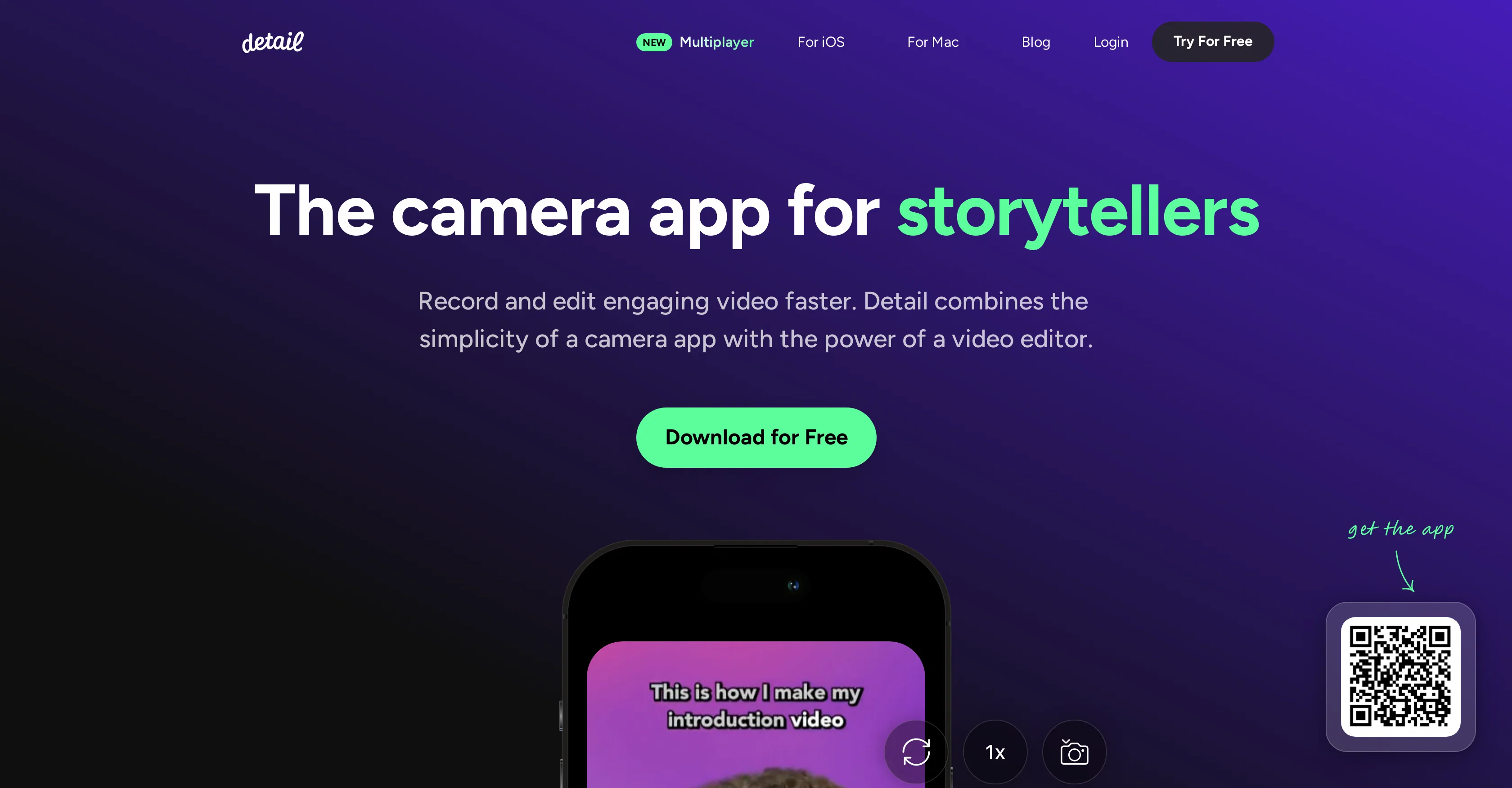
Record and edit engaging video faster.
Detail is a camera application designed for storytellers, enabling them to record and edit video content efficiently. Available for iOS and macOS, the tool offers the user-friendly interface of a camera app coupled with the feature set of a video editor. It facilitates dual camera recording, which allows users to capture video from both front and back cameras simultaneously. Another unique feature is the ability to connect two iPhones remotely or within the same room for collaborative recording, all without requiring any cables. Detail also offers a quick solution for creating reaction videos using any recorded footage or the rear camera as a backdrop.In addition, the app provides a suite of editing tools that help users add an individual touch to their content. This includes a range of creative captions and backgrounds, allowing users to modify and stylize their content before and after recording. Furthermore, Detail incorporates a live green screen editor which enables users to easily replace their video background. To assist with content creation, the app incorporates an automated caption generator and a teleprompter tool, lending itself well for use in creating diverse content such as podcasts, tutorials, online courses, and music videos. Overall, Detail positions itself as a comprehensive resource for creating and editing engaging video content quickly and efficiently. Help other people by letting them know if this AI was useful. Add your own prompts and outputs to help others understand how to use this AI.
When considering Detail.co for integration into your organizational workflow, we recommend deploying a structured score card across three critical operational pillars: Security & Compliance, Integration Friction, and long-term Price Scalability. Rather than looking only at basic feature lists, modern procurement teams must assess how a software platform behaves under high load and how well it fits into the team's data security guidelines.
Depending on your operating region and field, ensure that Detail.co supports standard security layers such as SOC 2 Type II certifications, GDPR compliance, or HIPAA-compliant database encryption. If the tool connects directly to client database tables or handles user passwords, verify that they implement multi-factor authentication (MFA), single sign-on (SSO) integrations, and end-to-end data encryption in transit and at rest.
Siloed data is the primary cause of operational friction. Evaluate if Detail.co has native connectors for your current project trackers, messaging hubs, and customer communication channels. For custom developer requirements, check if they provide a fully documented REST API with reasonable rate limits, comprehensive Webhooks support, and robust SDK packages in your language. A flexible API layer saves hundreds of hours of manual copy-paste overhead.
SaaS pricing packages are often deceptively simple. When reviewing Detail.co's billing structure, map out your team's projected expansion over the next 12 to 24 months. Determine how costs scale as your customer database increases or as you add team members. Factor in setup costs, mandatory support plan upgrades, API access fees, and storage overage rates to understand the true cost before committing to a contract.
By combining verified user reviews from our directory with internal workflow pilot tests, your procurement team can make an informed decision that drives productivity without creating capital waste.
Overall rating
Based on 19 reviews
makes actually good clips
fourleafclover
This is not good, it is randomly adding 3 seconds video before the given video. Not related to the video, so not good.
Sooraj Kumar
Misleading! Said you dont need credit card to start for free. when I signed up it was not available and I had to buy credits to try the tool.
Saad Saiyed
saving time and effort.
chloe
5 star and Ai is the best to guide anybody Ai helps many things like hardwork is easy due to use of Ai .You help in your study
Mohit Singh
I tried to look at what their avatars look and sound like but could not find it on their website. I'm not going to make a purchase if I can't see what I'm buying.
Iamalright Jack
🌟🌟🌟🌟🌟 5-Star Review "This AI tool provides an excellent selection of questions for engaging with spirits. The prompts are thoughtful and respectful, encouraging meaningful dialogue during paranormal sessions. Highly recommended for both novice and experienced ghost hunters seeking deeper connections."
Sukul Das PANIKA
It's too complicated for a beginner
Giti Mortazavi
This is phenomenal. I demo it in my sessions all the time.
Beth Ziesenis
Only available for Apple users
Santa Claus
Seems to be working for me. Maybe try again?
Aramis
State of the Art
Dmitry G.
An amazing app, I love the share feature and the comment section summaries
Silvia Cho
I'm still testing the tool yet it looks very promising. I tested it with a 5.5k words Academic text that I had previously red. I tested the Key points feature, it does work!
Ivana González
Improving your public speaking skills for professional presentations can be achieved through practice, preparation, and persistence. Here are some tips to help you enhance your public speaking skills: Practice and Preparation Building Confidence Start small: Begin with small presentations or group discussions to build your confidence. Focus on your message: Focus on the value of your message rather than your own nervousness. Delivery Techniques Make eye contact: Engage with your audience by making eye contact with different people in the room. Vary your tone and pace: Use vocal variety to add emphasis and keep your audience engaged. Use visual aids: Use visual aids like slides, videos, or props to support your message and add visual interest. Managing Nervousness Take deep breaths: Take deep breaths before your presentation to calm your nerves. Use positive self-talk: Encourage yourself with positive affirmations, such as "I am well-prepared" or "I can do this." Focus on your audience: Focus on your audience's needs and interests rather than your own nervousness. Seeking Feedback Ask for feedback: Ask colleagues or mentors for feedback on your presentations. Be open to constructive criticism: Use feedback to identify areas for improvement and work on making changes. Continuously improve: Continuously work on improving your public speaking skills through practice, feedback, and self-reflection. By following these tips, you can improve your public speaking skills and deliver confident, effective presentations in a professional setting.
Abul Kashem
Excellent to restore old interlaced video, and to add FPS in order to make the motion smooth. The best part is that is accessible in browser, from any device, no equipment request.
Sanja Trbojević Montina
Bro, @Captions is actually straight fire for short-form content. Script in, clean @Captions and edits out, and it makes talking-head clips feel way more polished in minutes. Big w for creators
Chris Studioz
Selamat siang saya akan membagikan tutorial gimana caranya mengedit video di aplikasi capcut
Rhyben Rinto
Video editing
Amrit kuli Amrit kuli
Starting Price
Free plan available
Free tier available with optional paid upgrades.


