5.01 months ago
“Review”
I have been using it. It can write an interesting story.
Rafael Haddock

AI assistant for Stream Deck at your fingertips.
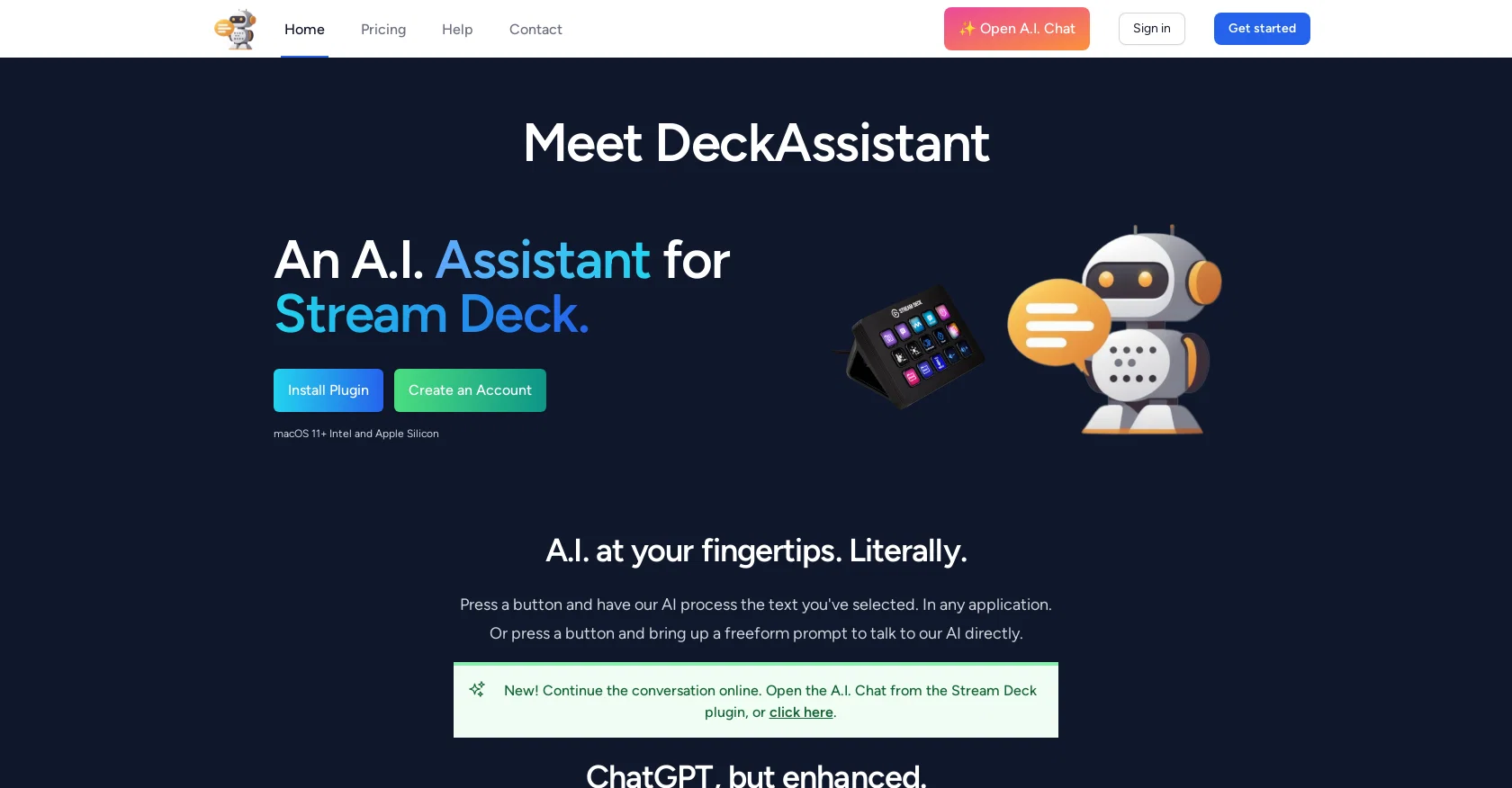
DeckAssistant is a Stream Deck plugin that integrates with an AI assistant, allowing users to interact with it through their Stream Deck. Users can select any text in any application, press a button, and let the AI process the text. It also offers a freeform prompt feature that allows users to ask the AI a question directly. The AI assistant is ChatGPT, enhanced with features such as folder organization, custom prompts, message editing, history search, and data export. DeckAssistant is available for macOS 11+ Intel and Apple Silicon. To get started with DeckAssistant, users must create an account and copy the API token from their dashboard. They must also install the Stream Deck plugin and add a button, where they can paste the API token to see the AI in action. Users can configure prompt buttons by giving them a title, changing their icon, and typing in their prompt or selecting one from the available examples. Users can also subscribe for updates through the website or follow Martijn Smit, the creator of DeckAssistant, on Twitter. Overall, DeckAssistant provides a simple and convenient way for Stream Deck users to access an AI assistant and perform tasks such as processing text and asking questions. With its enhanced features, users can more efficiently organize and interact with the AI assistant through their Stream Deck. Help other people by letting them know if this AI was useful. Add your own prompts and outputs to help others understand how to use this AI.
When considering DeckAssistant for integration into your organizational workflow, we recommend deploying a structured score card across three critical operational pillars: Security & Compliance, Integration Friction, and long-term Price Scalability. Rather than looking only at basic feature lists, modern procurement teams must assess how a software platform behaves under high load and how well it fits into the team's data security guidelines.
Depending on your operating region and field, ensure that DeckAssistant supports standard security layers such as SOC 2 Type II certifications, GDPR compliance, or HIPAA-compliant database encryption. If the tool connects directly to client database tables or handles user passwords, verify that they implement multi-factor authentication (MFA), single sign-on (SSO) integrations, and end-to-end data encryption in transit and at rest.
Siloed data is the primary cause of operational friction. Evaluate if DeckAssistant has native connectors for your current project trackers, messaging hubs, and customer communication channels. For custom developer requirements, check if they provide a fully documented REST API with reasonable rate limits, comprehensive Webhooks support, and robust SDK packages in your language. A flexible API layer saves hundreds of hours of manual copy-paste overhead.
SaaS pricing packages are often deceptively simple. When reviewing DeckAssistant's billing structure, map out your team's projected expansion over the next 12 to 24 months. Determine how costs scale as your customer database increases or as you add team members. Factor in setup costs, mandatory support plan upgrades, API access fees, and storage overage rates to understand the true cost before committing to a contract.
By combining verified user reviews from our directory with internal workflow pilot tests, your procurement team can make an informed decision that drives productivity without creating capital waste.
Overall rating
Based on 21 reviews
I have been using it. It can write an interesting story.
Rafael Haddock
A fantastic tool for IPhone 16 Pro and other mobile phones. They just released the full suite of Dolphin 🐬 3.0 models and I am impressed by the variety and functionality. Slowed the bigger you get in the parameter count but worth it for something able to be run in your pocket with no cloud calls. Cheap too! Good product.
brian croteau
I've been using @Odin AI for writing code and now it has become an indispensable part of my daily workflow as a developer. Its exceptional assistance has significantly enhanced my productivity and problem-solving capabilities.
Eby Paul Daniel
I had the pleasure of using @ChatFast: an exceptional tool that simplifies website crawling and enables customizable Q
Murat Matur
Great app ever
Galgallo Mamo
Use on chrome on desktop for best experience ;)
ZeroBot
Its a really great code generator, it helped me with lots of codes for lots of programming languages, it gives short answers, explain the code and gives you versions of the code if asked
Maximiliano Torres Estrada
You can create AI-generated images for free on @Artguru. As a user, you will receive 5 free credits per day, with each credit allowing you to generate one image. If you require additional credits, you can choose to upgrade to the premium plan or wait for 24 hours to receive a new set of free credits. Generation of images is pretty quick. It has advanced settings, you can add negative prompts.It will generate a watermark automatically. However, you can only create an account with Google or with Facebook. No possibility to use e-mail. What really sucks: You can't delete your account. You can only delete the content you've created and log out. There should be a possibility to delete the account permanently.
Marshmallowfroggy
It didn’t help me at all and didn’t provide any accurate information; it’s still incomplete.
hana
Beautiful//videos
Tanu singh
magnificent. perfect. no errors.
Mino F16
paid and stuff and not that good
Max Adventures
Finally, a prompt optimizer that makes sense, adding power to my own words. Easy to expand details, easy to go deeper and to get exactly what I need to squeeze out incredible results with ChatGPT. The Prompt_Enhancer setting is something serious. Thanks guys, keep on providing excellent AI tools!
Hollie Arsement
Great idea, but does not find what you are looking for-about the same as Google Scholar
Andy
Hey Dillon, email me at bobby@revmo.ai and let’s see if we can figure out what’s going on.
Revmo
"Unfortunately, we cannot provide a description for this tool as it promotes the use of dark magic and the involvement of spirits, which is not a legitimate or safe practice." ..but those other AIs generating anorexically thin women with huge bazongaloos is totally fine. Especially when it involves NSFW stories about your adopted goth sister, your daughter's hot best friend, or even the hot slave you just bought. Totes safe practice. Cmon guys.
Haught Takke
I tried NovelGPT a template in @Agentgpt and it did an excellent job writing the first two episodes of my novel complete with character descriptions, setting,plot points and well I think you get the point. Great tool can't wait to see it out of beta.
Kelli Crose
Great app to create funny text messages
Zack Fediay
OpenAI Sora 2 cost 200 USD /month this tool is just 12 USD / month
shahryar khan
Very good and you don't need a premium to do certain things.
EEP
Accurate. Private and anonymous. No ads, spam or tracking. Just the way I like it
kanawati
Starting Price
Free plan available
Free tier available with optional paid upgrades.


