5.02 months ago
“Review”
Has anyone made anything with these tools they could share? Curious about the AI capabilities.
Yerena

Turn photos into animated videos with AI.
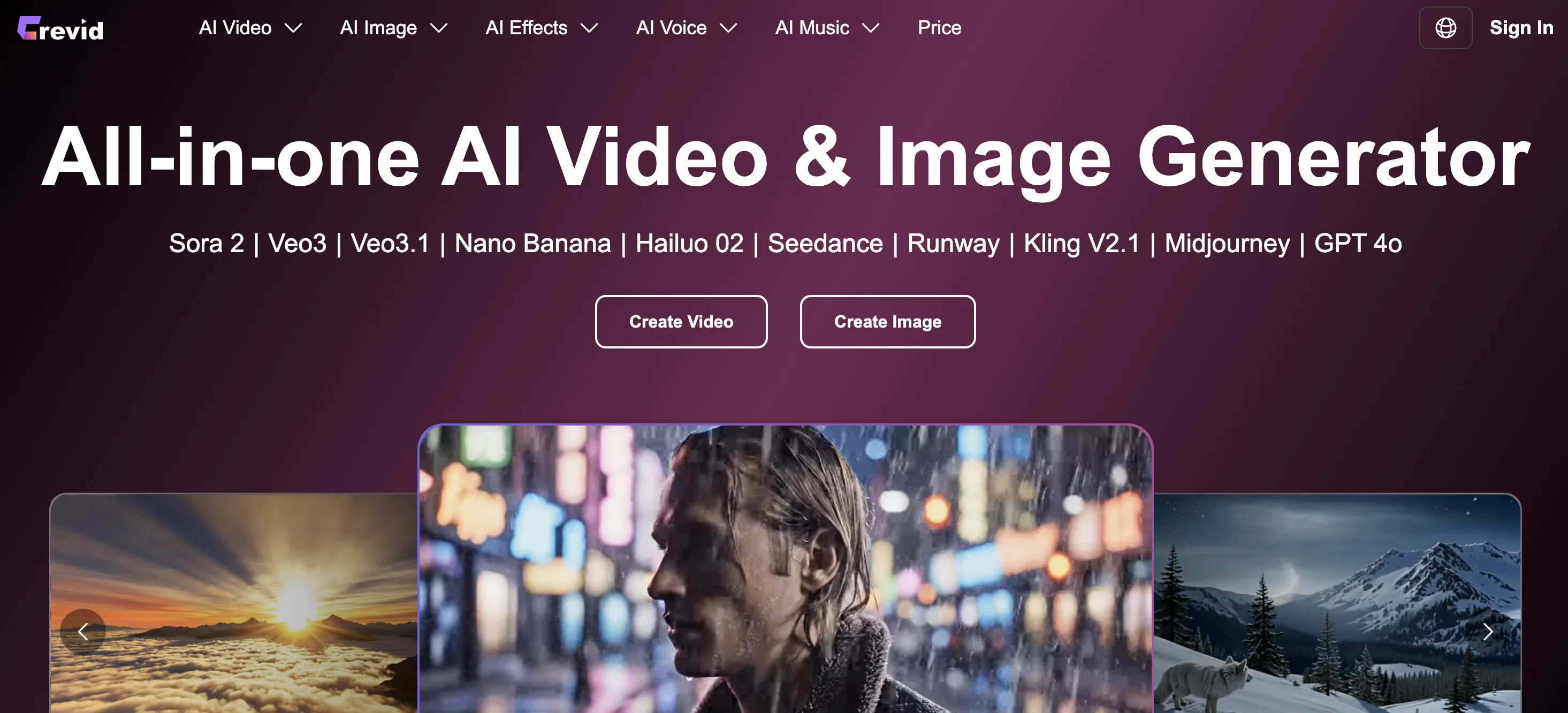
Crevid's Image to Video AI Generator is a technology tool that transforms photos into animated videos online, catering for an enhanced user experience in social content creation. Users can upload a single image, define the movements they envision, and then the AI application turns the picture into a dynamic visual spectacle. The tool's capability includes generating camera moves, transitions, and applying cinematic motion to static images. The AI comprehends not only motion but the visual tone and atmosphere of the image. It is designed to adapt the appropriate pace of the video, the camera motion, and added effects, based on the image style. This tool also integrates smart audio, which in turn enhances the quality of the videos with background sound or music and AI-generated narration. These audio elements are synchronised with the motion and mood of the video to deliver a complete viewing experience. The versatility of this tool makes it suitable for animation and visual storytelling with applications in various fields such as marketing, wedding photography, and product visuals. Whether you are looking to create dramatic zooms, soft pans, or subtle cinematic motions, this tool has been designed to handle these requirements. Help other people by letting them know if this AI was useful. Add your own prompts and outputs to help others understand how to use this AI.
When considering Crevid AI for integration into your organizational workflow, we recommend deploying a structured score card across three critical operational pillars: Security & Compliance, Integration Friction, and long-term Price Scalability. Rather than looking only at basic feature lists, modern procurement teams must assess how a software platform behaves under high load and how well it fits into the team's data security guidelines.
Depending on your operating region and field, ensure that Crevid AI supports standard security layers such as SOC 2 Type II certifications, GDPR compliance, or HIPAA-compliant database encryption. If the tool connects directly to client database tables or handles user passwords, verify that they implement multi-factor authentication (MFA), single sign-on (SSO) integrations, and end-to-end data encryption in transit and at rest.
Siloed data is the primary cause of operational friction. Evaluate if Crevid AI has native connectors for your current project trackers, messaging hubs, and customer communication channels. For custom developer requirements, check if they provide a fully documented REST API with reasonable rate limits, comprehensive Webhooks support, and robust SDK packages in your language. A flexible API layer saves hundreds of hours of manual copy-paste overhead.
SaaS pricing packages are often deceptively simple. When reviewing Crevid AI's billing structure, map out your team's projected expansion over the next 12 to 24 months. Determine how costs scale as your customer database increases or as you add team members. Factor in setup costs, mandatory support plan upgrades, API access fees, and storage overage rates to understand the true cost before committing to a contract.
By combining verified user reviews from our directory with internal workflow pilot tests, your procurement team can make an informed decision that drives productivity without creating capital waste.
Overall rating
Based on 14 reviews
Has anyone made anything with these tools they could share? Curious about the AI capabilities.
Yerena
After registration, a 403 error is directly displayed and the service cannot be used.
Terry
Terrible experience. Spent over $200 to produce a music video that @Musid.ai was never able to complete. System crashed during the final production generation/rendering - over and over and over. Contacted support@Musid.ai - no response whatsoever after 2 days. Don't touch it! UPDATE: minutes after posting this @Musid.ai responded by reinstating all of the credits purchased. Doesn't compensate for the wasted time but better that a poke in the eye with a sharp stick! I'll review again once I get to the other side of this drama...
William Smith
Great way to improve you prompting skills through daily exercises. This should be implemented in schools, would really help students. Can also see it being really valuable for adults. Not just for prompting, but for articulation in general. Also made a video about it: https://www.youtube.com/watch?v=A8ZRJgLCFy8
J.I.
I handle a large number of tasks simultaneously through @VoooAI to complete my creative work, thereby accomplishing the workload equivalent to one month in one day
Terry
WTF... this thing is actually wiiiildd! everything i've tried came out looking like straight up high quality movie scenes.. i'm actually mind blown... insane..
Chris Studioz
This tool finally helps me understand what makes a great prompt. It doesn't just give me a better version, it shows me to get there by analyzing why the original prompt is weak and showing what to improve. The difference this makes to the final AI output is incredible. An essential tool for getting more accurate and detailed results, Great Job!
Milo Quinn
tried @Veo 3 today and it honestly feels like a sneak peek into the future. one short prompt and it gave me a crisp 4K video with perfect audio and cinematic camera moves. not flawless yet, but wow.
Lark Cube
I mainly used Himedia AI for image creation and got surprisingly realistic outputs. Prompt control feels intuitive compared with some other tools.
KoooU
Many ai models help me create videos I love
long ff
Requires previous login, not fully free
Elenimotoon
Feels illegal to be this early, quick run with @Grok Imagine: great for teaser bits. The image-to-video pass holds up for shorts ~6s loops with decent motion and sound sync. Style range is solid. Access sits behind the Grok sub on mobile, so not fully free and I’d love longer clips!
Herbert Kemp
a friend sent me this the other day. veo, grok, seedance all run from one upload and it's actually fast. ui doesn't fight me. no complaints.
owen_reeves
Only app I could create video for free! Thanks
7even
Starting Price
From $14.00/user/month
Pricing may vary based on team size and features selected.


