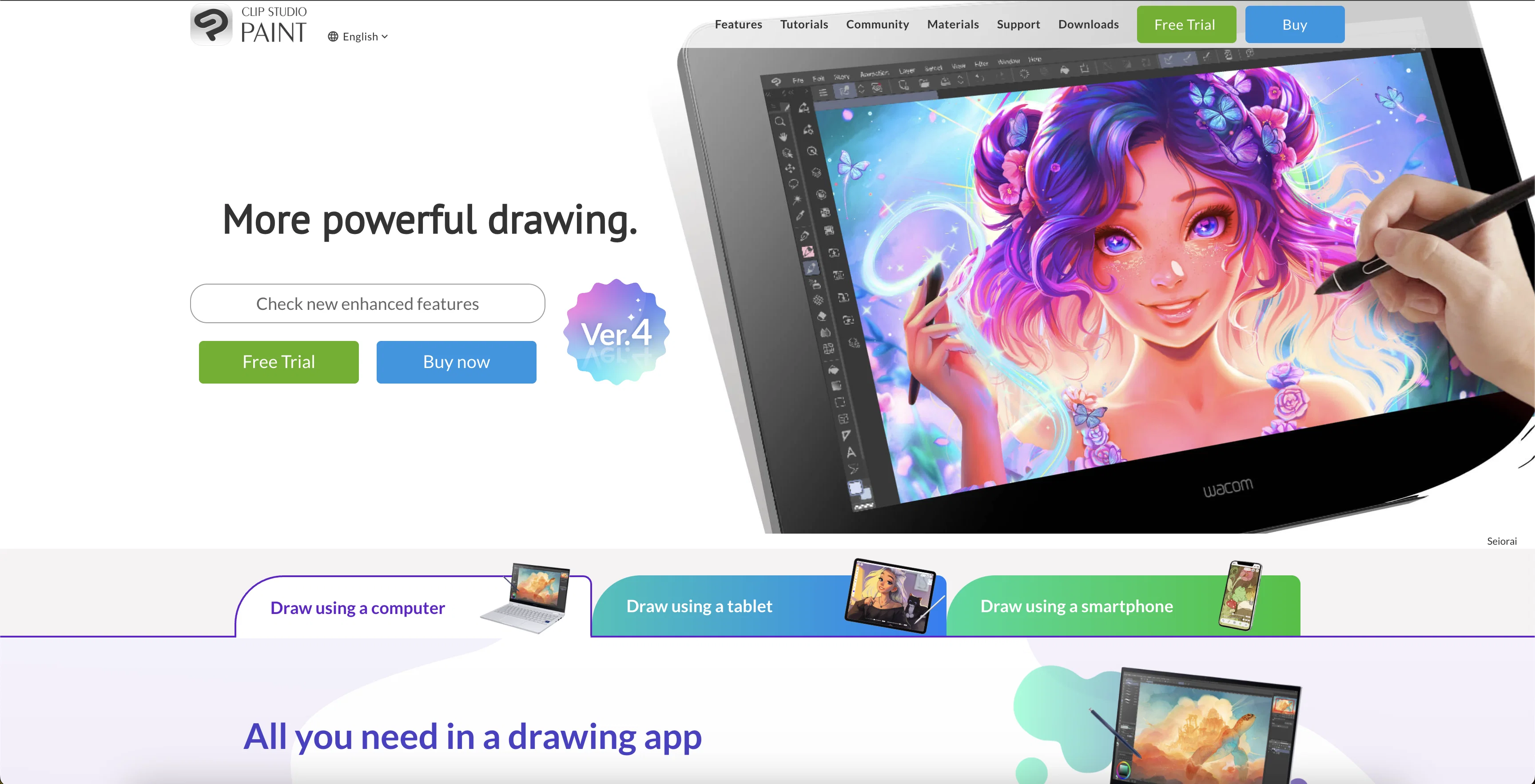
CLIP STUDIO PAINT is a comprehensive art studio that professionals and hobbyists can use for illustrations, animations, manga, and webtoons creation. The tool offers a wide array of customizable brushes and art tools, replicating the texture of real-life art materials and facilitating realistic color mixing.
The platform also provides a selection of specialized tools, including rulers and 3D objects, to aid in background and prop creation. Furthermore, users can capitalize on features like smart coloring and shading assist to simplify and enhance their work process.
The software offers support for drawing on various devices; this includes smartphones, tablets, and PCs, enabling users to work flexibly. Another standout feature of CLIP STUDIO PAINT is its large library of materials at the user's disposal.
Users can access community-made brushes and expand their collection, thereby enabling unique styles and effects. Additionally, the platform has functions for both comic and animation creation, including tools for storyboarding, panel frames, and speech balloons, and supports managing multi-page projects.
The software has capabilities for animation up to 4K resolution. Templates for props, character models, and other graphics are also provided to assist users in their creations.
Lastly, the tool also features various support avenues, including tutorials, a Q&A community, and a dedicated support team.
Help other people by letting them know if this AI was useful.
Add your own prompts and outputs to help others understand how to use this AI.
Screenshot gallery
Pros & Cons
Pros
+Wide range of tools
+Available on multiple platforms
+Tailored tools for different artwork
+Accurate pencil tool
+Rich collection of custom brushes
+Integrates 3D models
+Features for animation creation
+Features for comic creation
+Art sharing to social media
+Time-lapse video creation
+Multi-device support
+Volume Licence for businesses
+Replicates texture of real-life materials
+Enables realistic color mixing
+Large library of materials
+Support for multi-page projects
+Accessible tutorials and support team
+Brush customization
+Shading assist
+Transparent color functionality
+Non-destructive color adjustment layers
+Size resizable vector layers
+Freedom of masking and clipping on layers
+Layer effects
+Storyboarding tools
+Export and print multi-page files
+Community-made brushes
+Liquify tool
+Mesh Transformation tool
+Overlapping lines erasing
+Layer organization features
+Symmetrical and perspective rulers
+3D sketching objects
+Freehand ruler lines
+Animation up to 4K resolution
+Layer transparency locking
+Supports remote working and learning
+Scalable lines in vector layers
+Community for learning and problem-solving
+Face and body 3D modeling
+Light source and shadow setting
+Can work with up to 10,000 layers
+Expandable to 4K resolution
Cons
−No free version
−Complex for beginners
−Costly for professionals
−Limited 3D functionality
−No collaborative features
−Overwhelming interface
−Limited animation up to 4k
−Not ideal for large-scale projects
−Possible lag with large files
−Learning curve for users
A Professional Framework to Evaluate CLIP STUDIO PAINT
When considering CLIP STUDIO PAINT for integration into your organizational workflow, we recommend deploying a structured score card across three critical operational pillars: Security & Compliance, Integration Friction, and long-term Price Scalability. Rather than looking only at basic feature lists, modern procurement teams must assess how a software platform behaves under high load and how well it fits into the team's data security guidelines.
1. Security and Database Compliance
Depending on your operating region and field, ensure that CLIP STUDIO PAINT supports standard security layers such as SOC 2 Type II certifications, GDPR compliance, or HIPAA-compliant database encryption. If the tool connects directly to client database tables or handles user passwords, verify that they implement multi-factor authentication (MFA), single sign-on (SSO) integrations, and end-to-end data encryption in transit and at rest.
2. API Coverage and Custom Integrations
Siloed data is the primary cause of operational friction. Evaluate if CLIP STUDIO PAINT has native connectors for your current project trackers, messaging hubs, and customer communication channels. For custom developer requirements, check if they provide a fully documented REST API with reasonable rate limits, comprehensive Webhooks support, and robust SDK packages in your language. A flexible API layer saves hundreds of hours of manual copy-paste overhead.
3. Total Cost of Ownership (TCO)
SaaS pricing packages are often deceptively simple. When reviewing CLIP STUDIO PAINT's billing structure, map out your team's projected expansion over the next 12 to 24 months. Determine how costs scale as your customer database increases or as you add team members. Factor in setup costs, mandatory support plan upgrades, API access fees, and storage overage rates to understand the true cost before committing to a contract.
By combining verified user reviews from our directory with internal workflow pilot tests, your procurement team can make an informed decision that drives productivity without creating capital waste.
Features of CLIP STUDIO PAINT
Digital Art
Illustration
Professional Art
Animation
Hobbyist Art
Manga Creation
Free + From $54
SaaS1to10 verified reviews for CLIP STUDIO PAINT
Overall rating
★★★★★5.0
Based on 21 reviews
★★★★★5.02 months ago
“Review”
Diffusion pulls out extremely good images from simple prompts. Renders were a little slow on higher quality, but totally worth it for the results. The controls feel clear enough and the outputs look legit. Good one here!
Harsh Nether
★★★★★5.02 months ago
“Review”
It created animals with more than 4 legs and multiple animals when I asked for one. Sometimes you have to run it a few times with the same prompt to get something usable, but even then it probably won't be what you are thinking in your head. That being said, I think it is a good start, and for kids that just want to color something for free, it's cool to play with. It is definitely not the same quality as even the lower-end HuggingFace Stable Diffusion projects.
B C
★★★★★5.02 months ago
“Review”
@Stable Diffusion XL 0.9 (the version I've used), is hands down one of the best programs I've used. It however, if you don't get free credits, depressingly enough, you have to pay for more to be able to use it.
Sora The Reaper
★★★★★5.02 months ago
“Review”
Classic tool 😮💨 Loving Gen 4, it's wild how good the motion consistency is. It feels like a full studio in your browser. Big W guys keep it up!
Chris Studioz
★★★★★5.02 months ago
“Review”
Easy to use and produces some very interesting results. It is going to be my Go To image creation tool.
Malcolm Davison
★★★★★5.02 months ago
“Review”
It's just like Canva and Canva is easier...
Brittany Stainton
★★★★★5.02 months ago
“Review”
I didn't get to the voices. I don't give my credit card information up front. I clicked away as soon as I saw that. It's a shame too, the pricing structure looked great.
David Marshall
★★★★★5.02 months ago
“Review”
They're dreaming if they think I'd give them my credit card info just for a free trial. Most useless thing ever...
Noeffen Way
★★★★★5.02 months ago
“Review”
WE USE @D-ID AT THE COLORADO VIRTUAL CREATIVE FACTORY...AND LOVE IT.
Franco Arteseros
★★★★★5.02 months ago
“Review”
An amazing app, I love the share feature and the comment section summaries
Silvia Cho
★★★★★5.02 months ago
“Review”
Really amazing! Makes learning content and engaging with things so much easier!
Jamie McDonald
★★★★★5.02 months ago
“Review”
As the service was in beta-testing stage, I created there a dozen of AI-generated courses for free. I wanted to use them. Those courses remained in my account as they started subscription tiers. But recently I have found out that they were deleted. The support didn't answer to my e-mail at all.
Oldfag TV
★★★★★5.02 months ago
“Review”
It works nicely. The autodraw function works really well, it easily detects what I’m trying to go for. W tool!
Orit Paredes
★★★★★5.02 months ago
“Review”
It has everything that I need in one place: ChatGPT, Copywriting templates, AI Images, Audio Transcription.
Dmytro
★★★★★5.02 months ago
“Review”
After my first use, I think it's surprisingly good. The only drawback so far is the PDF export option for the report which is formatless.
Alejandro Correa
★★★★★5.02 months ago
“Review”
This one gives some pretty decent logo directions quickly. The first concepts are useful, but I’d still want finer control over typography and spacing before calling anything final.
Josh KUMAR
★★★★★5.02 months ago
“Review”
Such a great place to start out!
Helli Lang
★★★★★5.02 months ago
“Review”
Love how it offers stuff for both free and premium users. huge thanks to the devs and keep it up!
Burner Cruz
★★★★★5.02 months ago
“Review”
Free Start with a Free Experience $0 /mo
Vitus Bering
★★★★★5.02 months ago
“Review”
It's not free, it forces you to input an email before shoving a price tag in your face.
Arvoly XSL
★★★★★5.02 months ago
“Review”
I think it's the best @Image Generator I ever found on the net. It gives more accurate image according to the prompt. And thank you for keeping it for free.