5.01 months ago
“Review”
the limit is too low
Hamza Bashiri

Simplify video editing for high-quality results
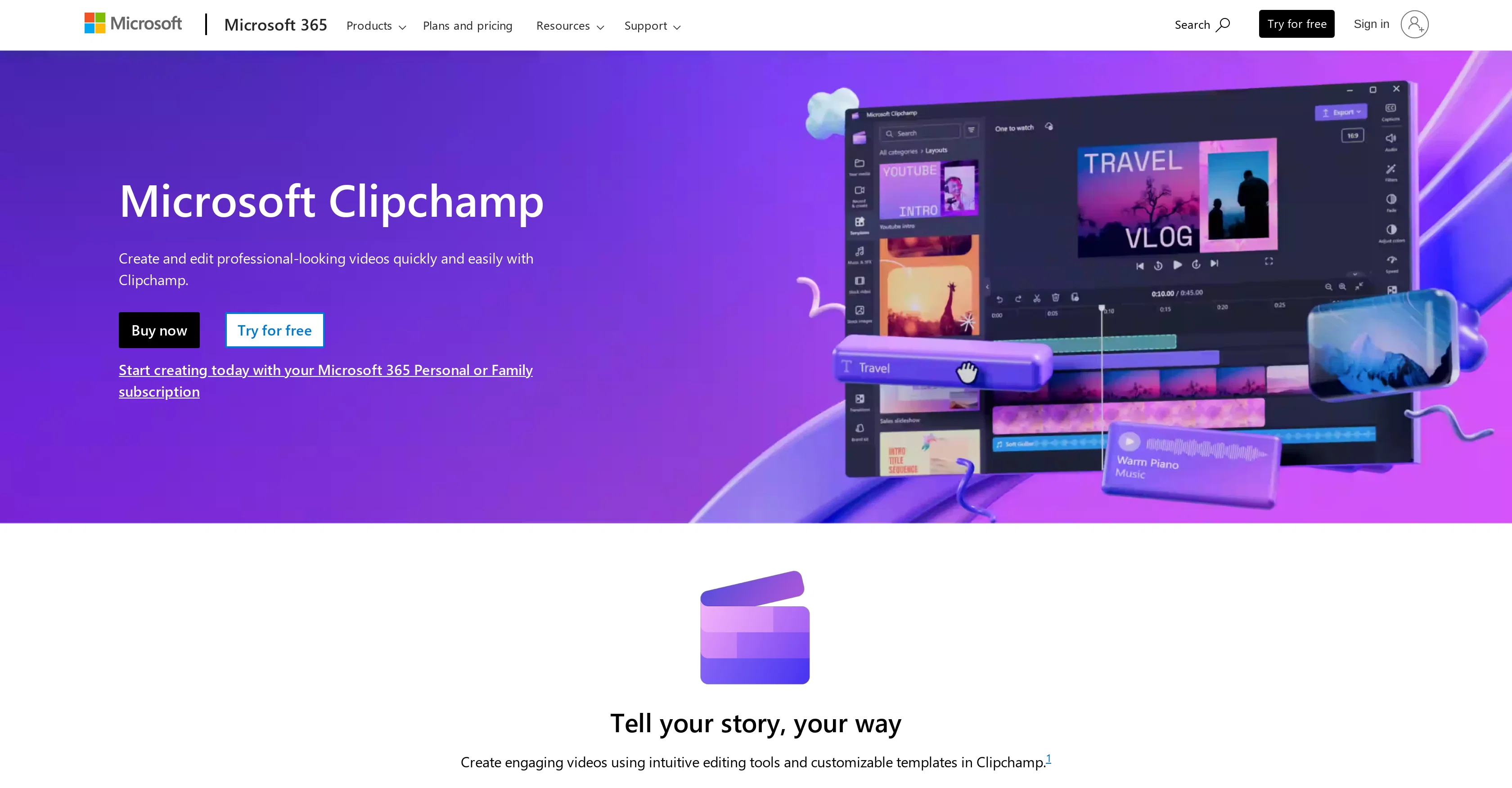
Clipchamp Video Editor is a tool from Microsoft 365 designed to simplify video editing. This tool aims to enable users to produce high-quality videos easily from home. As an addition to the Microsoft 365 suite, the tool is geared towards both individuals and businesses. Users can take advantage of Clipchamp to create and edit video content without the need for professional video editing skills. Its interface has been designed to be user-friendly, offering a multitude of features that span from basic video editing functionality to more advanced editing capabilities. It is integrated with other Microsoft 365 products, providing a seamless user experience. Help other people by letting them know if this AI was useful. Add your own prompts and outputs to help others understand how to use this AI.
When considering Clipchamp Video Editor for integration into your organizational workflow, we recommend deploying a structured score card across three critical operational pillars: Security & Compliance, Integration Friction, and long-term Price Scalability. Rather than looking only at basic feature lists, modern procurement teams must assess how a software platform behaves under high load and how well it fits into the team's data security guidelines.
Depending on your operating region and field, ensure that Clipchamp Video Editor supports standard security layers such as SOC 2 Type II certifications, GDPR compliance, or HIPAA-compliant database encryption. If the tool connects directly to client database tables or handles user passwords, verify that they implement multi-factor authentication (MFA), single sign-on (SSO) integrations, and end-to-end data encryption in transit and at rest.
Siloed data is the primary cause of operational friction. Evaluate if Clipchamp Video Editor has native connectors for your current project trackers, messaging hubs, and customer communication channels. For custom developer requirements, check if they provide a fully documented REST API with reasonable rate limits, comprehensive Webhooks support, and robust SDK packages in your language. A flexible API layer saves hundreds of hours of manual copy-paste overhead.
SaaS pricing packages are often deceptively simple. When reviewing Clipchamp Video Editor's billing structure, map out your team's projected expansion over the next 12 to 24 months. Determine how costs scale as your customer database increases or as you add team members. Factor in setup costs, mandatory support plan upgrades, API access fees, and storage overage rates to understand the true cost before committing to a contract.
By combining verified user reviews from our directory with internal workflow pilot tests, your procurement team can make an informed decision that drives productivity without creating capital waste.
Overall rating
Based on 22 reviews
the limit is too low
Hamza Bashiri
Considering for ONE YEAR I used @Eklipse.gg? it was sorta good.. aaand then the putt he cap at clippable streams at three hours.. and instead of it even being ten dollars per month? it became 20 USD per month. and then of course, the completely IGNORED EVERYTHING the community said and even only enforce the rules on their discord for SPECIFIC PEOPLE... find something else. trust me.
Michael Lansing
AutoEditor is a tool powered by AI that allows users to create highly customized short videos. It is primarily designed to make video editing easier and more efficient, thus enabling users to focus more on content creation. Distinct features include the automatic generation of subtitles in more than 40 languages, detection of silence or non-relevant content in videos, and the ability to enhance videos by adding b-rolls, watermarks, and other effects. The platform provides an easy-to-use interface for video editing, putting users in complete control of their content. Users can change text, styles, and various other aspects of their videos without prior knowledge in video editing. Furthermore, AutoEditor supports editing of long videos, which can be broken down into smaller parts without pre-cutting them. Videos for editing can be directly processed from YouTube, eliminating the need for separate downloading websites. Users can also customize their captions, save their unique styles as presets, and create videos with a few simple clicks for a fast editing experience. AutoEditor's pricing is designed to be simple and affordable, with plans tailored to suit different needs. Users can also access a free tier to get started. Flexibility is one of its key advantages, providing users the means to edit their videos exactly how they want them. The software works best with videos containing any type of voice or talking, such as podcasts, talk shows, documentaries, educational videos, or speeches.
Marcio Moreira
it's a must-have for optimizing video ad strategies. Highly recommended for staying ahead in the digital landscape.
Ibrahim Douh
unlock premium
kamil khan
pretty good ai.
Immortal king1
It`s up and running Amar! Give it another chance when you want to :D
Daniel Garaiacu
It is not free. So i couldnt test anything
Isa Venancio
This is phenomenal. I demo it in my sessions all the time.
Beth Ziesenis
Very cool app! Build was fast as, and with a few tweaks I fully launched my website in 1 hour!
Joe Smythe
Seems to be working for me. Maybe try again?
Aramis
Really like how it finds connection in the content that I save. I don't think any other tool can do that.
amix ffx
It's not free, it forces you to input an email before shoving a price tag in your face.
Arvoly XSL
I'm still testing the tool yet it looks very promising. I tested it with a 5.5k words Academic text that I had previously red. I tested the Key points feature, it does work!
Ivana González
Video editing apps
Suraj Raj
@KeywordSearch creates AI Ad Targeting audiences for YouTube
Aleric Heck
Bro, @Captions is actually straight fire for short-form content. Script in, clean @Captions and edits out, and it makes talking-head clips feel way more polished in minutes. Big w for creators
Chris Studioz
Selamat siang saya akan membagikan tutorial gimana caranya mengedit video di aplikasi capcut
Rhyben Rinto
makes actually good clips
fourleafclover
Video editing
Amrit kuli Amrit kuli
quick to pick up, slick results. turned my prompts into clean logo drafts n poster layouts fast; pixel-art style worked after a couple tweaks. wish it had true vector export and tighter font control, but for fast art ideas it’s great. 5/5
Oleg John
It's absolutely stunning how accurate it transforms your prompts into images, thanks to Dall-e 3. You have 15 boosts, after that image creation takes longer. You can create 30 images per day. You can organize your creations in gallery folders. However, the restrictions are insane, they filter out too many words / combinations of words. If you use words that are filtered, it will block your prompt, but won't tell you which word of your prompt it was. After several tries that resulted in a blocked prompt, you will be banned. This can mean for an hour, a day,... or permanently. If your prompt is OK, the AI will start to generate the images but if the created images are considered 'unsafe content', as the AI created something that could be considered offensive, it won't show you the resulting images. This is really annoying, you can't even create an image with several people in swimwear on a beach, it will generate only one person in swimwear, the other ones are wearing street wear for modesty or decency, I guess. But a single person in swimwear at a beach is ok. The logic behind that doesn't make sense. This could be way better if it would at least tell you the blocked words or mark them. And if you could decide for yourself if you want to see the created 'unsafe' images anyway.
Marshmallowfroggy
Starting Price
From $7.00/user/month
Pricing may vary based on team size and features selected.


