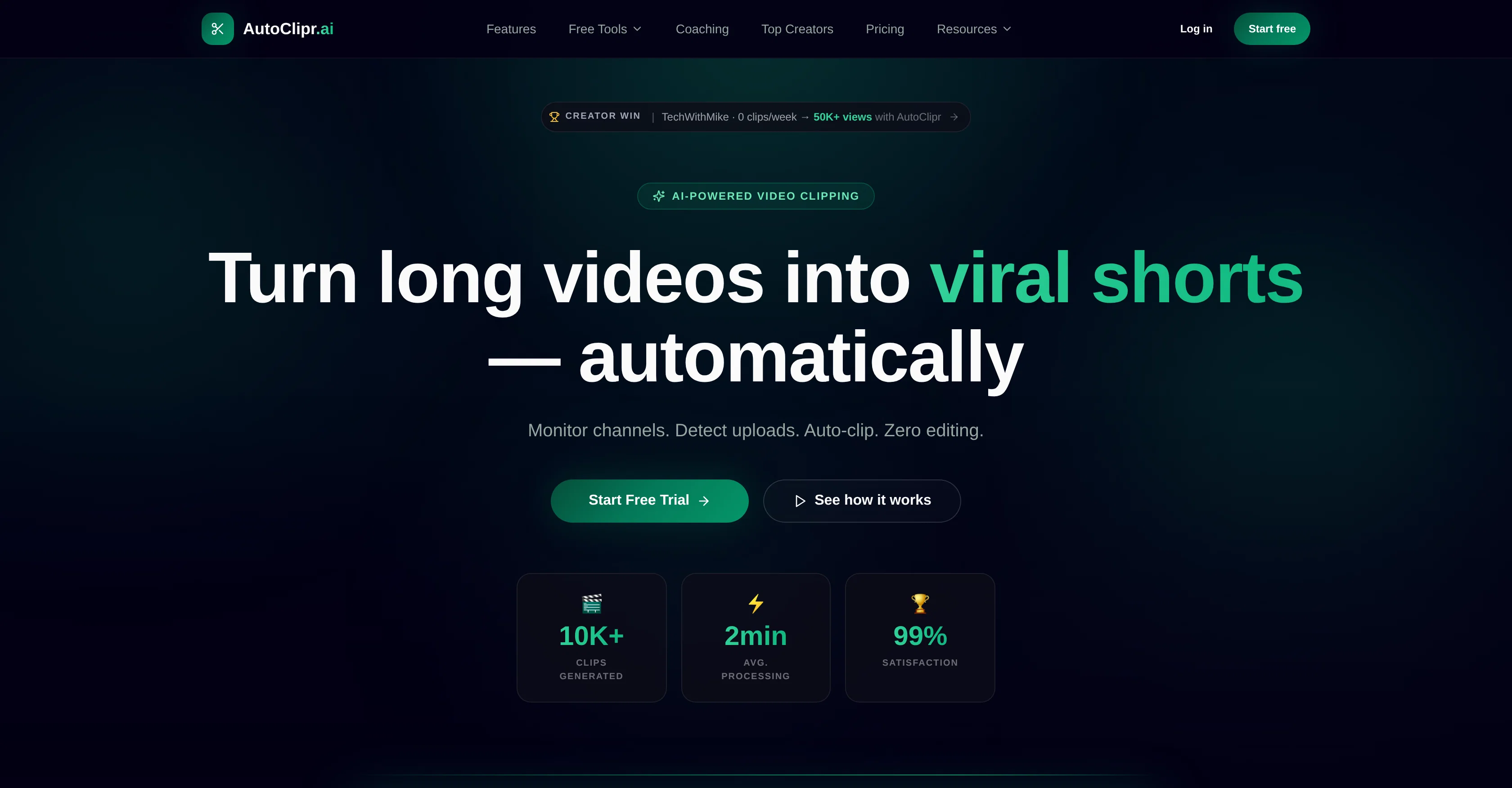
AutoClipr is an automatic video clipping tool that uses AI technology to turn long videos into short, engaging clips suitable for platforms like TikTok, Reels and YouTube Shorts.
The tool automates the entire clipping process by monitoring channels, detecting new uploads and creating clips with no manual editing required. Users simply paste a Youtube link or upload a video and AutoClipr takes care of the rest.
AutoClipr features automated viral detection, assessing each second of footage for exciting moments to clip and share. It also provides automatic subtitles, eliminating the need for manual SRT editing.
The software is designed to function at a high speed, with an average processing time of under 2 minutes for most videos. Multi-platform export is also offered, allowing one video to become content for multiple platforms, each optimized to their respective formats.
AutoClipr has transparent pricing with no hidden fees and its credits roll over. For enhanced data security, AutoClipr features enterprise grade JWT authentication, row-level security, encrypted storage, and audit logs.
Moreover, a free toolset is available for basic video processing tasks running in the user's browser using WebAssembly without account setup or uploads.
Help other people by letting them know if this AI was useful.
Add your own prompts and outputs to help others understand how to use this AI.
Screenshot gallery
Pros & Cons
Pros
+Automatic video clipping
+Detects new uploads
+Automated viral detection
+Automatic subtitles
+High speed processing
+Multi-platform export
+Transparent pricing
+Credits roll over
+Enhanced data security
+Enterprise grade JWT authentication
+Row-level security
+Encrypted storage
+Audit logs
+Free basic video processing
+WebAssembly in-browser tools
+No account setup needed
+AutoClipr monitors channels
+No manual editing
+Short video optimization
+AutoClipr adds captions
+Multiple format exports
+Quick video analysis
+Viral moment detection
+Automated publishing
+Rewards for views
+Processing in parallel
+Automatic crop for Reels
+Hook optimization for Instagram
+Hashtag & caption suggestions
+Auto captions for YouTube
+Toolset runs in browser
+Automated channel monitoring
+Auto-burned subtitles
+Vertical video cropping
+Creator satisfaction rate
+Supports multiple video formats
+Auto clip score calculation
+Predictable pricing
+Live-tracked usage
+Download video from any link
+Cancel anytime option
+Free URL paste processing
Cons
−No personalization of clips
−No manual editing option
−Limited to specified platforms
−Reliant on viral detection accuracy
−Doesn't support live streaming clipping
−No mentioned international language support
−Limited video format support
−No direct user control
−Longer clips not supported
−Reliant on channel monitoring
A Professional Framework to Evaluate AutoClipr
When considering AutoClipr for integration into your organizational workflow, we recommend deploying a structured score card across three critical operational pillars: Security & Compliance, Integration Friction, and long-term Price Scalability. Rather than looking only at basic feature lists, modern procurement teams must assess how a software platform behaves under high load and how well it fits into the team's data security guidelines.
1. Security and Database Compliance
Depending on your operating region and field, ensure that AutoClipr supports standard security layers such as SOC 2 Type II certifications, GDPR compliance, or HIPAA-compliant database encryption. If the tool connects directly to client database tables or handles user passwords, verify that they implement multi-factor authentication (MFA), single sign-on (SSO) integrations, and end-to-end data encryption in transit and at rest.
2. API Coverage and Custom Integrations
Siloed data is the primary cause of operational friction. Evaluate if AutoClipr has native connectors for your current project trackers, messaging hubs, and customer communication channels. For custom developer requirements, check if they provide a fully documented REST API with reasonable rate limits, comprehensive Webhooks support, and robust SDK packages in your language. A flexible API layer saves hundreds of hours of manual copy-paste overhead.
3. Total Cost of Ownership (TCO)
SaaS pricing packages are often deceptively simple. When reviewing AutoClipr's billing structure, map out your team's projected expansion over the next 12 to 24 months. Determine how costs scale as your customer database increases or as you add team members. Factor in setup costs, mandatory support plan upgrades, API access fees, and storage overage rates to understand the true cost before committing to a contract.
By combining verified user reviews from our directory with internal workflow pilot tests, your procurement team can make an informed decision that drives productivity without creating capital waste.
Features of AutoClipr
AutoClipr
Video Editing
Video Clipping
Short Video Creation
Viral Video Production
Content Creation
SaaS1to10 verified reviews for AutoClipr
Overall rating
★★★★★5.0
Based on 18 reviews
★★★★★5.02 months ago
“Review”
"Unfortunately, we cannot provide a description for this tool as it promotes the use of dark magic and the involvement of spirits, which is not a legitimate or safe practice." ..but those other AIs generating anorexically thin women with huge bazongaloos is totally fine. Especially when it involves NSFW stories about your adopted goth sister, your daughter's hot best friend, or even the hot slave you just bought. Totes safe practice. Cmon guys.
Haught Takke
★★★★★5.02 months ago
“Review”
@KeywordSearch creates AI Ad Targeting audiences for YouTube
Aleric Heck
★★★★★5.02 months ago
“Review”
No other tool quite like this, it's pretty straightforward. Needed to extract a long interview from YouTube and it extracted everything, providing it in different meaningful formats in less than two minutes. Awesome
Juan Sierra
★★★★★5.02 months ago
“Review”
Free Start with a Free Experience $0 /mo
Vitus Bering
★★★★★5.02 months ago
“Review”
It's not free, it forces you to input an email before shoving a price tag in your face.
Arvoly XSL
★★★★★5.02 months ago
“Review”
Good I like that
maxi
★★★★★5.02 months ago
“Review”
Promising. Refitting for other platforms isn't what we'd hoped but for a beginner test, ok. Sadly this one too has issues with audio and video being in sync. They weren't.
Celine St John
★★★★★5.02 months ago
“Review”
I uploaded a video and edited it, then downloaded shorter clips for free. The free version only allows one video upload
Silviu
★★★★★5.02 months ago
“Review”
@Dumme is an AI-powered tool that helps content creators generate ready-to-upload shorts from existing long-form content. It uses AI to detect clip-worthy moments while preserving the context and structure of the original content. The tool also provides automated captions, titles, and descriptions to optimize performance on various platforms. @Dumme supports videos and podcasts across all platforms of any length and content type, and will generate 8-12 clips from a 20-minute video and more from longer videos. It does not require users to connect their YouTube account and supports most languages. Request early access for the tool at [https://@Dumme.typeform.com/waiting-list].
Ishan IdrisI
★★★★★5.02 months ago
“Review”
I found @MakeShorts by chance when I was looking for a tool that would automatically create short video content from longer content. It was exactly what I was looking for and does a fantastic job. My 5-stars isn't just for the product, however. Atul provides incredible service. Recently, I had an issue and he not only solved it rapidly, but has kept in touch with me regarding product roadmap items that would make the product much better and the issue I had (which was with YouTube and not @MakeShorts) not happen again.
Martyn Redstone
★★★★★5.02 months ago
“Review”
It`s up and running Amar! Give it another chance when you want to :D
Daniel Garaiacu
★★★★★5.02 months ago
“Review”
It's not free
Thiago Tunay de Oliveira
★★★★★5.02 months ago
“Review”
5 star and Ai is the best to guide anybody Ai helps many things like hardwork is easy due to use of Ai .You help in your study
Mohit Singh
★★★★★5.02 months ago
“Review”
Misleading! Said you dont need credit card to start for free. when I signed up it was not available and I had to buy credits to try the tool.
Saad Saiyed
★★★★★5.02 months ago
“Review”
This app is so cool, I use it daily to find trending topics then make a little short video! I’m already seeing results from views on socials like TikTok
Aims Whitter
★★★★★5.02 months ago
“Review”
Very cool tool that gives me free hours to cut my videos into shorts. Wish to get more referral bonus hours. If it could deal the video faster that would be even better.👍🏻
Siying Bai (Maria)
★★★★★5.02 months ago
“Review”
@Opus Clip is clutch fr
gregory brooks
★★★★★5.02 months ago
“Review”
Generating captions was super fast like seconds. Wish they had Anton font though