5.02 months ago
“Review”
Wonderful product
Kevin

AI caption generator for social videos
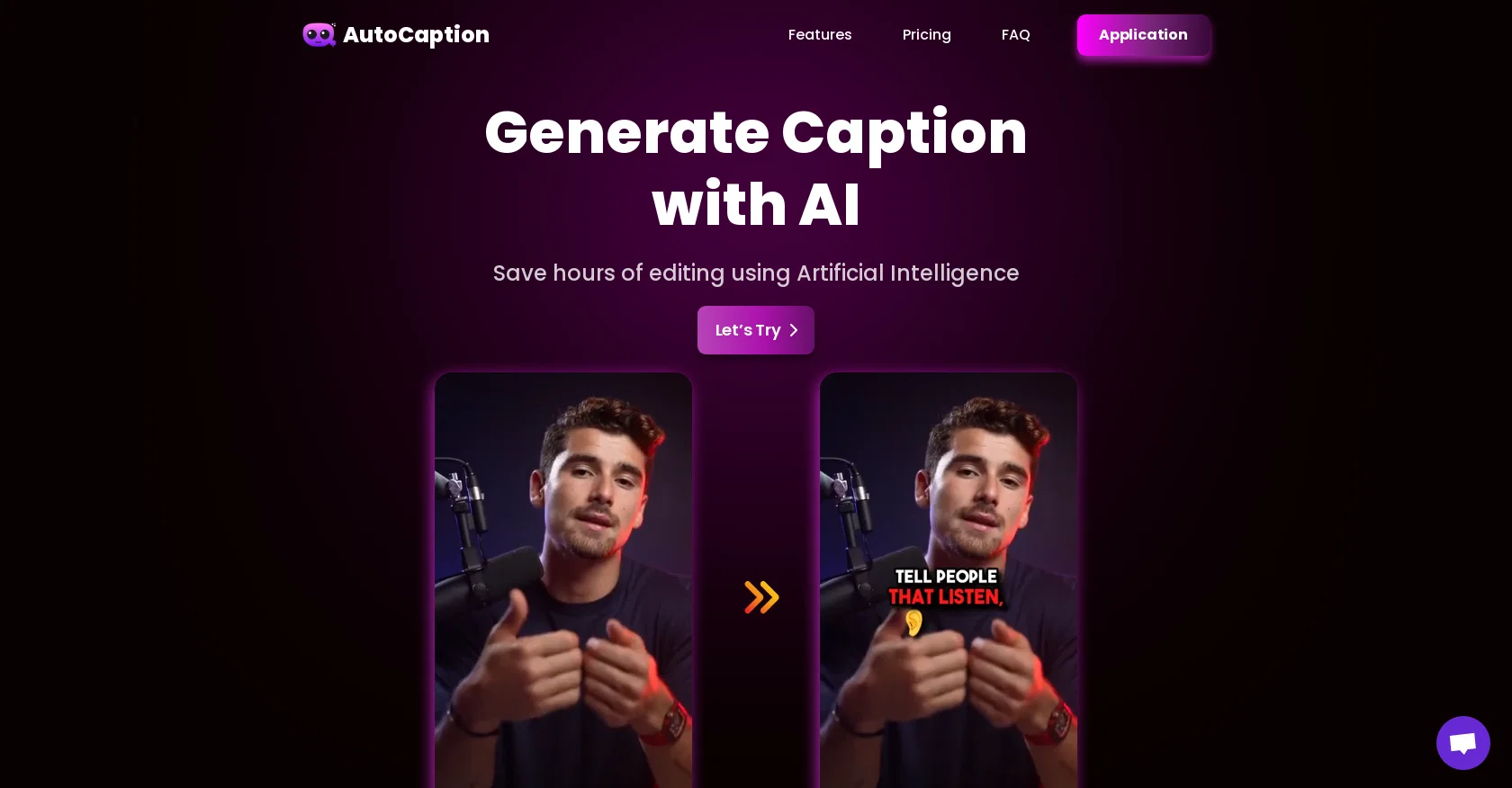
AutoCaption is an AI caption generator that offers automatic transcription and animated emojis for videos on Instagram, TikTok, and YouTube. It saves users hours of editing time by utilizing Artificial Intelligence technology. Users can generate captions with ease and customize them fully by editing the subtitles, adding animations, fonts, colors, and more. Additionally, AutoCaption provides a one-click feature to automatically add emojis and allows users to customize their size, position, and animations.The tool supports more than 56 languages, giving users a wide range of options for generating captions. It offers ready-to-use templates, as well as the ability to create personalized templates to save individual settings. The rendering speed of AutoCaption's technology is extremely fast, ensuring quick results for users.AutoCaption is optimized for vertical content, with a resolution of 1080x1920 (FULL HD) and a frame rate of 60 FPS. It offers multiple pricing plans, including a Starter plan for personal use and short videos, an Expert plan for mass publishing and larger videos, and a Pro plan for professional use and teams.The tool also has a frequently asked questions section, where users can find information about video duration and resolution limitations, supported languages, and pricing details.AutoCaption has an affiliate program that allows users to earn 35% of the chosen plan's price for every referral they make. Users can reach out to the tool's support team via email and can find the tool on Twitter as well. Help other people by letting them know if this AI was useful. Add your own prompts and outputs to help others understand how to use this AI.
When considering AutoCaption for integration into your organizational workflow, we recommend deploying a structured score card across three critical operational pillars: Security & Compliance, Integration Friction, and long-term Price Scalability. Rather than looking only at basic feature lists, modern procurement teams must assess how a software platform behaves under high load and how well it fits into the team's data security guidelines.
Depending on your operating region and field, ensure that AutoCaption supports standard security layers such as SOC 2 Type II certifications, GDPR compliance, or HIPAA-compliant database encryption. If the tool connects directly to client database tables or handles user passwords, verify that they implement multi-factor authentication (MFA), single sign-on (SSO) integrations, and end-to-end data encryption in transit and at rest.
Siloed data is the primary cause of operational friction. Evaluate if AutoCaption has native connectors for your current project trackers, messaging hubs, and customer communication channels. For custom developer requirements, check if they provide a fully documented REST API with reasonable rate limits, comprehensive Webhooks support, and robust SDK packages in your language. A flexible API layer saves hundreds of hours of manual copy-paste overhead.
SaaS pricing packages are often deceptively simple. When reviewing AutoCaption's billing structure, map out your team's projected expansion over the next 12 to 24 months. Determine how costs scale as your customer database increases or as you add team members. Factor in setup costs, mandatory support plan upgrades, API access fees, and storage overage rates to understand the true cost before committing to a contract.
By combining verified user reviews from our directory with internal workflow pilot tests, your procurement team can make an informed decision that drives productivity without creating capital waste.
Overall rating
Based on 23 reviews
Wonderful product
Kevin
I completely agree with the previous comment. I first purchased the $5 package and then upgraded to the Pro package, hoping to create videos longer than 3.5 minutes. However, I was disappointed to find out that I needed to purchase the $99 package to create longer videos. It was not clear that the 5000 characters of script only equated to 3.5 minutes of video. To make things worse, the company has a strict no-refund policy, which feels unfair. They seem more focused on taking your money than providing quality service. I would highly recommend avoiding this service at all costs.
Yannis P.
Video editing
Amrit kuli Amrit kuli
I think the software is really good.
Jiahui Zhou
Nice interface, but no good at PDF answers, especially tables data.
hifive szu
B12 exceeded my expectations especially after I tried a few similar tools. Signing up took under a minute and because I offer a very specific set of services as a consultant, I didn't expect the AI to be able to capture my work, but it did a great job with creating content for me. I only had to make a few edits, add my bio, and was able to publish that same day. Now I get lots of compliments on my site and I've even tried their other tools like email marketing, which is great because the emails match my site's appearance. Overall I would recommend B12 as an effective, affordable, and easy to use website solution.
Katie G
An amazing app, I love the share feature and the comment section summaries
Silvia Cho
I'm still testing the tool yet it looks very promising. I tested it with a 5.5k words Academic text that I had previously red. I tested the Key points feature, it does work!
Ivana González
O GPT faz uma análise melhor e mais personalizada.
Vinicius Vilela
Bro, @Captions is actually straight fire for short-form content. Script in, clean @Captions and edits out, and it makes talking-head clips feel way more polished in minutes. Big w for creators
Chris Studioz
Most trusted
Ravan Raj (Ravan)
Generating captions was super fast like seconds. Wish they had Anton font though
bob miller
@KeywordSearch creates AI Ad Targeting audiences for YouTube
Aleric Heck
No other tool quite like this, it's pretty straightforward. Needed to extract a long interview from YouTube and it extracted everything, providing it in different meaningful formats in less than two minutes. Awesome
Juan Sierra
I already have another transcription tool, but this one is much better. I love the different features such as the summary, quiz, and chapters. It does a great job of them. I've only done one transcript so far to try it out, but I'm truly impressed and am going to grab another code. A couple things that would make it even better are: - the ability to rename the files and organize them through folders. - the ability to download a copy of the other features as well as the transcript. Copying and pasting it works, but doesn't keep the format.
dunn
Too expensive.
Jack Lam
Really like how it finds connection in the content that I save. I don't think any other tool can do that.
amix ffx
tried @Submagic and it does the job, auto captions came out clean and it’s super easy to use. free trial lets you upload 3 vids which is enough to test it out, but the watermark on them means you can’t really use those exports anywhere. still, pretty solid tool overall :p
Devandra Daniel
Amazing functionality! I created stunning animations for my online courses.
Mikael
It doesn't create the subtitles and it doesn't let you upload them. You can only create them manually
francesco tagliamonte
starts in 59$mo
Igor Medeiros
Amazing tool! Just started working on my videos and I’m loving everything @RenderCut offers. It’s super easy to use and saves me a ton of time with subtitles. 5 tacos, no doubt!
Render Cut
This one is CRAAAAAZY! drop your MP4/MOV, it locks captions to speech cleanly (also multi-language), the in-browser editor is solid and you can either export SRT for youtube or burn the subs in shorts with a couple clicks. it's a W for creators :D
Chris Studioz
Starting Price
From $16.00/user/month
Pricing may vary based on team size and features selected.


