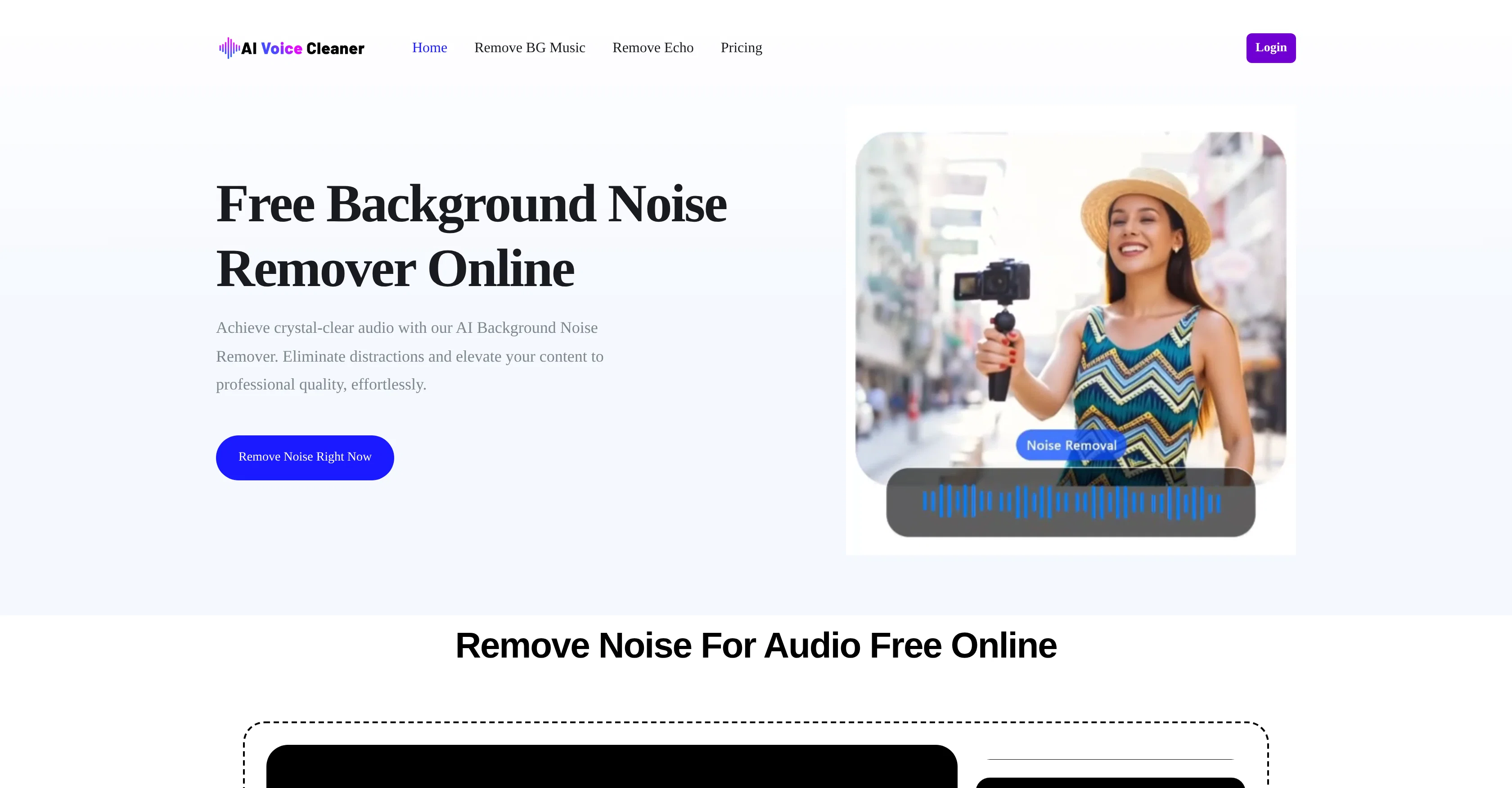
AI Voice Cleaner is a tool that utilizes artificial intelligence capabilities to remove background noise from audio content. It is designed to address a variety of common audio interferences, including low-frequency humming from fans and ACs, room echo and reverb, high-frequency hissing or static from poor-quality microphones, sharp clicking sounds like mouse clicks, background conversations, traffic and wind noise, and mechanical sounds from household appliances.
The tool can be utilized by content creators in a variety of industries, including podcast and video production, online teaching, as well as social media influencers and independent musicians, among others.
In addition to removing background noise, AI Voice Cleaner is purposed to enhance the clarity of the original voice, thus giving a professional touch to the final output.
Requiring no signup, the service can be used for free and works in three easy steps: uploading the audio or video file, letting the AI eliminate the noise, and downloading the improved output.
The tool supports multiple file formats and works seamlessly with both audio and video files. Besides background noise removal, AI Voice Cleaner can also remove background music and echoes.
Help other people by letting them know if this AI was useful.
Add your own prompts and outputs to help others understand how to use this AI.
Screenshot gallery
Pros & Cons
Pros
+No sign-up required
+Multiple file formats support
+Removes variety of noises
+Preserves original voice integrity
+Free to use
+No usage limits
+Removes music backgrounds
+Eliminates echo
+Convenient online tool
+Video sound clean-up
+Boosts audio clarity
+Useful for various industries
+Simple three-step process
+Supports both audio and video
+Maintains speech naturalness
+Suitable for outdoor recordings
+Can handle appliance noise
+Handles traffic noise
Cons
−No offline application
−No batch processing
−Limited file formats support
−No advanced editing tools
−Potentially long processing time
−Only single audio enhancement type
−Lacking user customization
−Possibly misinterpret noises
−No multilingual support
−Dependent on good internet connection
A Professional Framework to Evaluate AI Voice Cleaner
When considering AI Voice Cleaner for integration into your organizational workflow, we recommend deploying a structured score card across three critical operational pillars: Security & Compliance, Integration Friction, and long-term Price Scalability. Rather than looking only at basic feature lists, modern procurement teams must assess how a software platform behaves under high load and how well it fits into the team's data security guidelines.
1. Security and Database Compliance
Depending on your operating region and field, ensure that AI Voice Cleaner supports standard security layers such as SOC 2 Type II certifications, GDPR compliance, or HIPAA-compliant database encryption. If the tool connects directly to client database tables or handles user passwords, verify that they implement multi-factor authentication (MFA), single sign-on (SSO) integrations, and end-to-end data encryption in transit and at rest.
2. API Coverage and Custom Integrations
Siloed data is the primary cause of operational friction. Evaluate if AI Voice Cleaner has native connectors for your current project trackers, messaging hubs, and customer communication channels. For custom developer requirements, check if they provide a fully documented REST API with reasonable rate limits, comprehensive Webhooks support, and robust SDK packages in your language. A flexible API layer saves hundreds of hours of manual copy-paste overhead.
3. Total Cost of Ownership (TCO)
SaaS pricing packages are often deceptively simple. When reviewing AI Voice Cleaner's billing structure, map out your team's projected expansion over the next 12 to 24 months. Determine how costs scale as your customer database increases or as you add team members. Factor in setup costs, mandatory support plan upgrades, API access fees, and storage overage rates to understand the true cost before committing to a contract.
By combining verified user reviews from our directory with internal workflow pilot tests, your procurement team can make an informed decision that drives productivity without creating capital waste.
Features of AI Voice Cleaner
Background Noise Reduction
Noise Removal
Audio Editing
Background Noise Removal
Audio Cleaning
Noise Reduction
Free + From $6.99
SaaS1to10 verified reviews for AI Voice Cleaner
Overall rating
★★★★★5.0
Based on 18 reviews
★★★★★5.02 months ago
“Review”
The most humanly AI i have used so far but the problem is as soon as you start piling up messages in single chat session , it starts getting slow and at some point it starts freezing and also uses a lot of resources. For time being its okay to do 3 4 messages but as soon as we continue it has messages limitation and also starts getting very very slow . For the price of £18 per month this is unacceptable and with the newly introduced feature called project, if we start new chat within the project we cannot continue with the context we provided in other chats within same project. There are lot of improvements for them to work on. And to start with the its speed and its price
Bibash Katel
★★★★★5.02 months ago
“Review”
easy onboarding, quick to set up.
Pluto Radigund
★★★★★5.02 months ago
“Review”
It's good, needs a lot of training but the potential is clearly visible. Dev well done
OPUSBYAB
★★★★★5.02 months ago
“Review”
Reducing manual efforts in first-pass during code-review process helps speed up the "final check" before merging PRs
Sahil Mohan Bansal
★★★★★5.02 months ago
“Review”
I got some top quality results after learning how to prompt songs 🤩
Claes Lanng
★★★★★5.02 months ago
“Review”
State of the Art
Dmitry G.
★★★★★5.02 months ago
“Review”
Went from a C to an A in Cognitive Psychology using @Thea!!
Sarah White
★★★★★5.02 months ago
“Review”
There were no aristocratic Asians and Africans in ancient Rome.
Sándor Gajdos
★★★★★5.02 months ago
“Review”
I think it's the best @Image Generator I ever found on the net. It gives more accurate image according to the prompt. And thank you for keeping it for free.
My Sawsiri
★★★★★5.02 months ago
“Review”
Using Meloflow felt almost magical—it instantly turned my rough ideas into music that sounded alive, polished, and truly my own.
Evan Huang
★★★★★5.02 months ago
“Review”
Maybe you don’t have a subscription, so there are no credits on your account, and a lot of features require credits to use.
Span Chen
★★★★★5.02 months ago
“Review”
You get 300 credits upon signing up, which is enough to test out the app and see its potential. I had a bit of fun with it. It takes a few minutes to generate content, but the results are impressive. There are many styles, modifiers, and customization options available. I would definitely use this for content creation or storytelling.
Daniel Garaiacu
★★★★★5.02 months ago
“Review”
Purely magic. It increases the productivity by a lot and the process is pretty addictive. I've been building websites like there's not tomorrow.
Geo Burlibasa
★★★★★5.02 months ago
“Review”
Not at all accurate…. The only thing similar between original and generated images were the clothes and accessories… face was absolutely new and unconnected.
Shvetank Sharma
★★★★★5.02 months ago
“Review”
Works well, thanks!
Isaac Hathhorn
★★★★★5.02 months ago
“Review”
I highly recommend @Xound.io for its voice enhancement quality 🚀
Galih Buase
★★★★★5.02 months ago
“Review”
Hi, We’re truly sorry to hear that you had a less-than-satisfactory experience with our product. Your feedback is very important to us, and we sincerely apologize for any inconvenience caused. If you’re encountering any specific issues or have suggestions for improvement, please don’t hesitate to reach out to us at rosemanh070016@gmail.com. Our team is committed to addressing your concerns and will do our best to assist you promptly. We’re always working to improve, and your input helps us get better. Thank you for giving us the opportunity to do so.
roseman gianfranco
★★★★★5.02 months ago
“Review”
Privacy Nightmare. Your content will belong to Adobe.