
AI Video Editor
Edit video with words, not timelines.
AI Video Editor Overview
What is AI Video Editor?
AI Video Editor is a comprehensive tool that employs artificial intelligence to edit videos based on user prompts. It offers advanced functionality to alter visual style, remove unwanted objects, recolor products, and refine footage. Users are able to describe the edits they require in natural language, and the Video Editor creates suitable alterations based on these instructions. It has the potential to generate a variety of polished styles, from cinematic to brand-specific aesthetics, all while preserving the core elements of the clip. Unnecessary objects or barriers can be removed or cleaned to keep the focus on desired subjects. It allows environment alteration including changes in weather and character modifications with simple sentence directives. Product color alterations are also made easy with this tool, enabling tests of new SKU directions without the need to reshoot. The AI Video Editor platform provides clip editing, image generation, color editing, and model controls and also features a library of reusable assets. Advanced AI video and image models are accessible from the same workspace making it convenient for diverse user profiles including growth marketers, creative teams, ecommerce teams, and independent creators. Help other people by letting them know if this AI was useful. Add your own prompts and outputs to help others understand how to use this AI.
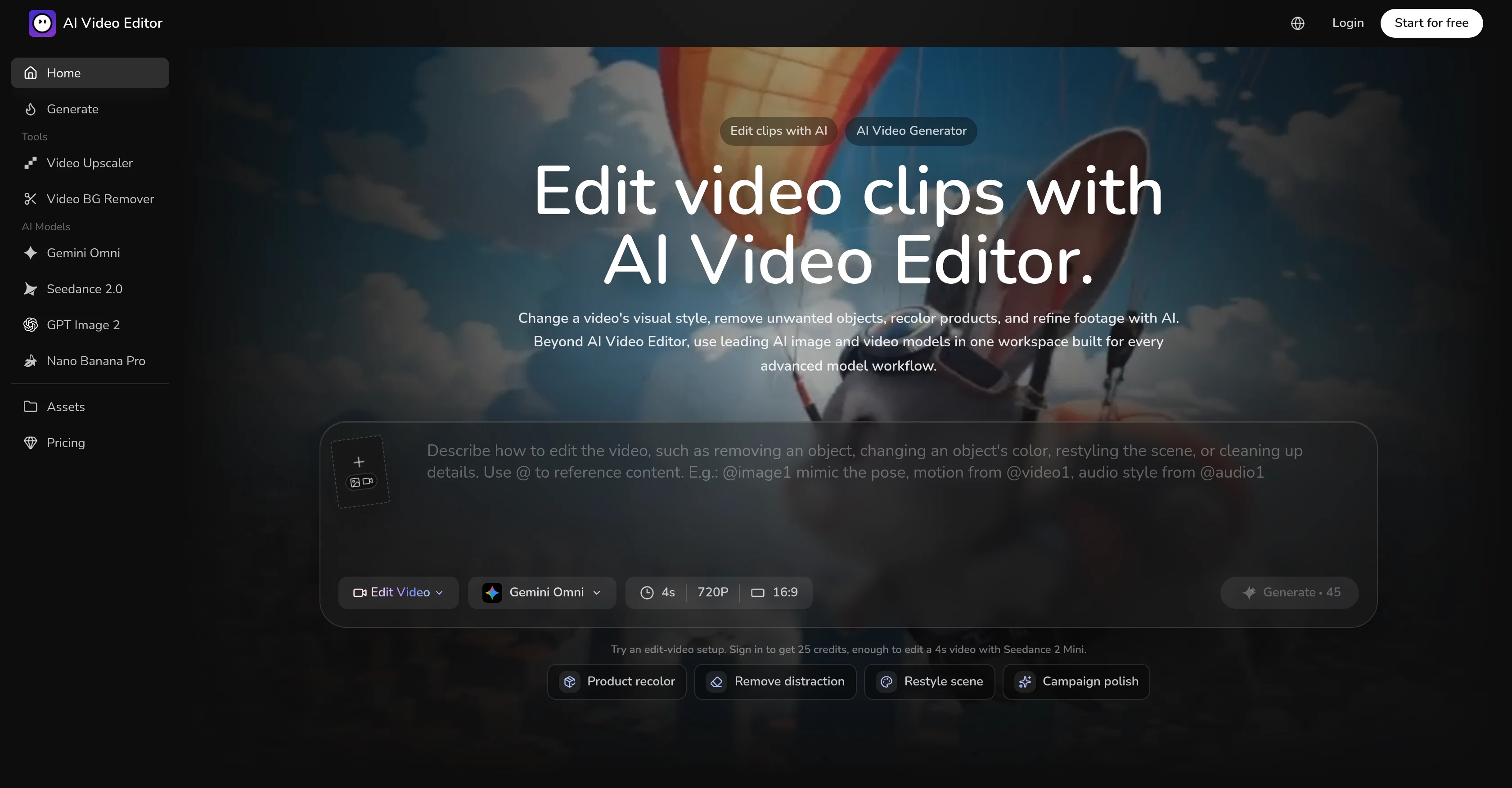
Screenshot gallery
Pros & Cons
Pros
- Edit video with prompts
- Advanced functionality offered
- Alter visual style
- Remove unwanted objects
- Recolor products
- Enhance video footage
- Natural language commands
- Generates multiple styles
- Preserves core clip elements
- Environment alteration capabilities
- Simple sentence directives
- Easy product color alterations
- Reuseable asset library
- Convenient for diverse users
- Accessible image models
- Distinct video models
- Provides model controls
- Clip editing function
- Color editing function
- Potential SKU testing tool
- Useful for growth marketers
- Creative team tool
- Ecommerce video solution
- Brand aesthetic creation
- Cinematic style generation
- Editable chat directives
- Integrated image model function
- Clear model-specific controls
- Keeps edit references connected
- Retains visual context
- Allows object replacements
- Watermark removal tool
- Frame edit commands
- Changes in weather
- Character modification potential
- Convenient for creators
- Variety in visual style
- Generation of clean visuals
- Promises brand consistency
- Offers easy asset reuse
- Provides presets for output formats
- Allows multiple simultaneous edits
- Optimized for different team workflows
- Lighting preservation during edits
- Background cleaning feature
- Retains camera move after edits
- Perfect for independent creators
- Environment change with single sentence
- Brand-specific looks creation
- Distinct workflow for precise changes
- Ideal for diverse style requirements
- Enables creation of campaign stills
Cons
- No explicit multi-user support
- No mobile version
- Lack of integrated sharing options
- Inability to import custom assets
- Cannot edit audio
- Limitations in character modifications
- No real-time collaboration feature
- Lack of transparent revisions history
- Doesn't support all video formats
- No offline version
A Professional Framework to Evaluate AI Video Editor
When considering AI Video Editor for integration into your organizational workflow, we recommend deploying a structured score card across three critical operational pillars: Security & Compliance, Integration Friction, and long-term Price Scalability. Rather than looking only at basic feature lists, modern procurement teams must assess how a software platform behaves under high load and how well it fits into the team's data security guidelines.
1. Security and Database Compliance
Depending on your operating region and field, ensure that AI Video Editor supports standard security layers such as SOC 2 Type II certifications, GDPR compliance, or HIPAA-compliant database encryption. If the tool connects directly to client database tables or handles user passwords, verify that they implement multi-factor authentication (MFA), single sign-on (SSO) integrations, and end-to-end data encryption in transit and at rest.
2. API Coverage and Custom Integrations
Siloed data is the primary cause of operational friction. Evaluate if AI Video Editor has native connectors for your current project trackers, messaging hubs, and customer communication channels. For custom developer requirements, check if they provide a fully documented REST API with reasonable rate limits, comprehensive Webhooks support, and robust SDK packages in your language. A flexible API layer saves hundreds of hours of manual copy-paste overhead.
3. Total Cost of Ownership (TCO)
SaaS pricing packages are often deceptively simple. When reviewing AI Video Editor's billing structure, map out your team's projected expansion over the next 12 to 24 months. Determine how costs scale as your customer database increases or as you add team members. Factor in setup costs, mandatory support plan upgrades, API access fees, and storage overage rates to understand the true cost before committing to a contract.
By combining verified user reviews from our directory with internal workflow pilot tests, your procurement team can make an informed decision that drives productivity without creating capital waste.
Features of AI Video Editor
- TAAFT Code
- Video Editing
- AI Based Video Editor
- Object Removal
- Video Footage Improvement
- Environment Alteration
- Free + From $14.90/Mo
SaaS1to10 verified reviews for AI Video Editor
Overall rating
Based on 12 reviews
No reviews yet. Be the first to write one.
Pricing
Starting Price
Free plan available
Free tier available with optional paid upgrades.
Where can AI Video Editor be deployed?
- Cloud, SaaS, Web-Based